Install a single node
A single node runs the server with its embedded Postgres and keeps everything in one data directory. It suits evaluation and fleets up to about 10,000 agents; external Postgres, HA and Kubernetes are described in Operations.
1. Initialise
strataplane init creates the deployment's secret key, the database, the
tenant and a local break-glass admin. With the container image, keep the
key out of the data volume and pass it to every start:
docker volume create strataplane
docker run --rm -v strataplane:/var/lib/strataplane "$IMAGE" init --print-key
# STRATAPLANE_SECRET_KEY=…
# created tenant default
# break-glass admin: username admin, password …
Store the secret key and the admin password in your password manager. The key decrypts every secret value; a backup without it cannot be restored (Secrets).
With the deb or rpm package, run strataplane init once before starting
the service: it writes the key to secrets.key_file (default
/etc/strataplane/secret.key), and the systemd unit runs
strataplane serve.
2. Start
docker run -d --name strataplane \
  -p 8443:8443 -p 8444:8444 \
  -v strataplane:/var/lib/strataplane \
  -e STRATAPLANE_SECRET_KEY='…' \
  -e STRATAPLANE_SERVER_PUBLIC_URL=http://strataplane.example.com:8443 \
  -e STRATAPLANE_SERVER_AGENT_URL=http://strataplane.example.com:8444 \
  "$IMAGE"
The management listener (8443) serves the UI and the API, the agent
listener (8444) the agents. public_url and agent_url are the addresses
people and agents reach them by; the agent URL is written into every
agent's config. Without a TLS certificate both listeners serve plain HTTP,
which is fine for a trial on a private network. For anything else set
server.tls_cert and server.tls_key
(Configuration).
3. Sign in
Open the public URL.
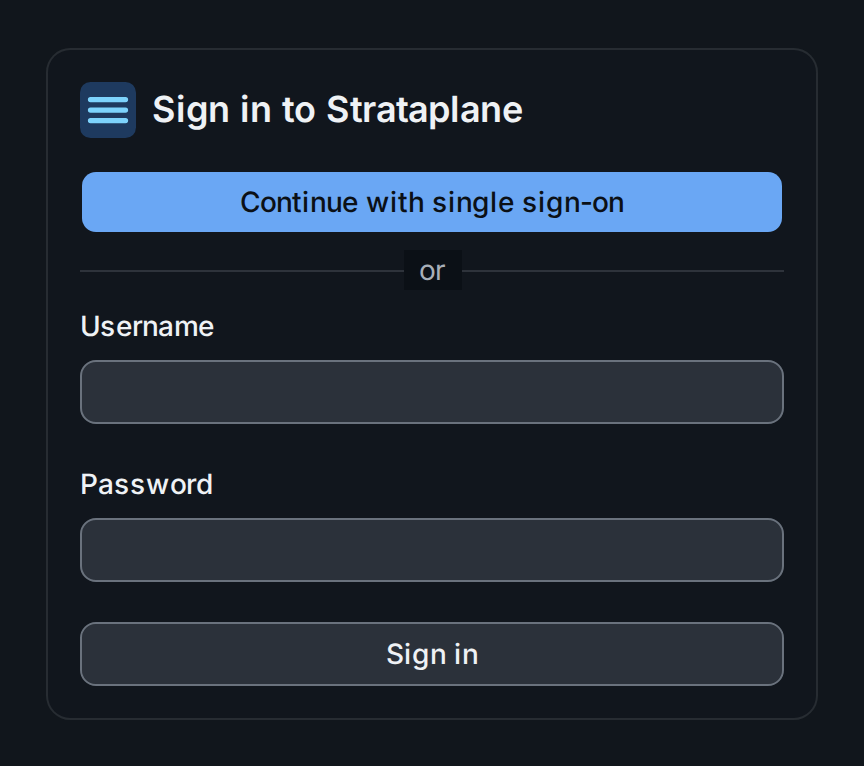
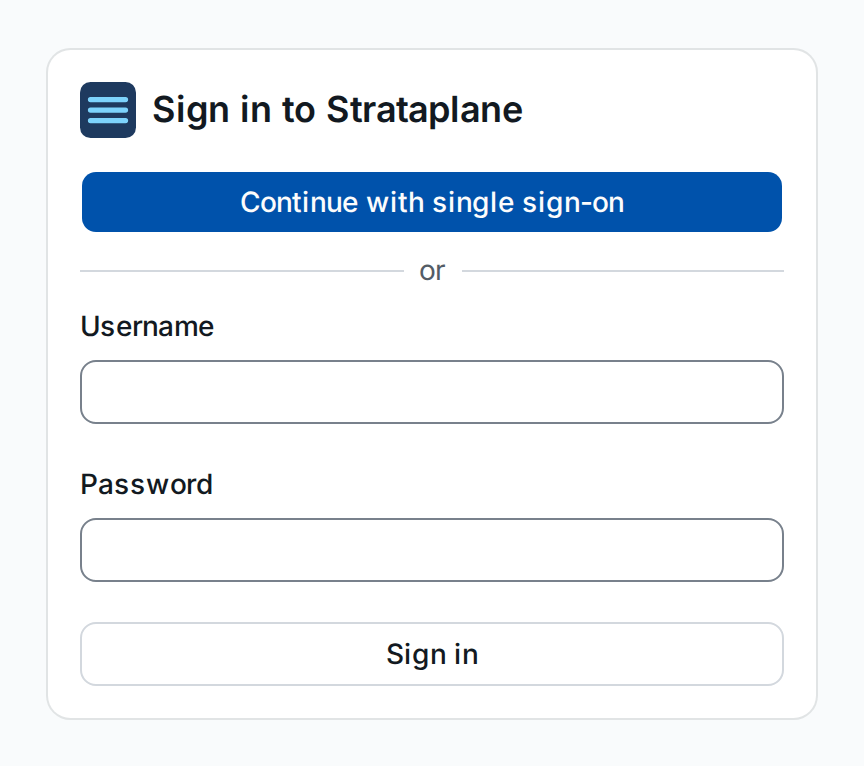
Sign in with the break-glass admin ②. Single sign-on ① appears once
auth.oidc_issuer is configured; users who sign in with it become members
of the tenant, and members of the strataplane-admins group its admins
(Tenancy). Keep the break-glass
admin for when the identity provider is unavailable.
Next: find your way around the UI.