Automation
Everything the UI does goes through the management API, and stratactl
is its command-line client: for a quick look from a terminal, for scripts
and for CI pipelines that generate spec files. The commands are listed
once, in the command reference; this page shows how to
get started with them.
1. Log in with an API token
stratactl authenticates with an API token (spk_…). Create one for
yourself from the user menu (API tokens), or for a pipeline under a
service account (Service accounts and tokens);
the token is shown once. A token's roles are at most those of its owner,
and the token belongs to one tenant, which becomes the tenant of the
commands.
stratactl login --server https://strataplane.example.com
# asks for the token and stores it with the server as a context
stratactl agents --health failed
Several servers or tenants are several contexts (context list, context use, --context NAME). In CI, STRATACTL_SERVER and STRATACTL_TOKEN
replace the stored context, and --ca-cert trusts a private CA
(Conventions).
Output is a table for people; -o json prints the API response
unchanged, for jq. The exit code tells a script what happened: 3
means the command ran but found problems, such as validation errors or a
halted rollout.
2. Work on the spec in a working copy
stratactl spec pull writes the spec tree into a directory, together
with its base, so that changes are computed locally. Edit the files with
any tool, then:
stratactl statusandstratactl diffshow what you changed;stratactl validate,render,explainandimpactpreview the result against the server before a change set exists (Preview);stratactl changeset submit -m "…"creates the change set from your edits, validates it and submits it for review, as Submit for review does in the UI (Change sets).
If the spec moved on in the meantime, stratactl rebase merges your edits
onto the latest revision (Working copy).
The change set then goes through review as any other
(Review and merge).
3. Run it in CI
A pipeline that generates spec files, node layers from an inventory export for example, pulls, writes its files, submits, and after approval merges and waits for the rollout. The reference has the complete script (CI). Points to plan for:
- Give the pipeline a service account with the roles it needs, usually
authorfor the files it owns (Authorization). Service accounts can submit and merge but never approve: an approval policy that applies still needs a person. - Fail the job on any exit code other than
0. stratactl rollout waitexits0when the rollout completes and3when it halts or is aborted.
For monitoring, GET /api/v1/metrics serves the tenant's metrics in
Prometheus format to a token with the viewer role
(Observability).
4. Copy the command from the UI
Every filtered list and every action in the UI offers its stratactl
command: the stratactl button in a page's header, and in each action
dialog next to the confirm button.
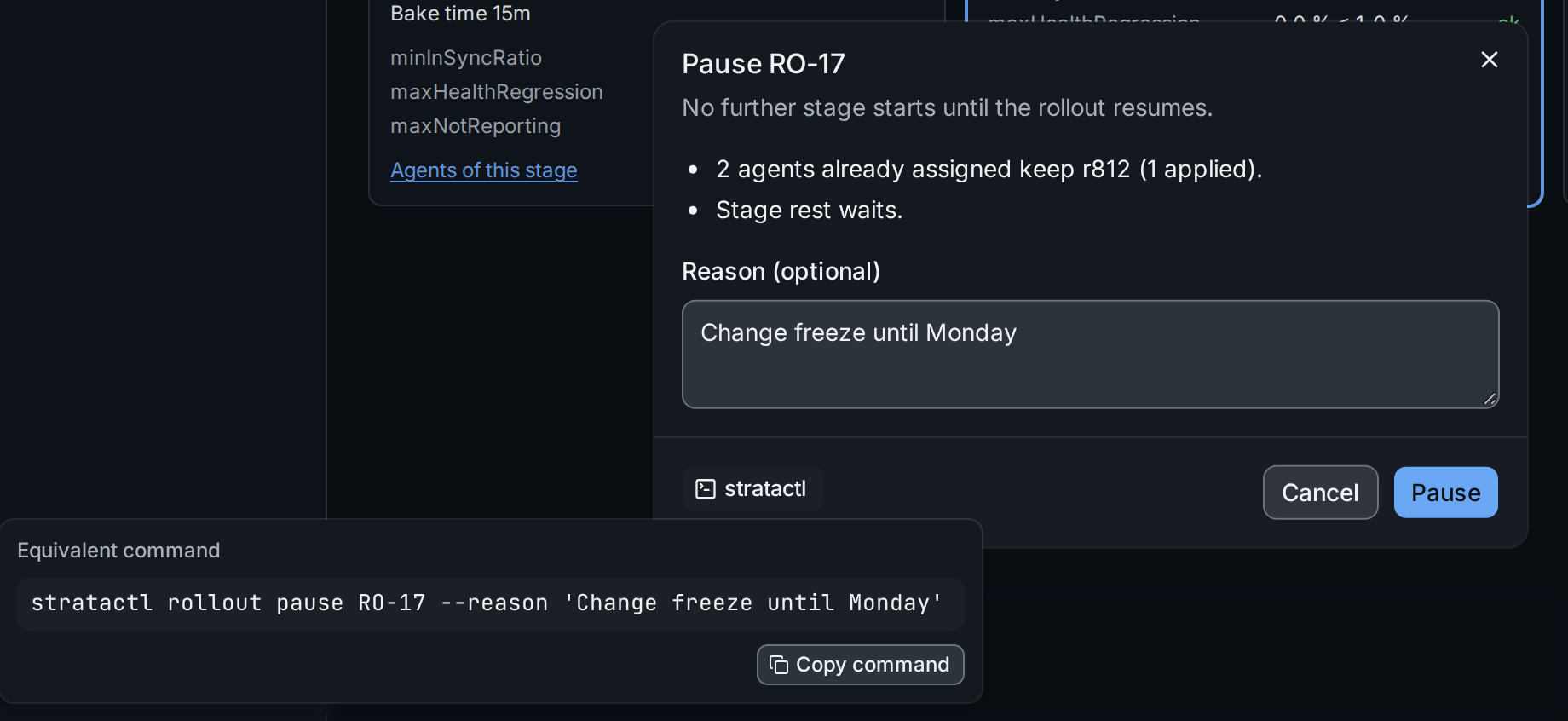
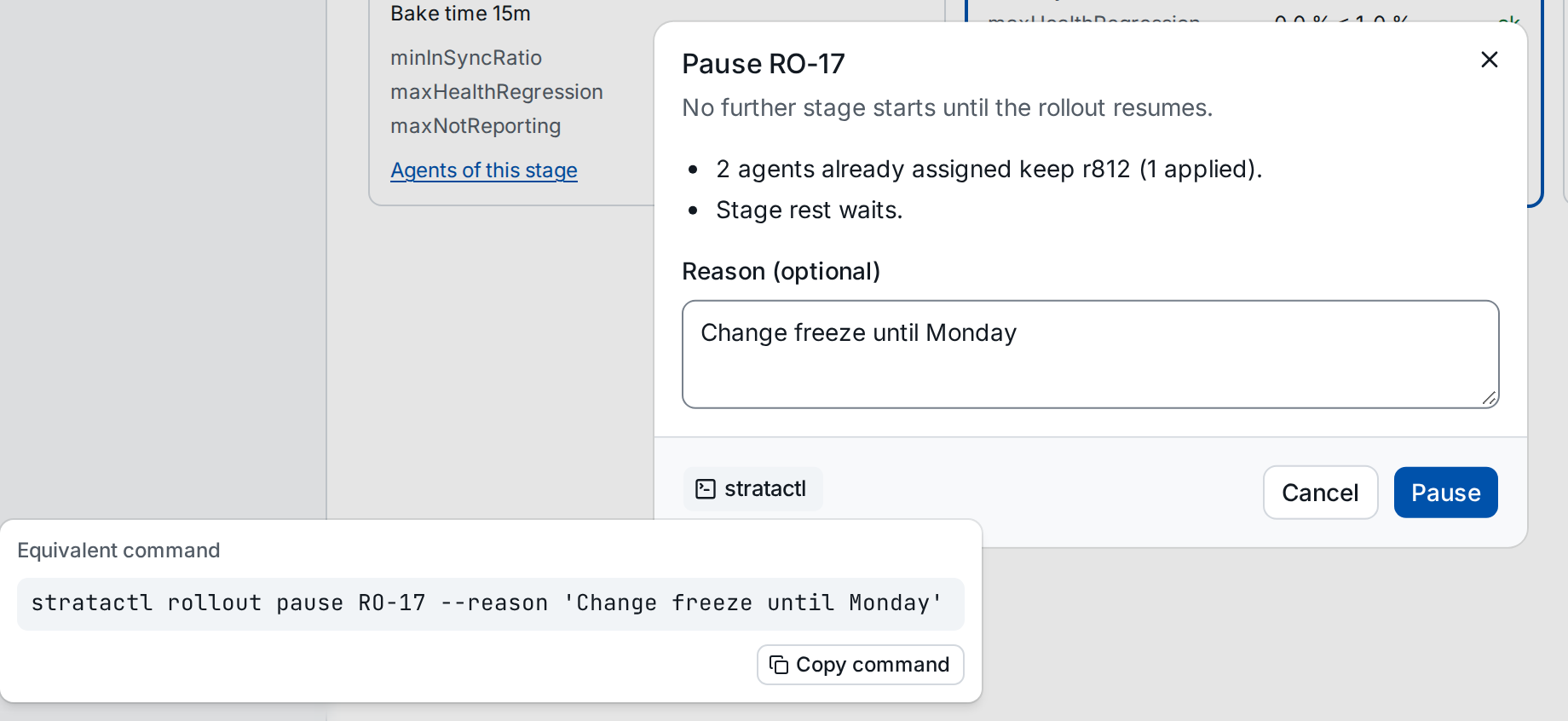
The command ① carries what you entered in the dialog; Copy command puts it on the clipboard. It is a good way to find the command for a task you know how to do in the UI.
The assistant uses the same commands in its shell, except the remote writes such as reviews, merges and rollout actions (Effects).