Find your way around
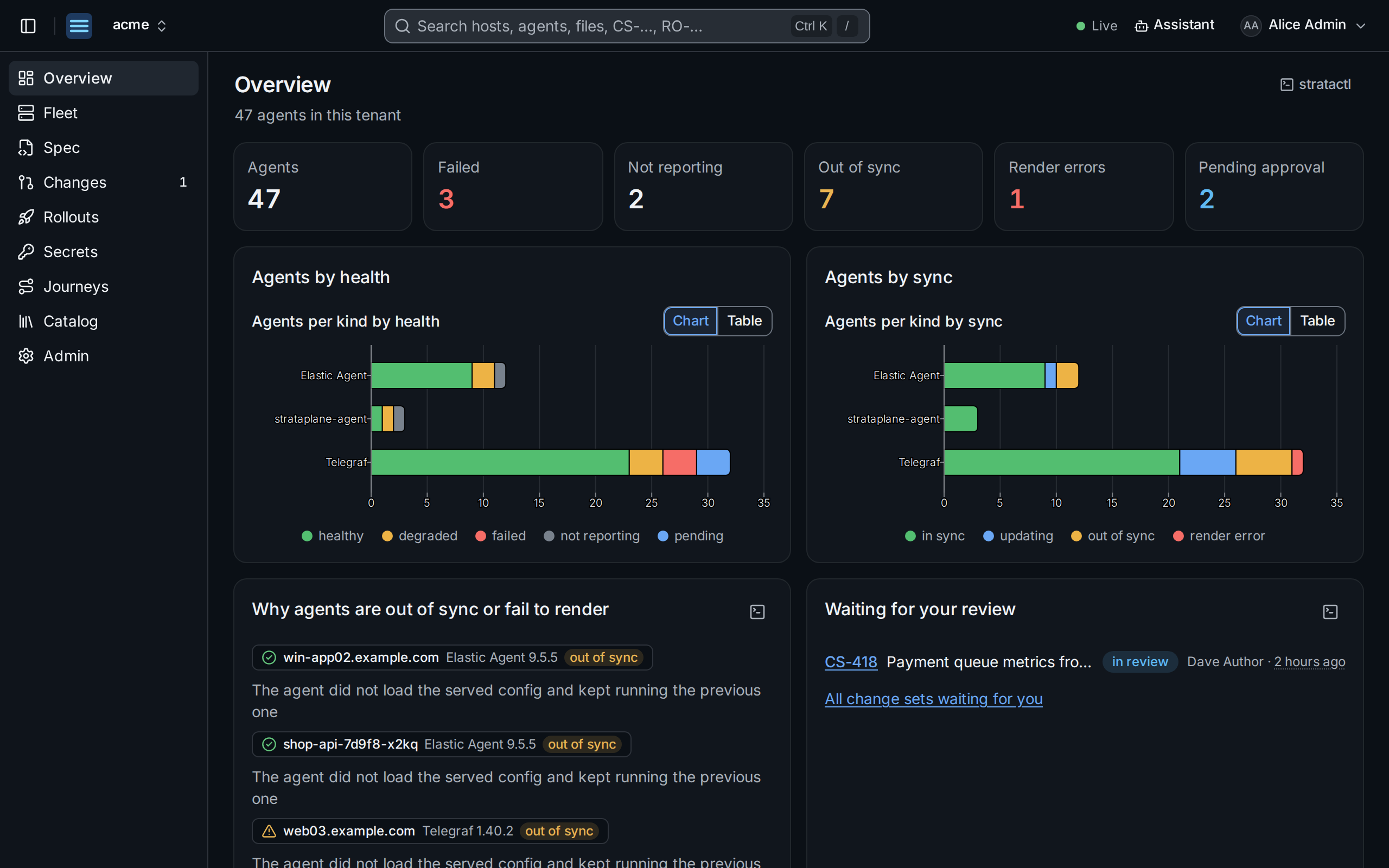
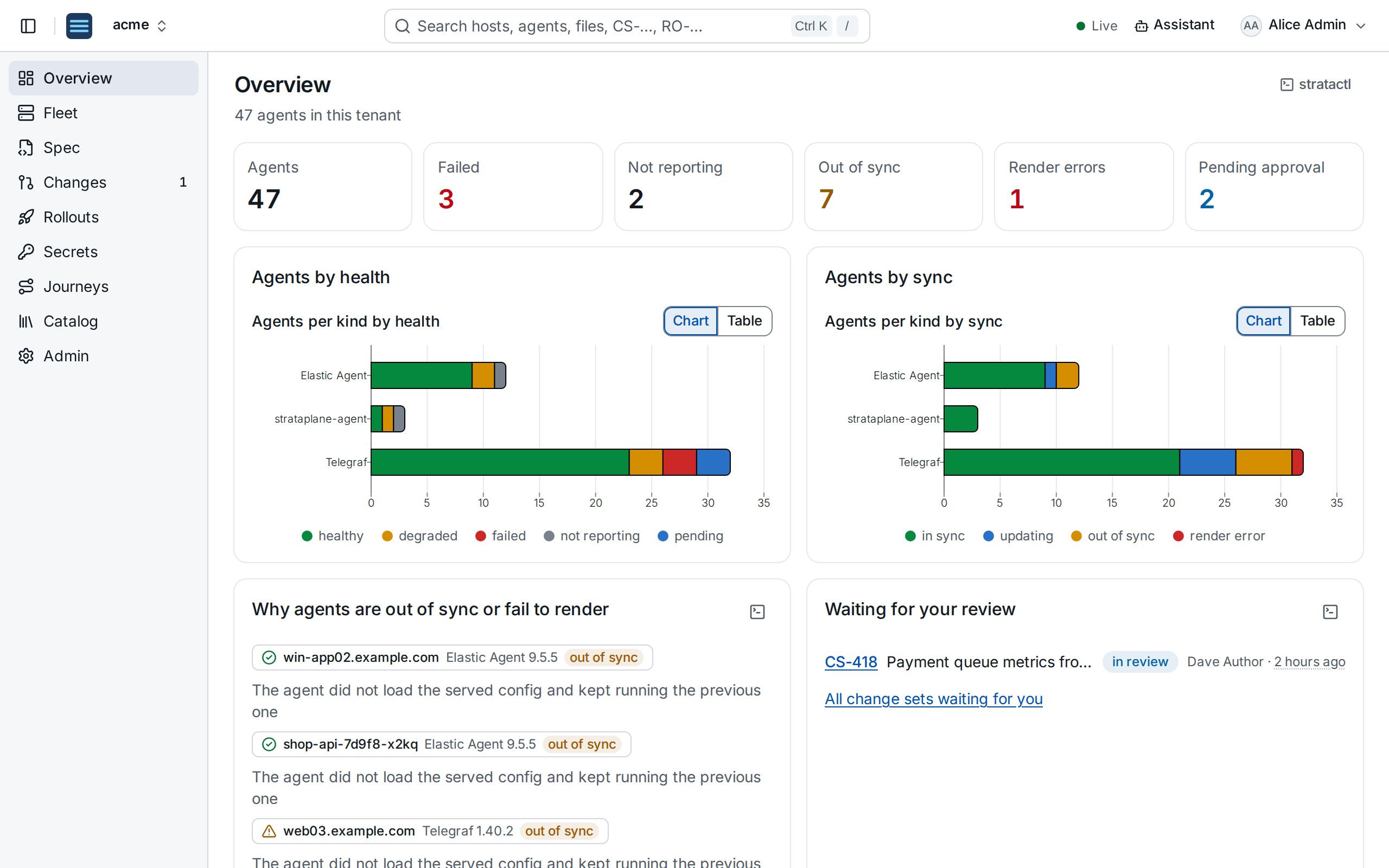
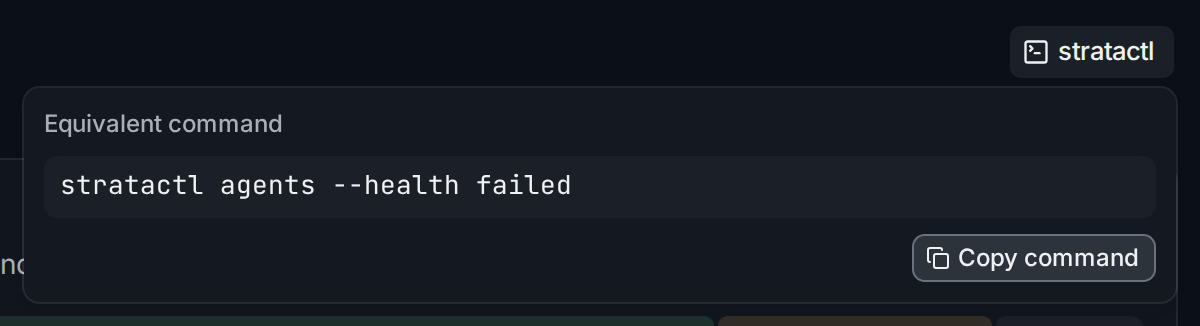
stratactl command.- Navigation ①. Overview, Fleet (hosts, agents, placements), Spec, Changes, Rollouts, Secrets, Journeys, Catalog and, for tenant admins, Admin. The number next to Changes counts the change sets waiting for your review.
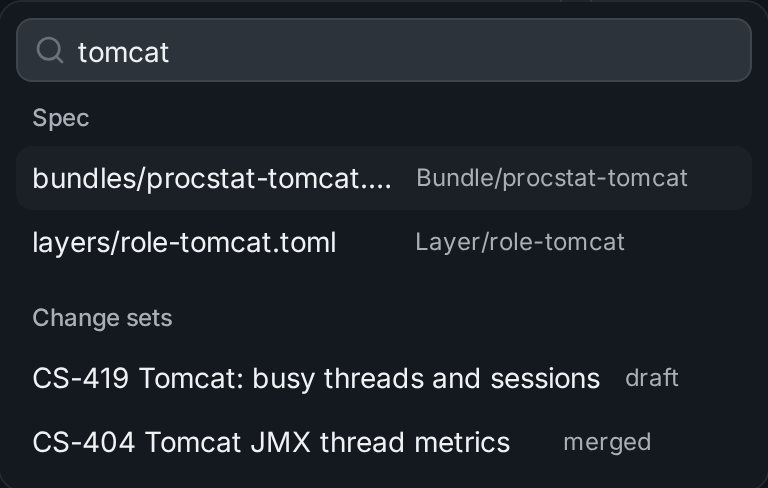
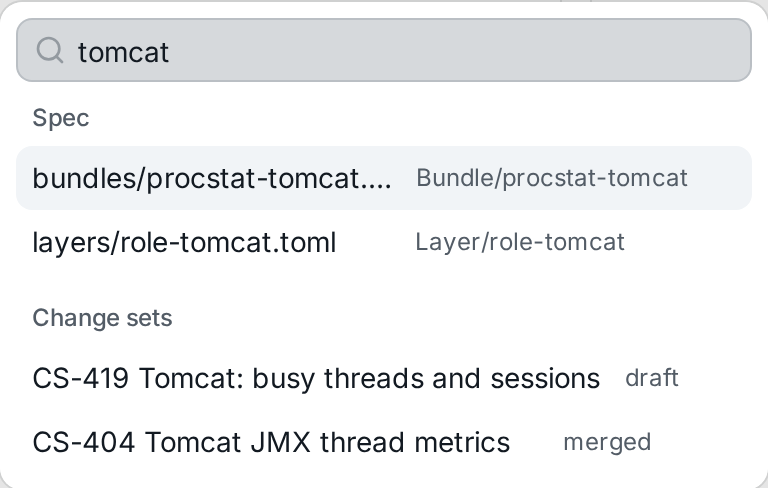
- Search ② finds hosts, agents, spec files, change sets (
CS-418) and rollouts (RO-17) by name or number, and pages and actions by name. Open it with / or Ctrl+K. - Live ③. Pages update as the fleet and the spec change; there is nothing to reload. The dot turns red when the connection is lost.
- Assistant ④ opens a chat next to the page, with the page as its context (Assistant).
- User menu ⑤: your roles and teams, the theme, your API tokens, signing out.
- stratactl ⑥. Every list and action offers the command that does the same, to copy into a script.
Every view has a URL
Filters, tabs, the selected revision and sort orders are part of the URL. A link shows a colleague the same view, with what their own permissions allow them to see.
What you see depends on your roles
Actions your roles do not allow are not offered, and data you may not see is absent rather than greyed out. Roles are bound to users and teams for the whole tenant, for an owner team or for the hosts matching a selector (Authorization); tenant admins manage them under Admin › Access.
Next: enroll your first agent.