Enroll your first agent
An agent joins the tenant with an enrollment token: it enrolls once, receives its own credential and from then on fetches its config from the agent listener. This page enrolls a Telegraf agent on Linux; the dialog offers the snippets for Elastic Agent, Vector and Windows the same way. How each agent kind bootstraps is described in its module: Telegraf, Elastic Agent, Vector.
1. Create an enrollment token
A new tenant's agents list says that no agent is enrolled yet and links to the token dialog ①; tenant admins also find it under Admin › Enrollment.


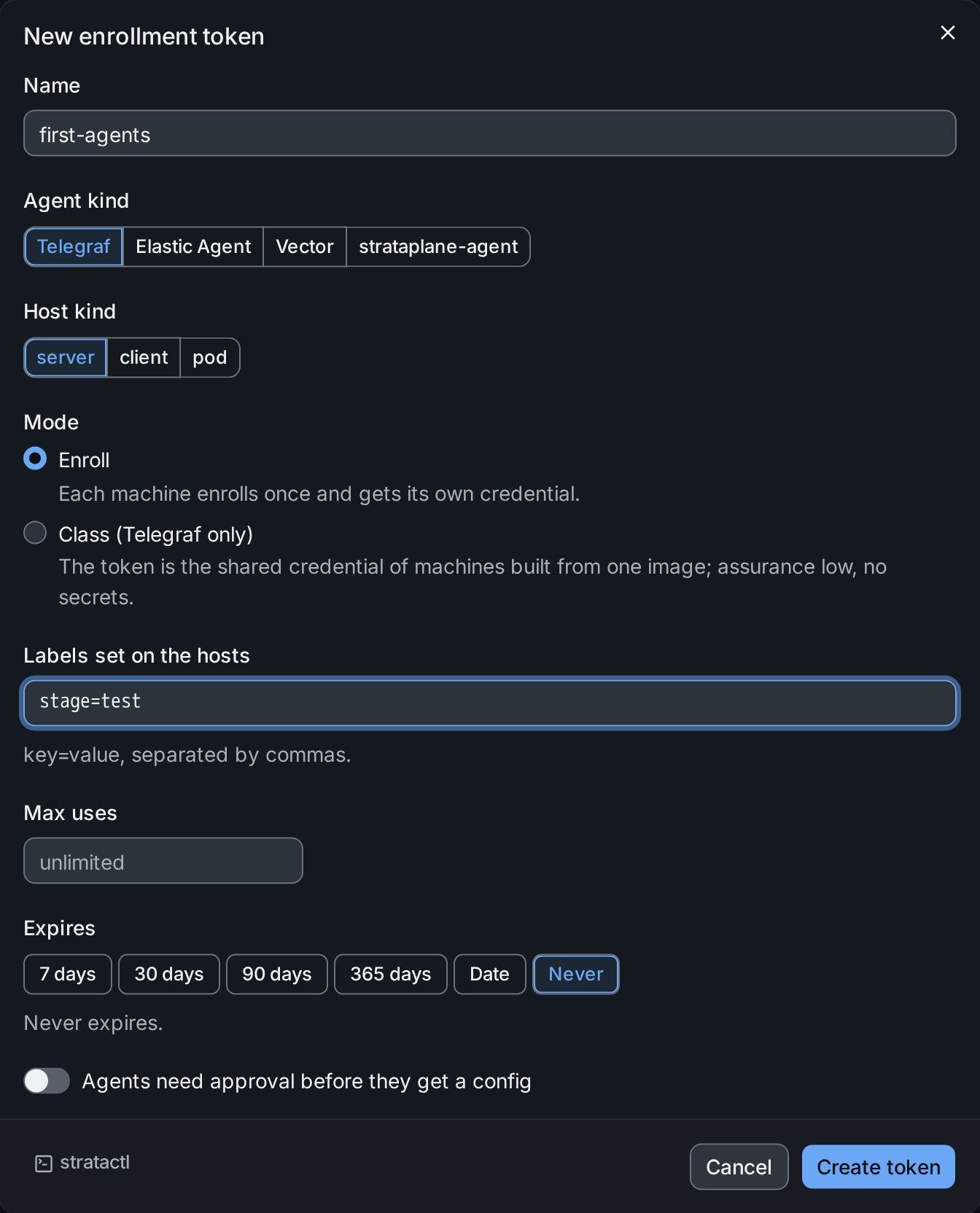
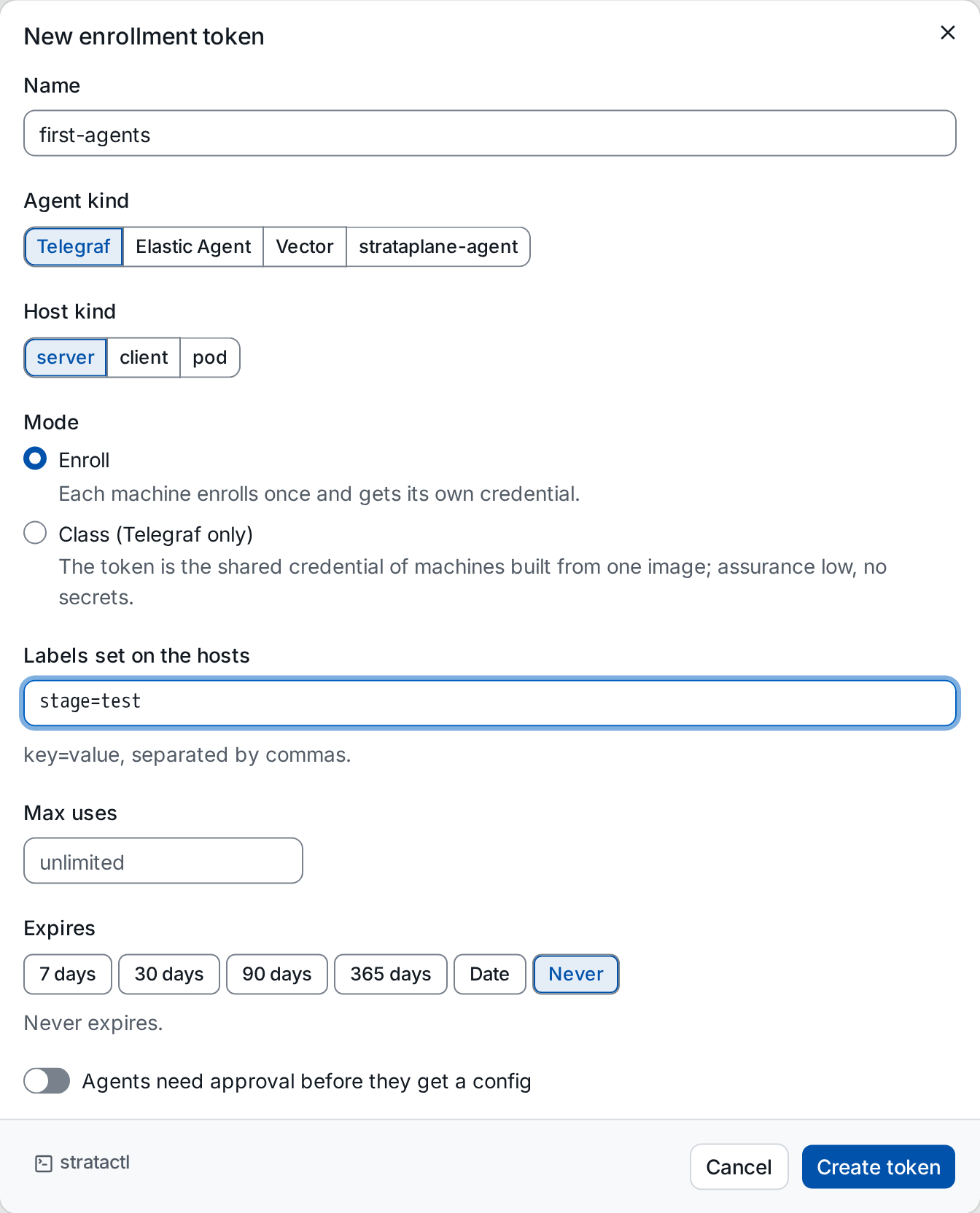
- Name ① identifies the token in the token list and the audit.
- Agent kind and Host kind decide the snippets and the kind of the hosts the agents create.
- Mode ②: Enroll gives every machine its own credential. Class is for Telegraf machines built from one image: the token itself is the shared credential, with low assurance and no secrets (class mode).
- Labels are set on every host that enrolls with the token, so layers
can select them from the start (
stage=test). - Max uses and Expires limit the token.
- Approval ③: agents wait as pending approval and get no config until someone approves them.
Create token shows the token once.
2. Run the snippet on the host
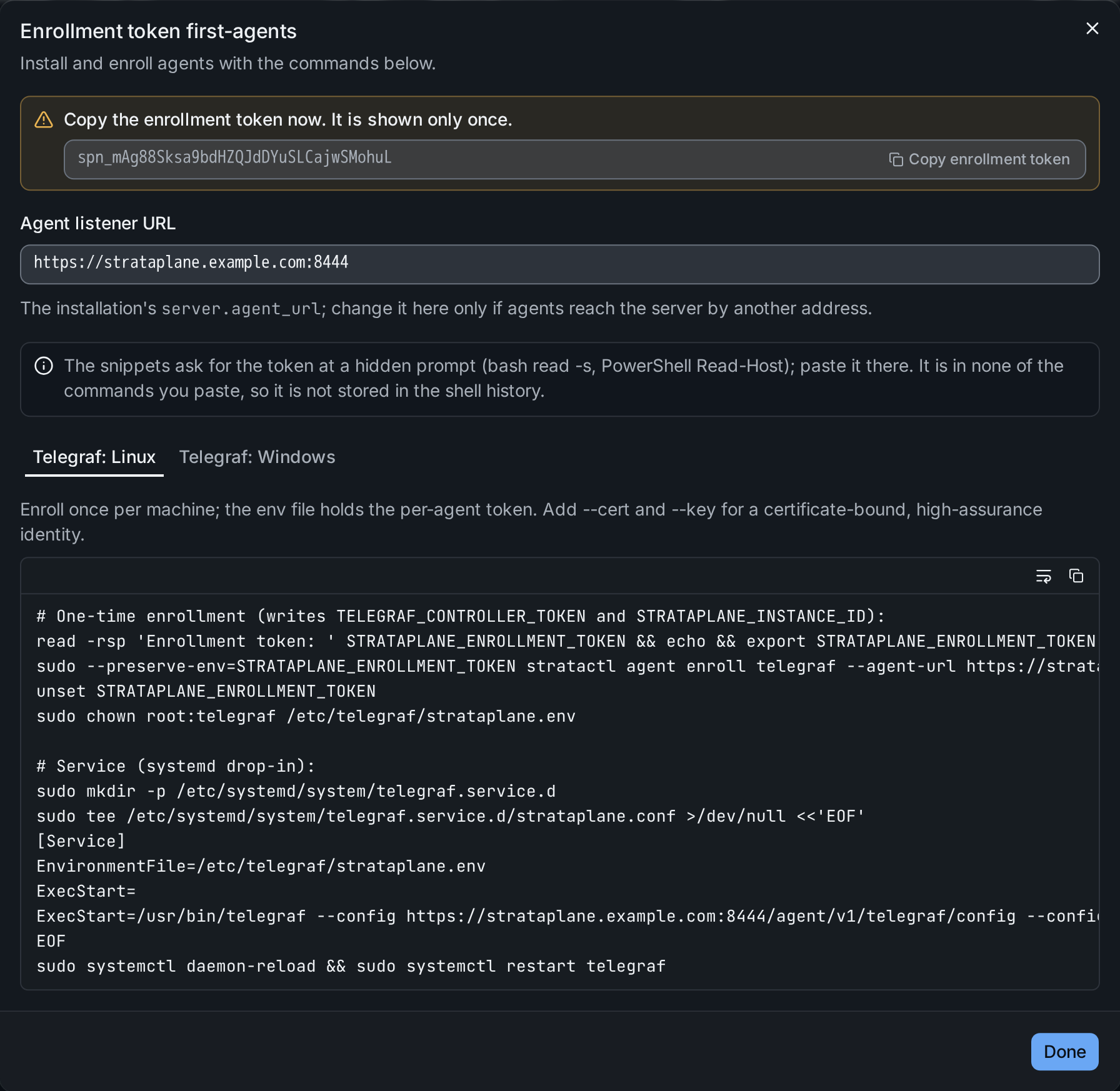
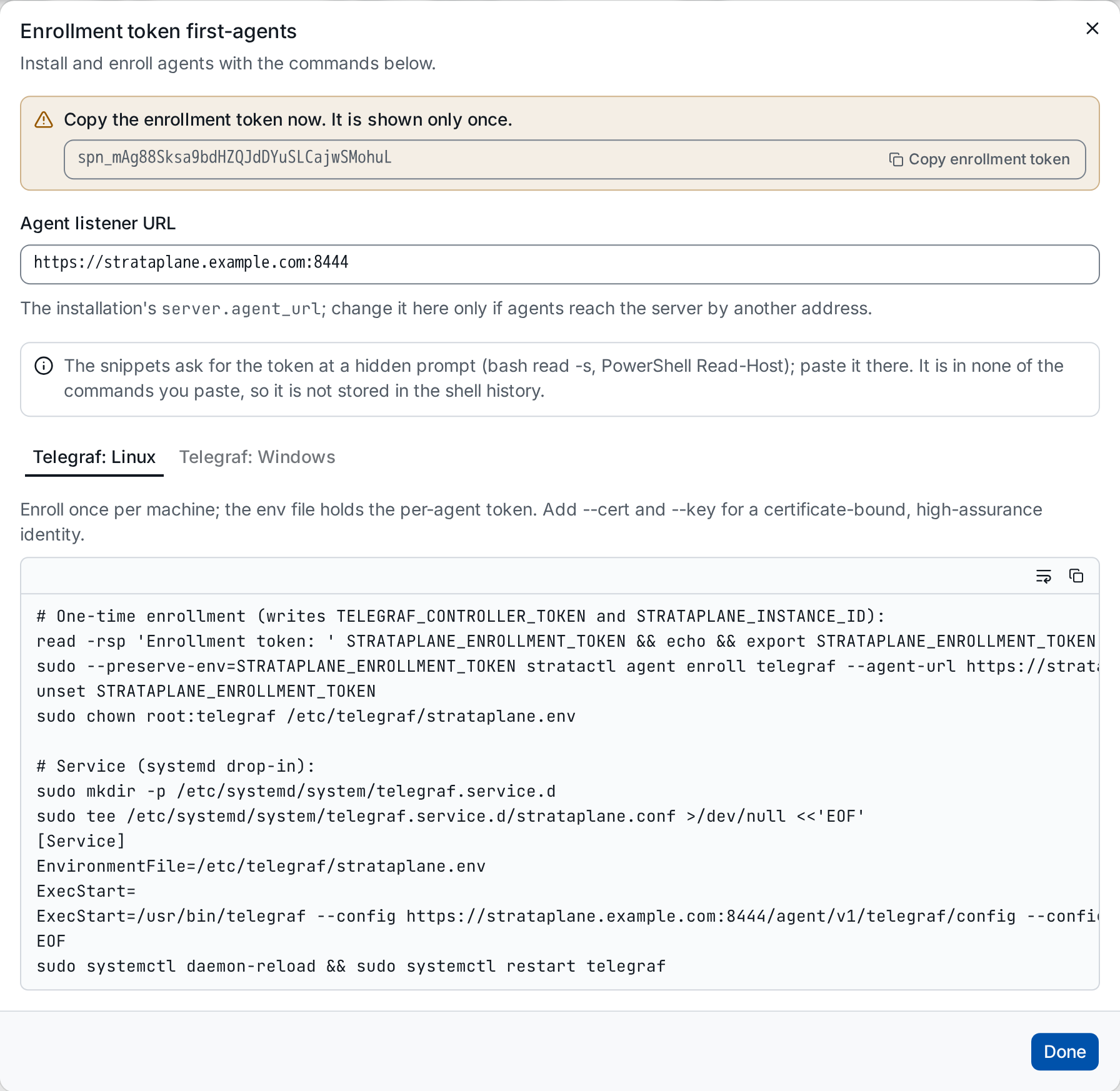
Copy the token ①, then run the snippet of your platform ② on the host. It
asks for the token at a hidden prompt, so the token stays out of the shell
history; stratactl agent enroll writes the agent's credential to an env
file that only the agent's service reads, and the systemd drop-in points
Telegraf at its config URL
(stratactl agent enroll).
The agent listener URL is the installation's server.agent_url; change it
in the dialog only if the host reaches the server by another address.
3. Approve the agent
Once enrolled, the agent appears under Fleet › Agents. With approval required it waits there; filter with Approval: Pending:
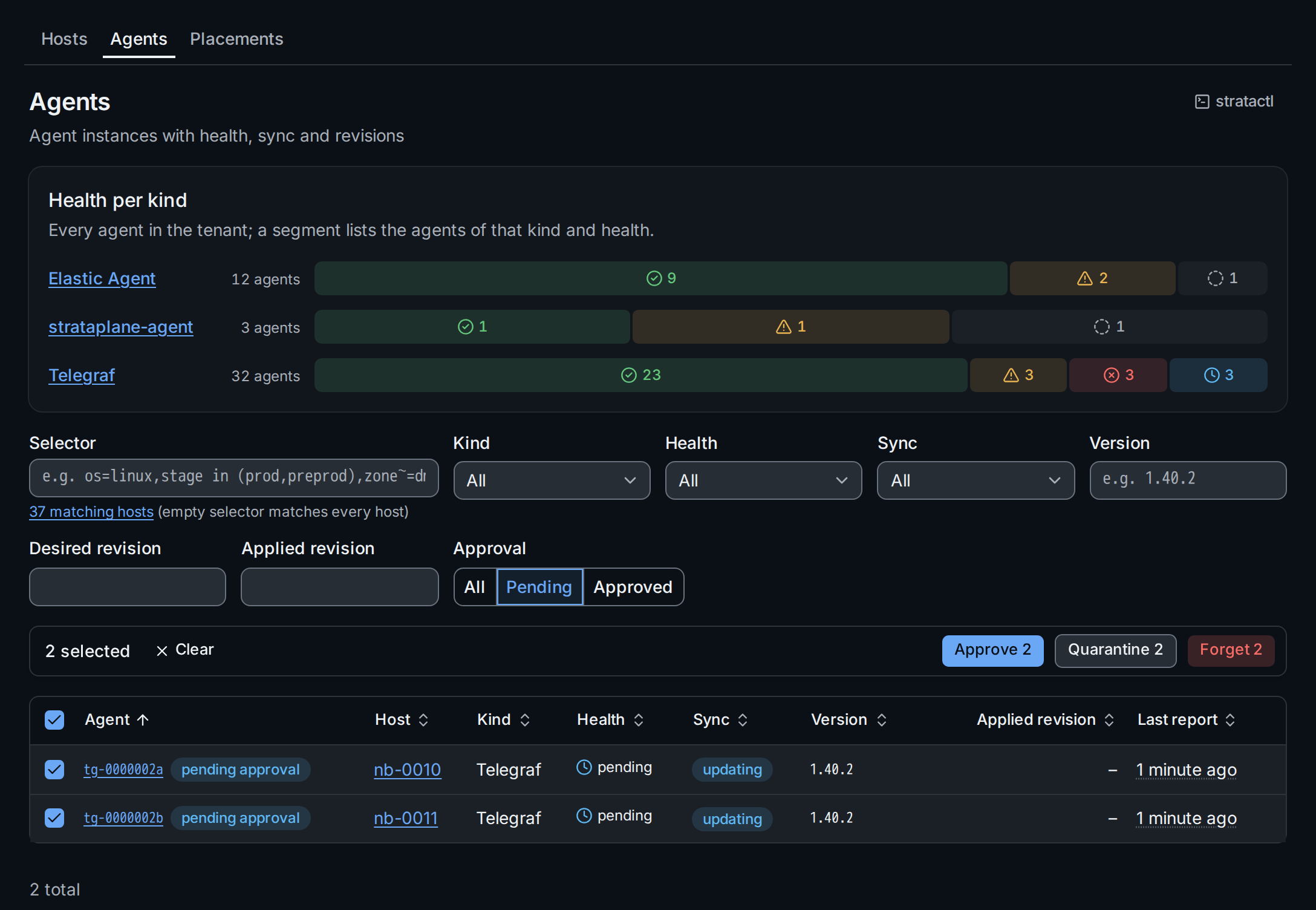
Select the agents and Approve ①. They receive their config and the secrets their assurance allows. From now on the agent reports its health, the revision it runs and, for Telegraf and Vector, its logs: see Agents.
Next: make your first change.