Secrets
Passwords and tokens never go into the spec. A Secret object in the
spec names the secret, its owner team and which hosts may receive it;
options reference it by name; its value is written separately, in the UI
or with stratactl, and is never shown again. Each agent receives only the
secrets its config references and the Secret allows
(Secret,
delivery rule).
Reading the secrets' metadata needs viewer; writing values, disabling
versions and the delivery audit need secret-admin of the secret's owner
team (Authorization).
1. Reference a secret in the spec
A secret is used in two places of the spec: the Secret object, a file
under secrets/, and the options that reference it. This route sends
metrics with a bearer token:
headers = { Authorization = { secretRef = "metrics_gw_token", format = "Bearer {}" } }
Rendered configs show the reference as <secret:metrics_gw_token@v2>,
never the value. A revision that references a secret validates only once
the secret has a value, so a new secret takes two change sets: first the
Secret object, then, after its value is written, the references
(Secret). Both are ordinary
change sets (Change sets).
2. Find a secret
Secrets lists every Secret at the latest revision:
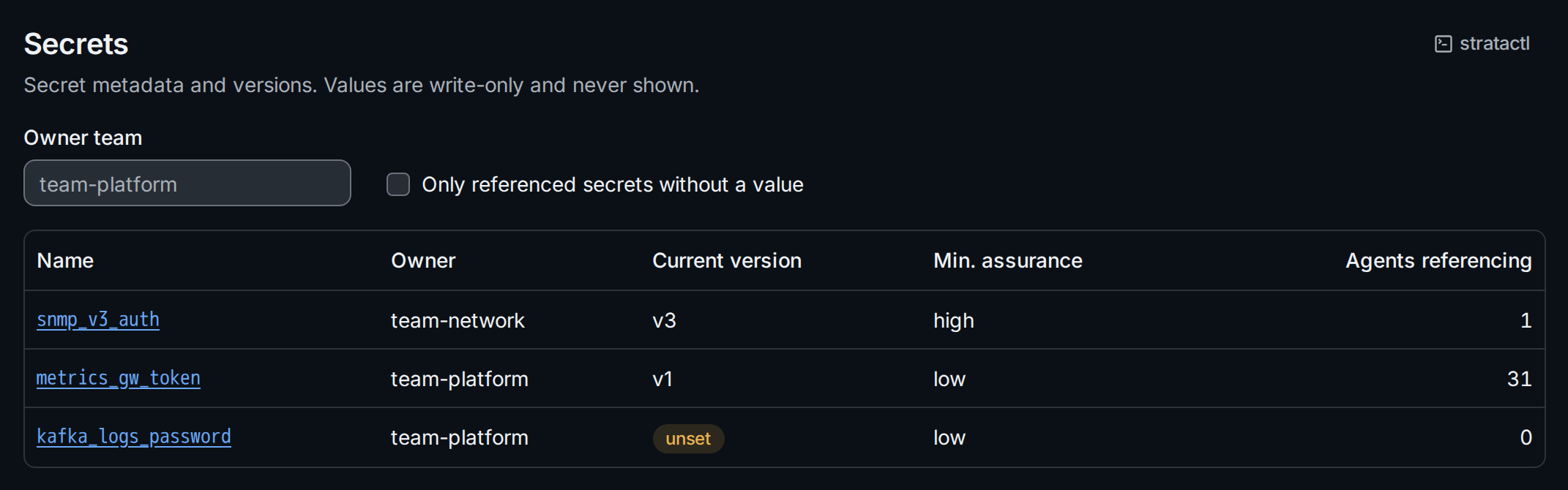
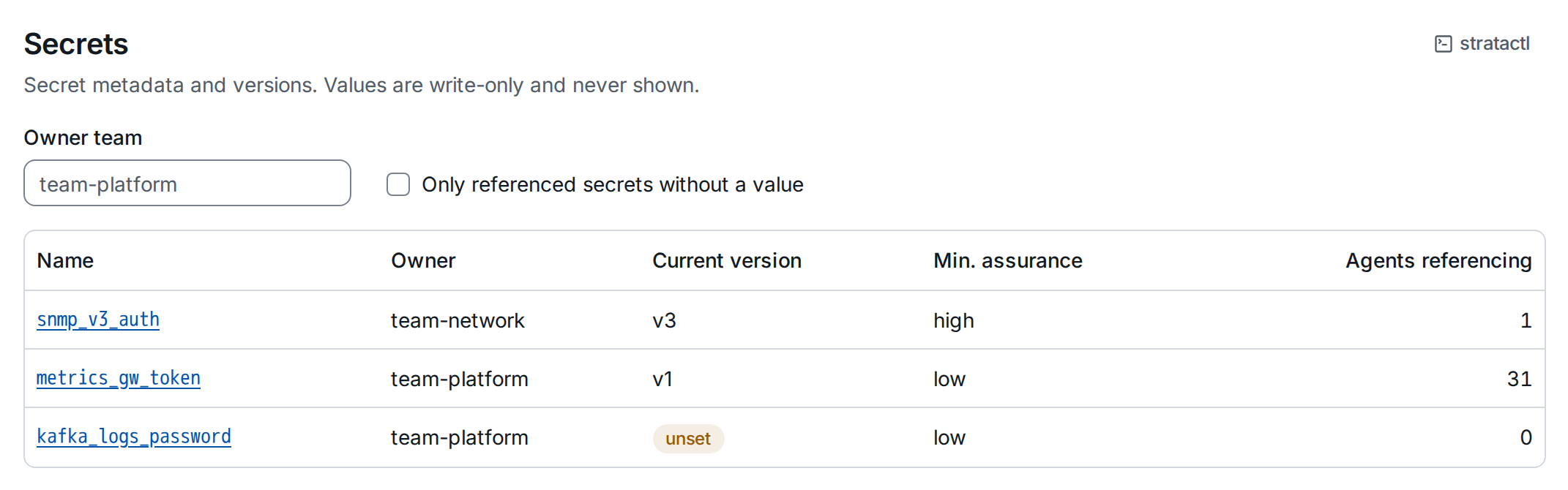
Each row shows the owner team, the current version (or unset ②), the minimum assurance and how many agents reference the secret ③. Filter by Owner team, or tick Only referenced secrets without a value ① to find what blocks a change set from validating.
With stratactl: stratactl secret list [--owner TEAM] [--unset]
(Secrets).
3. Read a secret's page
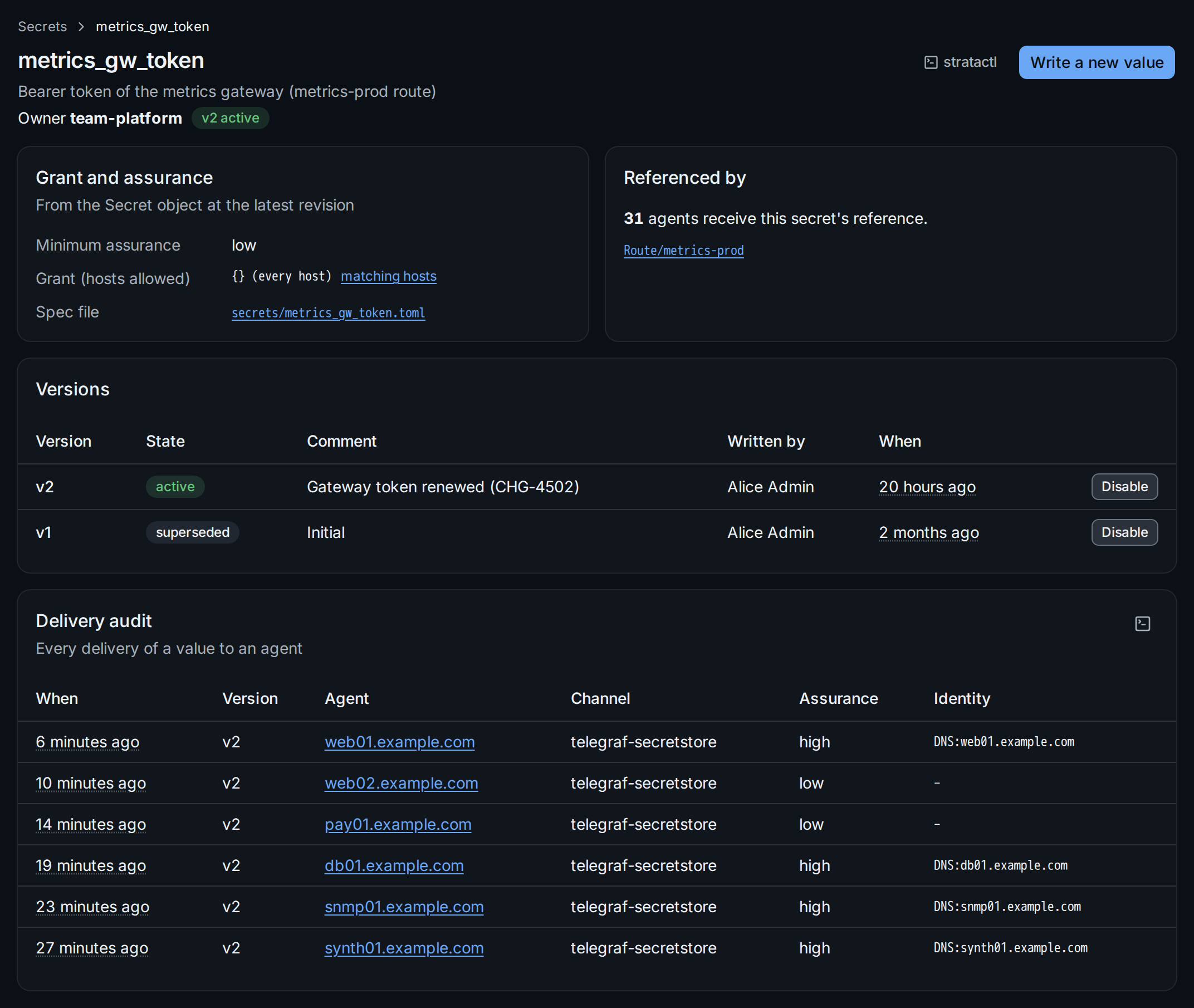
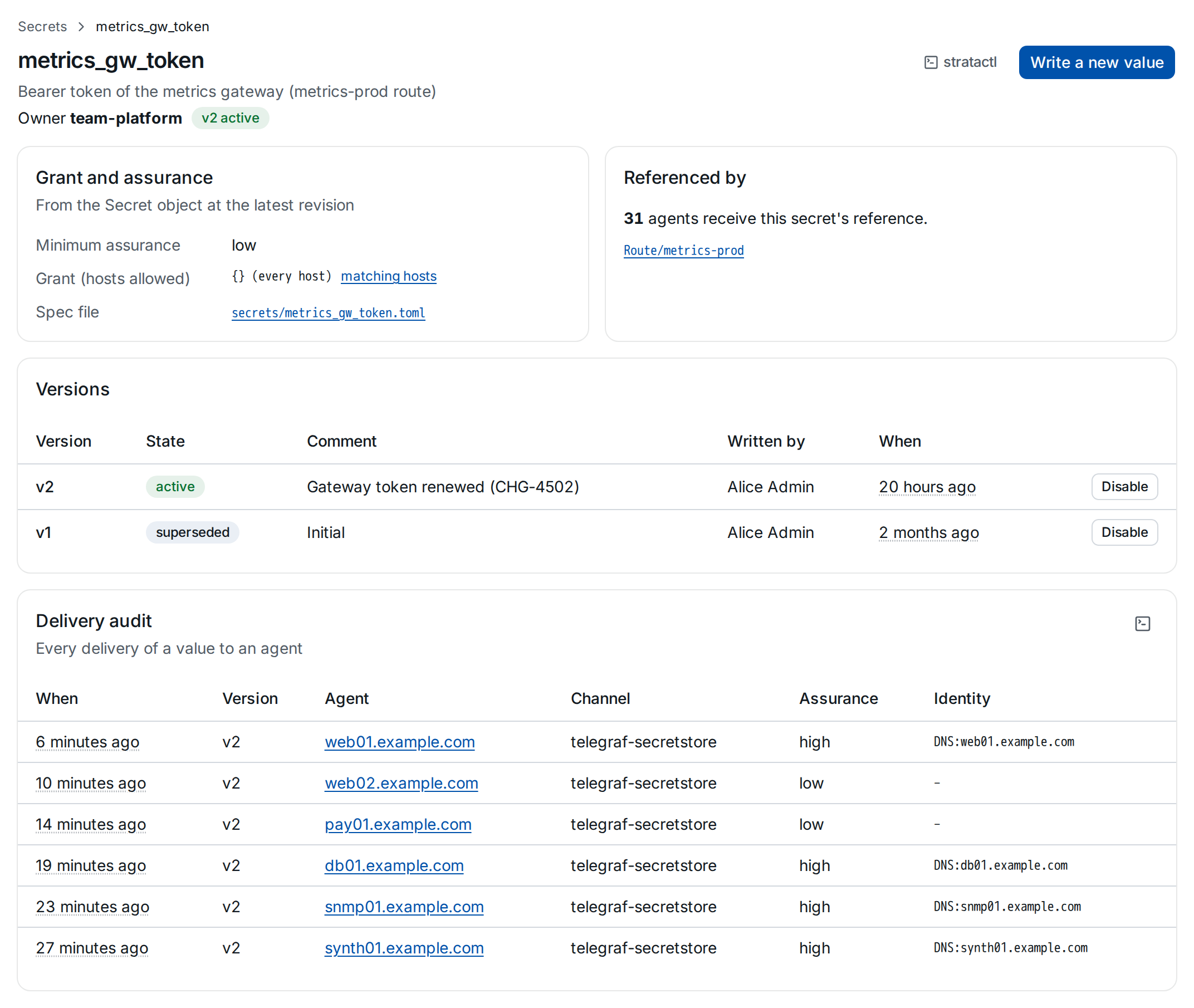
- Grant and assurance shows the minimum assurance and the grant selector of the Secret at the latest revision, with the hosts it matches; to change them, edit the file ① in a change set.
- Referenced by counts the agents whose config references the secret and links the spec objects that do ②.
- Versions ③: every value written, with its state, comment, author and time. The current version is the newest one not disabled.
- Delivery audit ④: every delivery of a value to an agent, with the version, the channel, the assurance of the request and the agent's certificate identity.
stratactl secret show NAME prints the versions and the referencing
agents, stratactl secret deliveries NAME the delivery audit.
4. Write a value
A secret without a value says so on its page:
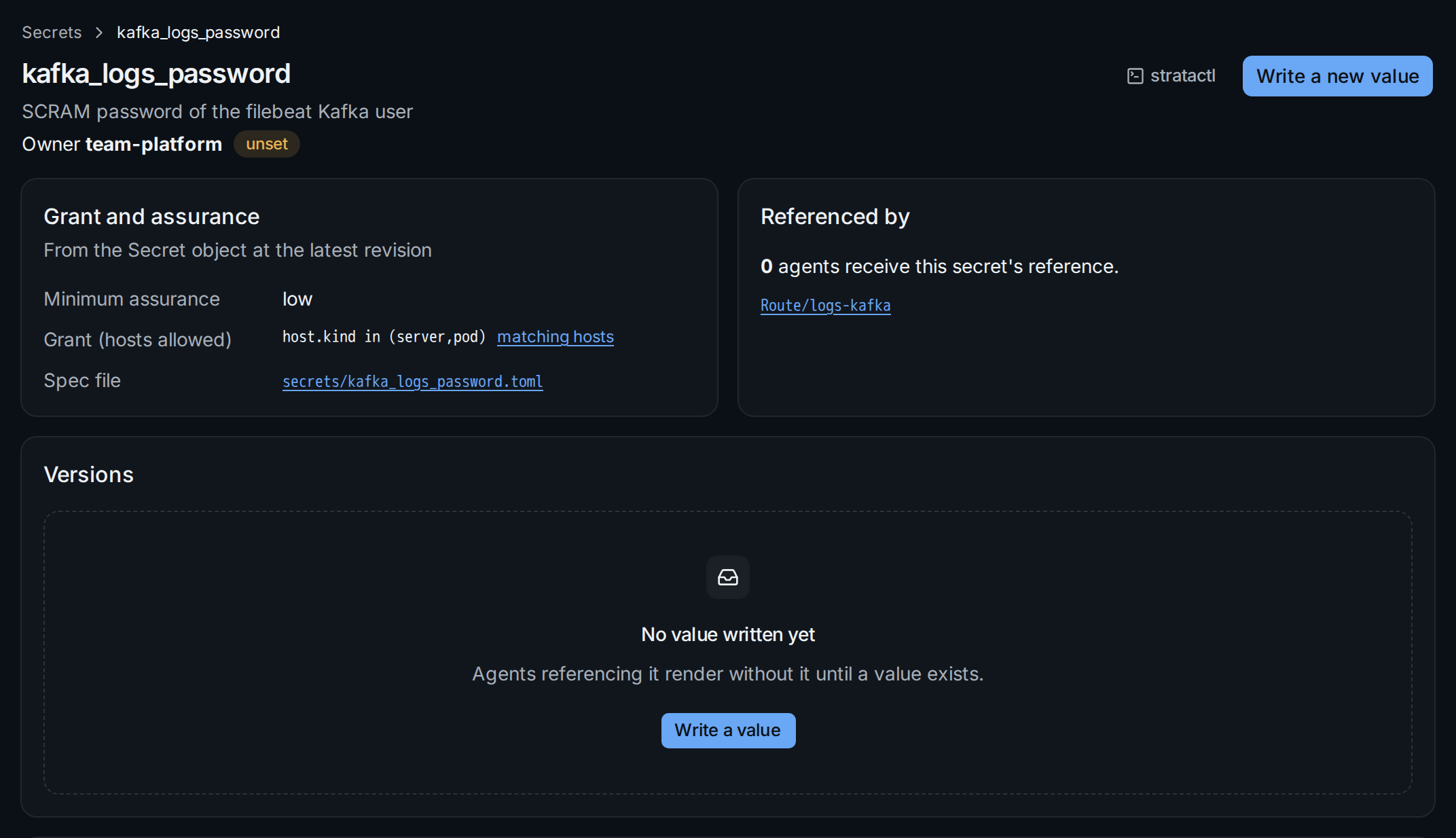
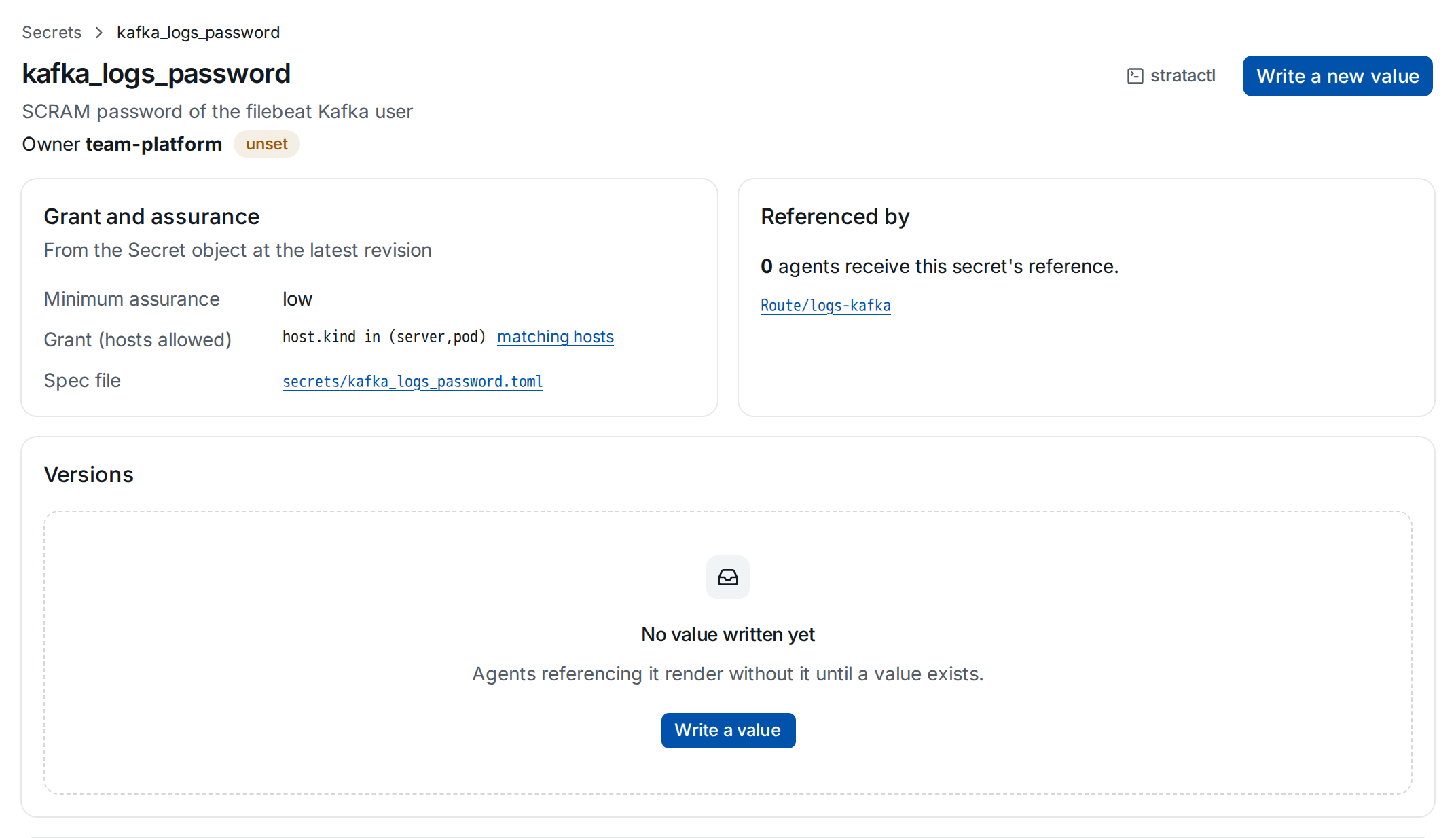
Write a value ②, or Write a new value to rotate an existing secret, opens the dialog:
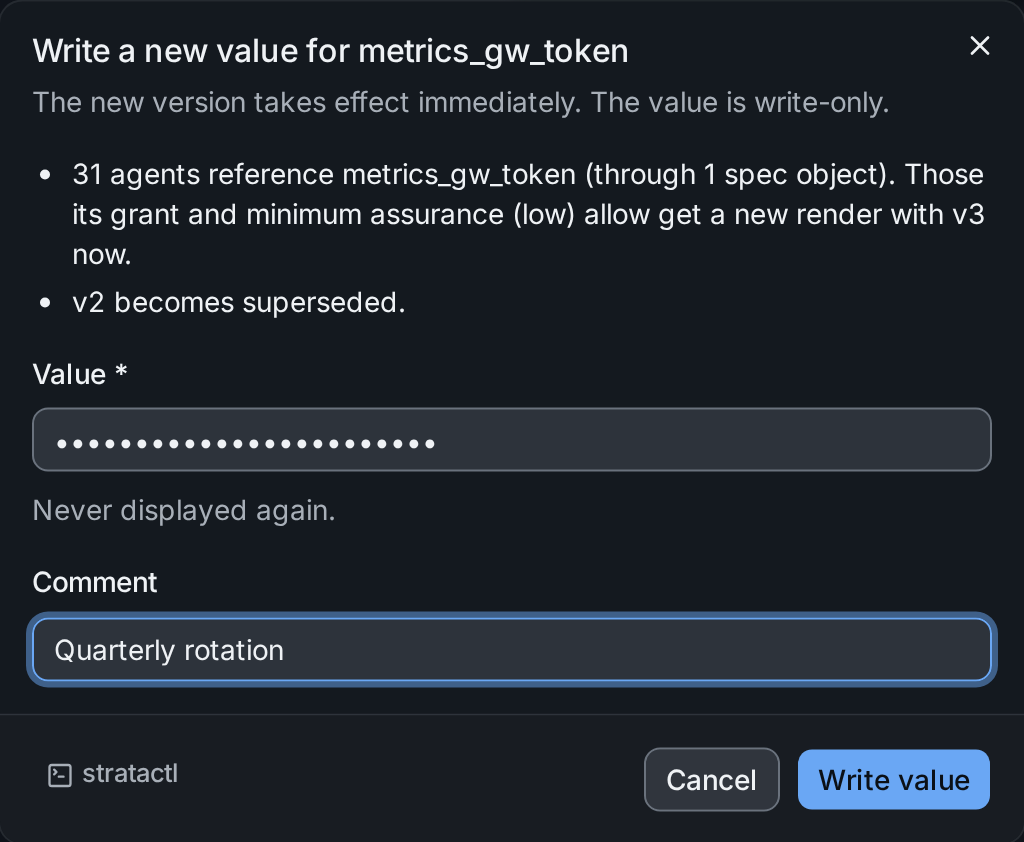
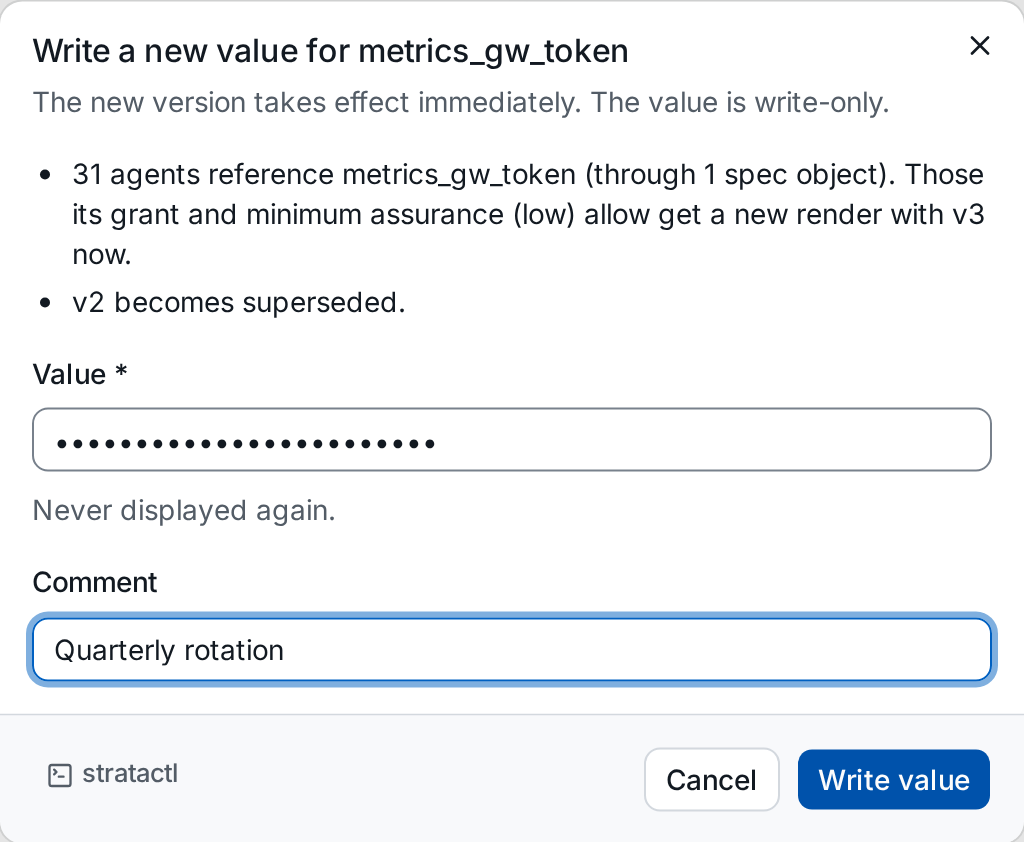
Type or paste the value into Value ②; the field never shows it and the value is not displayed again after writing. Add a Comment for the version list. The dialog names the agents that get a new render with the new version ①; the previous version becomes superseded. Write value writes it.
With stratactl the value comes from stdin or a file, never from an
argument:
stratactl secret set metrics_gw_token -m "Quarterly rotation" < token.txt
5. Disable a version
A version that must not be used any more, for example after a leak, is disabled: Disable on its row.
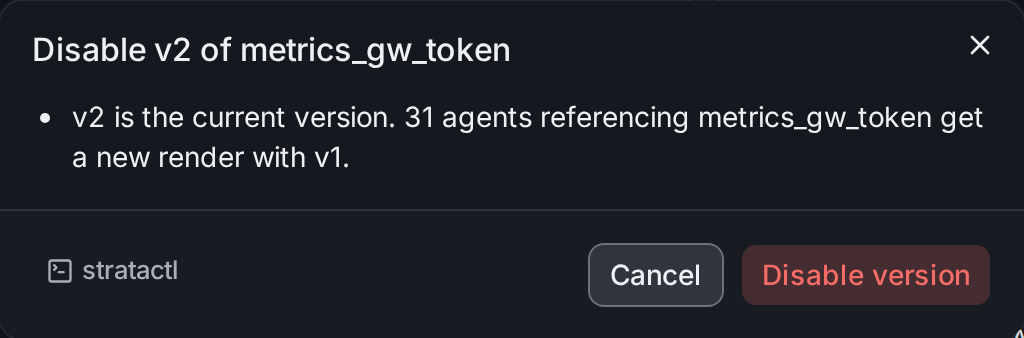
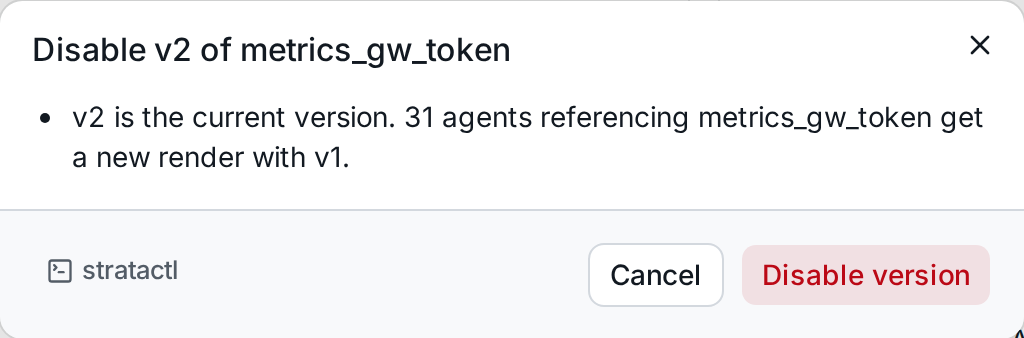
Disabling the current version makes the newest version not disabled
current again, and the agents get a new render with it; disabling the
only version leaves the secret unset. To replace a leaked value, write a
new value first, then disable the leaked version. With stratactl:
stratactl secret disable metrics_gw_token 2.