Releases and pins
Every agent kind has a release: the revision its agents receive when
no rollout or pin says otherwise. A completed rollout moves it. A pin
holds agents on a revision of your choice, for a maintenance freeze or to
keep a few hosts on a known-good config, and keeps them out of rollout
stages while it is active. Which of release, rollout and pin decides an
agent's revision is described under
release and
pins.
Both are under Rollouts › Releases and pins. Creating and deleting
pins needs operator over every host the pin can reach
(Authorization).
1. See the release per agent kind
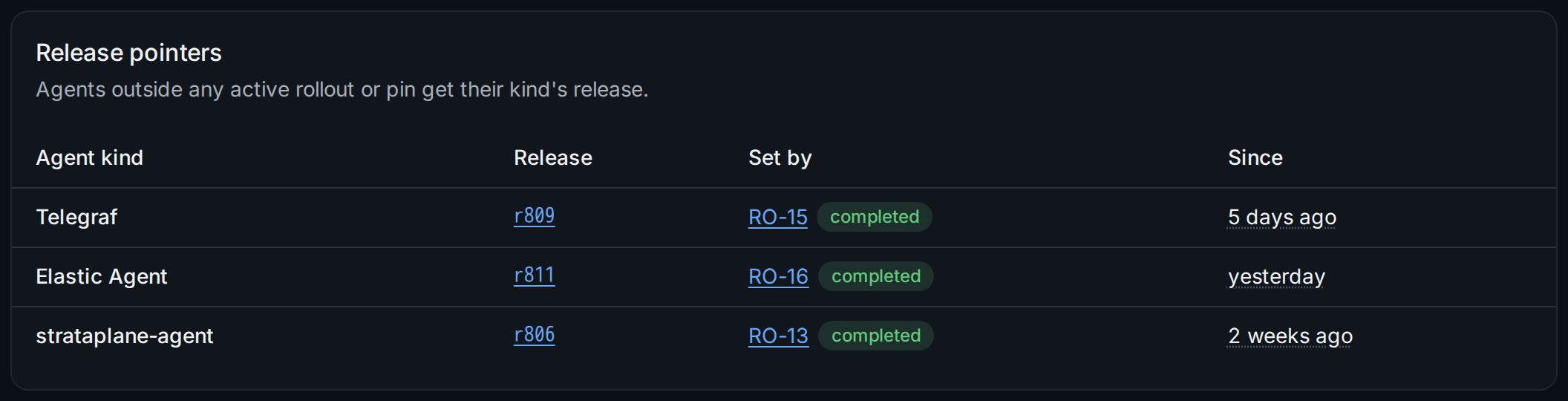
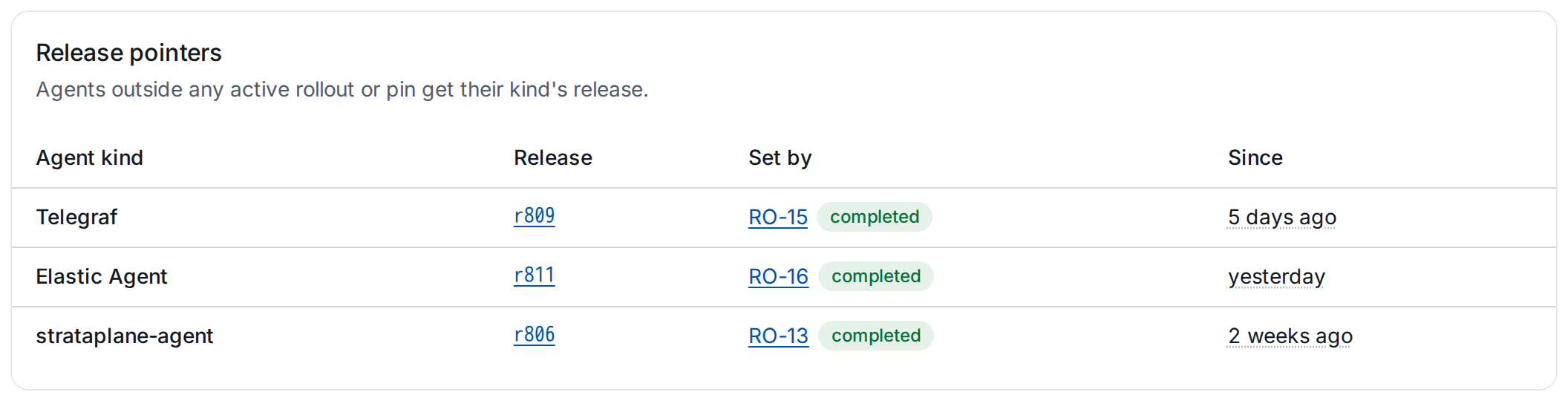
Each row names the kind's release, the rollout that set it ① and since
when. Agents enrolled later receive the release too. stratactl releases
prints the same (Releases, rollouts and pins).
2. Review the pins
Below the releases, the page lists the active pins, the scheduled ones (their window starts later) and, if any, expired ones.
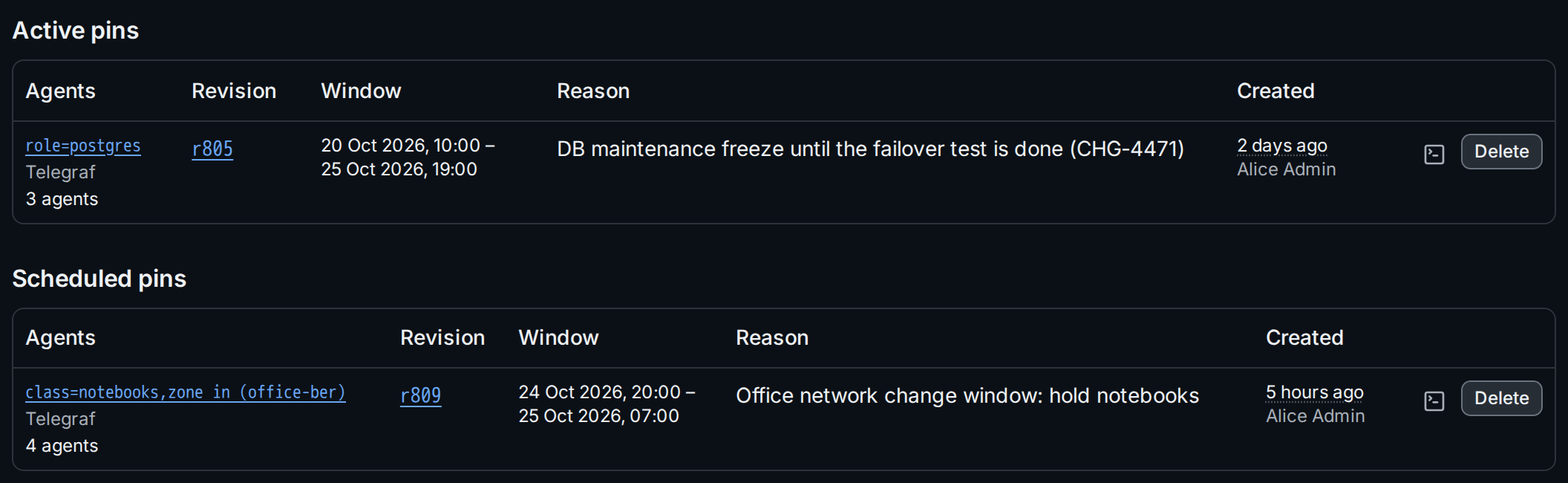
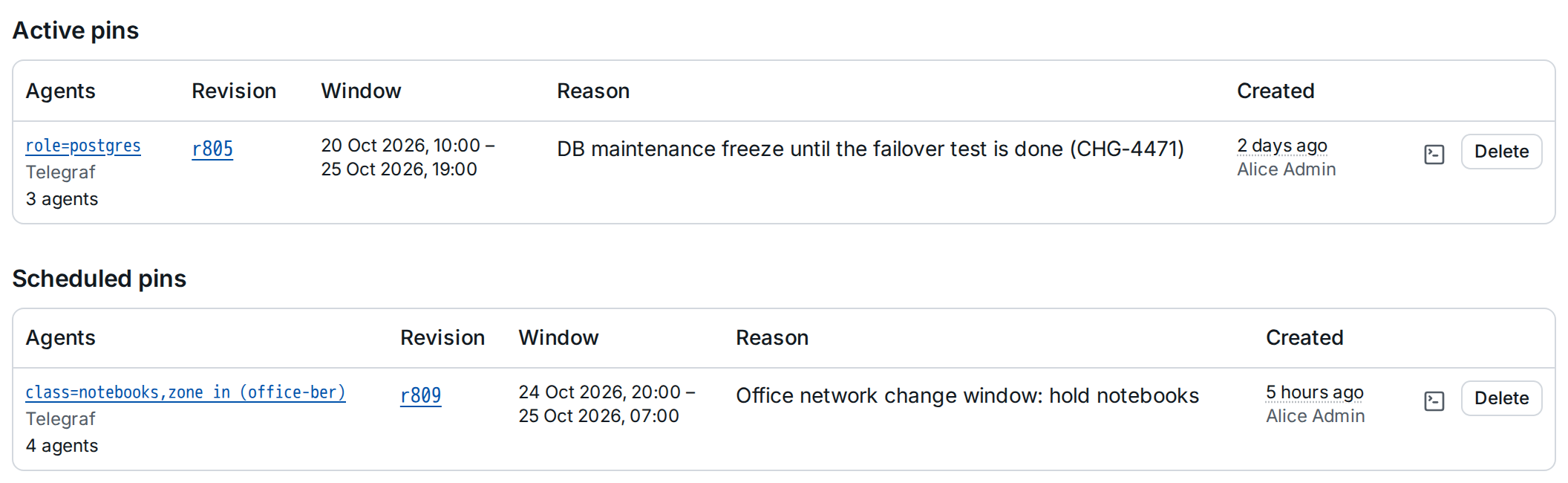
A pin shows the hosts it selects and its agent kinds, or the single agent
it holds, with the number of agents ①; the selector links to those agents.
Its window ② runs from its start until its end, or until it is deleted.
stratactl pin list lists the same pins, scheduled ones included.
3. Create a pin
Create a pin opens the dialog:
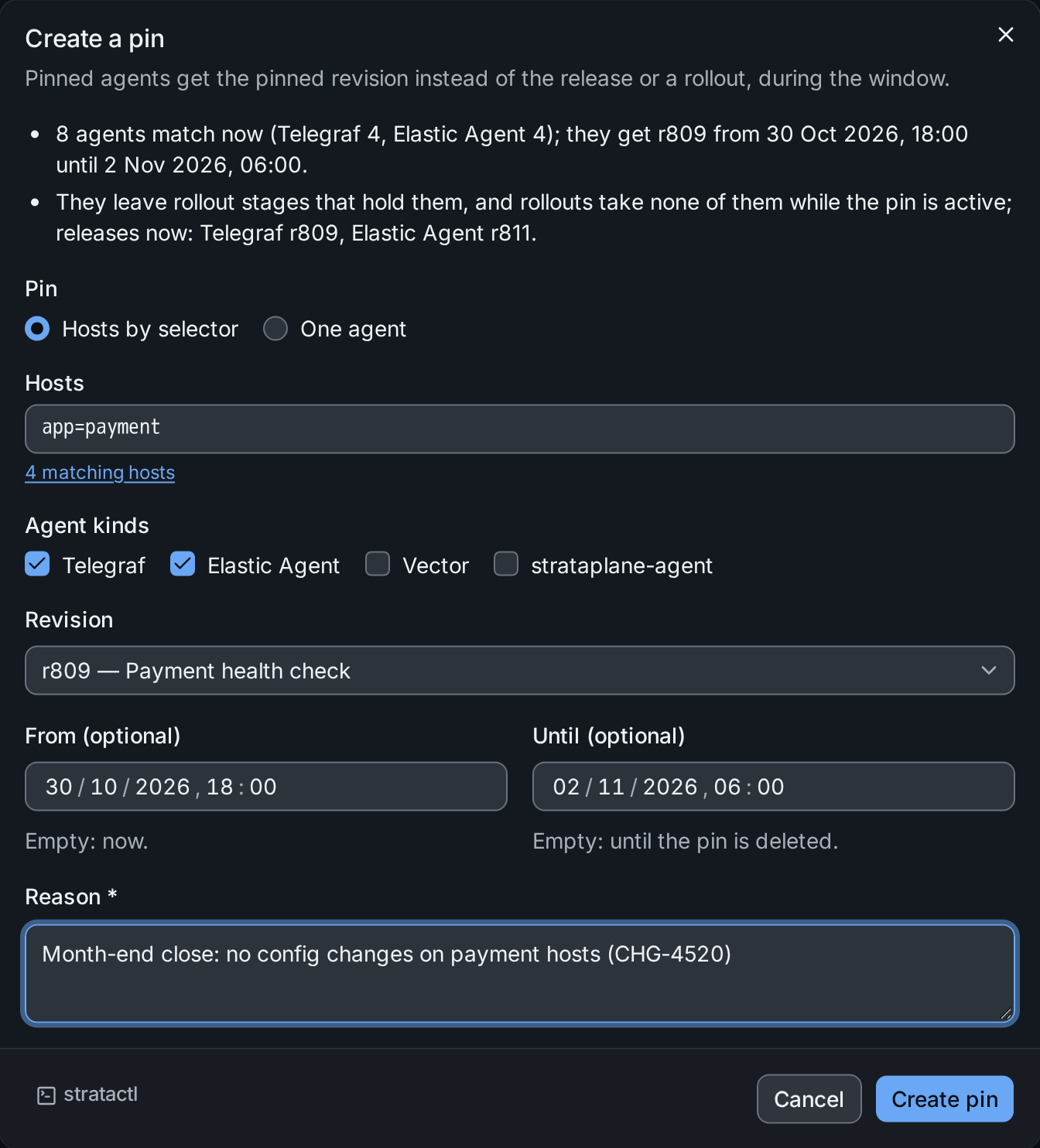
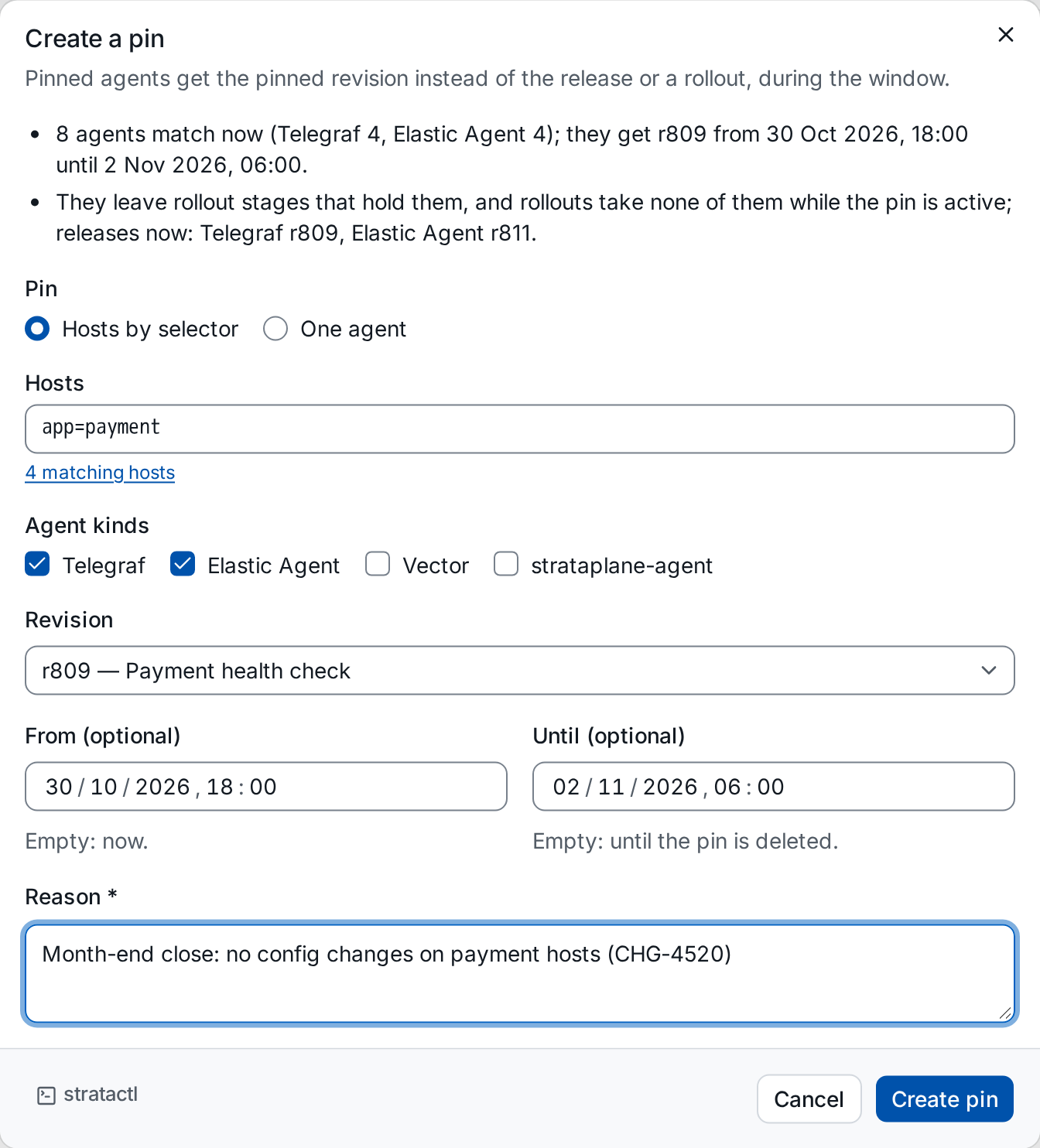
- Pin: Hosts by selector or One agent. For a selector, enter it in Hosts ② (the field counts the matching hosts) and tick the Agent kinds ③ the pin applies to (selectors). For one agent, give its Host and Agent kind.
- Revision: the revision the agents get.
- From and Until ④ (optional): empty From starts the pin now, empty Until keeps it until it is deleted. Day, month, year and the time (24 h) are in your browser's time zone.
- Reason (required): shown on the pin and in the confirmation that deletes it.
The list at the top ① says how many agents match now per kind, what they
get and when, and the current releases they leave. Create pin creates
it. The same with stratactl:
stratactl pin create --revision 809 --selector app=payment --kind telegraf --kind elastic-agent \
  --from 2026-10-30T17:00:00Z --until 2026-11-02T05:00:00Z \
  --reason "Month-end close: no config changes on payment hosts (CHG-4520)"
A pin fixes the revision, not the rendered config: a new secret version still reaches pinned agents (pin).
4. Delete a pin
Delete on a pin asks first and names what deleting it changes:
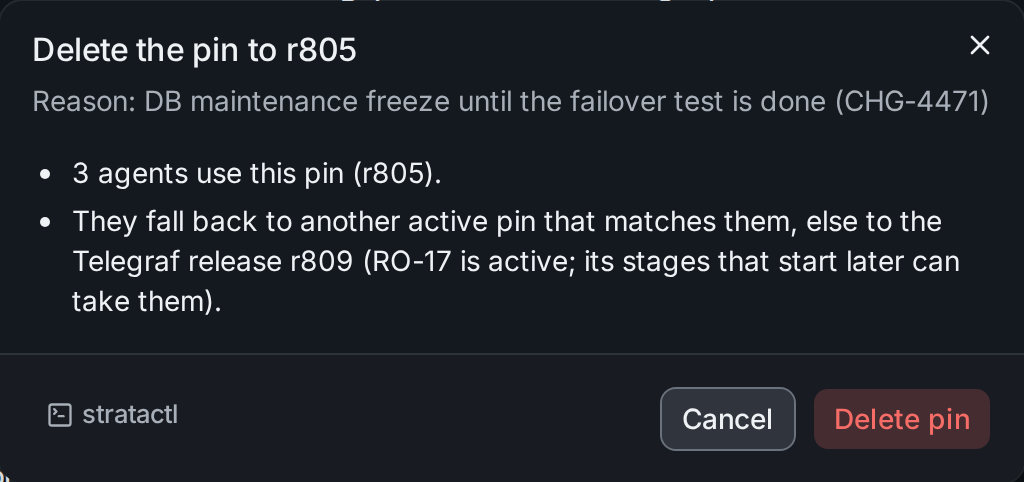
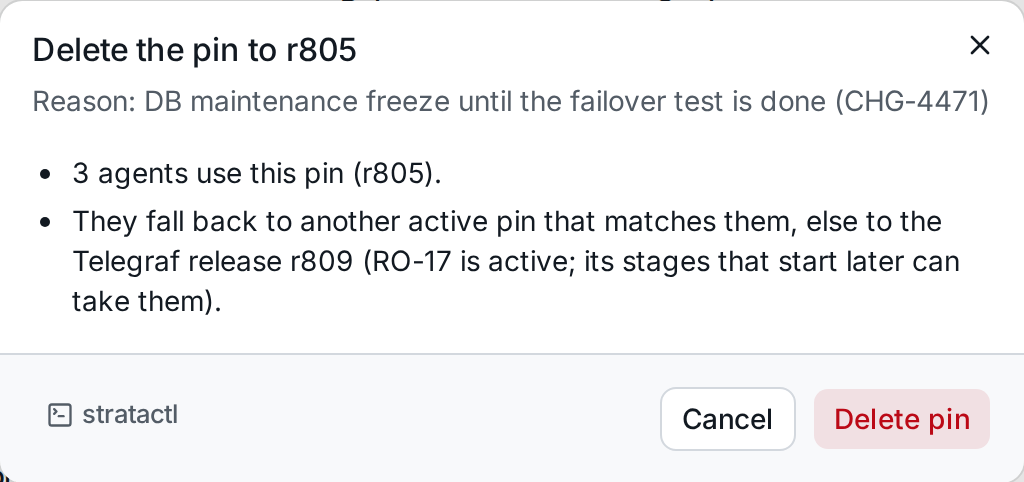
Its agents follow the release again, or another active pin that matches
them; while a rollout of their kind is active, its stages that start later
can take them. Deleting a scheduled or expired pin changes no agent.
With stratactl: stratactl pin delete ID; the copy button next to
Delete gives the command with the pin's id.