Make your first change
This walk-through adds a metric to the Tomcat layer: Dave, an author of
team-middleware, edits the layer; Alice, who may approve for the team,
reviews and merges it; a rollout takes the new revision to the agents.
Every step has a stratactl equivalent (CI usage).
1. Open the file in a draft change set
Spec › Files lists the tree at the latest revision. Open
layers/role-tomcat.toml; it selects every host labelled role=tomcat
and adds a Jolokia input for the thread pool.
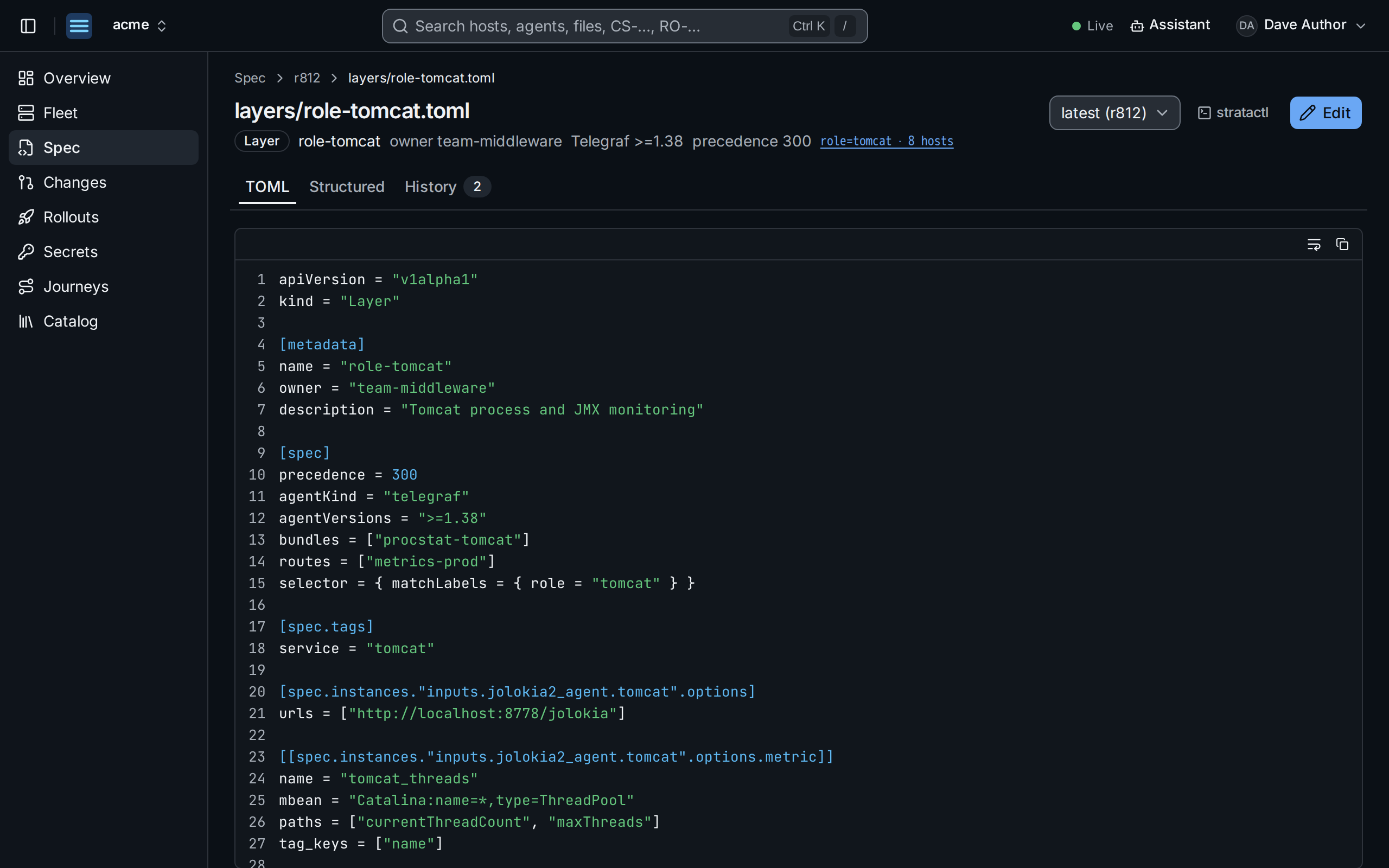
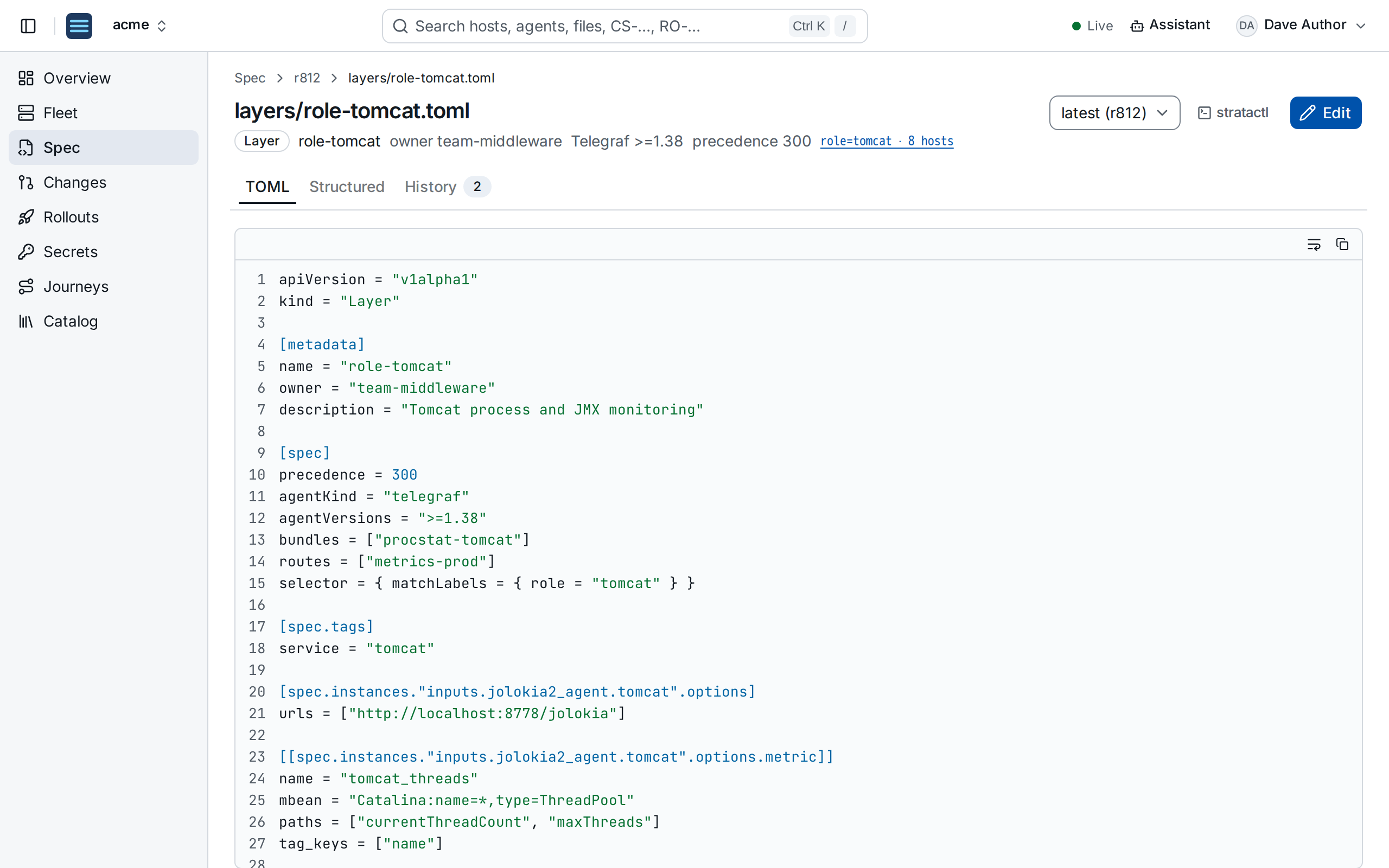
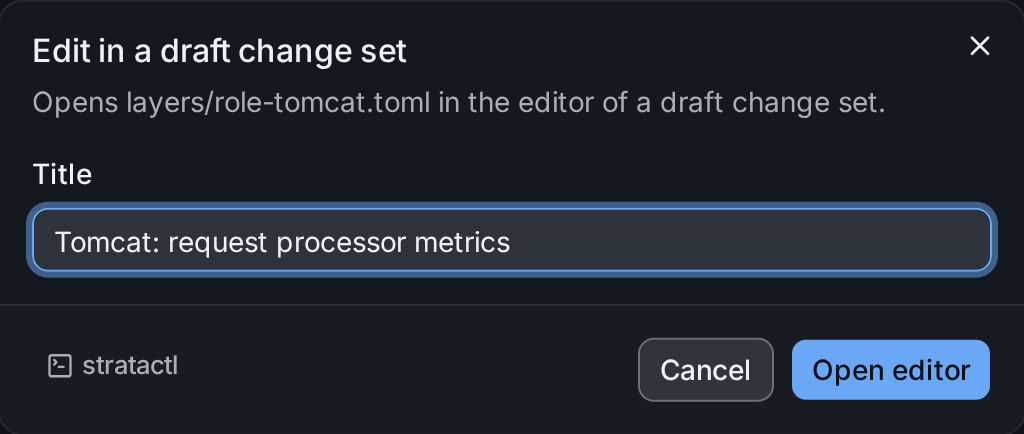
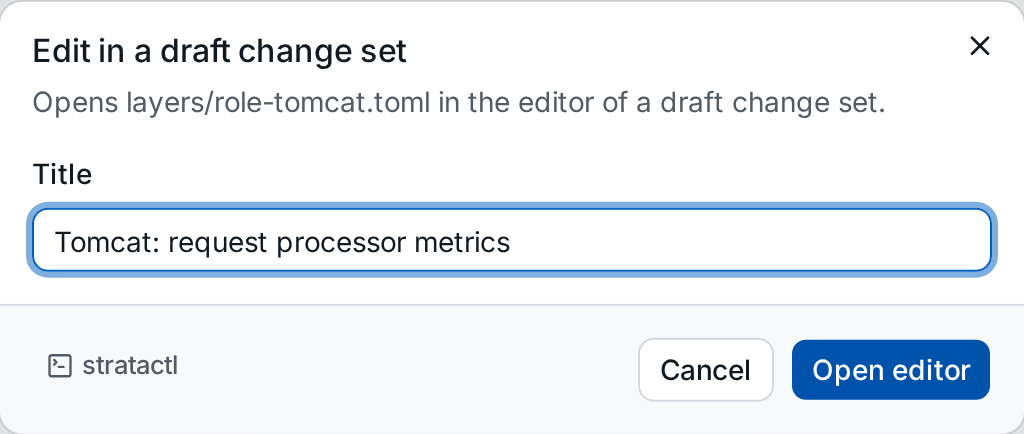
Nothing in the UI changes the spec directly: Edit ① opens the file in a draft change set. Give the change set a title; if you already have drafts, you can pick one of them instead.
2. Edit and validate
The editor completes option names and shows their documentation from the catalog of the agent's version (Ctrl+Space), checks the syntax while you type and saves into the draft with Ctrl+S. Add a second metric to the Jolokia input ①:
[[spec.instances."inputs.jolokia2_agent.tomcat".options.metric]]
name = "tomcat_requests"
mbean = "Catalina:name=*,type=GlobalRequestProcessor"
paths = ["requestCount", "errorCount", "processingTime"]
tag_keys = ["name"]
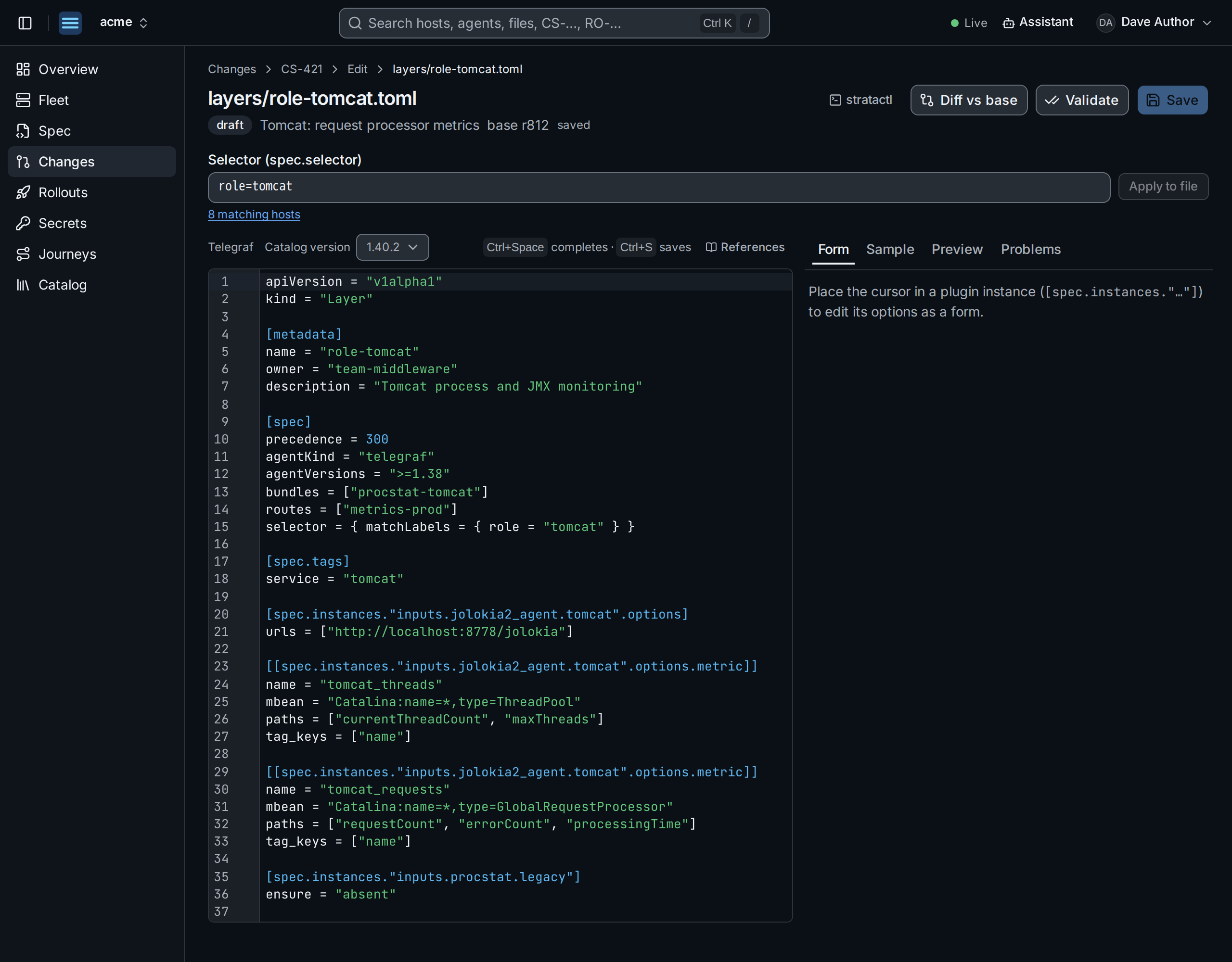
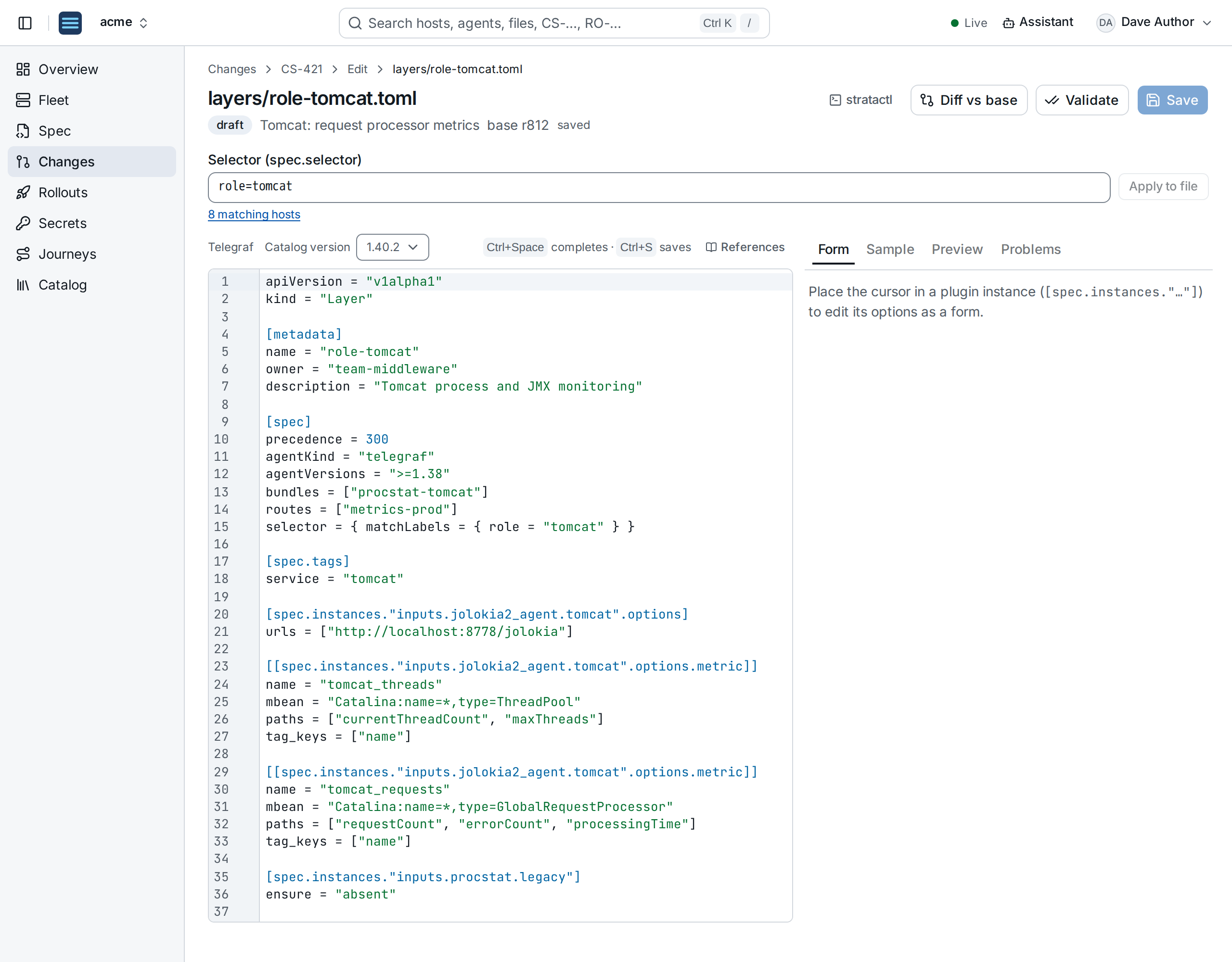
The selector field ② shows how many hosts the layer selects. The panels on the right offer a form for the plugin instance under the cursor, a sample parser and a Preview of the rendered config for any agent (Editor).
Validate ③ checks the changed files against the catalog schema, renders the configs of the affected agents and computes the impact (validation levels). The change set page shows the result:
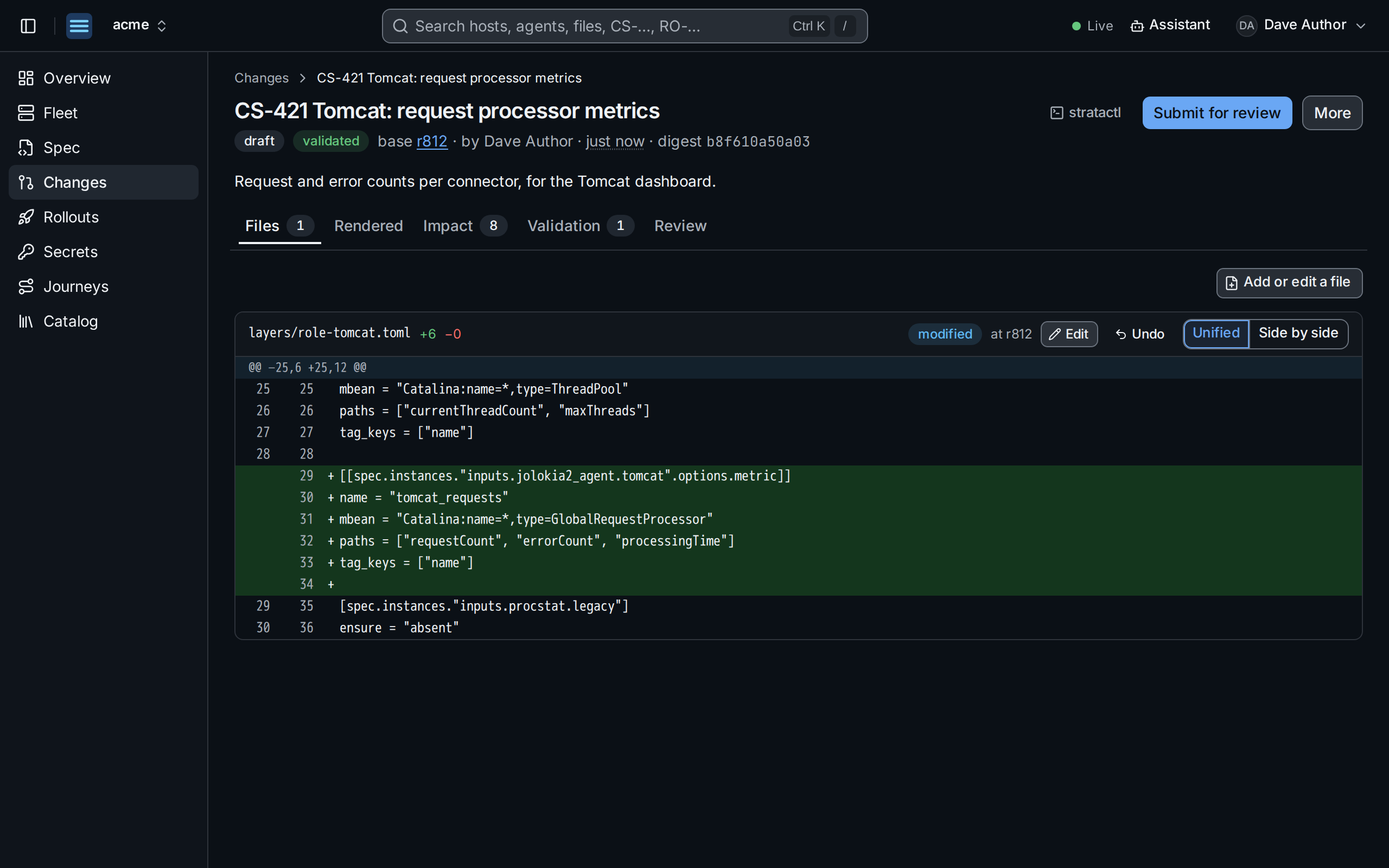
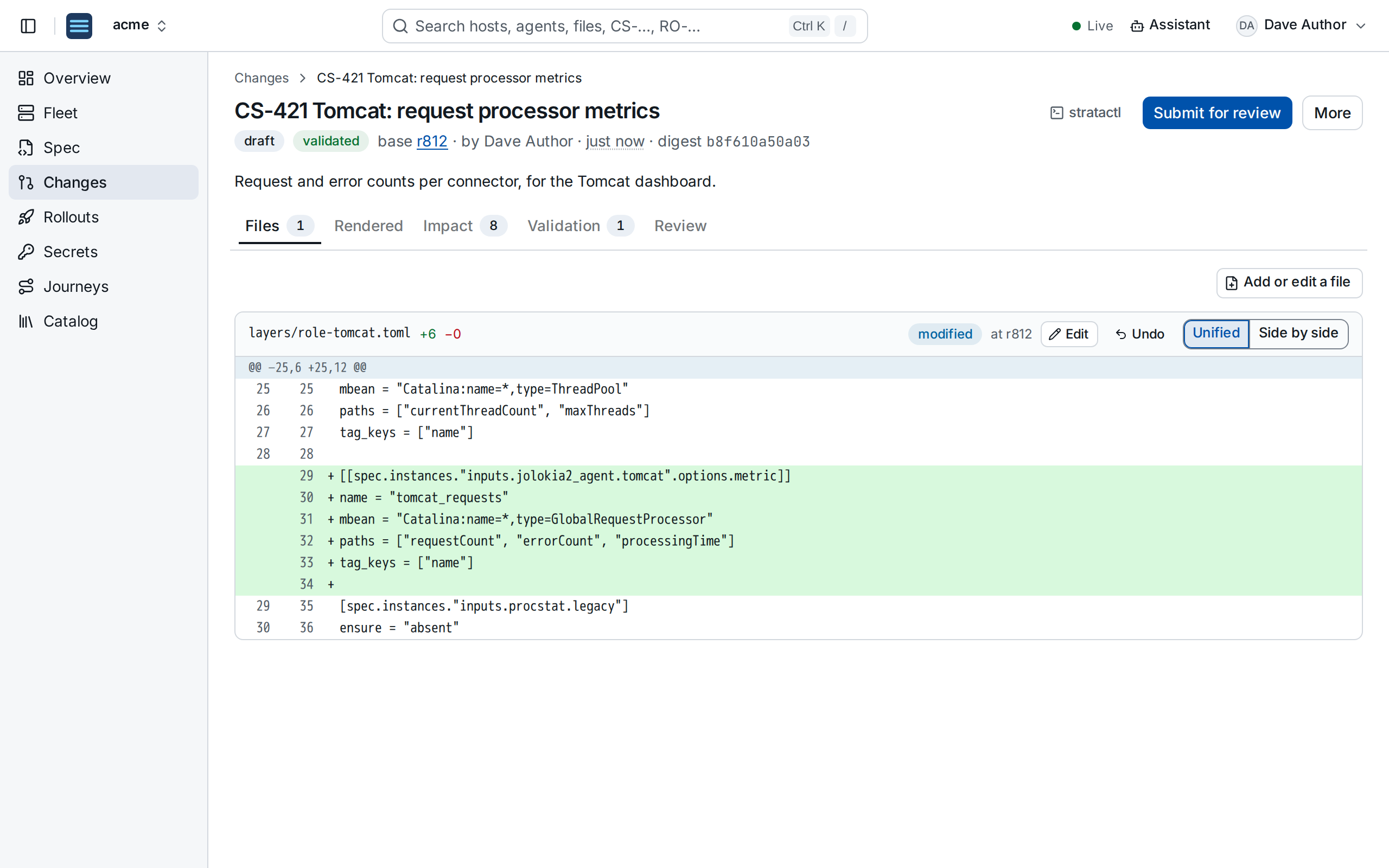
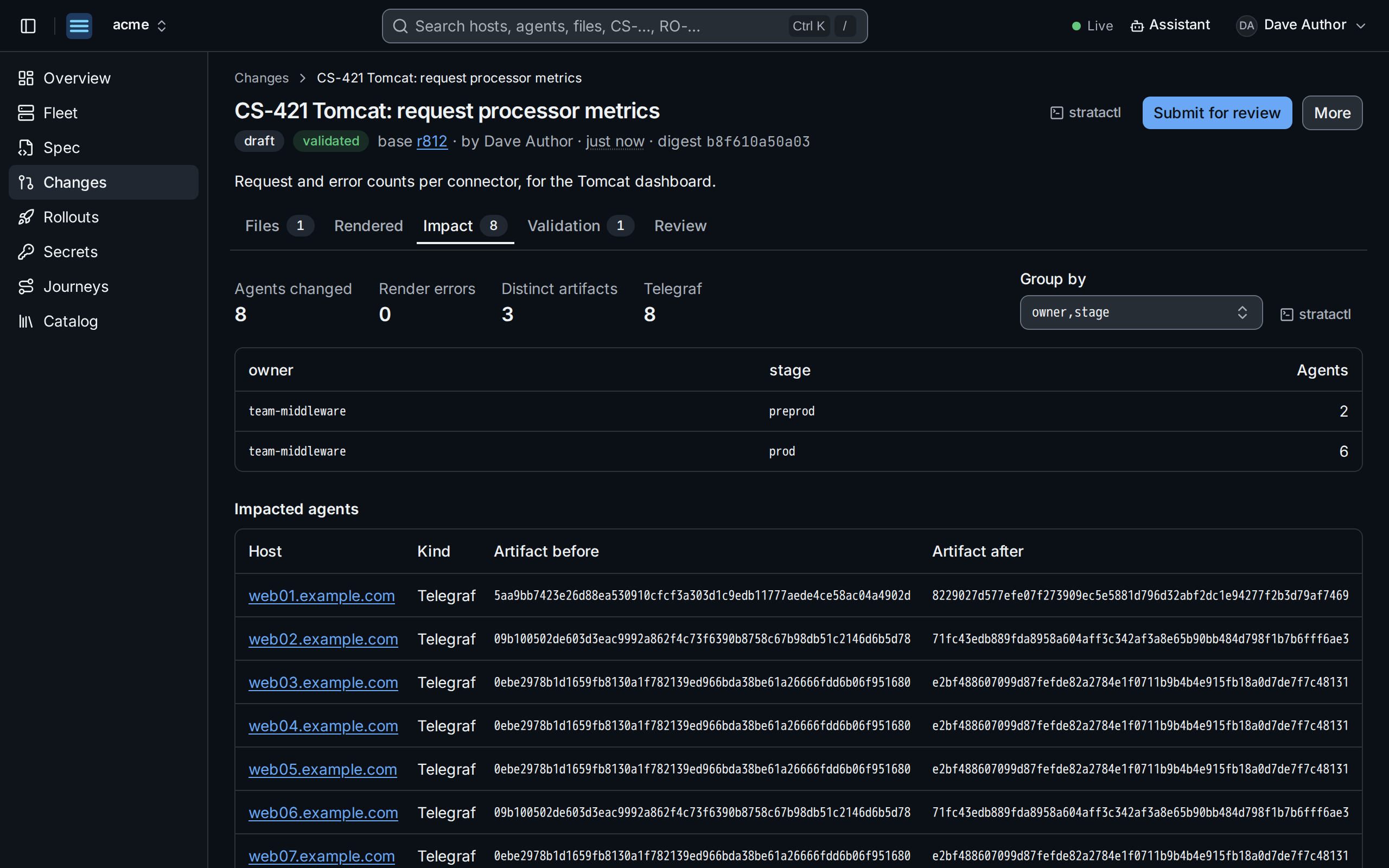
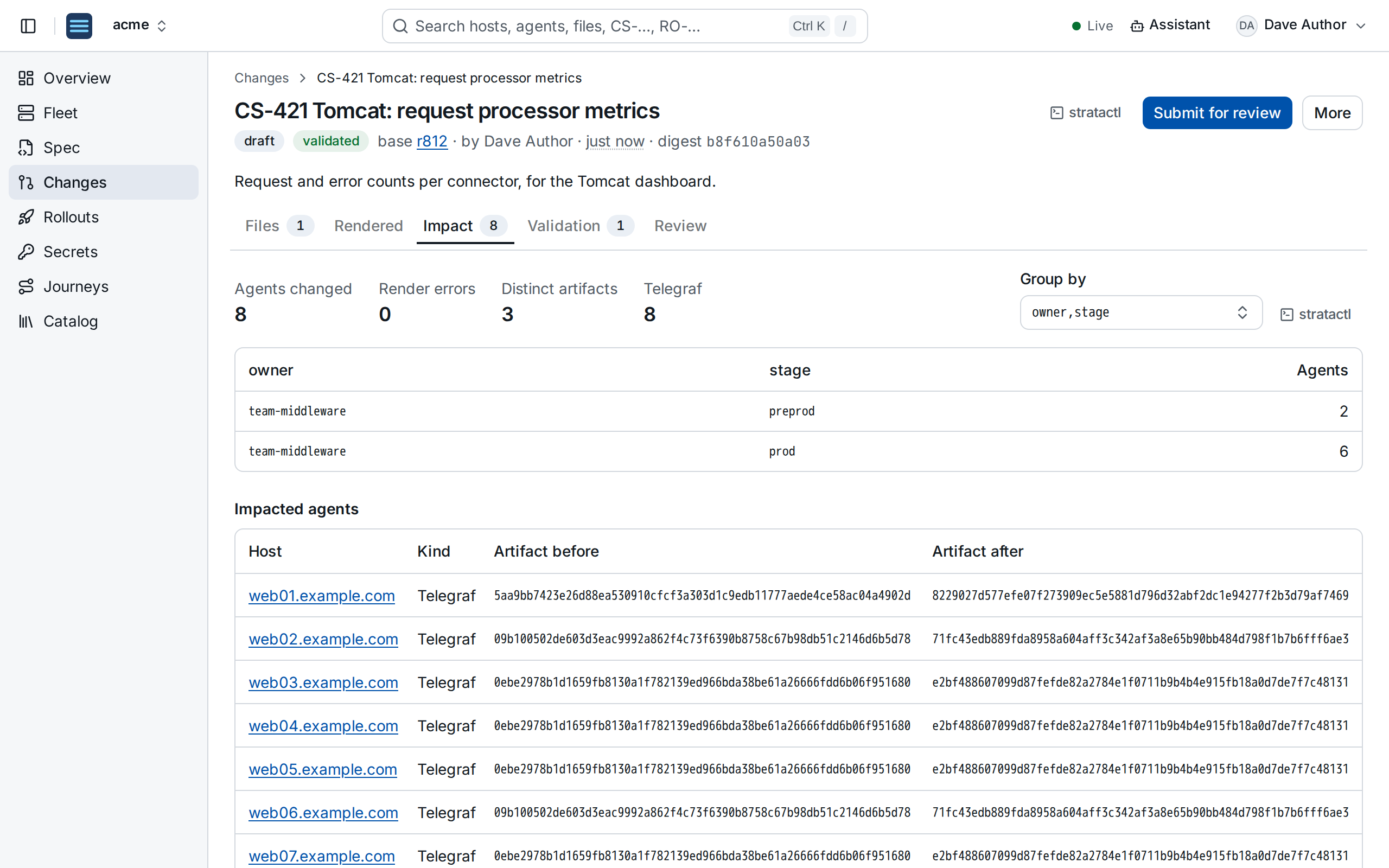
Then Submit for review.
3. Review
Who has to approve follows from the approval policies, the impact and the owners of the changed files (ApprovalPolicy). Here the change reaches production hosts, so someone other than the author has to approve, for team-middleware:
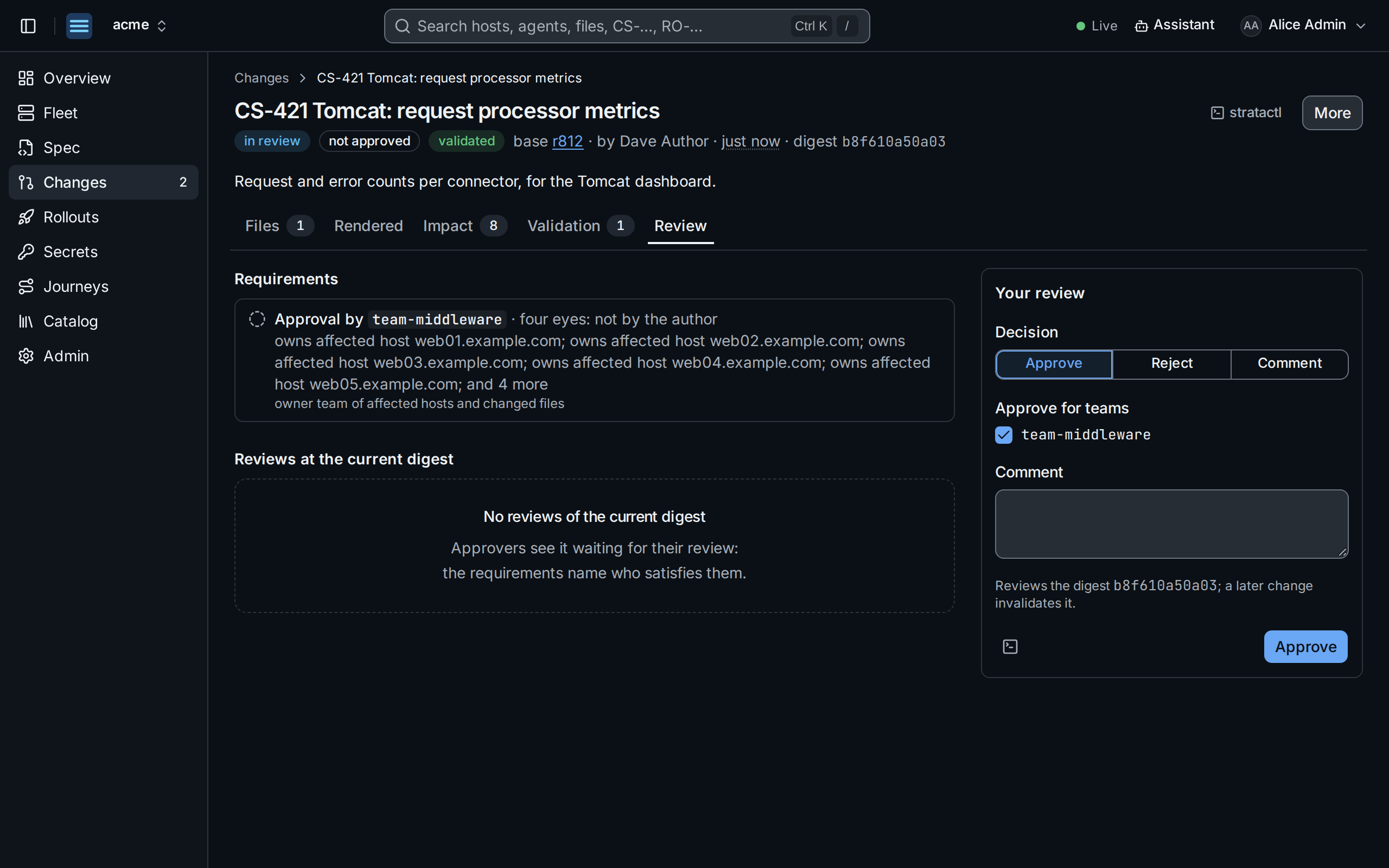
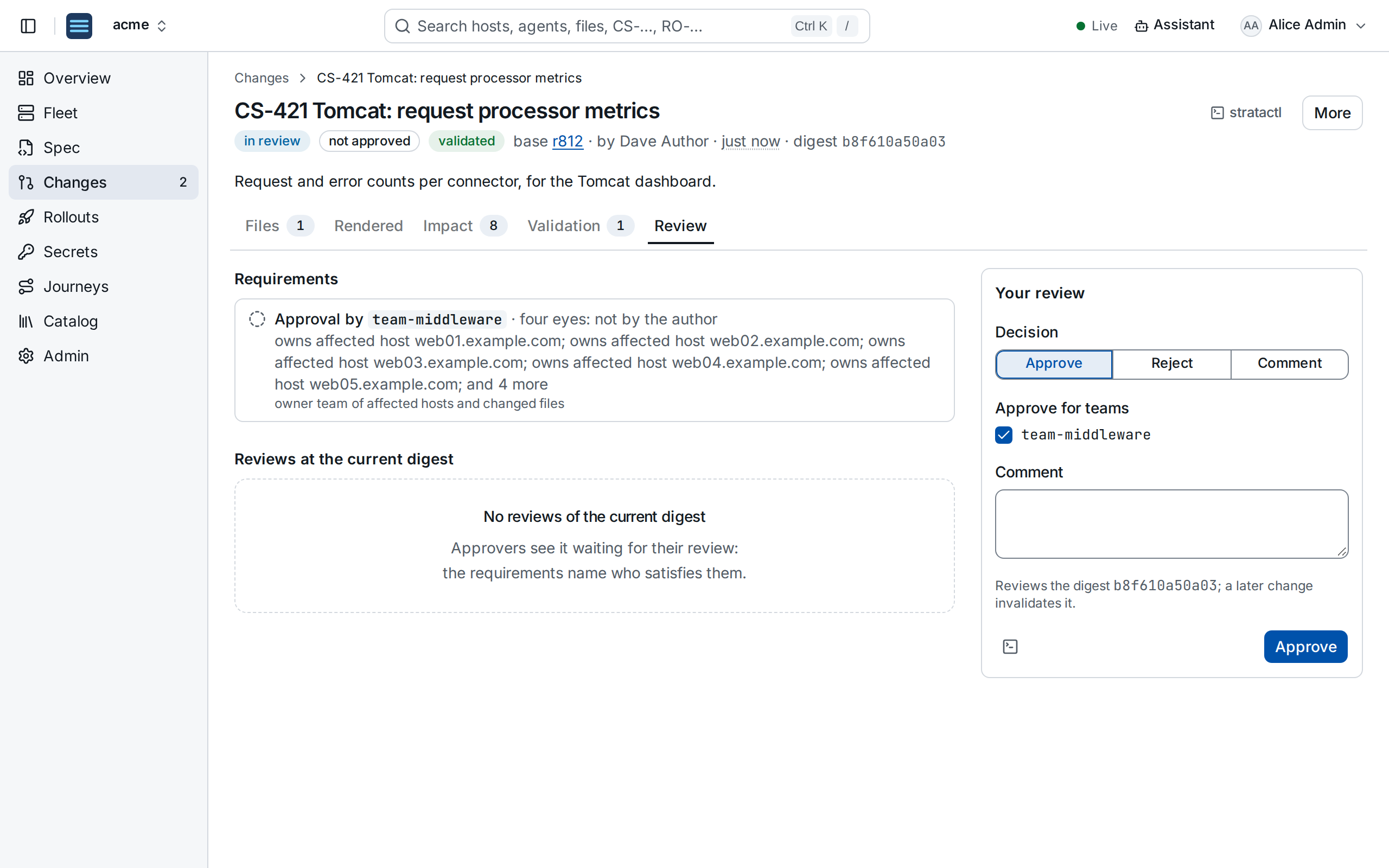
The change set waits on the Changes page of everyone who can satisfy a requirement. An approval counts for the digest it was given on; a later edit asks for review again.
4. Merge and roll out
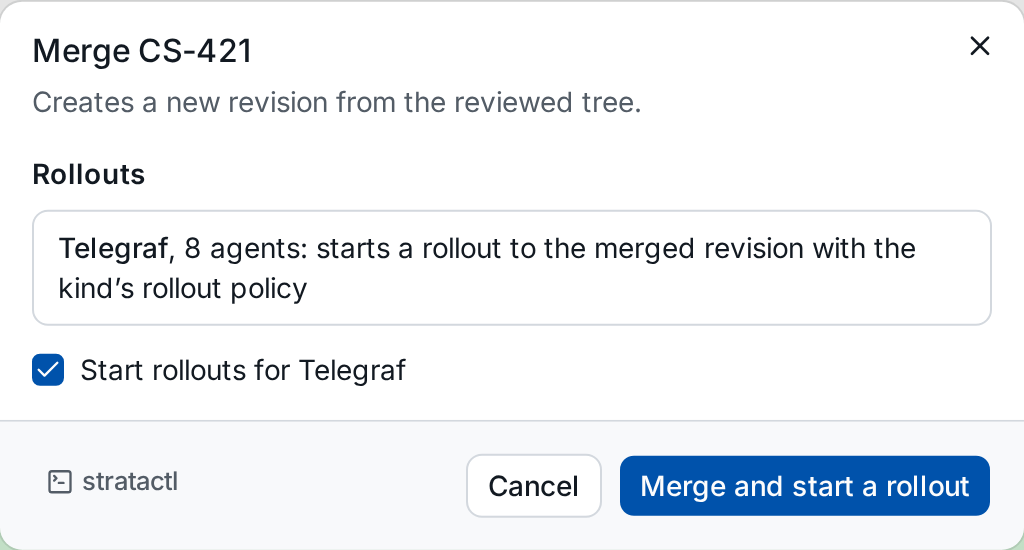
Once approved, Merge creates the next revision. The dialog shows the rollout the merge starts for each affected agent kind ①:
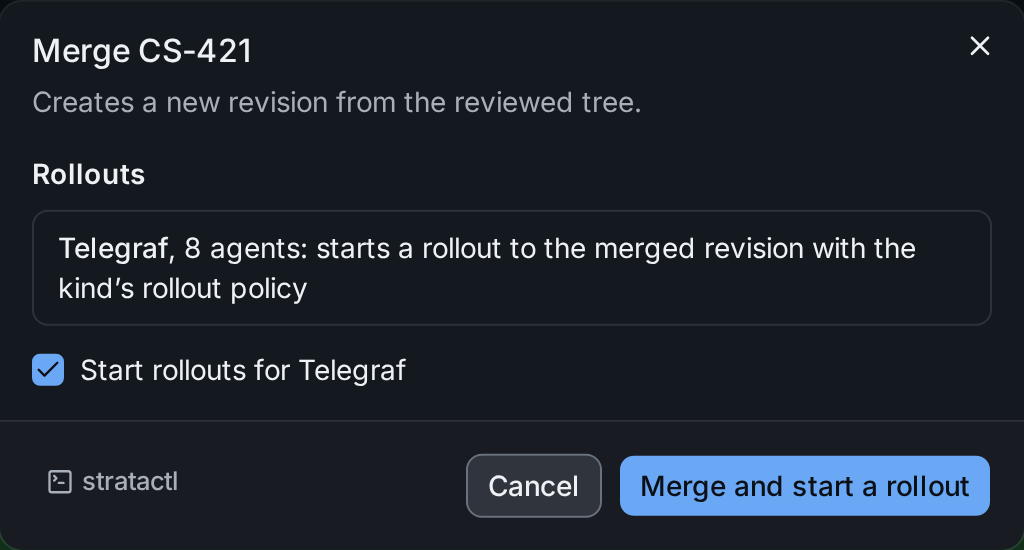
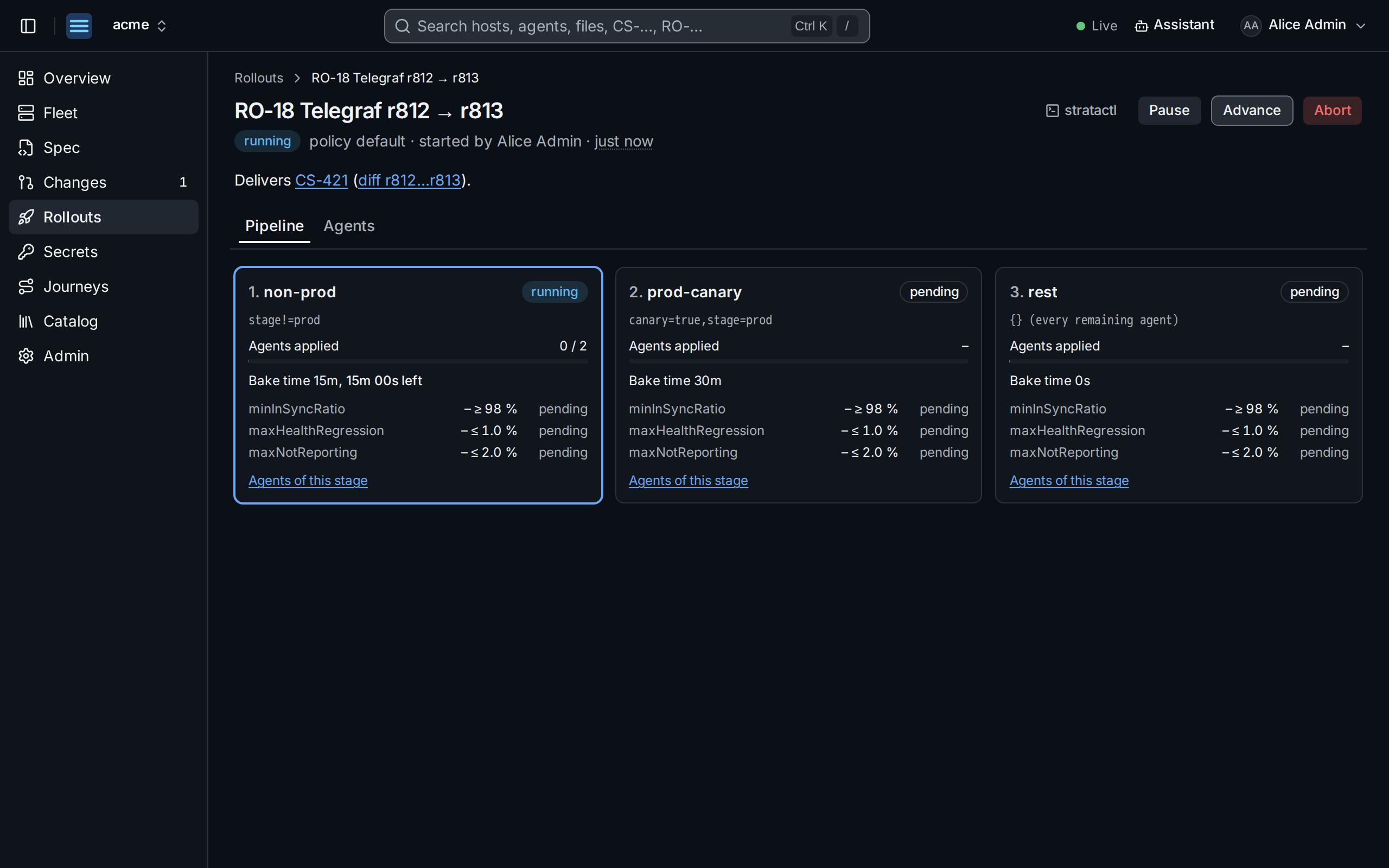
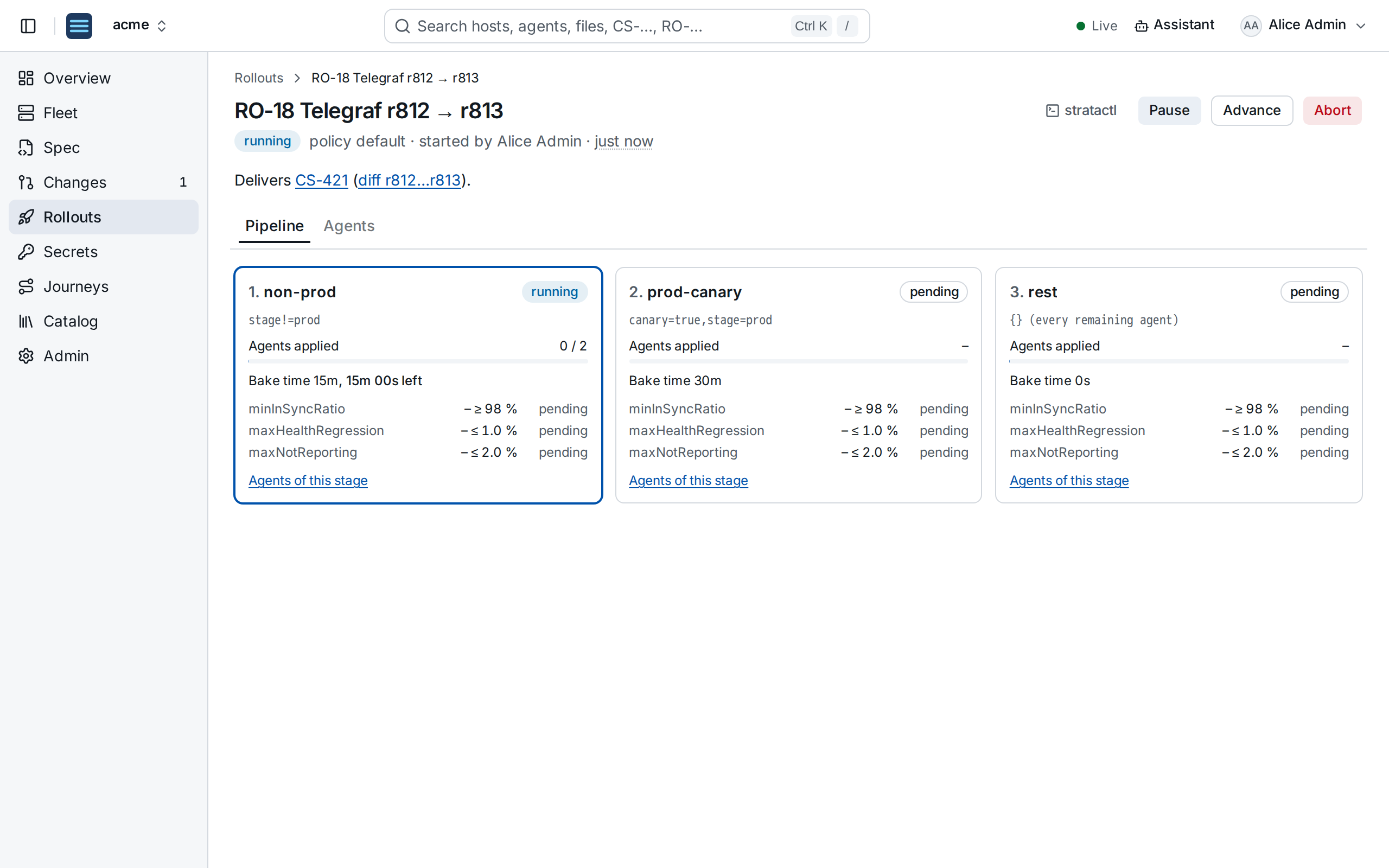
The rollout assigns r813 stage by stage: non-production hosts first, then the production canaries, then the rest. Each stage waits its bake time and checks its guardrails (agents in sync, health, agents reporting); a breach halts the rollout until someone resumes or aborts it (Rollouts). When the last stage passes, r813 is the release for Telegraf, and agents enrolled later receive it too.