Edit spec files
Every spec edit happens in a draft change set: Edit on a file, New file, a restore or an import open the file in the editor of one of your drafts (Browse the spec). Save (Ctrl+S) writes the file into the draft; nothing reaches the fleet before the change set is reviewed and merged (Change sets). Leaving the editor with text that is not saved yet asks first; saved edits stay in the draft.
The editor knows the agent kind of the file and takes option names, types and documentation from the catalog of the version chosen under Catalog version (Catalog). The panels on the right work on the plugin instance under the cursor.
1. Complete options
Ctrl+Space completes what fits where the cursor is:
the options of the plugin instance ① with their type and documentation ②,
plugin names after [spec.instances.", the values of an option with a
fixed set of values, and the keys of a layer's [spec] and [metadata].
Typing an option name opens the list by itself. Hovering an option shows
its documentation.
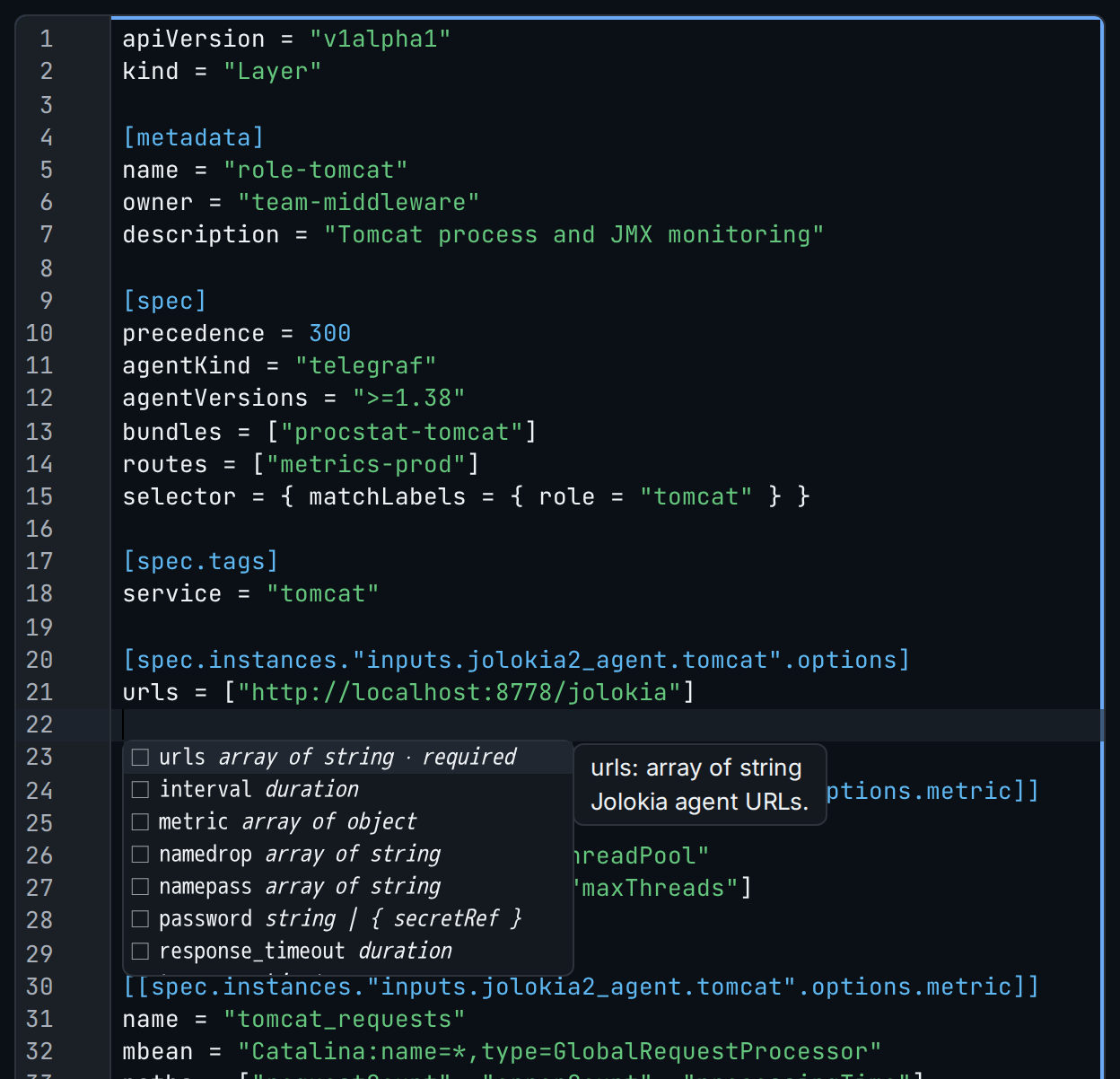
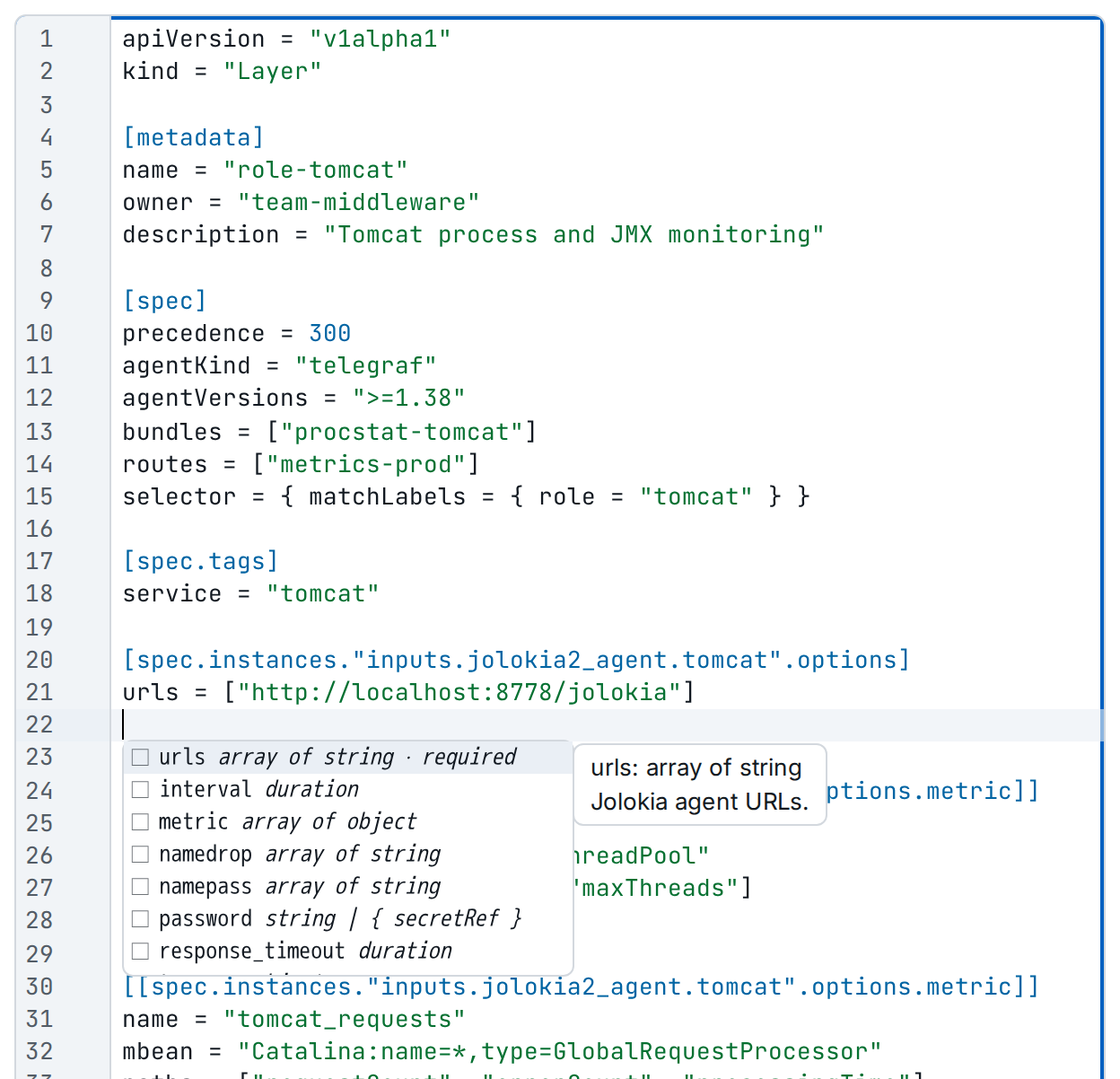
inputs.jolokia2_agent.tomcat. ① the options of the plugin with their types, ② the documentation of the selected one.2. Check, save and validate
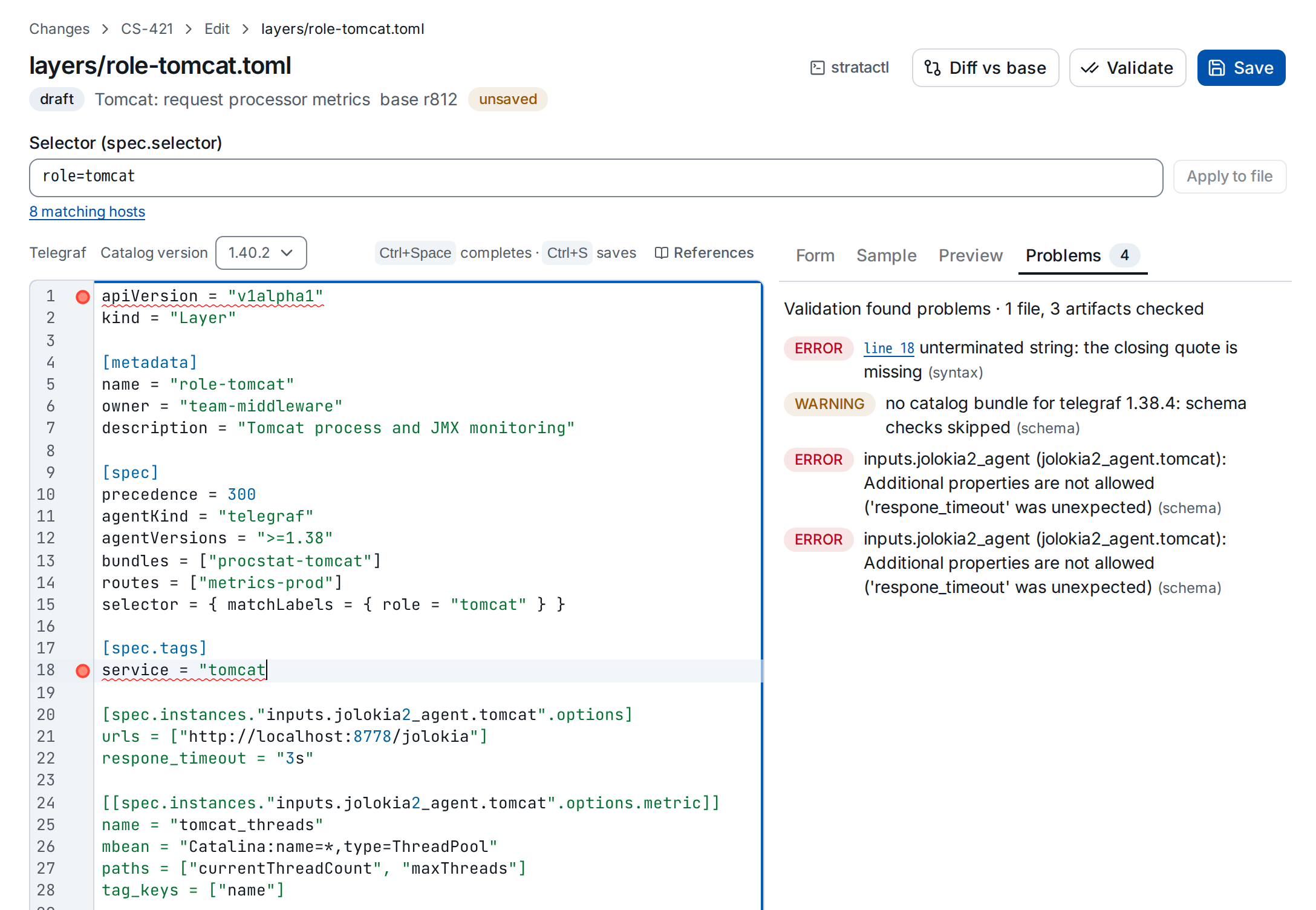
The editor checks the TOML syntax while you type. Save checks the file against the spec rules (L0 and L1); Validate saves and also renders the affected configs and checks them against the catalog (L2) (validation levels). The gutter marks each line with a finding ①; Problems ② lists them all, and each line link puts the cursor on its line.
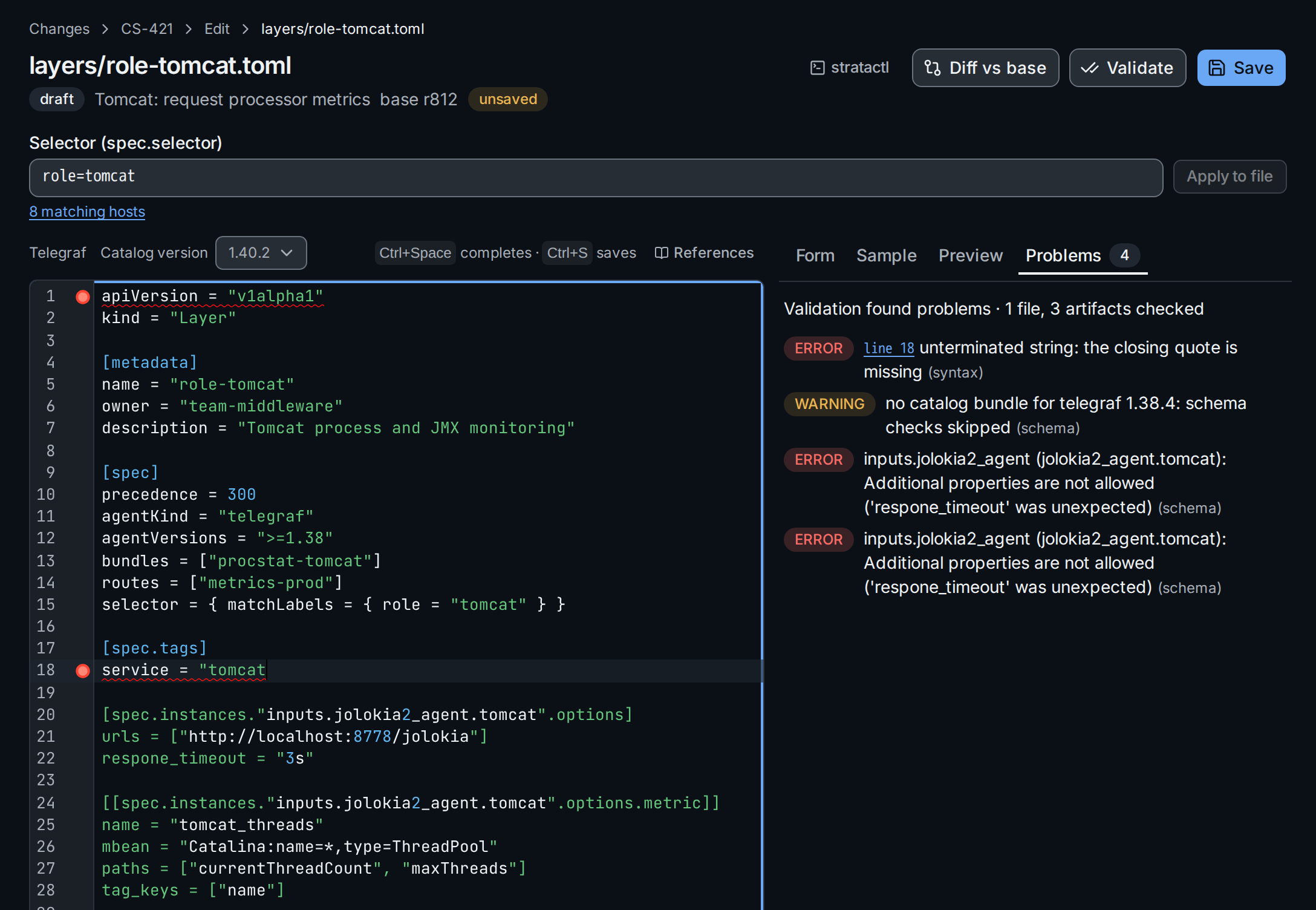
Saving canonicalises the file (layout),
so the text can change slightly after a save. Diff vs base shows your
edits against the file at the change set's base revision. From a working
copy, stratactl validate PATH reports the same diagnostics
(Preview).
3. Reference secrets and per-host values
Values in the spec are literal, with two exceptions the editor marks: a
secret reference ① ({ secretRef = "…" }) for credentials, and ${ENV}
② for values the agent fills in from its environment on each host
(literal values).
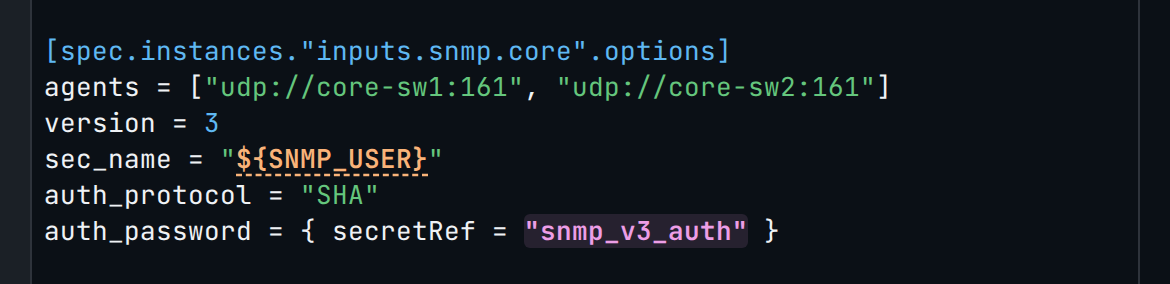
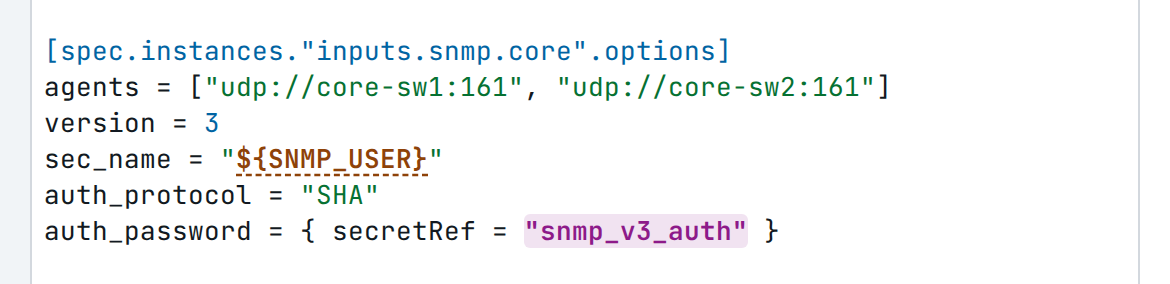
${ENV} reference.After secretRef = ", Ctrl+Space completes the
names of the tenant's secrets; hovering a reference says what it is.
References above the editor explains when to use which:
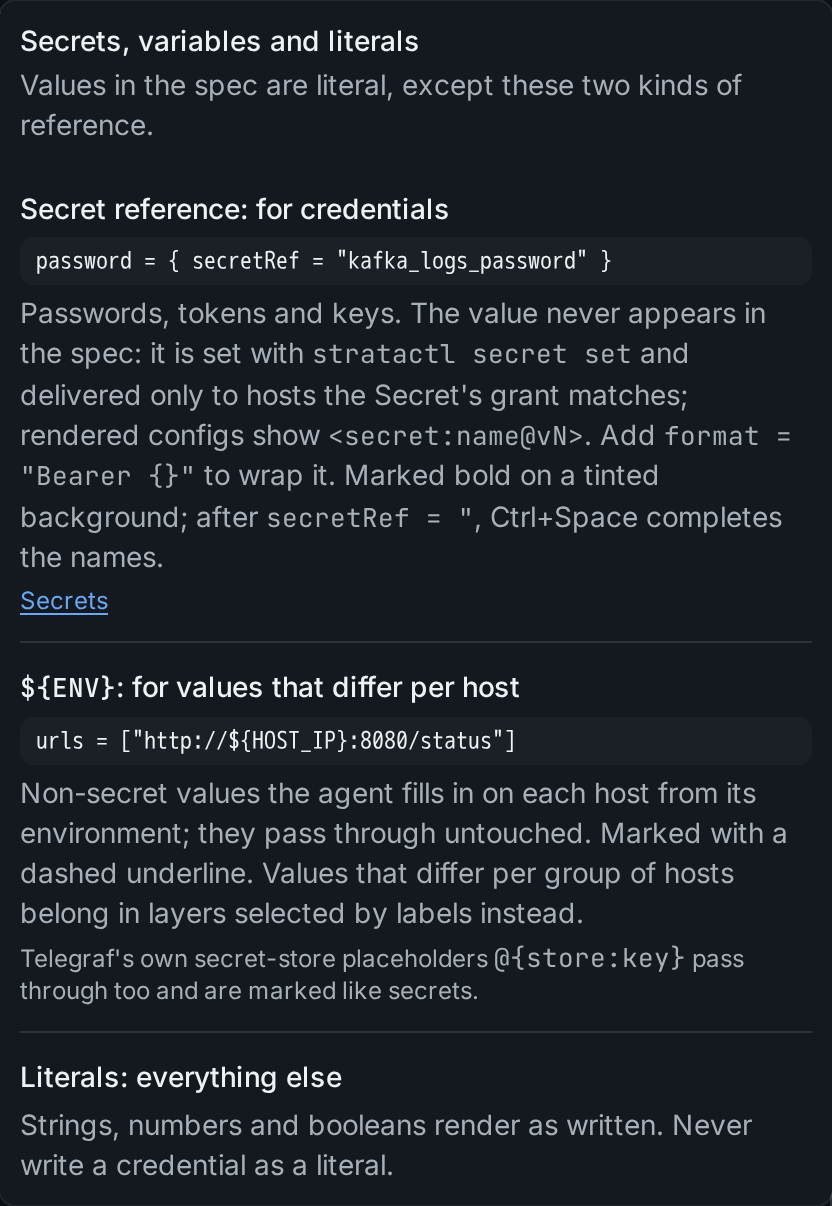
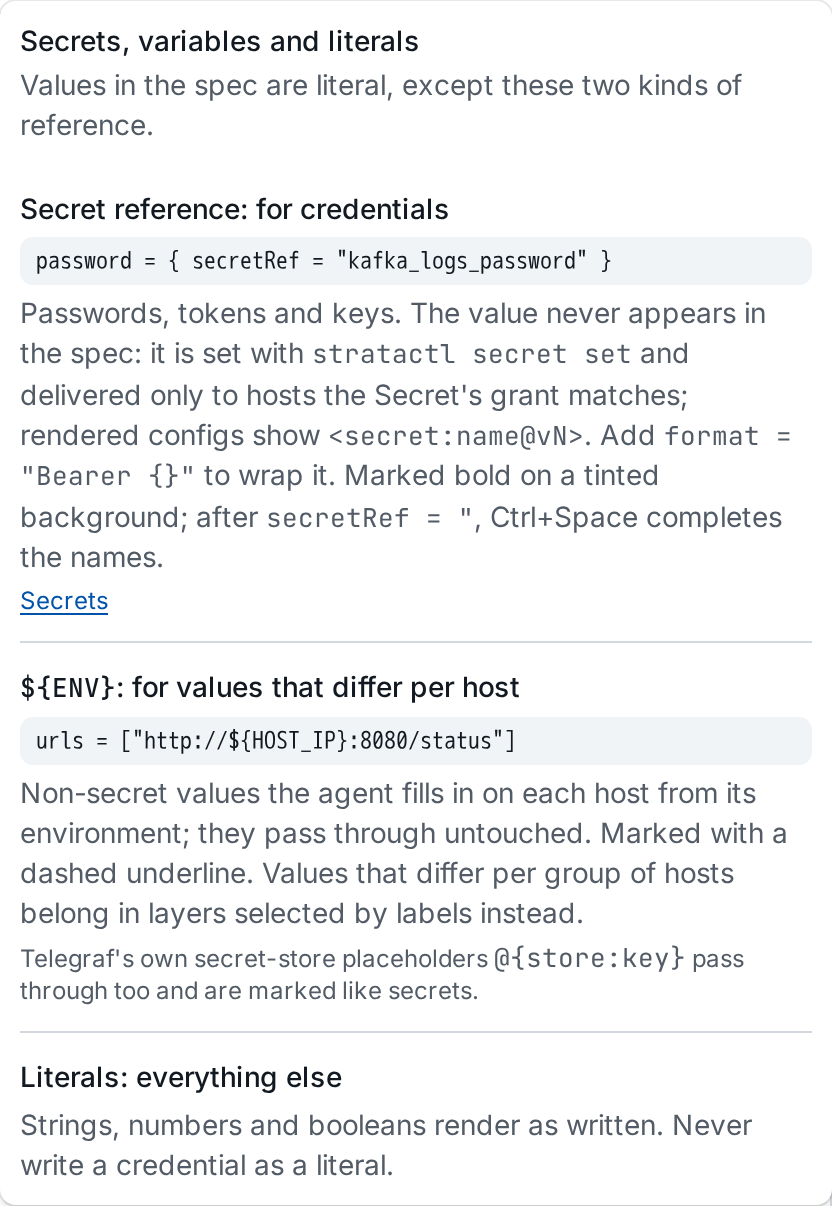
Secret values are set under Secrets, never in the spec. In
a Vector layer, ${…} stays literal text: Vector does not fill in
environment variables in the config Strataplane serves.
4. Edit an instance as a form
Put the cursor in a plugin instance ①: Form shows its options as fields, generated from the plugin's schema in the catalog, with the required ones marked and Plugin docs linking the catalog page. A value entered in the form ② is written into the TOML ③, and edits in the TOML show in the form. A password field can hold a secret reference instead of a value (Secret reference).
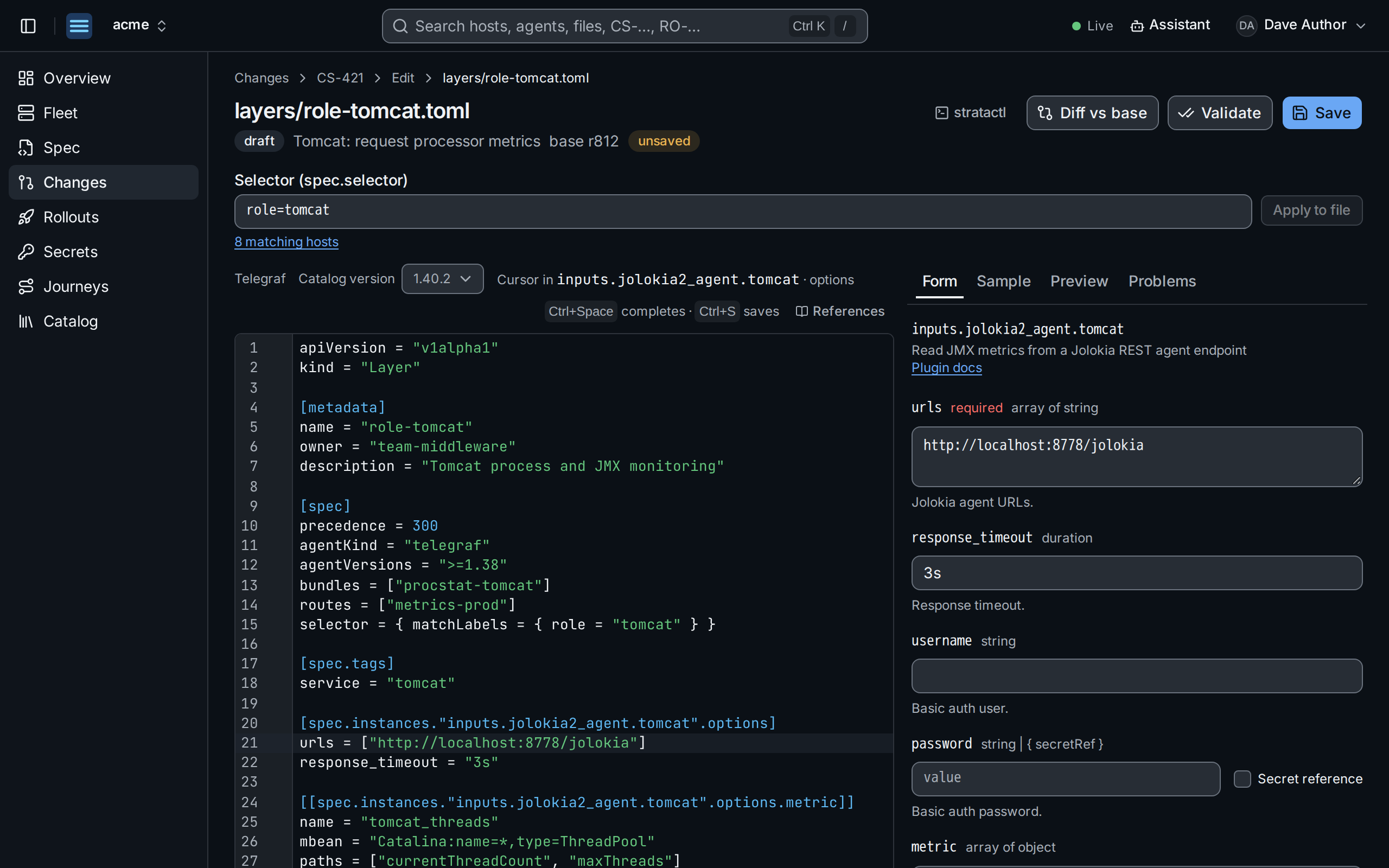
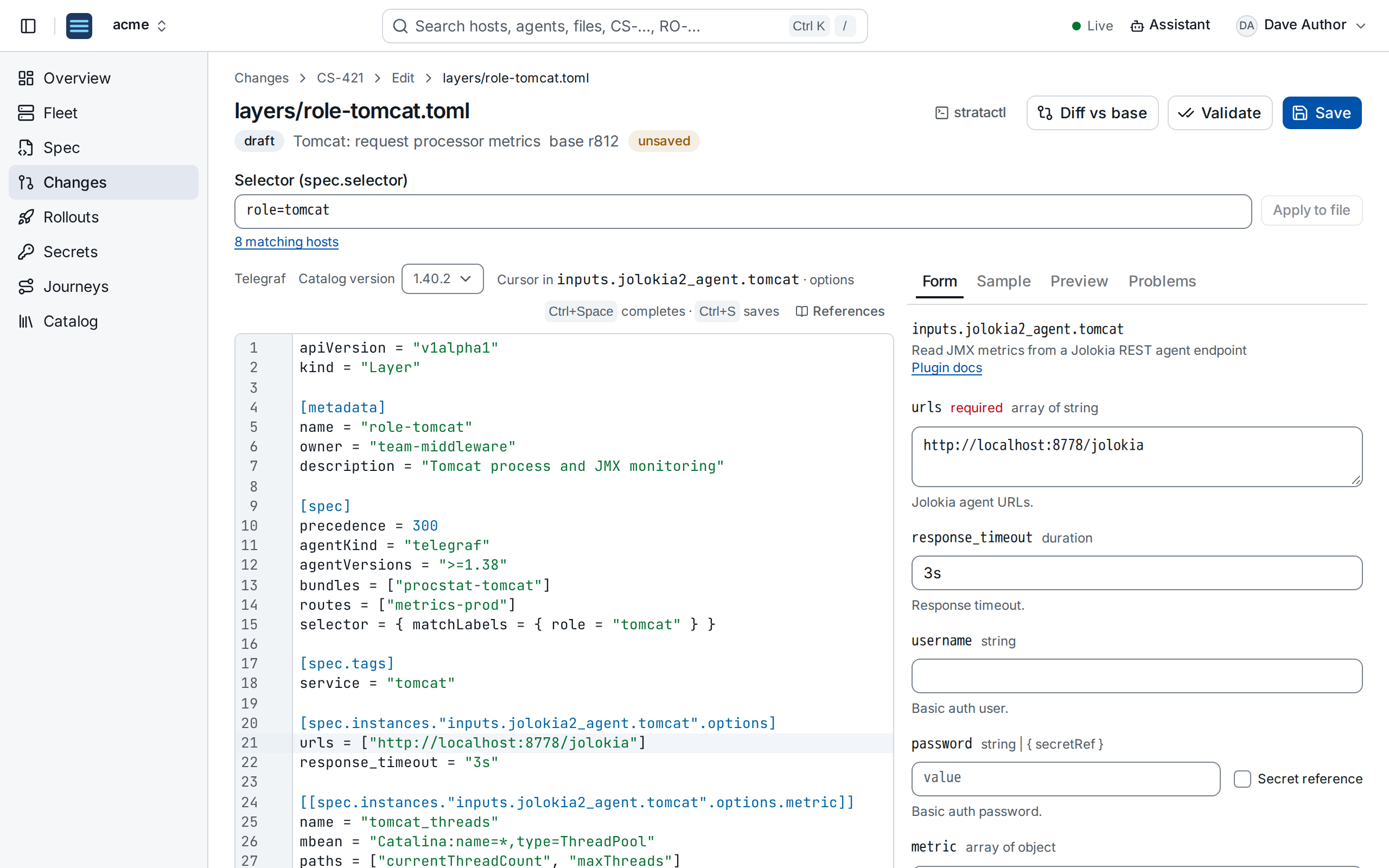
inputs.jolokia2_agent.tomcat. ① the instance under the cursor, ② the value entered, ③ the line it wrote.The form needs the file to parse and a catalog schema for the plugin; otherwise the panel says what is missing.
5. Try a parser on a sample
For a Telegraf instance with a data_format option, Sample runs the
instance's parser config on a payload you paste ①, with the parser
module of the catalog version (telegraf-parse), and shows the metrics
it makes as line protocol ②
(parser wasm). The sample stays
in the browser; when the browser cannot load the module, the server parses
it and the panel says so.
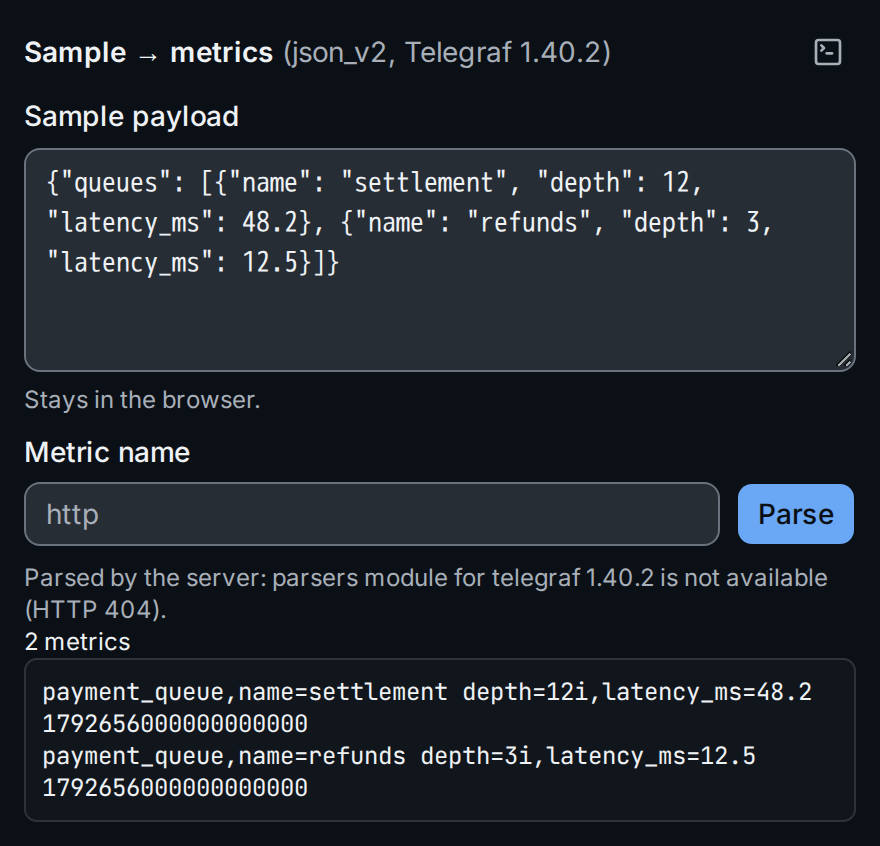
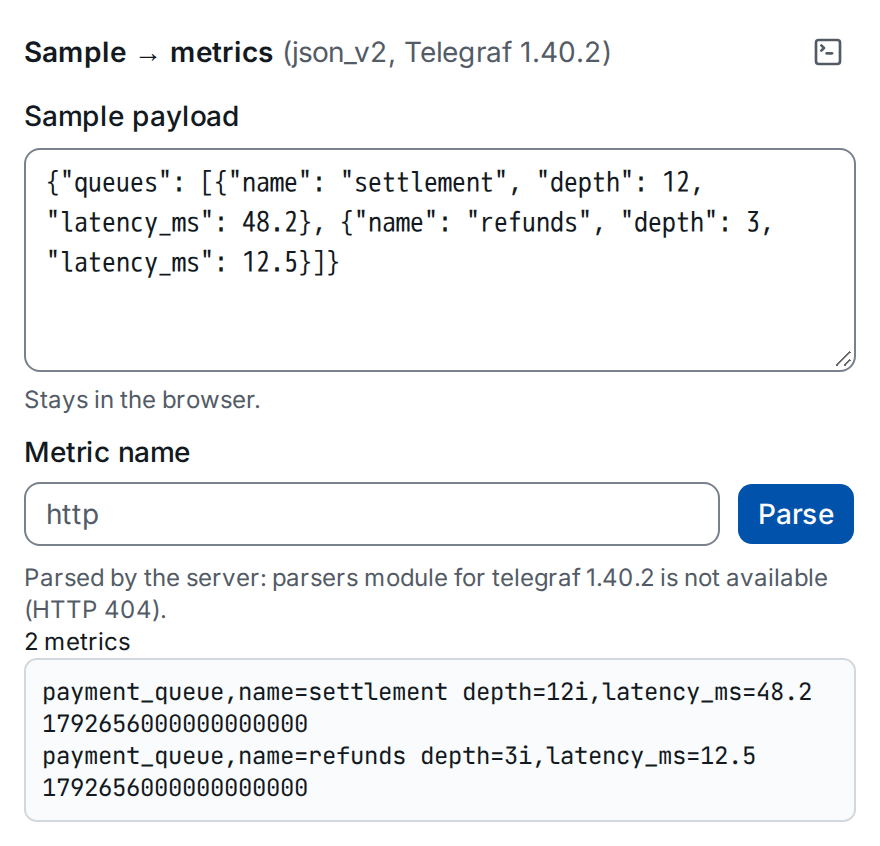
json_v2 config of inputs.http.payment_status on a sample of the payment API. ① the payload, ② the metrics.The command button gives the equivalent stratactl telegraf-parse
(Journeys and tools).
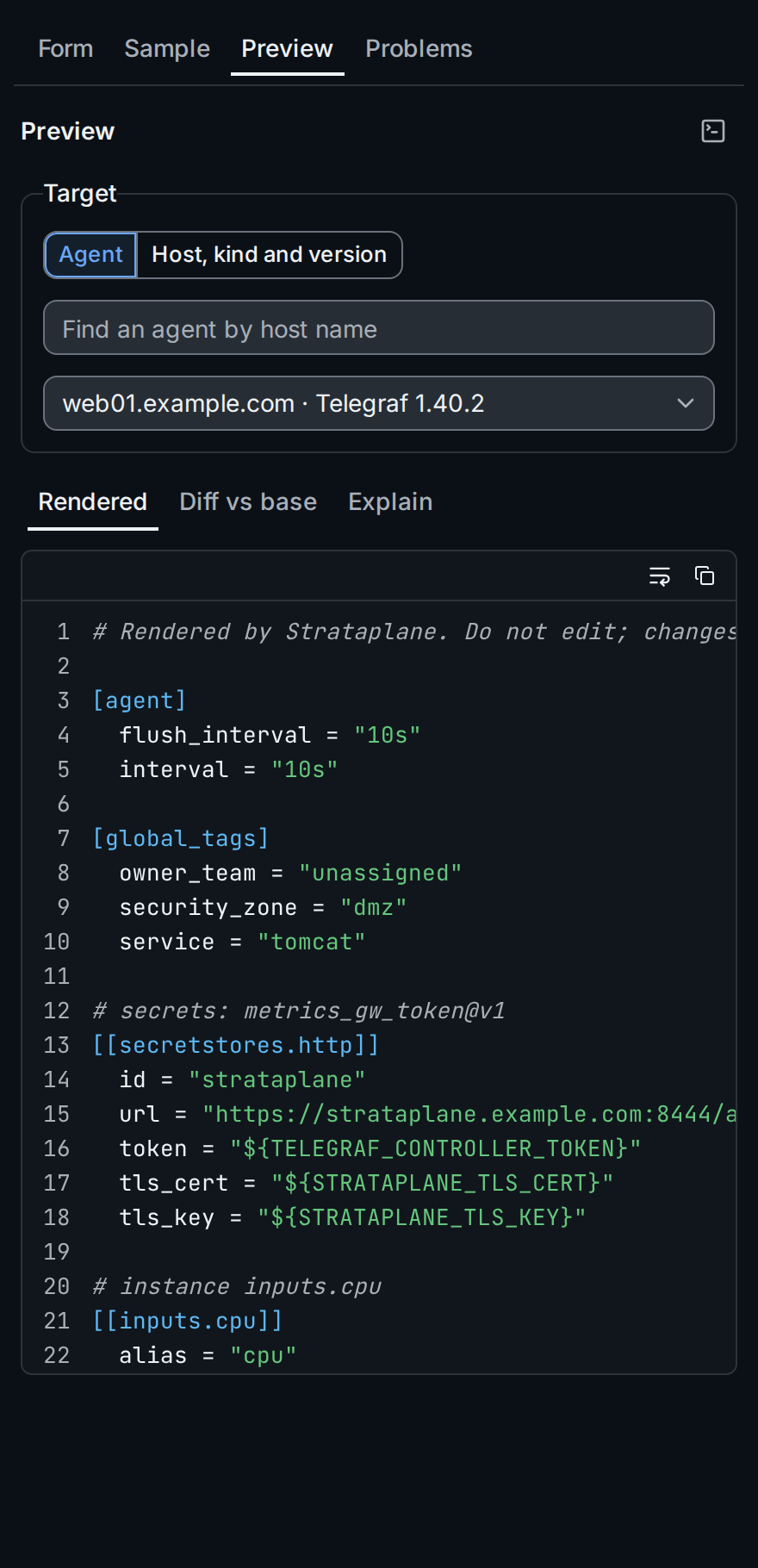
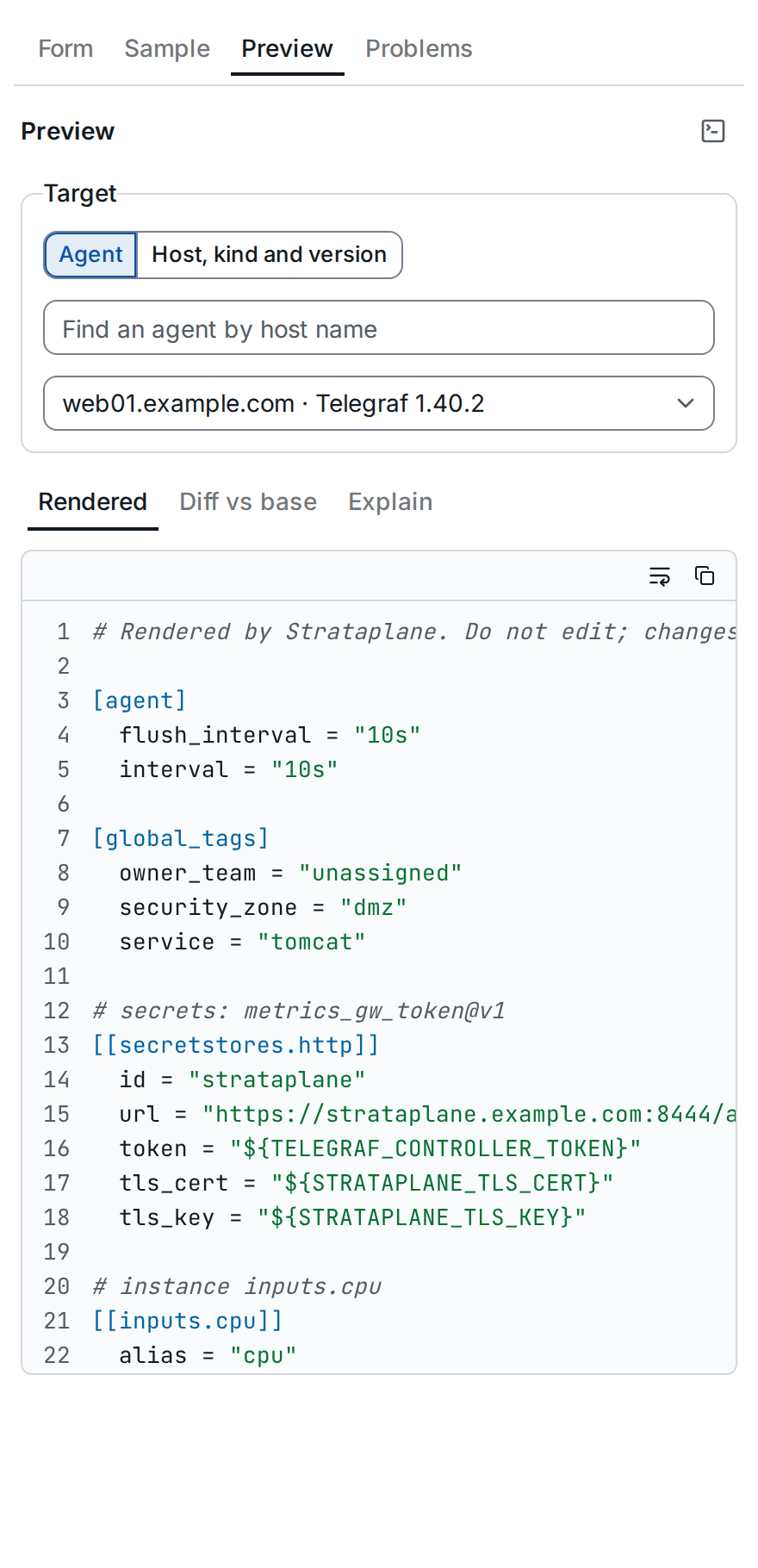
6. Preview the rendered config
Preview renders the config an agent would receive with the change set. Pick the target ①: an Agent, found by host name, or a Host, kind and version to render for an agent version the host does not run yet. Then ②:
- Rendered: the whole config of that agent;
- Diff vs base: what the change set changes in it;
- Explain: where the option under the cursor comes from.
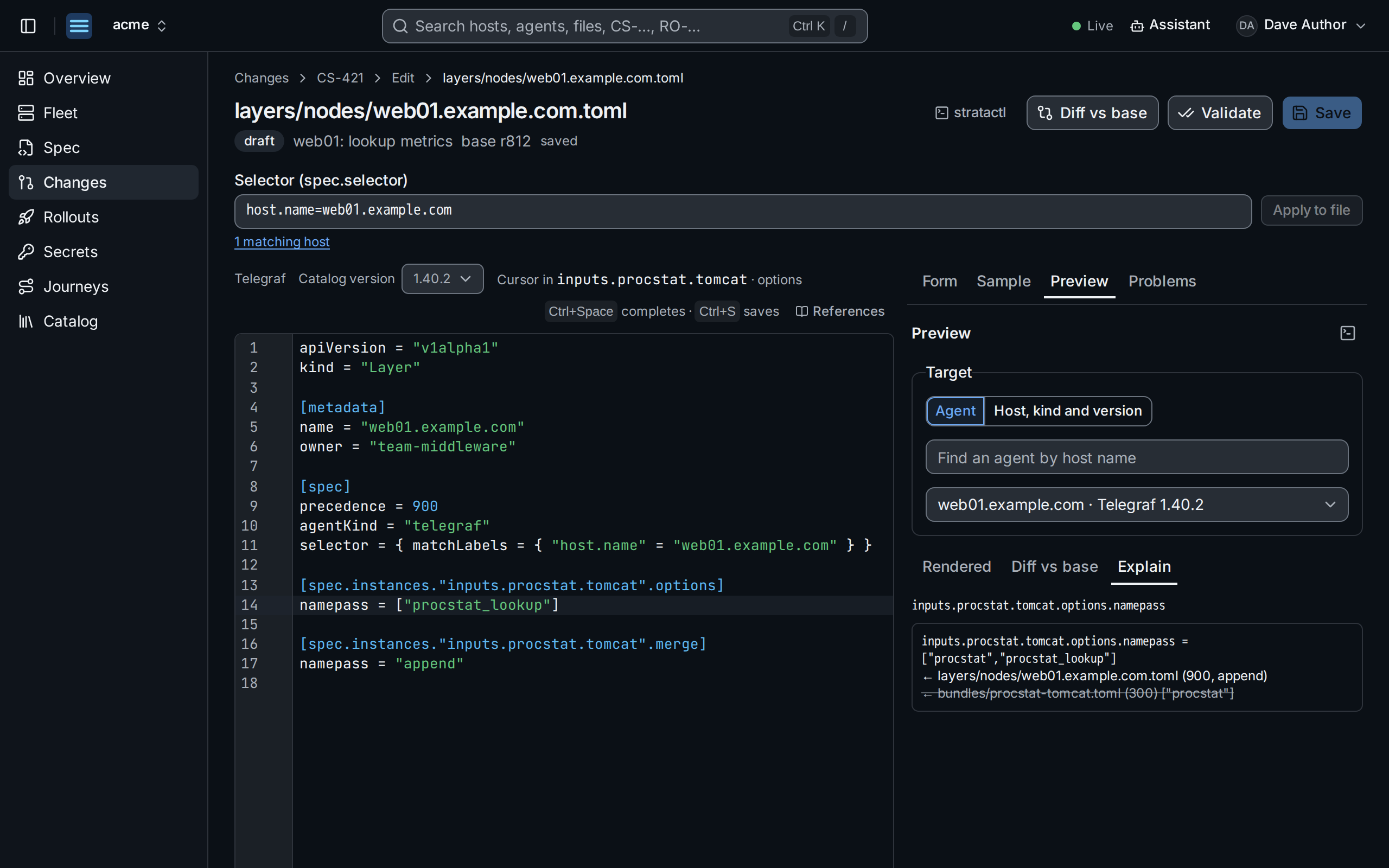
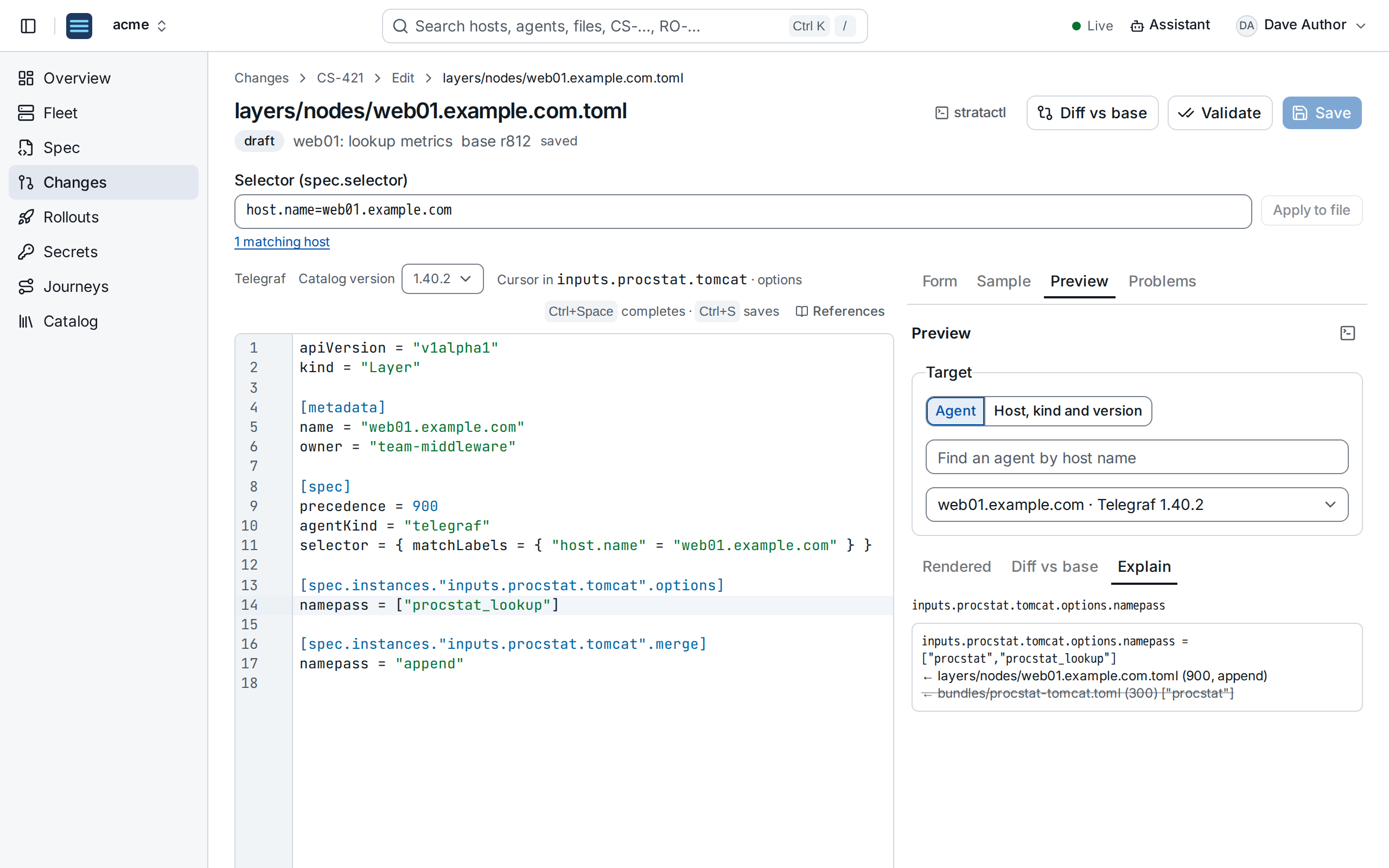
procstat_lookup to the value of the bundle ③.Explain lists the winning value with the file, precedence and directive
that set it, and the values it overrode
(merge semantics). The preview
shows the saved change set: save first to include your latest edits. The
equivalent commands are stratactl render and stratactl explain
(Preview).
7. Edit a selector
Above the editor, each selector of the file has a selector field: the
short form (role=tomcat,stage=prod) with completion of label keys and
values and their host counts ①, parse errors inline and the number of
matching hosts with a link to them. Apply to file ② writes it into the
TOML (selectors).


stage ①, with Apply to file ②.When the file is done, Validate, then submit the change set for review from its page (Review and merge).