Import an agent config
When you take over hosts that already run Telegraf or Vector with a
hand-written config, import that config as a layer: the agents keep
collecting what they collected, and the result can then be split into
shared layers and bundles. The import converts one file, as
stratactl import telegraf and stratactl import vector do for whole
config directories
(Telegraf import,
Vector import,
commands). The file itself is not
stored.
This page imports the telegraf.conf of the shop API hosts:
[global_tags]
  dc = "ham1"

[agent]
  interval = "30s"
  flush_interval = "30s"

[[inputs.nginx]]
  urls = ["http://127.0.0.1/nginx_status"]

[[inputs.http_response]]
  alias = "shop"
  urls = ["http://127.0.0.1:8080/health"]
  response_timeout = "5s"

[[inputs.http_response]]
  alias = "shop"
  urls = ["http://127.0.0.1:8080/api/health"]
  response_timeout = "5s"

[[inputs.procstat]]
  pattern = "nginx: master"
1. Convert the file
Under Spec › Files, click Import agent config.
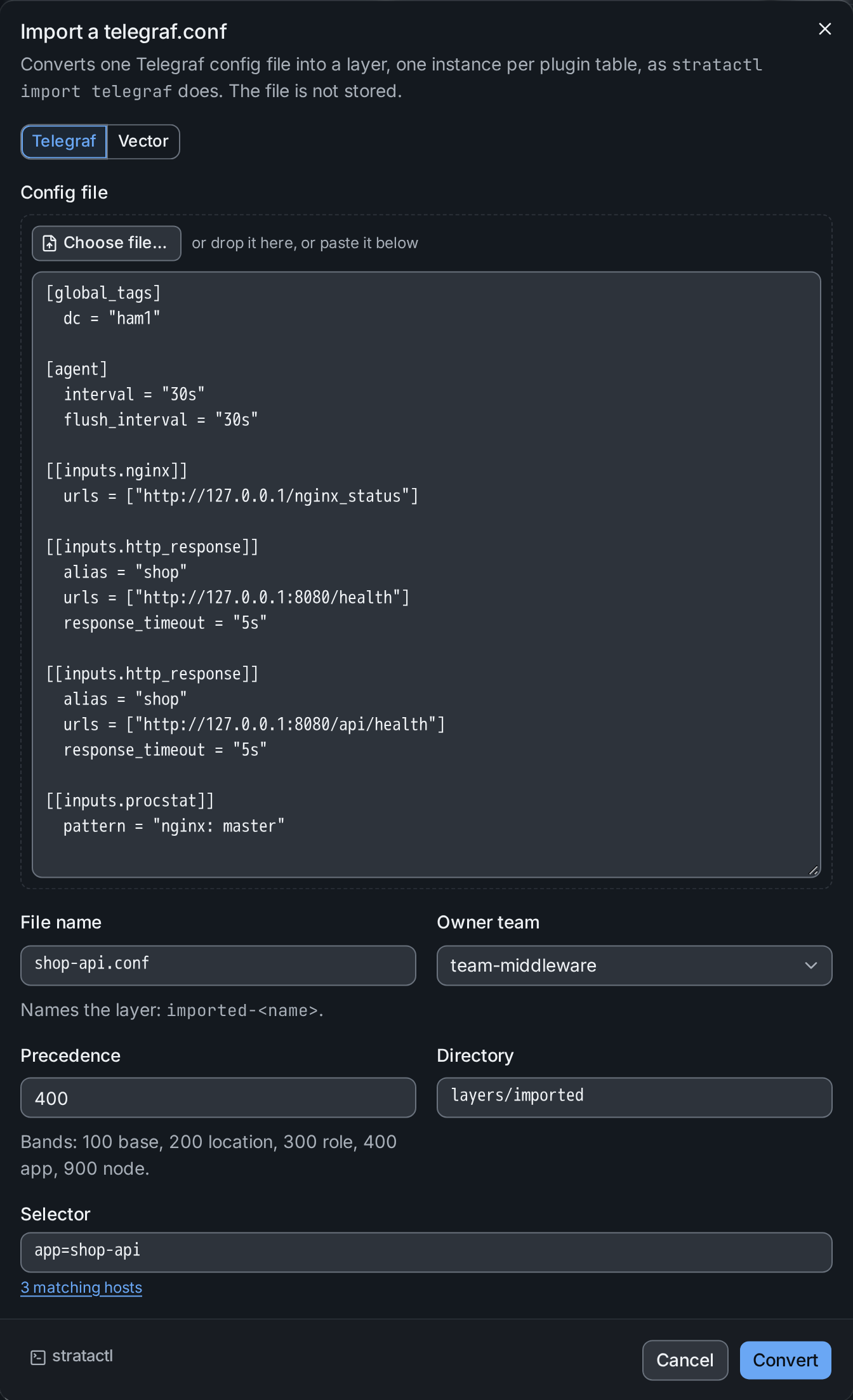
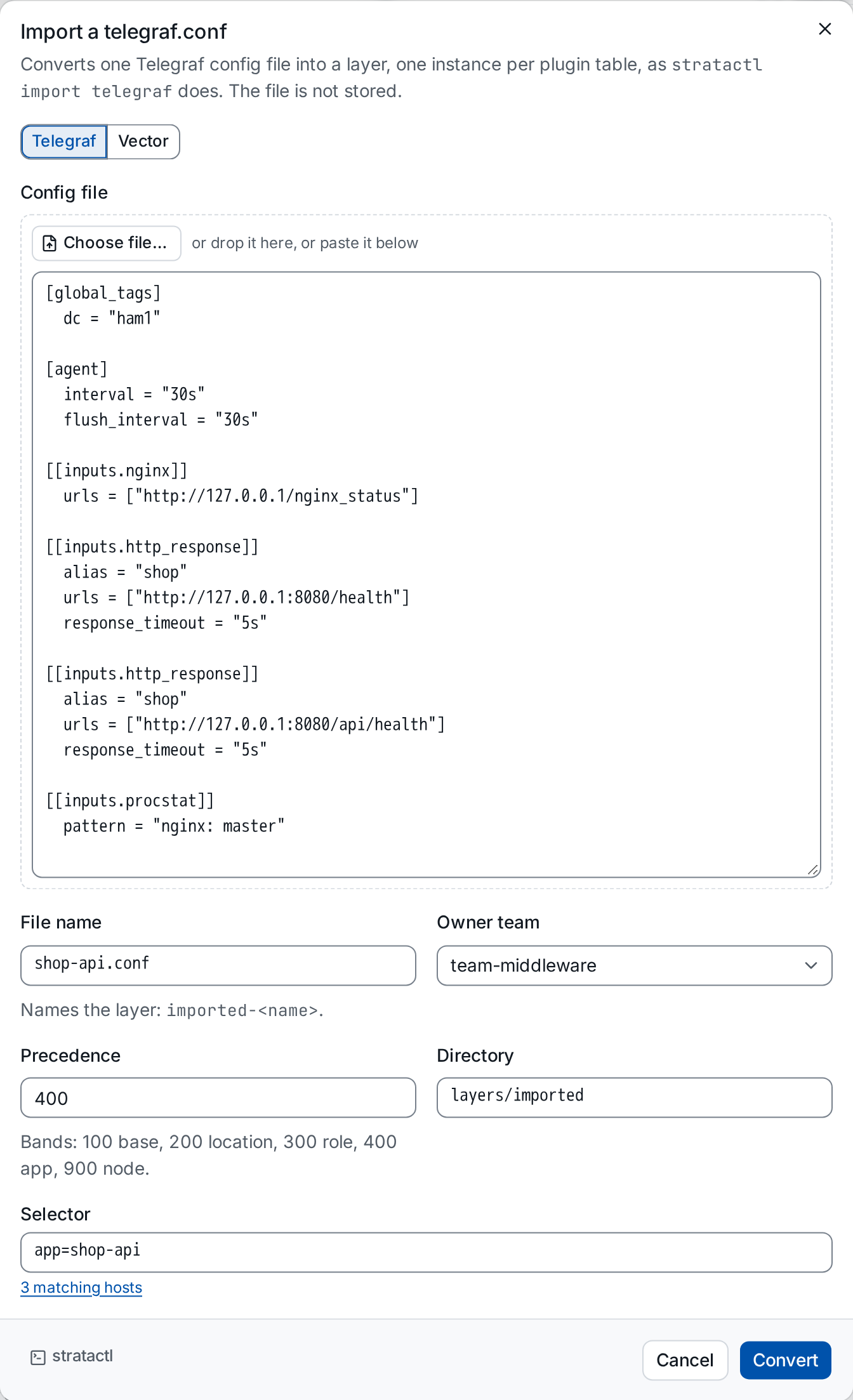
- Pick the agent ①: Telegraf or Vector. A Vector config may be TOML, YAML or JSON; the file name's extension says which.
- Give the config ②: Choose file…, drop it on the field, or paste
it. The File name names the layer (
imported-<name>) and its path under Directory. - Choose the Owner team ③ of the new layer.
- Set the Precedence ④. Imported layers default to 400, the band of application layers, so they win over the base and role layers (Layer).
- Enter the Selector ⑤ of the hosts the config belongs on; it shows how many hosts match. Empty selects every host.
Convert runs the converter. A config that does not parse is reported with its line and Show in the text.
2. Check the result
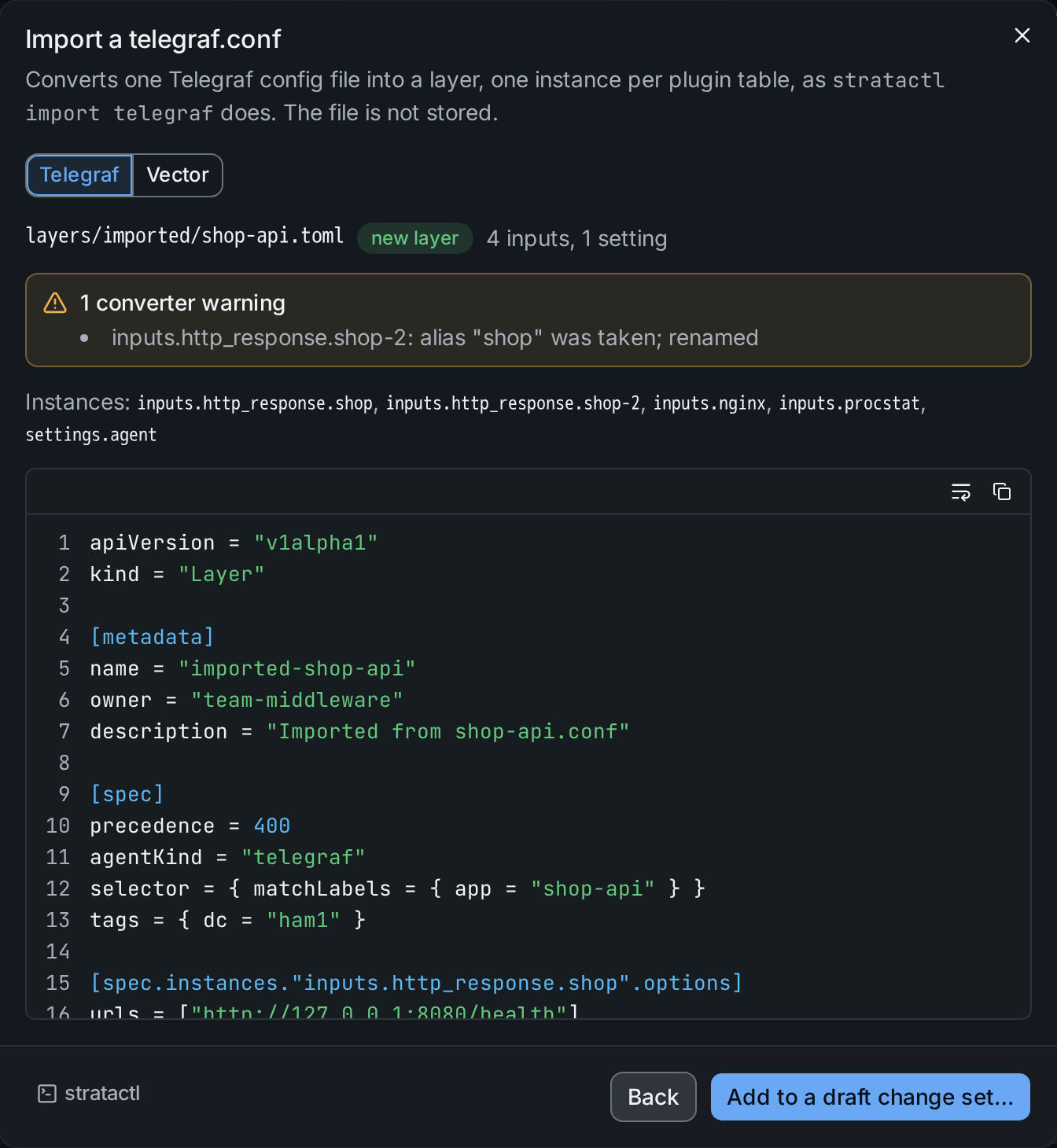
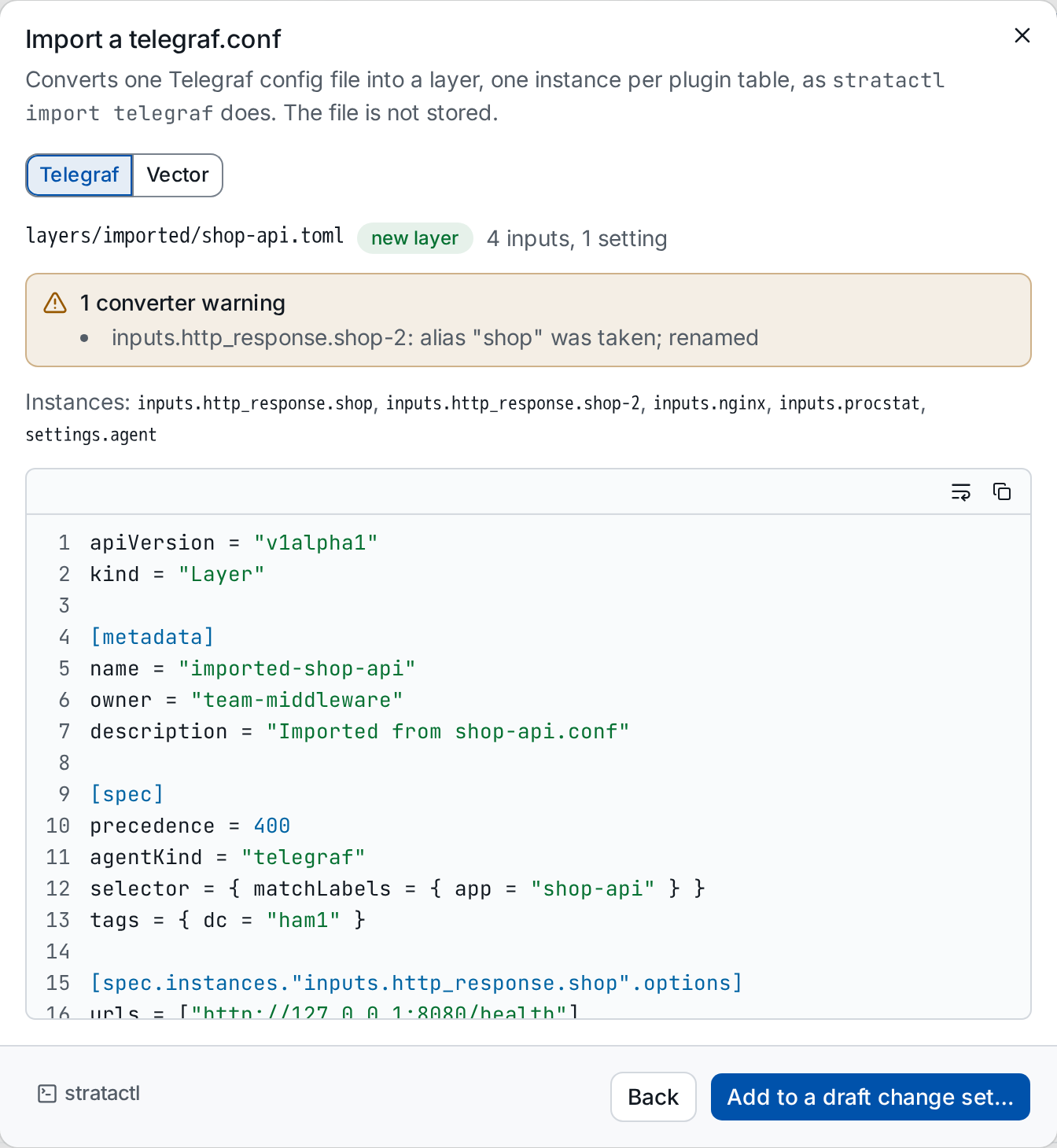
The dialog shows the layer's path, whether it is new, the instances per
section ① and the TOML. Each plugin table became an instance, named after
its alias where it has one; [agent] became settings.agent and
[global_tags] the layer's tags. The converter's warnings ② list what it
changed or left out. Here the two http_response tables had the same
alias, so the second was renamed shop-2. If the path exists already, the dialog says so:
adding the import replaces that file in the draft.
Back returns to the form to change the input.
3. Add it to a draft
Add to a draft change set… ③ asks for the change set: one of your drafts, or a new one with a title made from the file names.
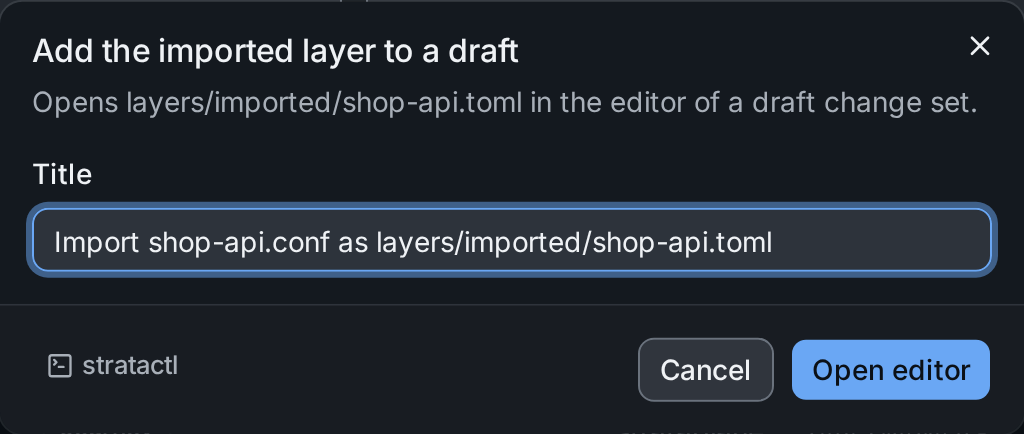
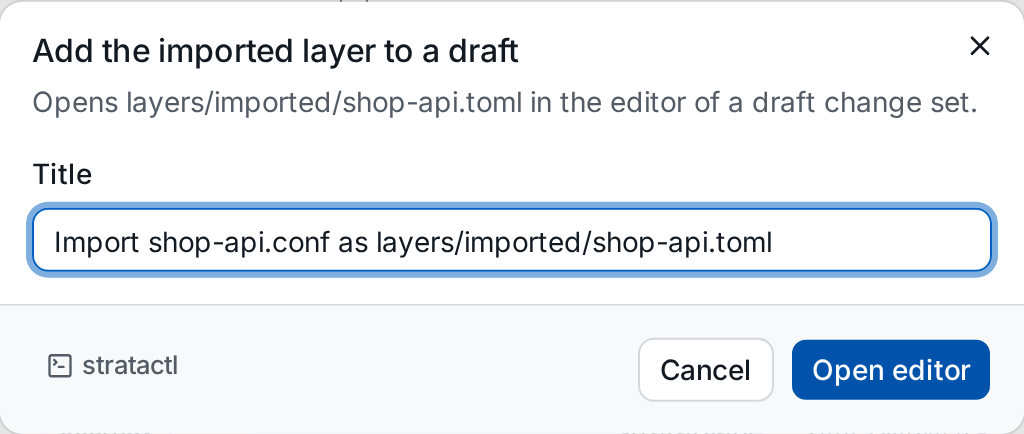
Open editor writes the layer into the draft and opens it in the editor, where you can rename the instances, move shared parts into bundles and check the result with Preview against one of the hosts. Then validate and submit the change set like any other (Change sets).
4. Import a Vector config
With Vector picked as the agent, the dialog takes a Vector config
file; the extension of the File name says whether it is TOML, YAML or
JSON. This is the Vector config of the same hosts, shop-api.yaml:
data_dir: /var/lib/vector
api:
  enabled: true
sources:
  Nginx-Logs:
    type: file
    include: [/var/log/nginx/access.log]
transforms:
  parse:
    type: remap
    inputs: [Nginx-Logs]
    source: |
      . = parse_nginx_log!(.message, "combined")
sinks:
  logs:
    type: http
    inputs: [parse]
    uri: https://logs.example.com/ingest
    encoding:
      codec: json
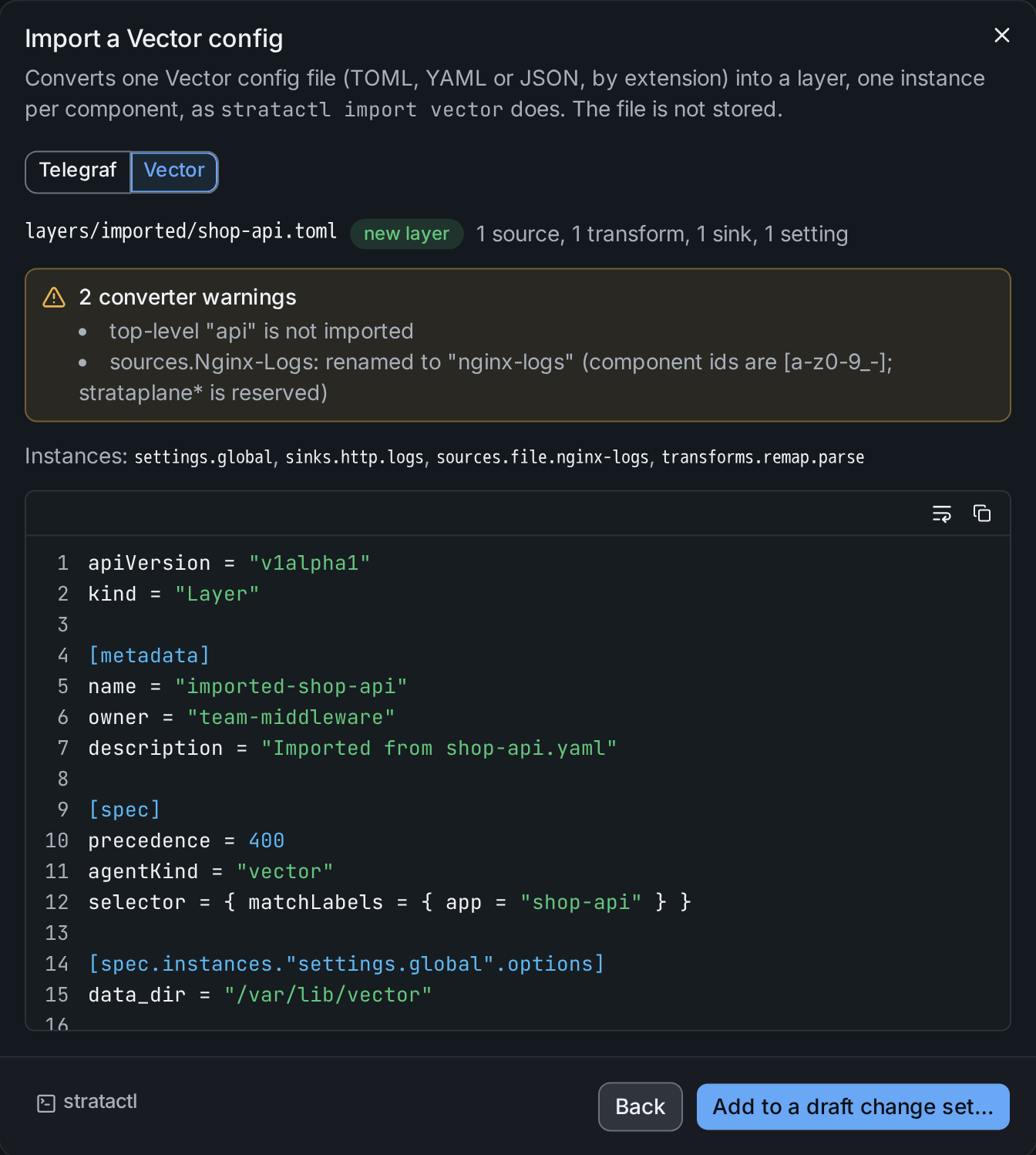
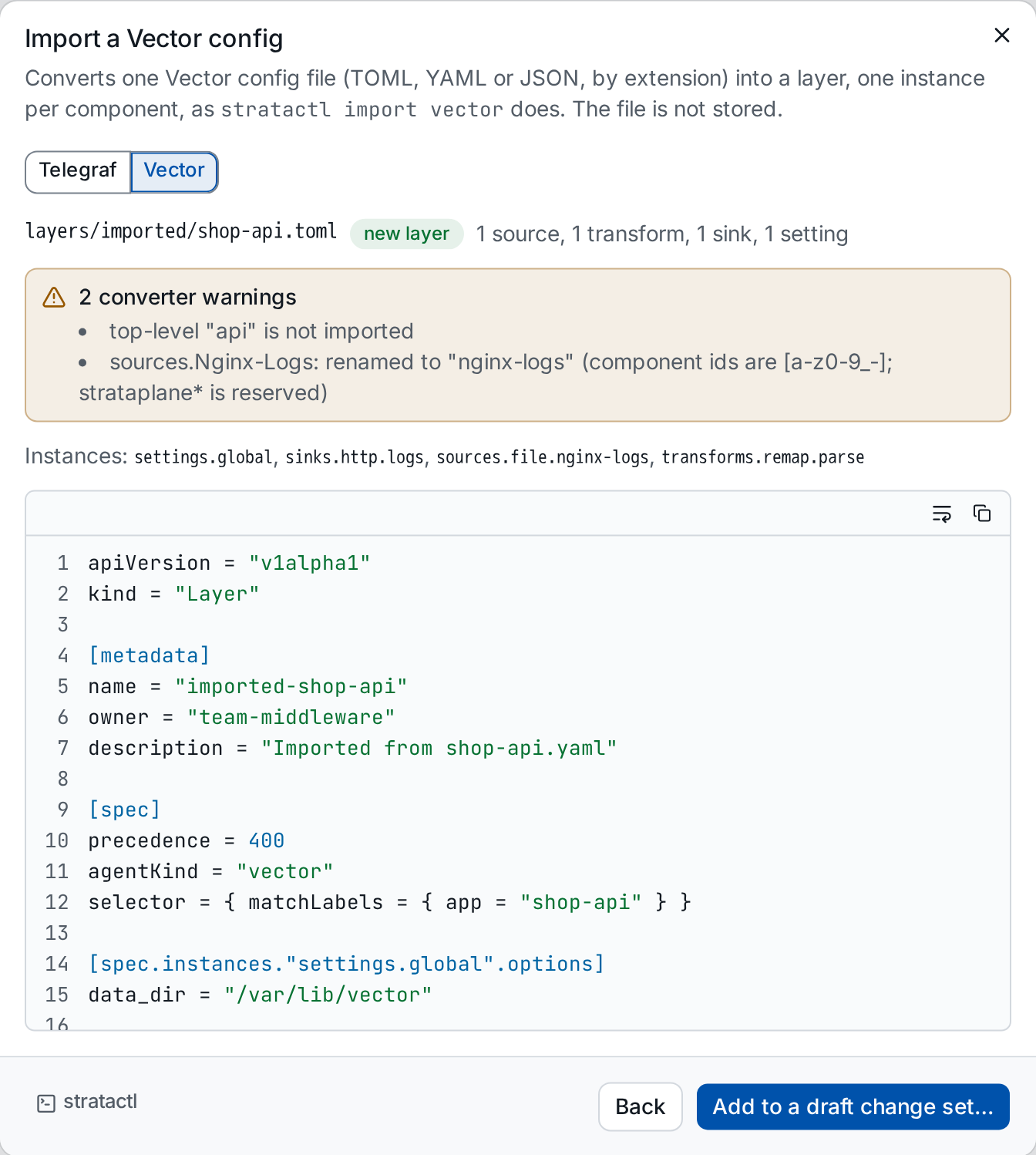
Each component became an instance <section>.<type>.<id> ①, the other
top-level options (data_dir) the instance settings.global. The
warnings ② say what the converter changed or left out: api is not
imported, and the component id Nginx-Logs became nginx-logs, also in
the inputs of the transform that reads it. Adding it to a draft works as
for a telegraf.conf.