Hosts and labels
Layers, secret grants, rollout stages and role scopes all select hosts by their labels (Selectors). Fleet › Hosts is where you check which hosts a selector matches, why a host carries a label, and where you correct labels by hand.
1. Find hosts with a selector
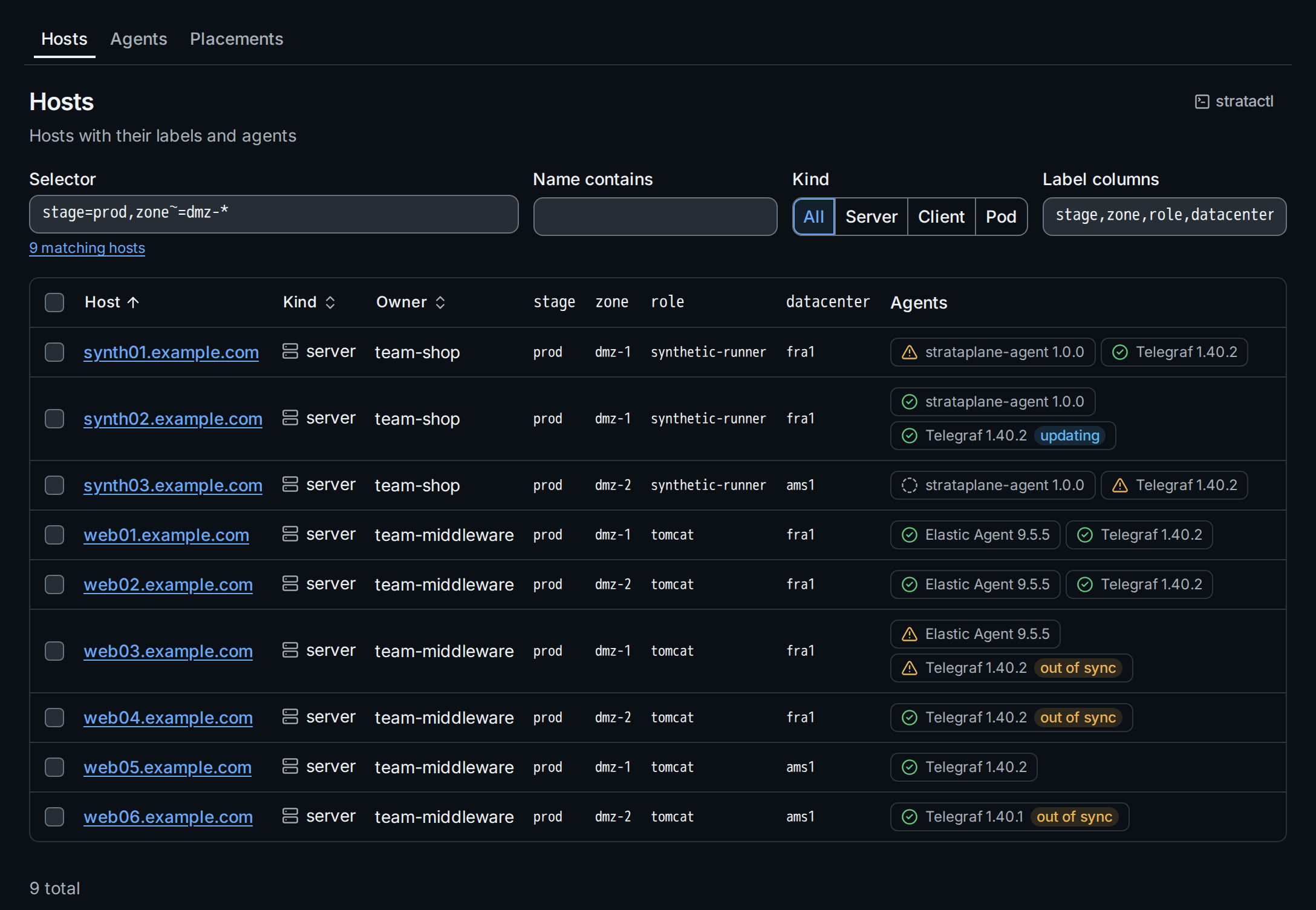
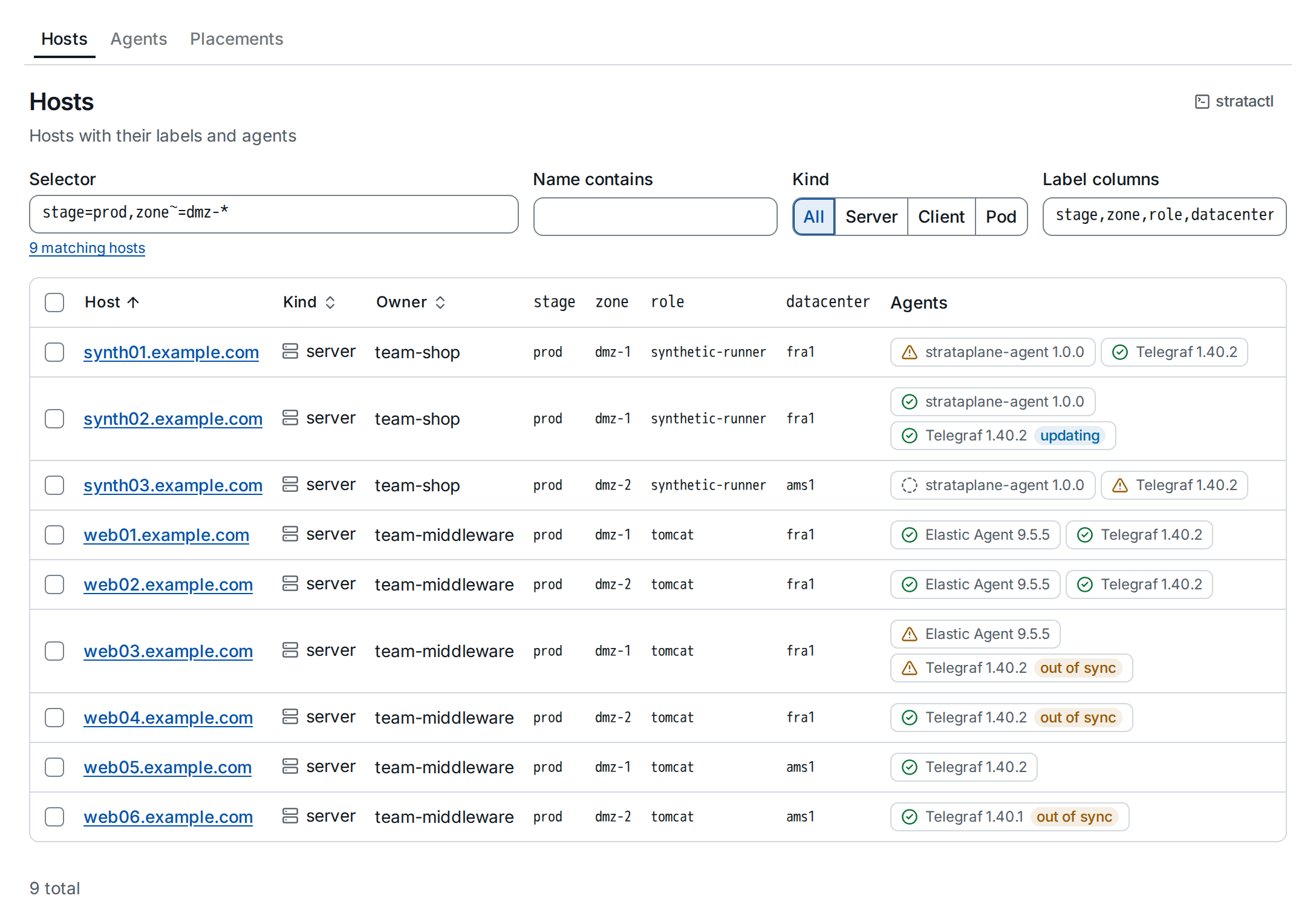
- Selector ① takes the short form, for example
stage=prod,zone~=dmz-*; it completes label keys and values as you type, marks a parse error in place and shows how many hosts match. An empty selector matches every host. - Name contains and Kind narrow the list further.
- Label columns ② lists the label keys shown as columns,
comma-separated (by default
stage,zone,role). - Clicking a label value ③ adds it to the selector: click
tomcatin the role column to keep only the Tomcat hosts.
The Agents column shows each agent on the host with its health and, when it is not in sync, its sync state. Sort by host, kind or owner by clicking the column header. The selector, filters, columns and sort are part of the URL, so the link shows a colleague the same list.
This is also the way to test a selector before you put it into a layer:
stratactl hosts --selector 'stage=prod,zone~=dmz-*' lists the same hosts
(stratactl hosts).
2. Read a host's labels
A host collects labels from several sources: facts its agents report, the
network zone of its address (Network zones),
the enrollment token, placements and manual labels. Per key, the source
with the highest precedence wins
(label_source); selectors see only
the winning value.
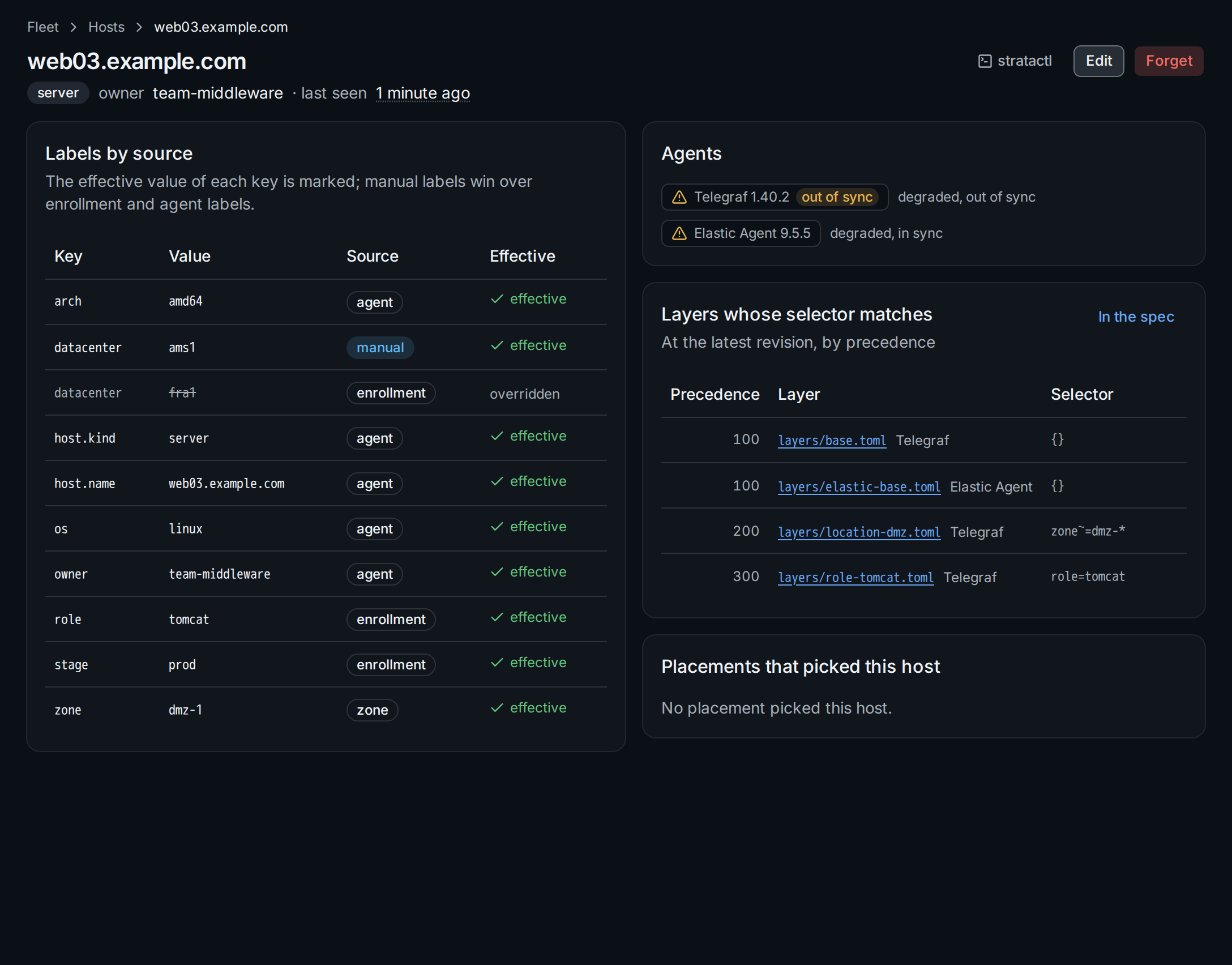
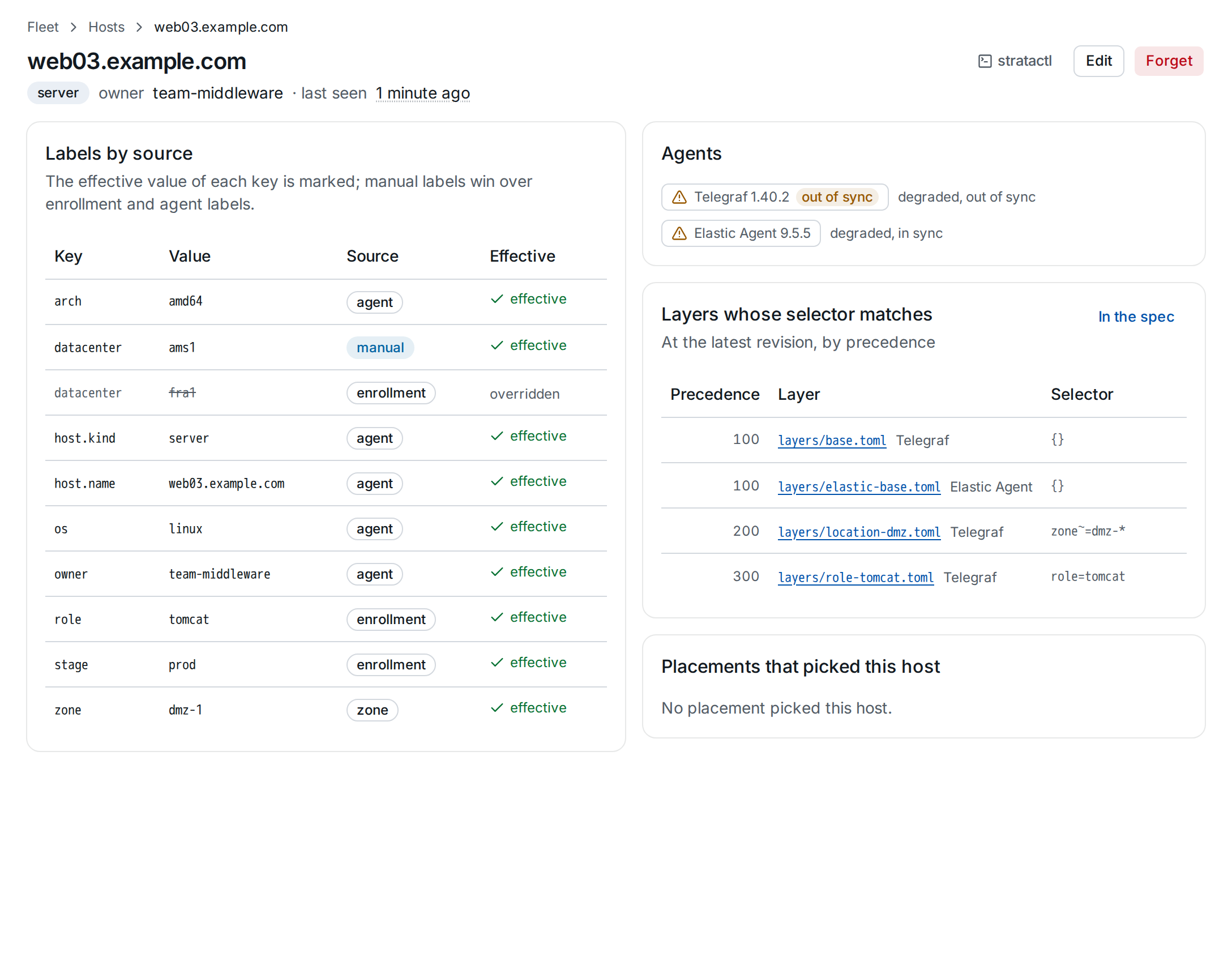
datacenter from the enrollment token, overridden by a manual label, ② its agents, ③ the layers that select it.- Labels by source lists every key with its value and source; the
effective value is marked, values that lost are struck through ①.
host.name,host.kind,os,archandownerare built in and cannot be set by any other source. - Agents ② with their health and sync, linking to each agent.
- Layers whose selector matches ③ at the latest revision, by precedence. In the spec opens the spec filtered to this host.
- Placements that picked this host names the placements whose label the host carries (Placements).
stratactl host show web03.example.com prints the labels by source, the
agents and the matching layers.
3. Edit manual labels, kind and owner
Edit on the host page (role operator for the host) changes the manual labels, the host kind and the owner team:
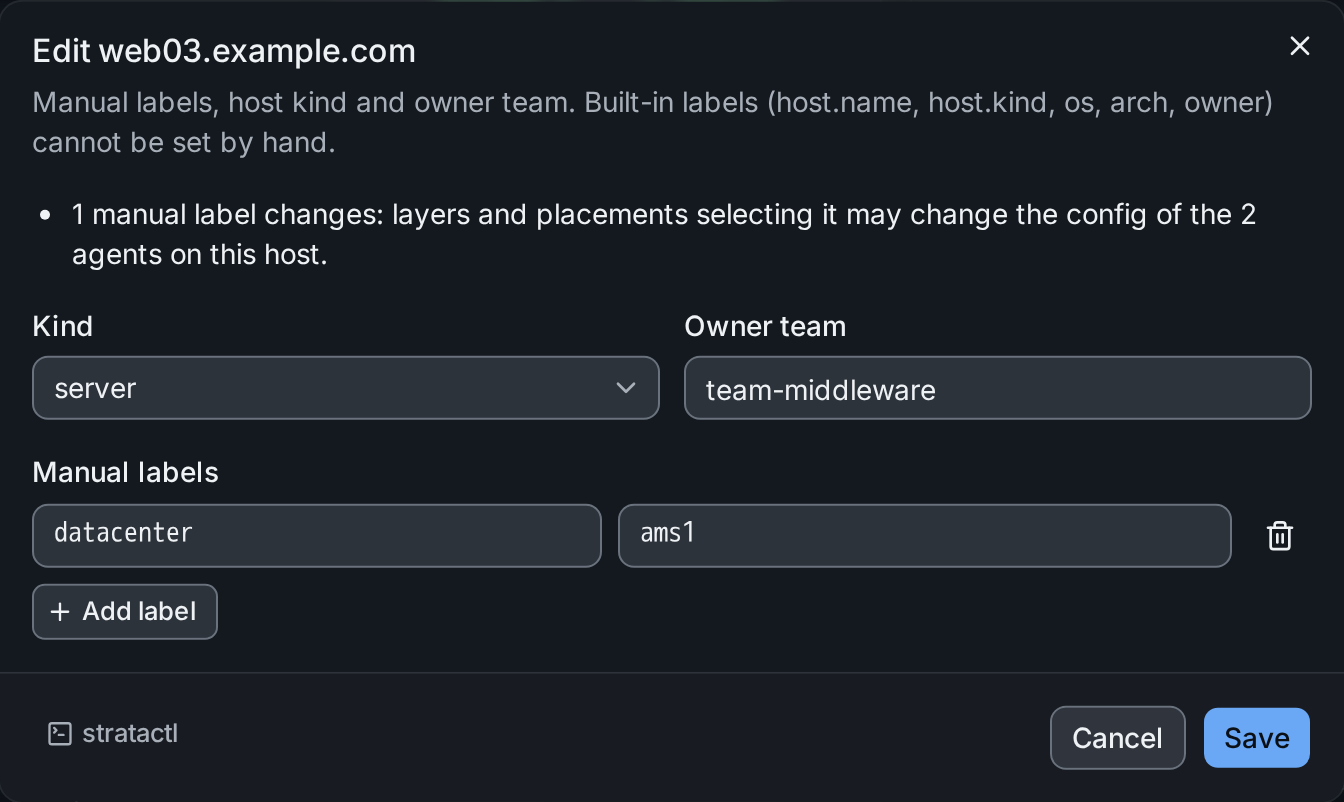
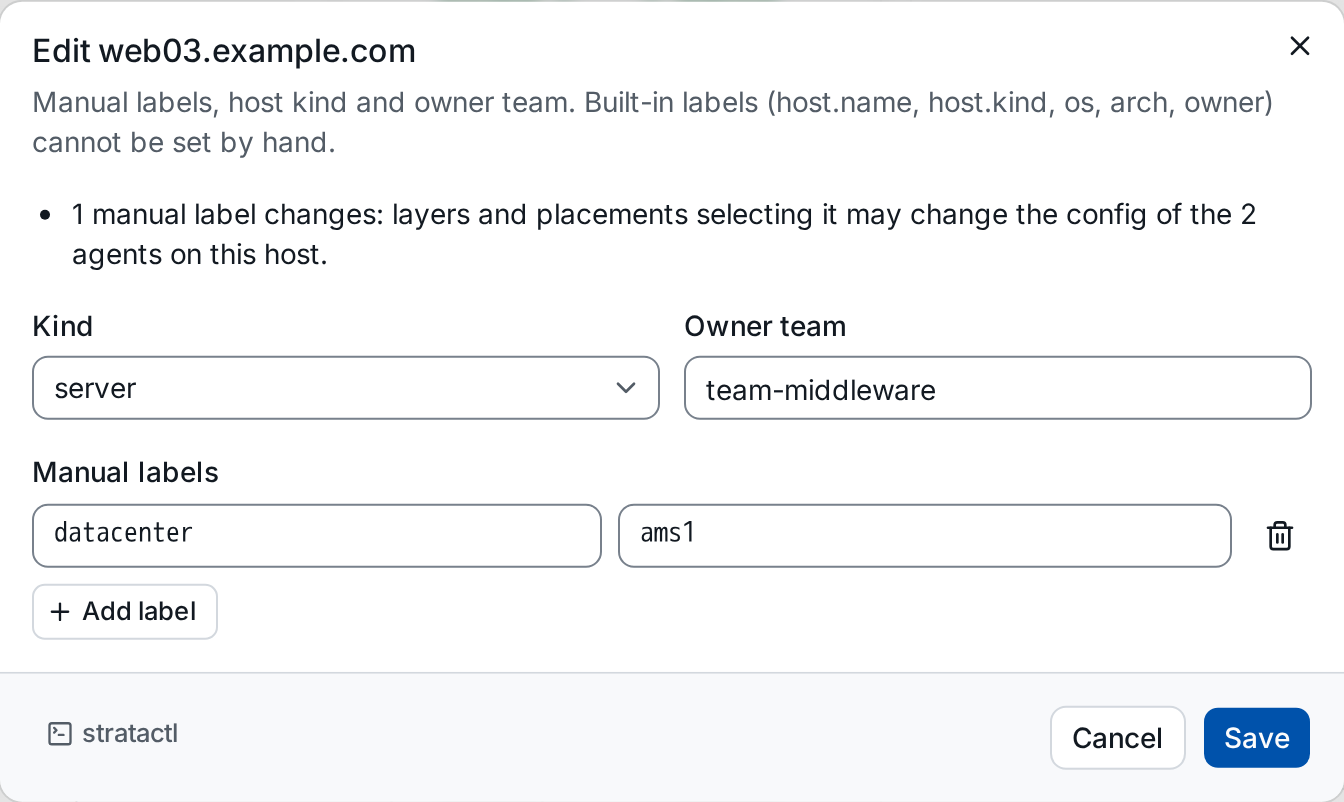
datacenter=ams1 ① for web03, and what the change affects ②.Manual labels have the highest precedence, so datacenter=ams1 ① replaces
the value the enrollment token set. The dialog says what the change
affects ②: layers and placements selecting the key may change the config
of the agents on the host. A label change needs no change set: the
affected agents are re-rendered at their current revision. A new owner
changes which role bindings scoped to the owner team cover the host
(Authorization).
From the command line: stratactl host label web03.example.com datacenter=ams1; datacenter- removes the label again.
4. Edit many hosts at once
Select hosts with the checkboxes (the header checkbox selects every listed host), then use the selection bar:
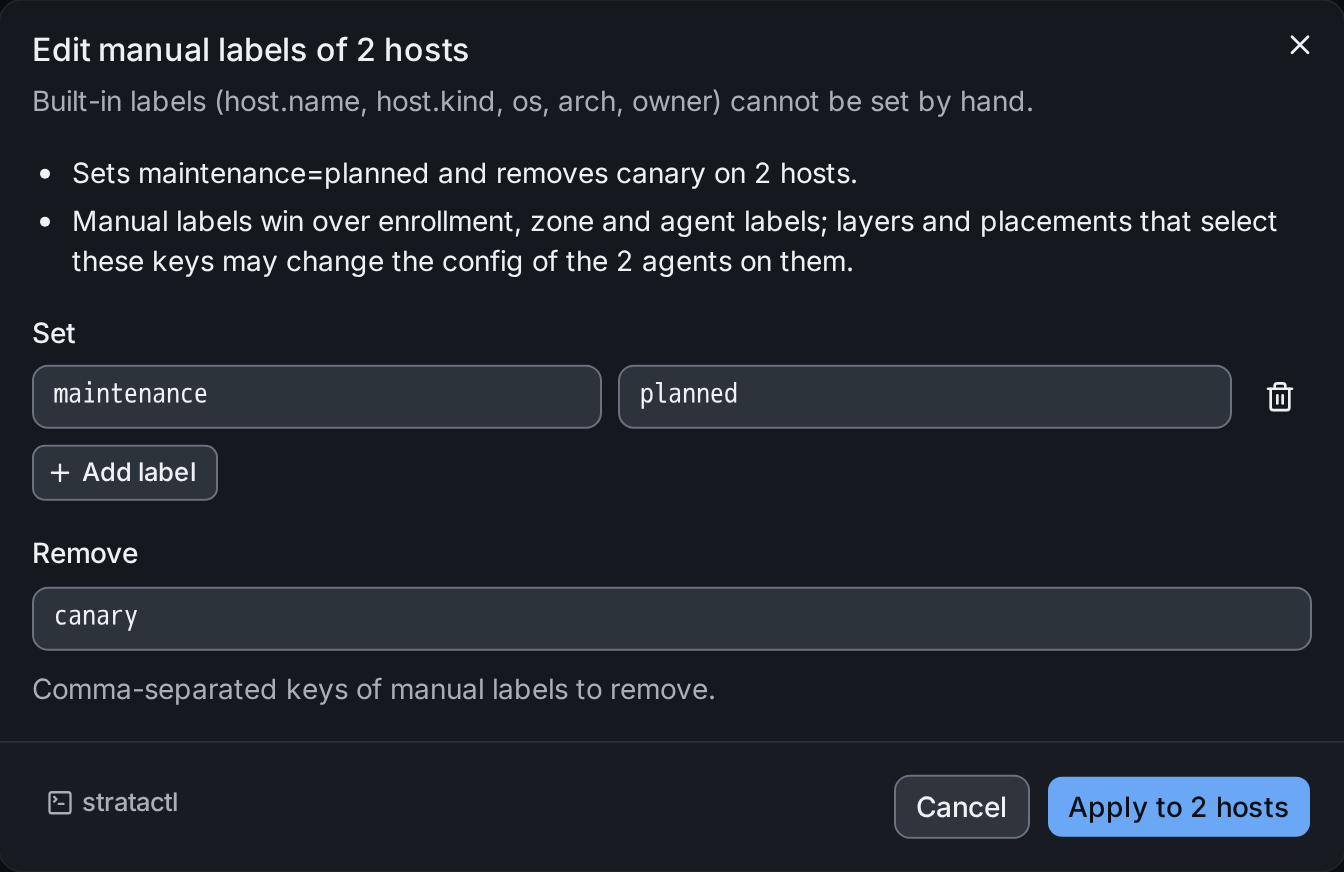
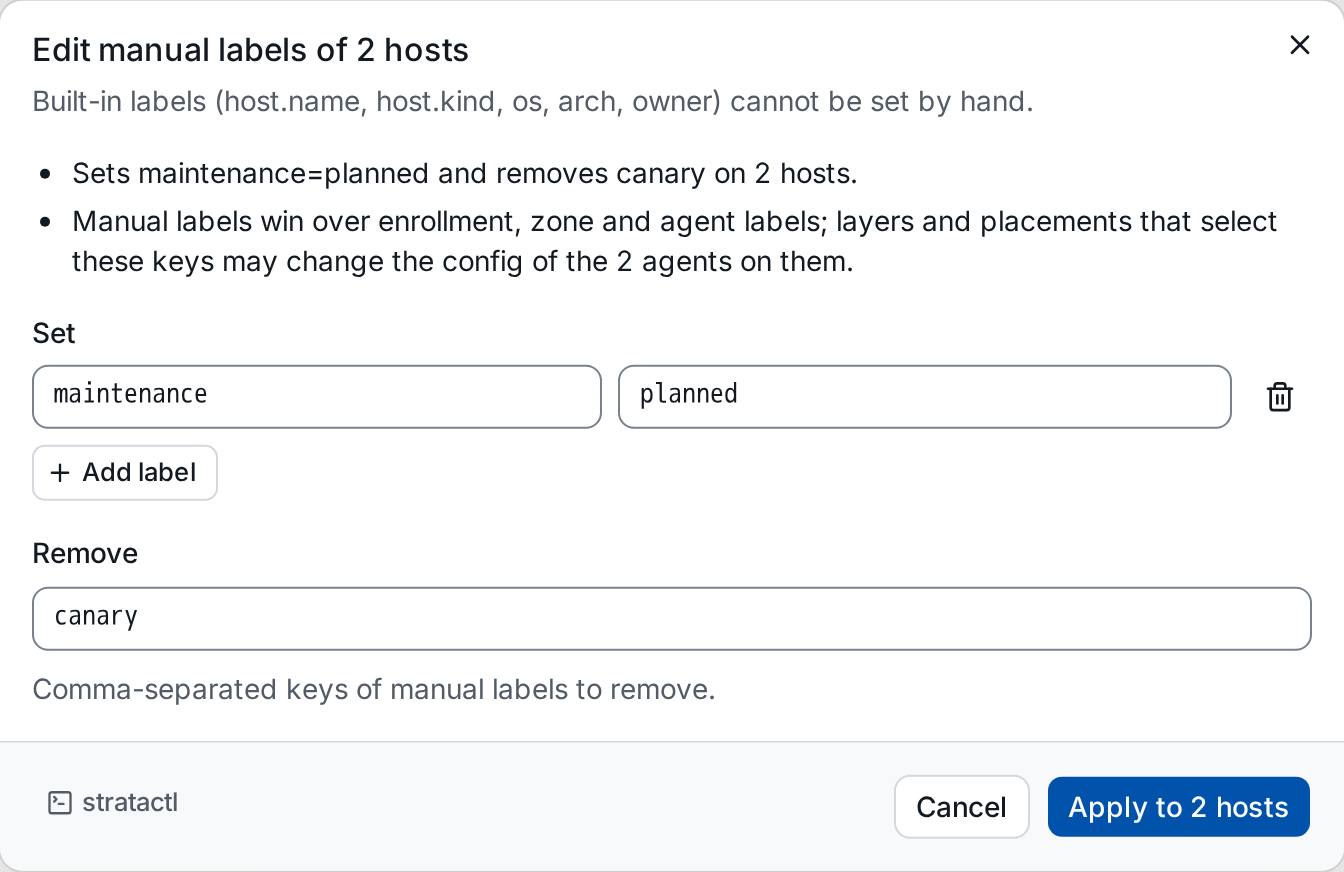
- Edit manual labels sets the labels under Set ② and removes the manual labels whose keys are listed under Remove ③ on every selected host; the dialog states what that affects ①. Apply to 2 hosts runs once per host and reports the result per host.
- Forget (tenant admins) removes the hosts and their agents from the
inventory and revokes the agents' credentials; an agent that reports
again has to enroll anew. The confirmation names how many hosts and
agents it affects. A single host has Forget on its page, and
stratactl host forget HOSTdoes the same.
Hosts appear when their first agent enrolls (Enroll your first agent).