Placements
A placement puts extra work on a few hosts of a large group without naming them: it picks a number of online hosts, per value of a spread label if set, and gives them a label that layers select. Typical uses are network probes on a few notebooks per office or journey runners spread over zones. How candidates are chosen and replaced is described in Placement.
1. Check the picks
Fleet › Placements shows each placement with what it wants and what it got:
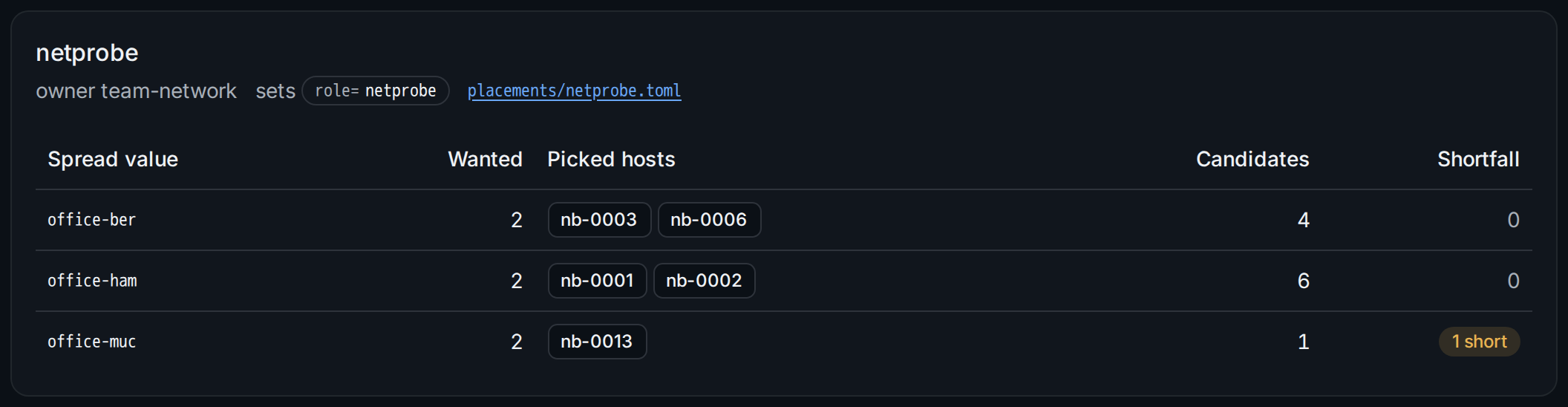
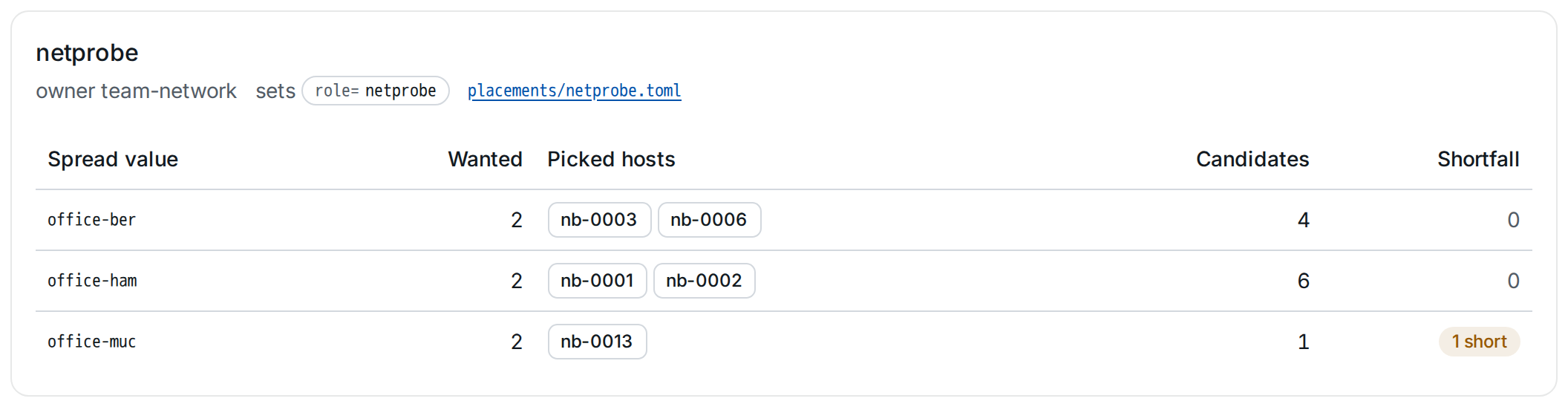
The header names the owner team, the label the placement sets and its spec file ②. Per spread value the table shows:
- Wanted: the placement's
count. - Picked hosts: the hosts carrying the placement's label, each linking to its host page.
- Candidates: the hosts that could be picked; which hosts qualify is described in Placement.
- Shortfall: how many hosts are missing. With fewer candidates than wanted, all candidates are picked and the rest shows as short ①; adding hosts to the group closes the gap without a change.
stratactl placements prints the same
(stratactl placements).
2. See a pick on the host
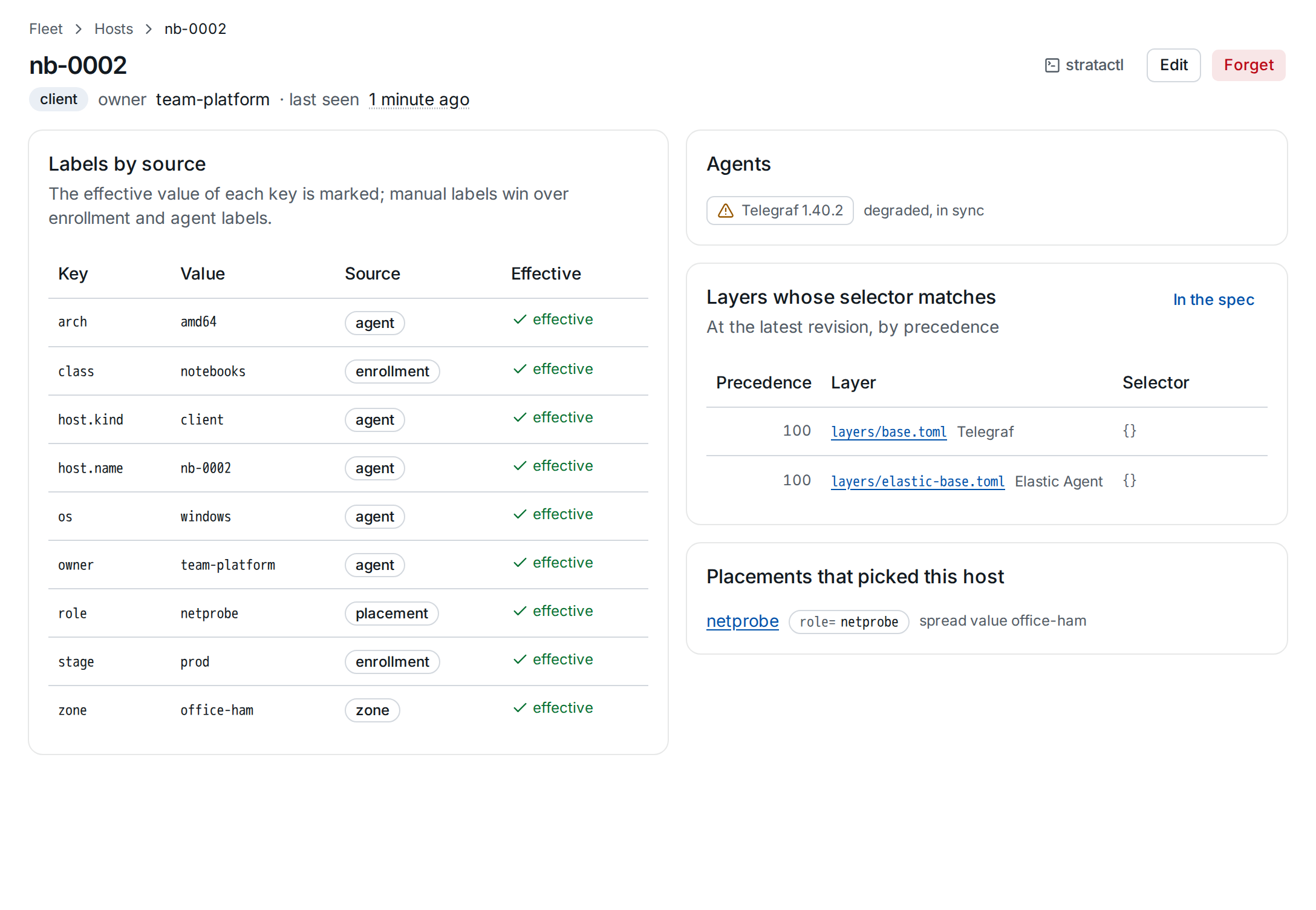
A picked host carries the placement's label with the source placement
①, and its host page names the placement and spread value that picked it
②:
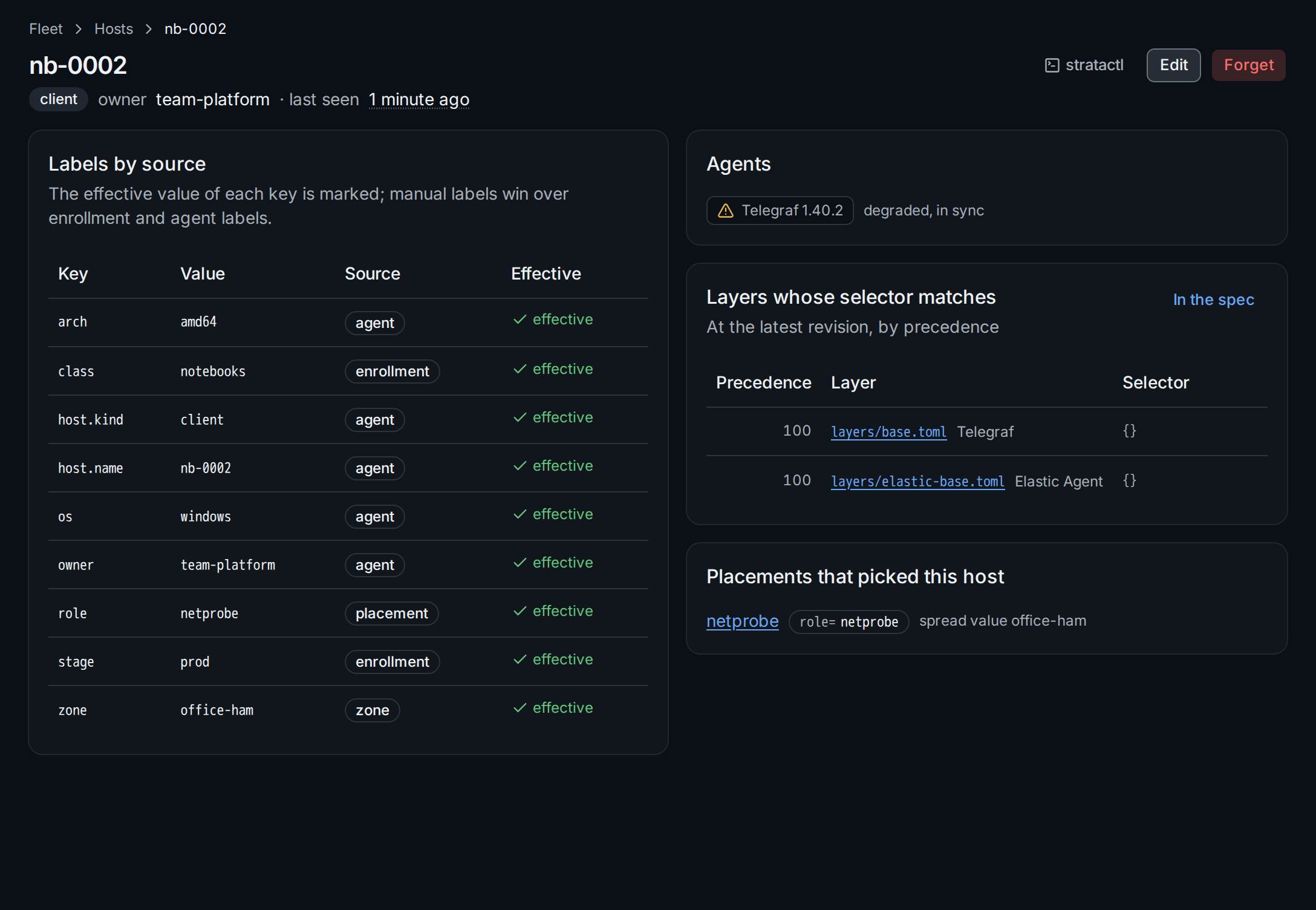
Layers select the label like any other, here role=netprobe. A pick or a
replacement is a label change: it re-renders the affected agents without
a change set or rollout, and the audit log records it. A manual label
with the placement's key would hide the pick, so such hosts are not
candidates (Hosts and labels).
3. Change a placement
Placements have no form in the UI: they are spec files of kind Placement, changed through a change set like any other file.
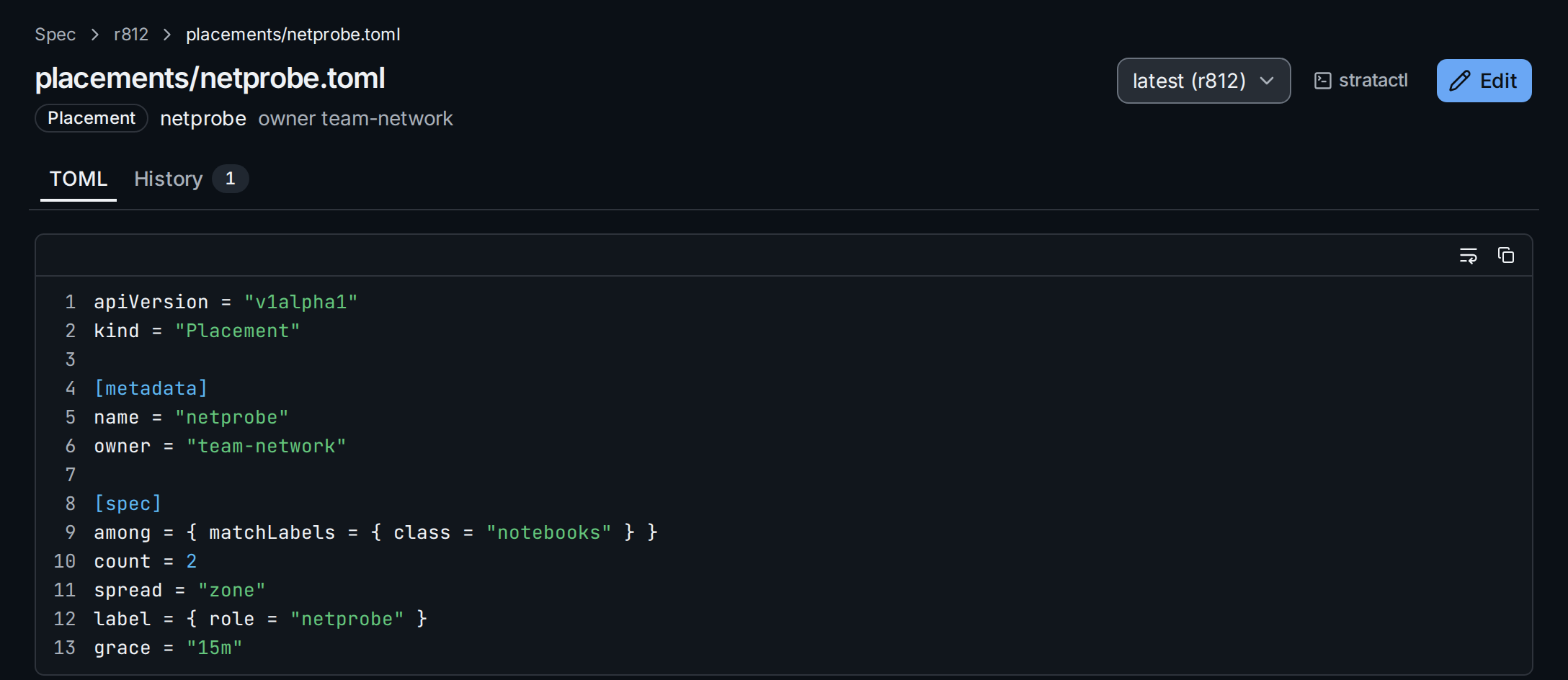
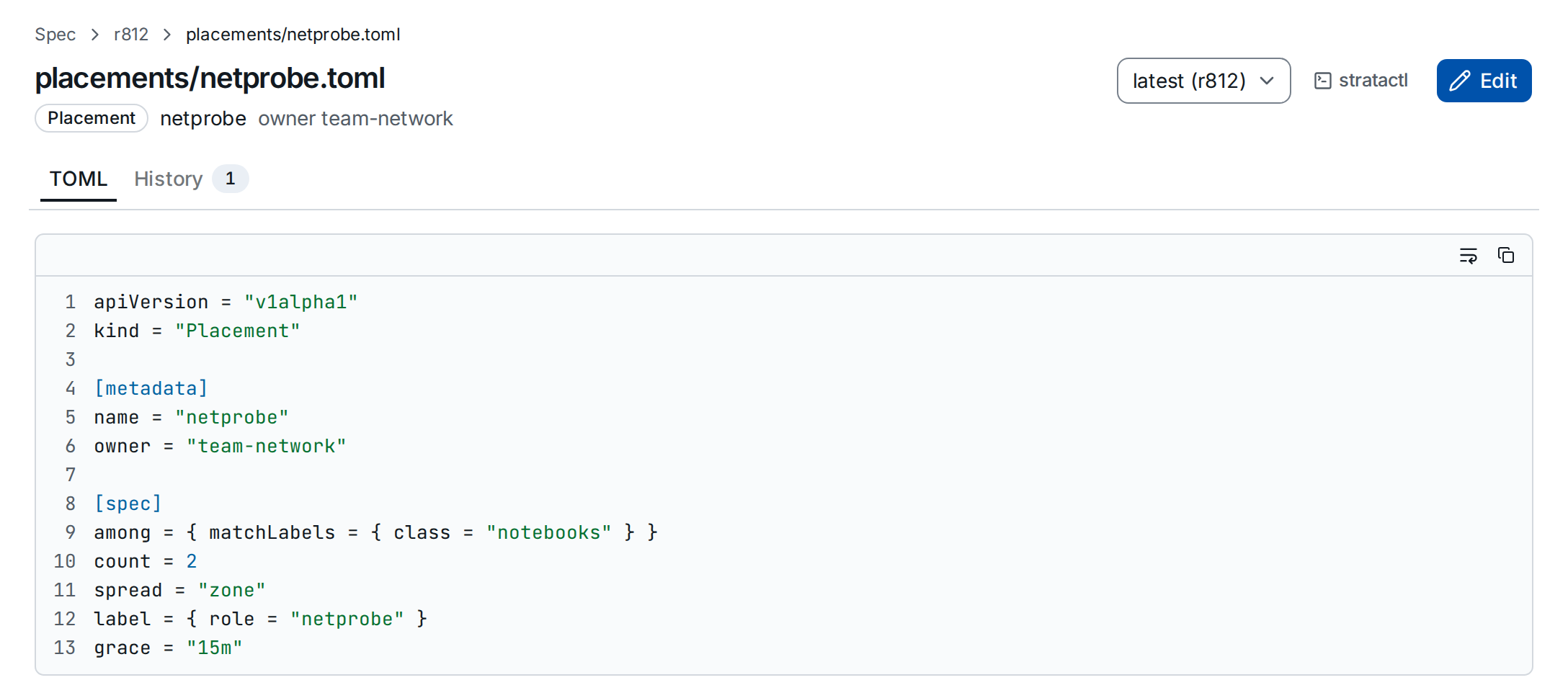
Open the file from the placement's header or under Spec, then Edit ①
opens it in a draft change set
(Make your first change). To add a
placement, add a new file of kind Placement. A placement takes effect when
the change set is merged; the fields among, count, spread, label
and grace are described in
Placement.