Agent details
The page of an agent instance answers the questions that come up when one
agent behaves differently from the rest: which config it should run,
which one it was served and which one it runs, where each option comes
from, and what the agent reported. Open it from the agents list, a host
page or the search. stratactl agent show HOST --kind K prints the same
status (stratactl agent).
1. Status
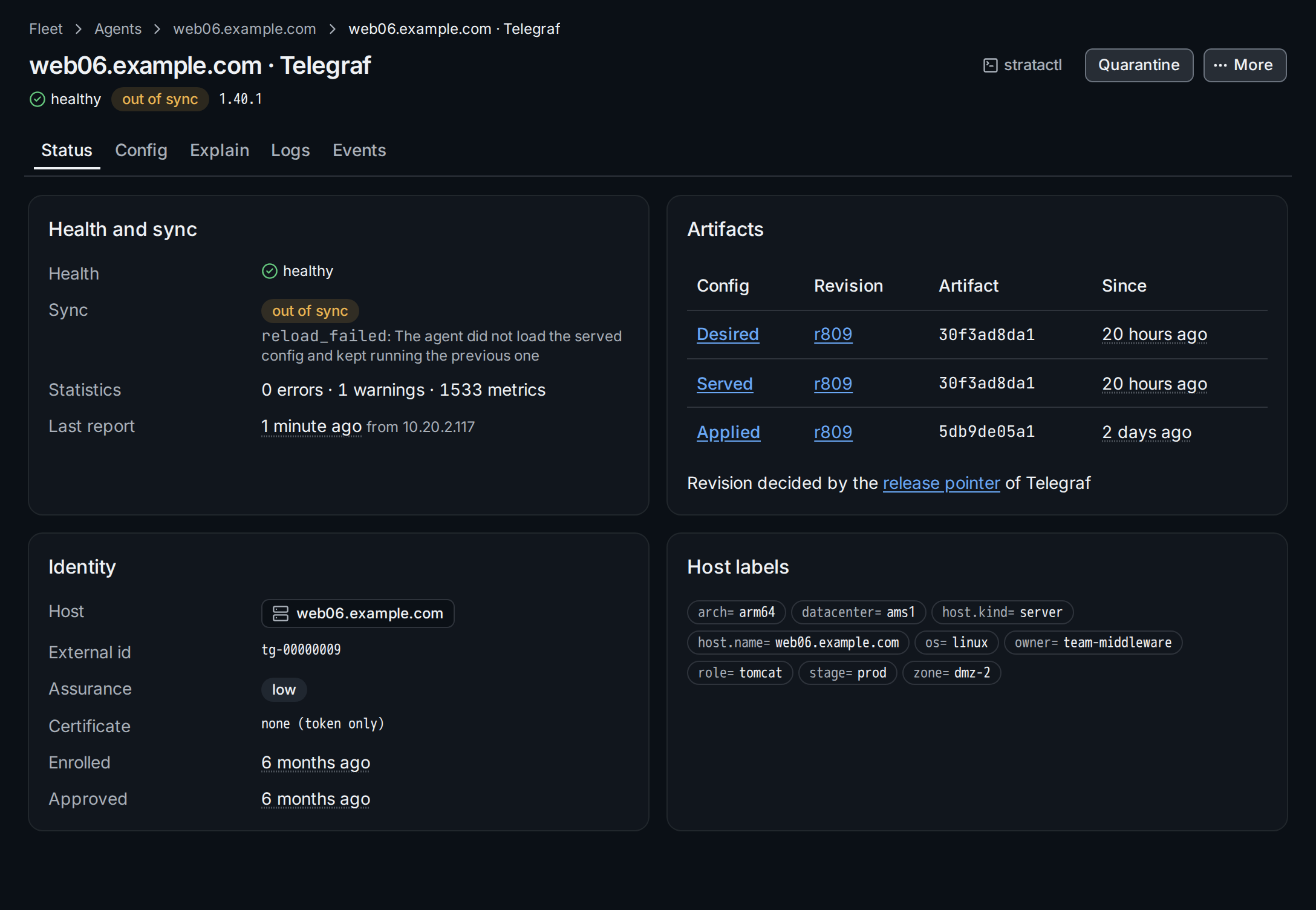
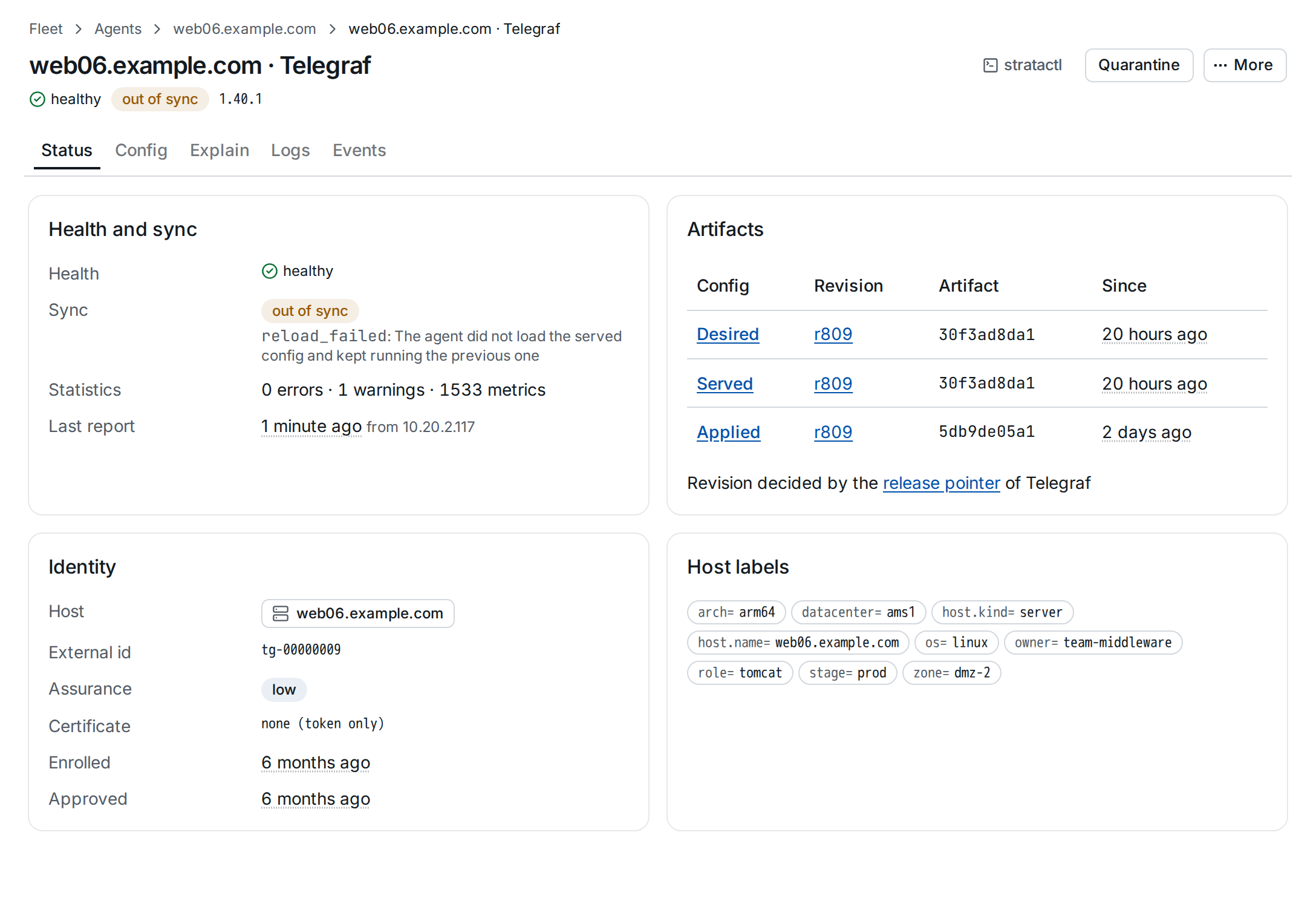
Health and sync shows the two separately: an agent can be healthy and
behind, or in sync and failing
(agent_health). Health comes
with the agent's last message; out of sync with its reason ①, here
reload_failed: the agent was served the new config but did not load it
and kept running the previous one. The reasons are listed with
sync_reason in agent_instance.
Last report says when and from which address the agent last reported;
for an agent not reporting, Forgotten says when retention will forget
it (Agents).
Artifacts ② follows the config through its three stages, each with the revision it was rendered at, the artifact hash and since when:
- Desired: what the agent should run, rendered by Strataplane.
- Served: what was last delivered to the agent.
- Applied: what the agent proved it runs, with the revision its artifact was rendered at. It stays that revision until the agent applies a new artifact, and is empty only when Strataplane does not know it.
Here the config of r809 was served 20 hours ago, but the agent still runs the artifact it applied two days ago. Each stage links to its config.
Revision decided by ③ names what sets the desired revision: the release of the agent kind, the rollout that currently assigns the agent a revision, or a pin:
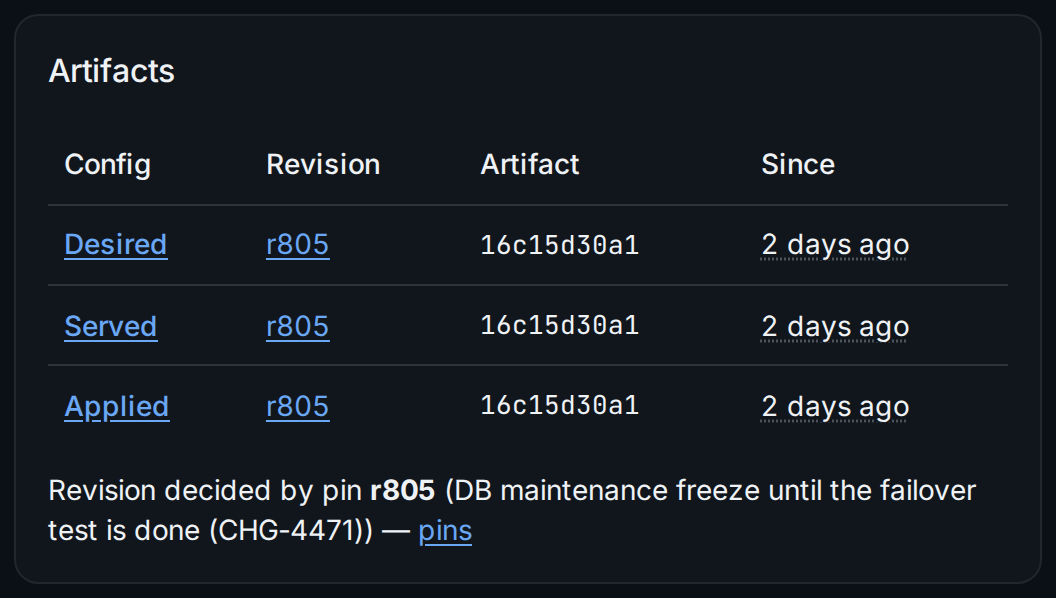
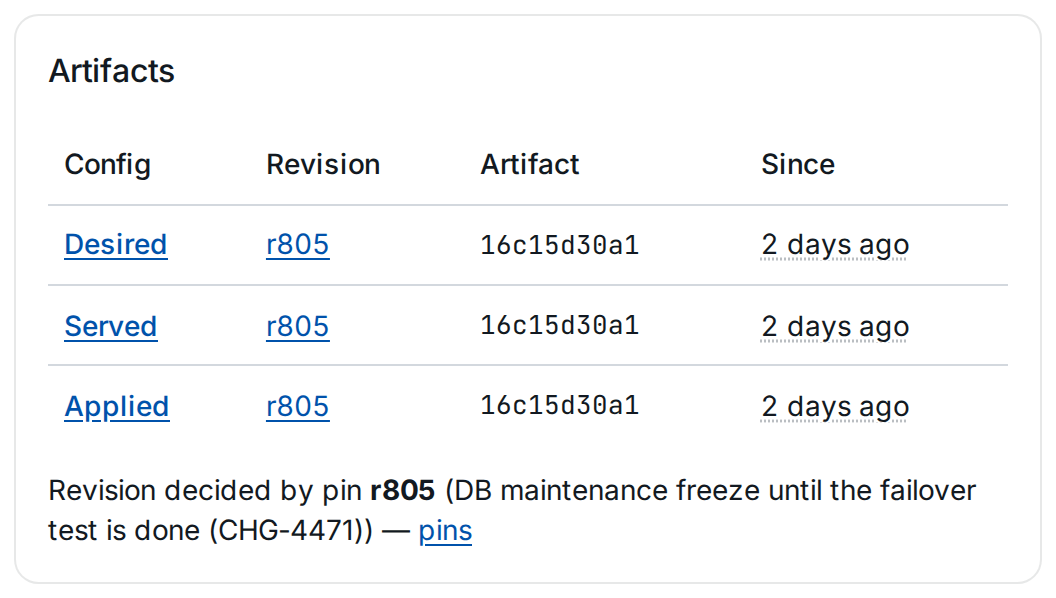
Pins and releases are managed under Rollouts (Releases and pins).
Identity shows the agent's external id, its assurance ④ and the client certificate bound to it, if any. Assurance decides which secrets the agent may receive (Security boundaries). Host labels are the labels its config was selected by; a label links to the agents with that label.
2. A render error
When Strataplane cannot render an agent's config, the agent's sync is render error, and every tab but Status shows the error at the top ①:
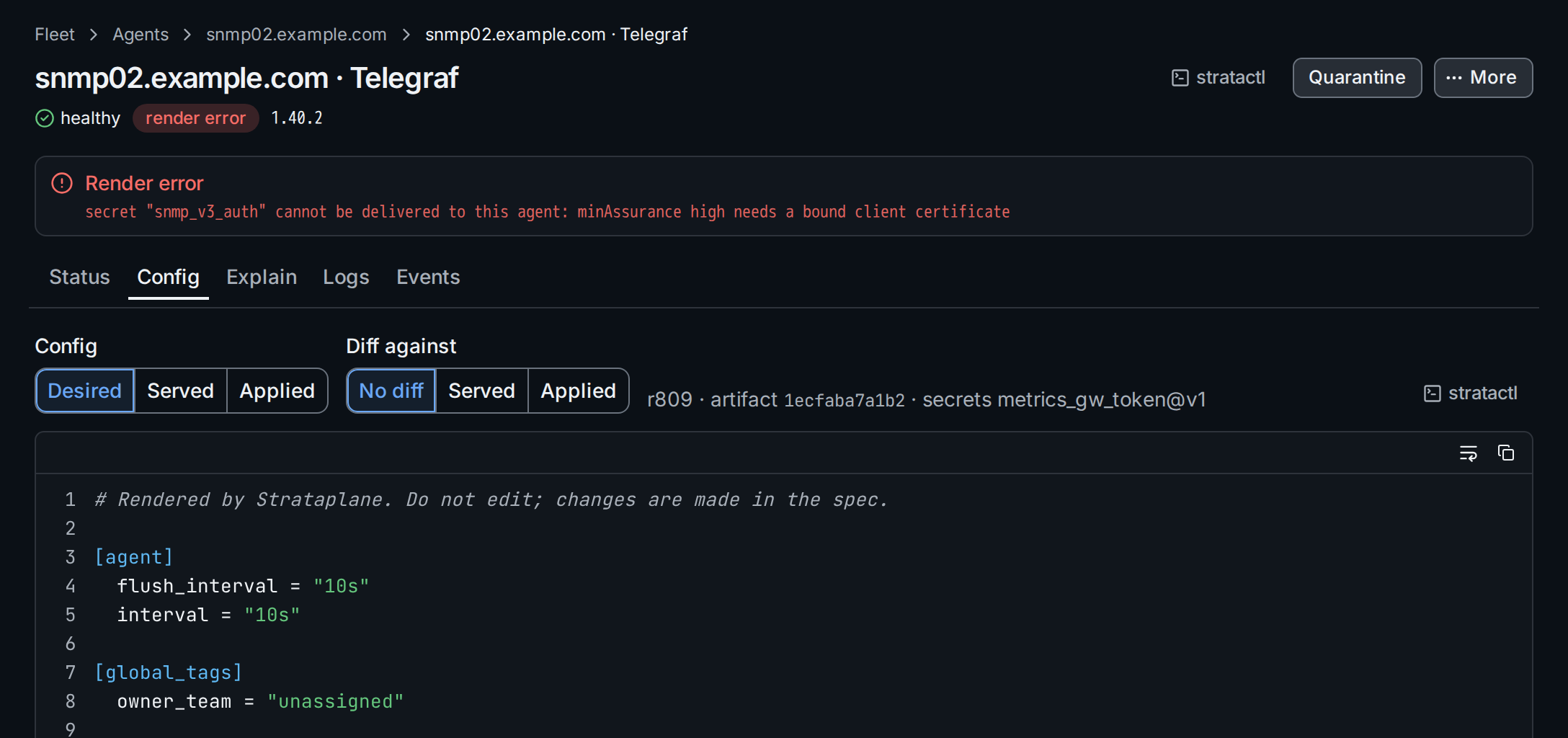
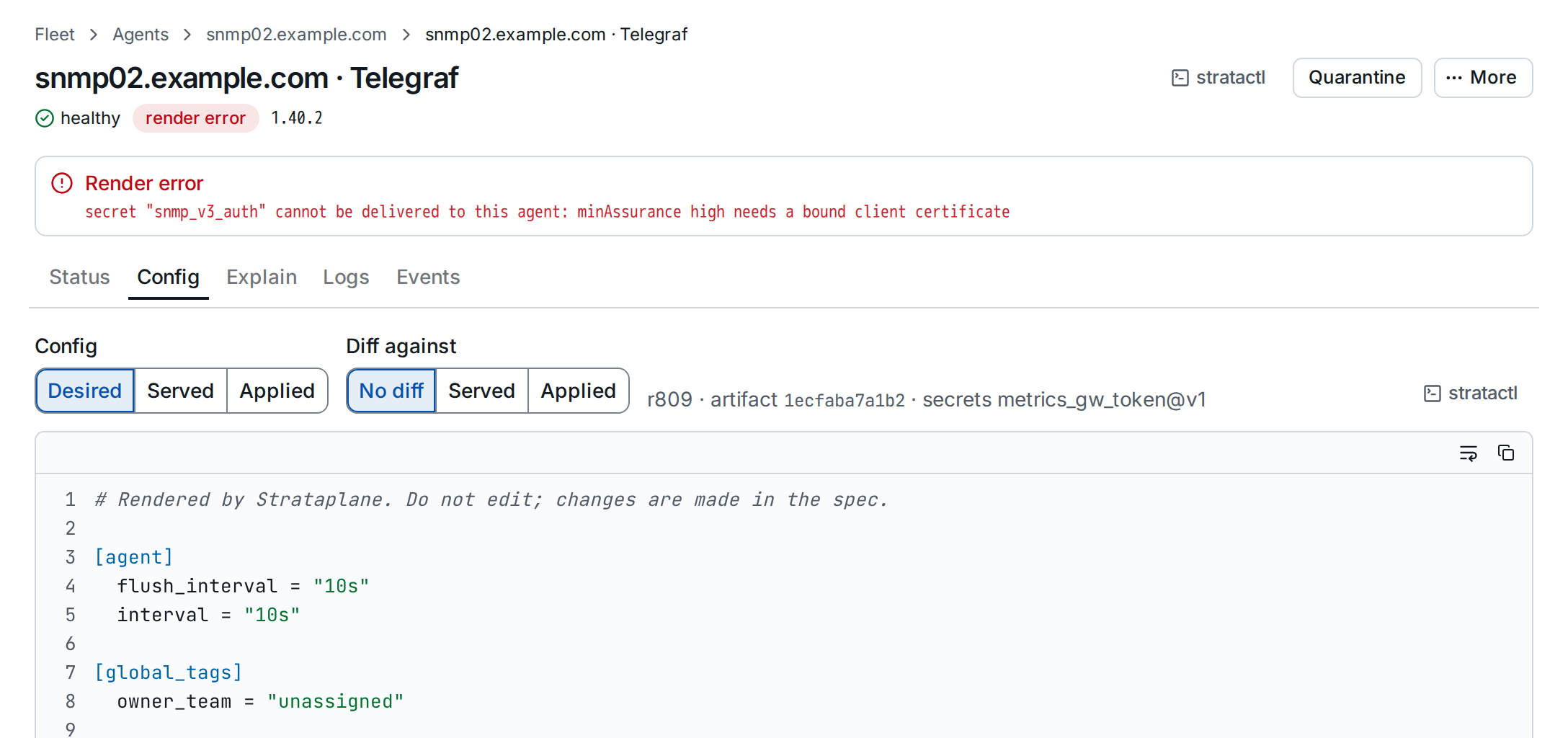
The message names the cause ①, here a secret the agent may not receive:
the SNMP layer references snmp_v3_auth, whose minAssurance is high,
and this agent has no bound client certificate
(Security boundaries).
Until the render succeeds the agent keeps the config it has ②. Fix the
cause: bind a certificate to the agent, or change the layer or the
secret with a change set. The editor's Preview renders any agent's
config before you submit (Editor).
3. Config: compare desired, served and applied
The Config tab shows one of the three configs, rendered as the agent
gets it; secrets appear as references (<secret:name@vN>), never as
values. Diff against compares it with another one:
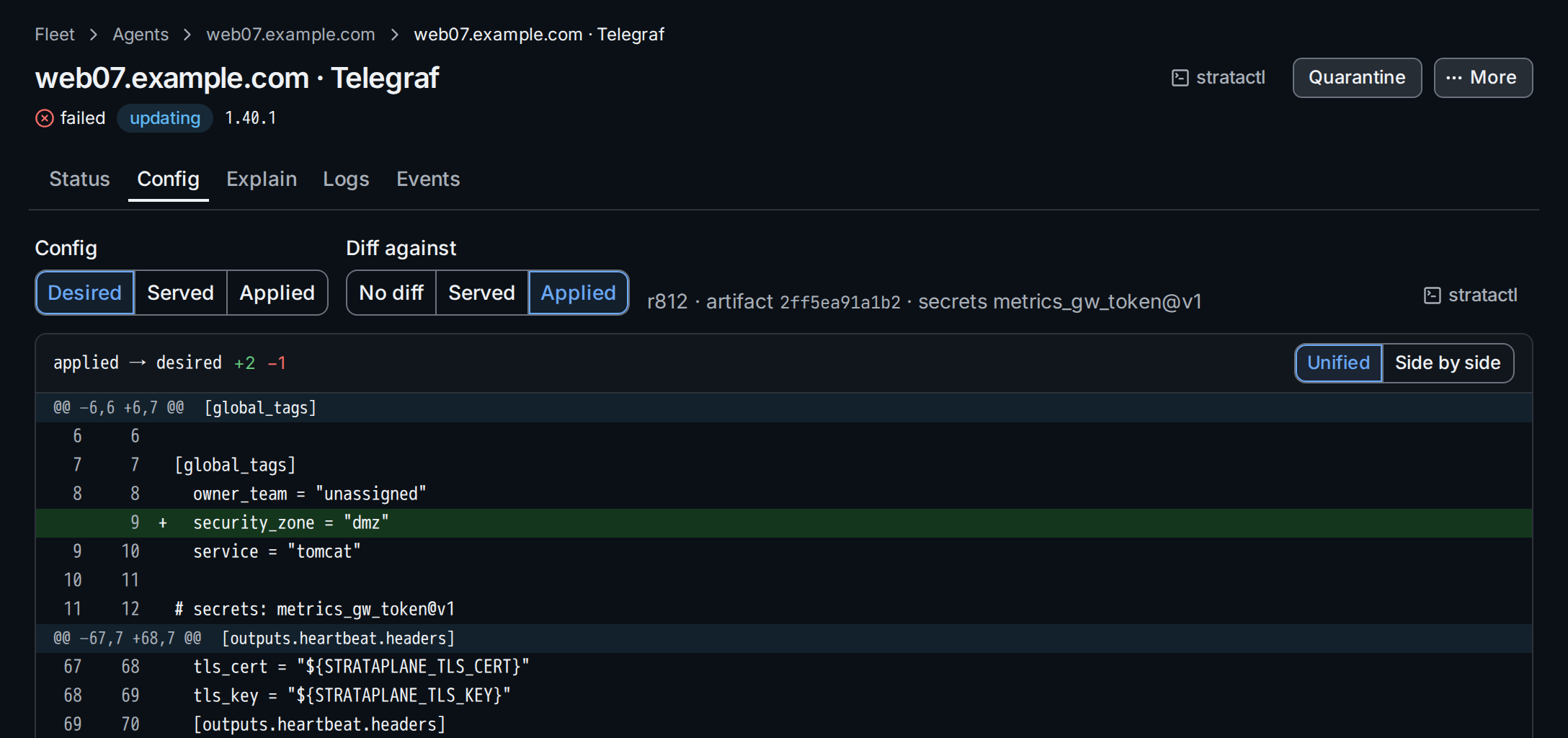
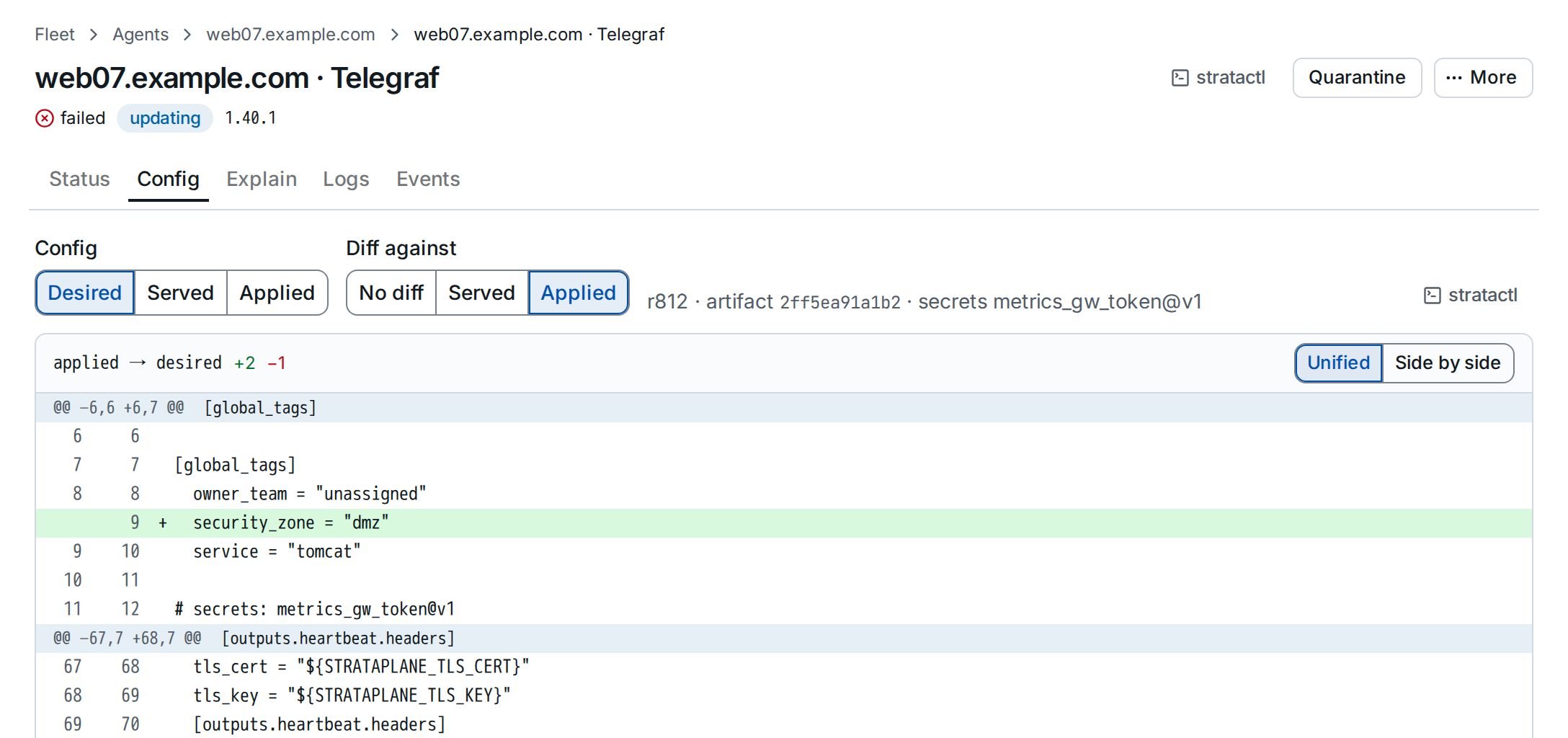
Desired against applied is the change the agent has not taken yet; served
against applied tells a failed reload from a config that never arrived.
stratactl agent config HOST --kind K --applied prints a config.
4. Explain where a value comes from
The Explain tab answers which layer set an option. Enter an instance
key such as inputs.procstat.tomcat or an option path below it ①; empty
explains everything.
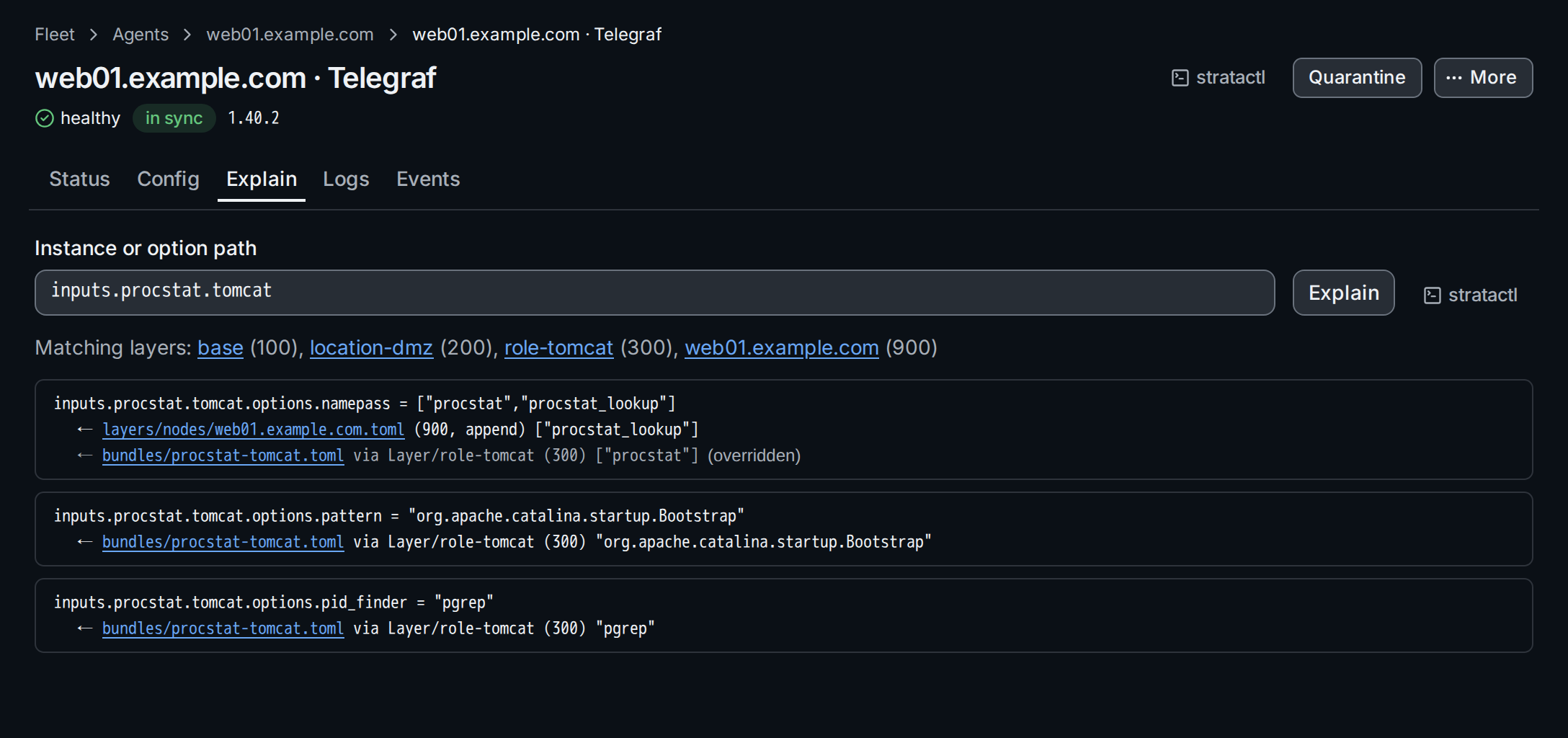
inputs.procstat.tomcat on web01: ① the path, ② the layers that select the host, ③ a value overridden by a higher layer.The layers that select the host are listed with their precedence ②. Each
option shows its merged value with the layer or bundle that set it,
followed by the values it overrode ③: here the node layer of web01 (900)
appends procstat_lookup to the namepass of the Tomcat bundle (300). How
values merge is described in
Merge semantics; stratactl explain web01.example.com inputs.procstat.tomcat prints the same.
5. Logs, components and events
For Telegraf and Vector, Logs lists the log entries the agent sends with its heartbeats, filtered by Minimum level ①. A source that is a plugin instance ② filters the list to that instance.
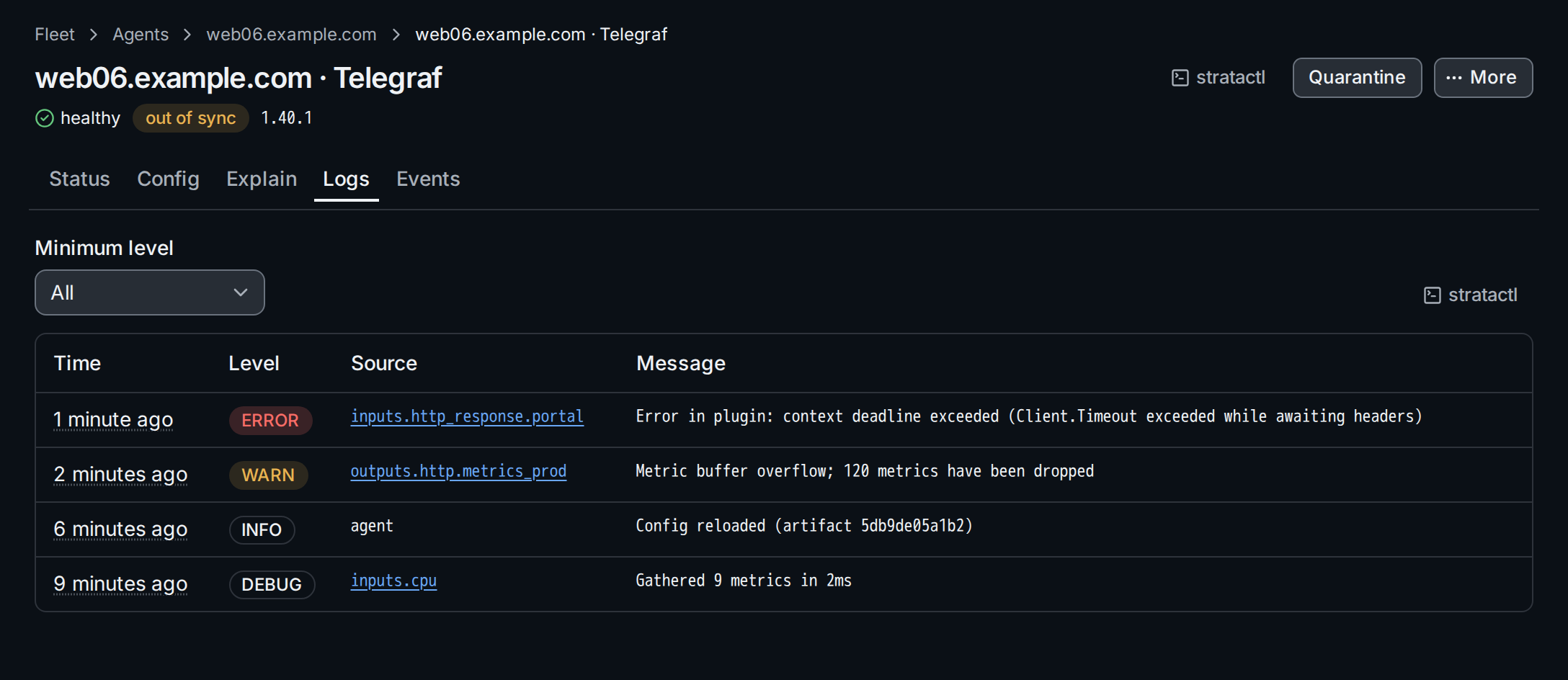
How many entries an agent sends, and from which level, is set by
heartbeat in the kind's Settings
(Settings). For Elastic Agent the
tab is Components: the state of each component and unit as the agent
reports it.
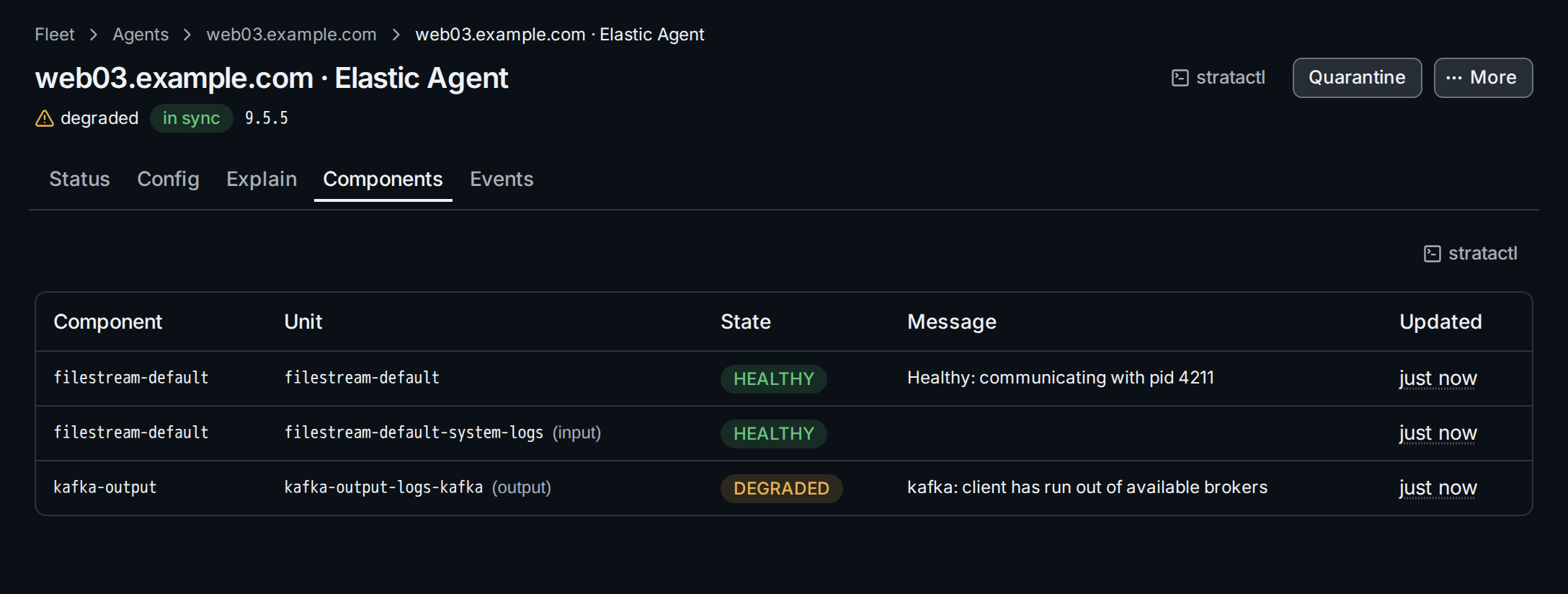
Events lists the agent's status transitions, newest first: health, sync with its reason, applied revision, version. For an Elastic Agent it also lists the actions sent to it, with delivery and acknowledgement.
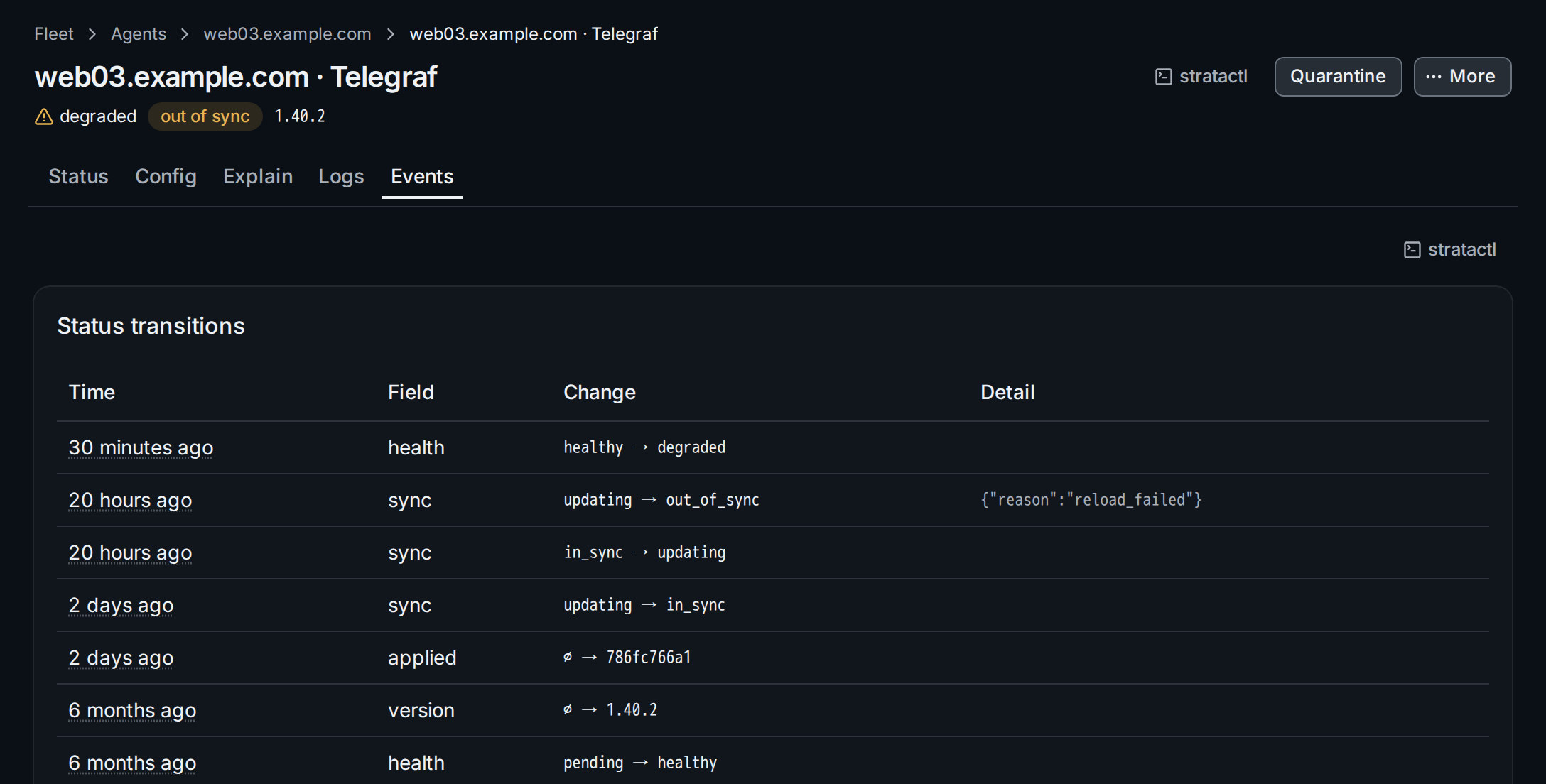
stratactl agent logs and stratactl agent events print the same.
6. Act on the agent
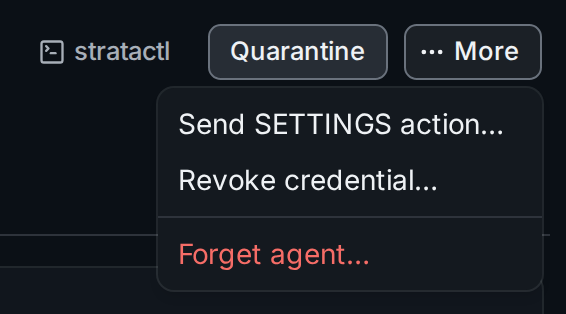
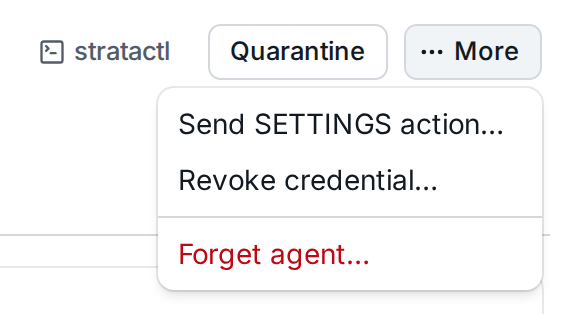
- Approve (admin) appears while the agent waits for approval; it can set manual labels on the host before the first config is rendered.
- Quarantine stops config updates and secret delivery, for example after an identity mismatch; the agent keeps running the config it has. The reason is required and shown on the agent. Release resumes delivery.
- Send SETTINGS action… (Elastic Agent only) queues a log level change for the agent's next checkin; its acknowledgement shows under Events.
- Revoke credential… stops the agent's token or API key at once; the agent reports nothing and gets no config until it enrolls again. The instance and its status history stay.
- Forget agent… (admin) revokes the credential and deletes the
instance with its status, events and logs. An Elastic Agent that
checked in within the last ten minutes is sent
UNENROLLfirst.
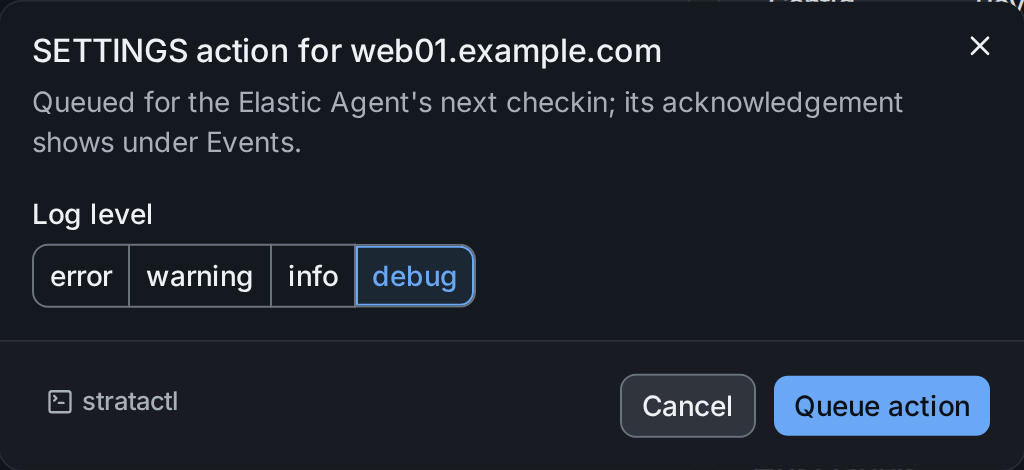
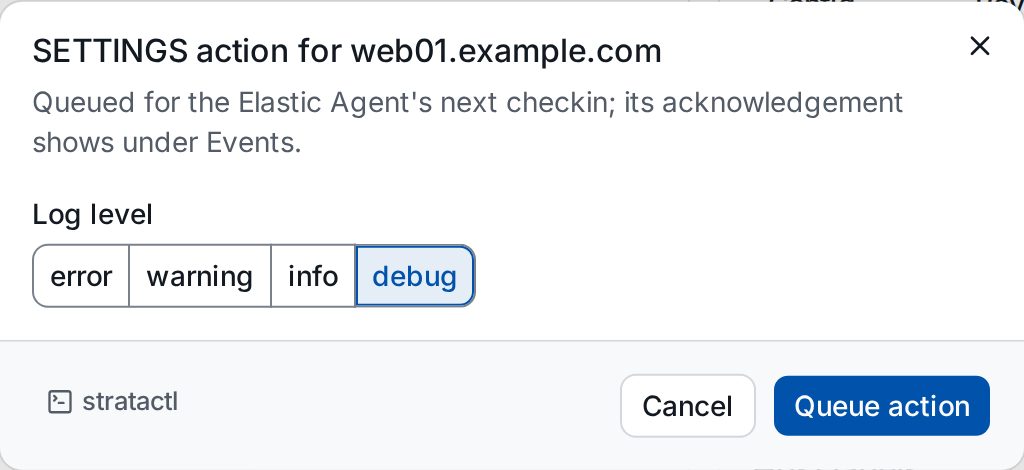
Every dialog states what the action affects and offers the stratactl
command, for example stratactl agent quarantine web06.example.com --kind telegraf --reason …. To act on many agents at once, use the
agents list.