Users and teams
Admin › Users and teams lists who belongs to the tenant and the teams they are in. Teams own spec files, hosts and secrets and receive role bindings (Access); people and service accounts get their roles through them or directly. How users, memberships and teams come about in a self-hosted installation and in service mode is described under tenancy.
1. Members
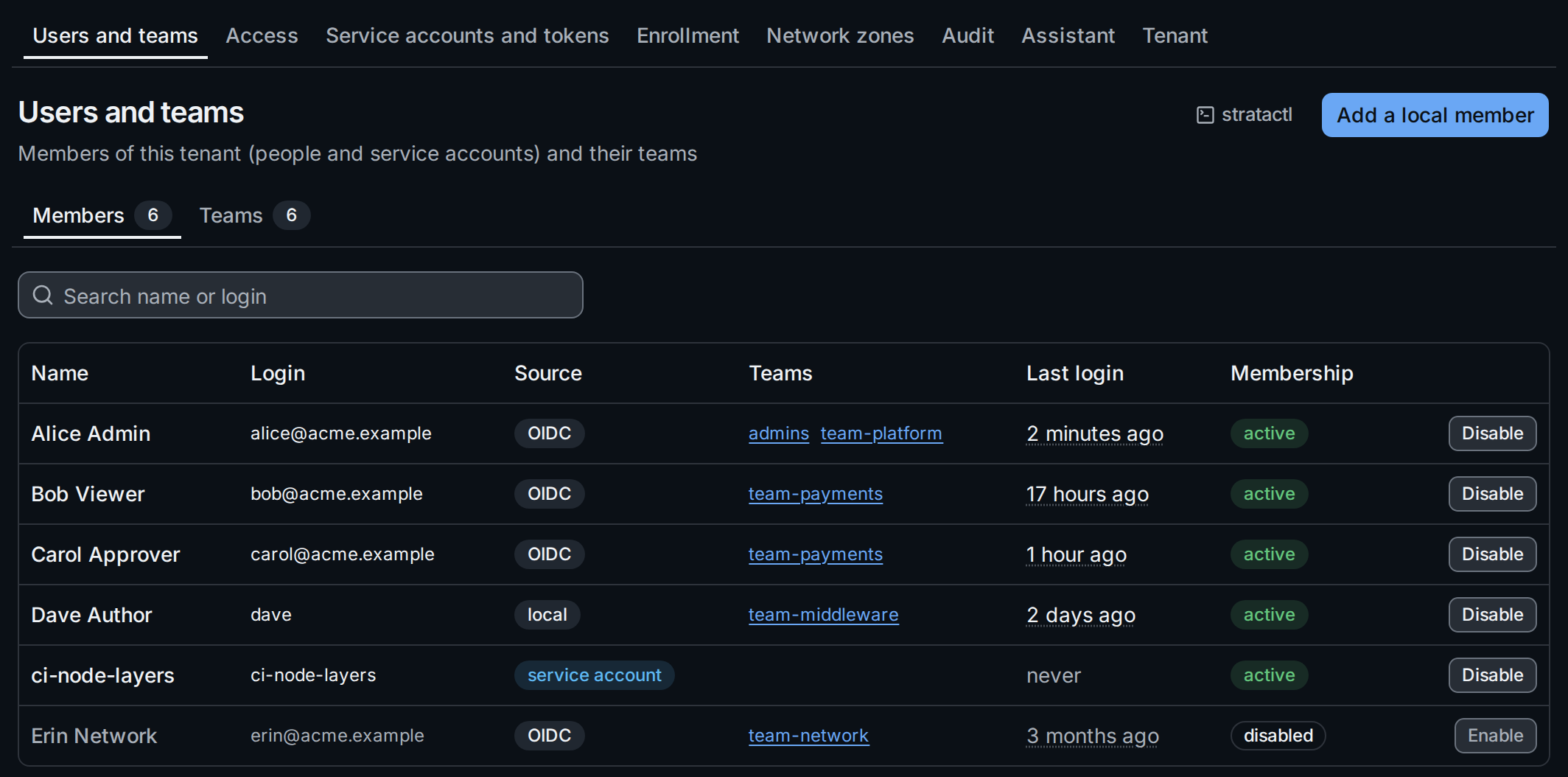
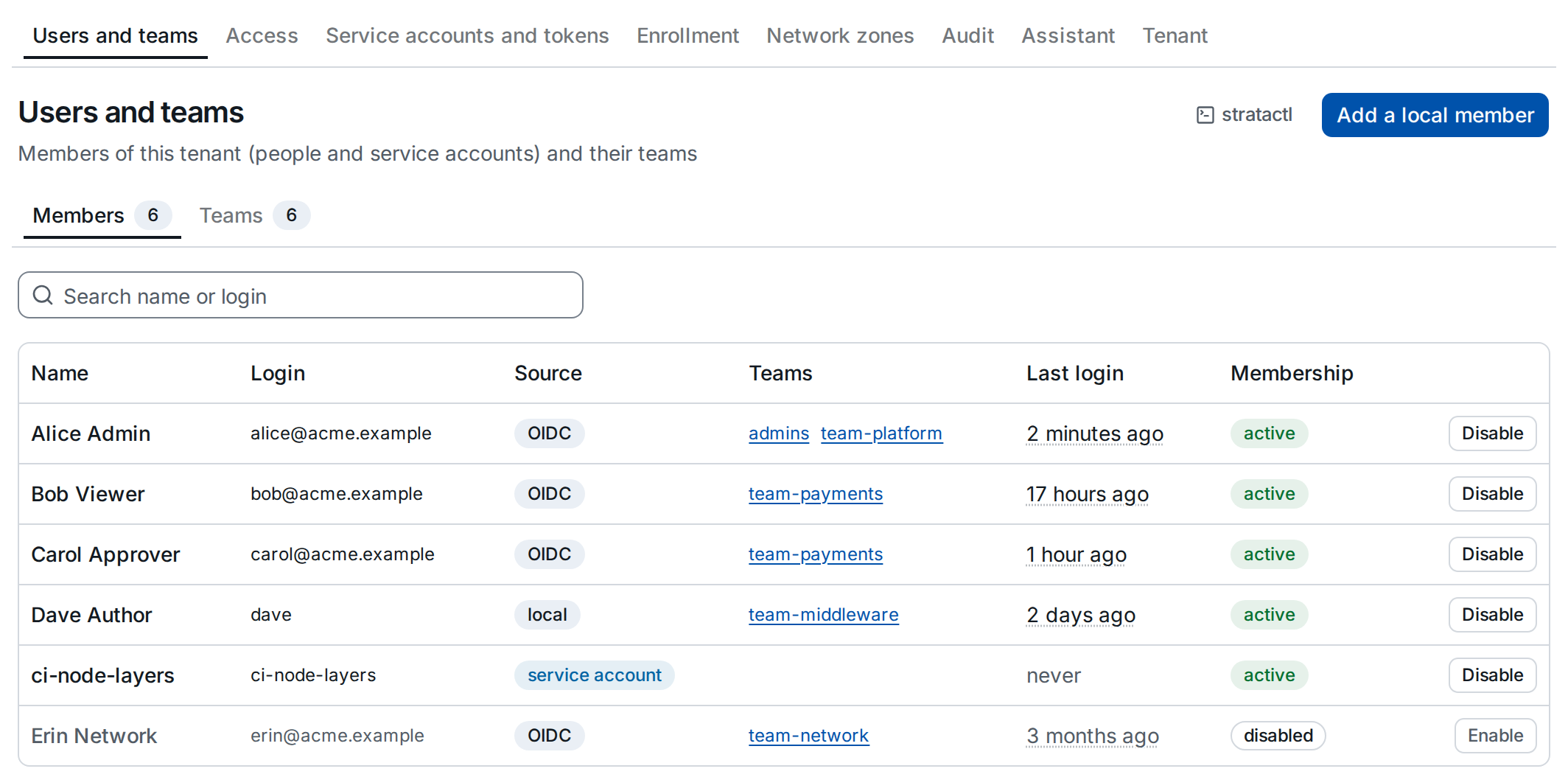
The Source column ① says how someone became a member: OIDC at
their first single sign-on, local for a local user an admin added, and
service account for the members that service
accounts are. Teams links to each team, Last
login shows when the member last signed in. The search filters by name
or login. On the command line: stratactl user list
(administration commands).
2. Add a local member
Local users are configured in the installation (auth.local_users); one
becomes a member of the tenant when an admin adds it. Add a local
member ③ asks for the username:
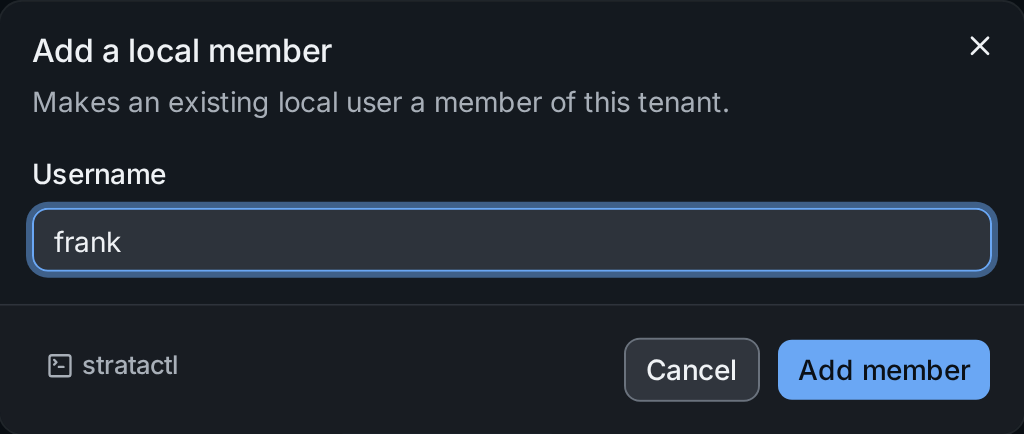
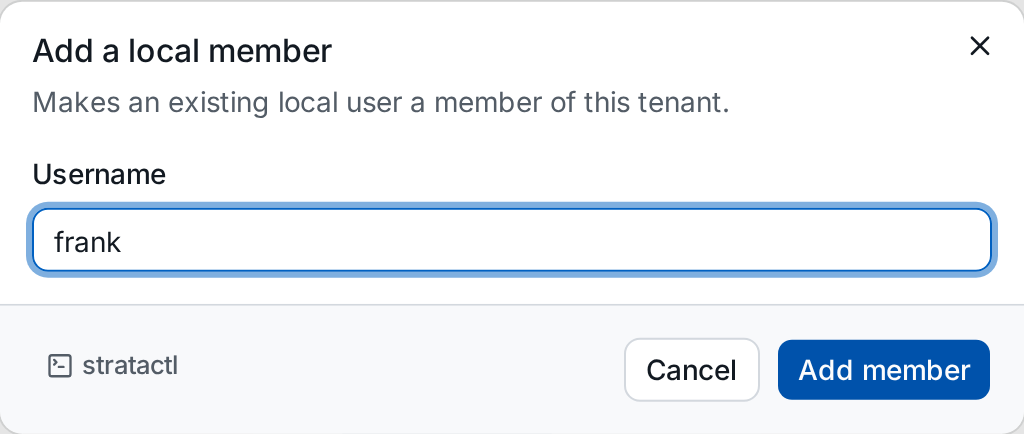
The same with stratactl user add frank.
3. Disable or enable a membership
Disable on a member's row blocks their access to this tenant without deleting anything; the dialog lists what it means:
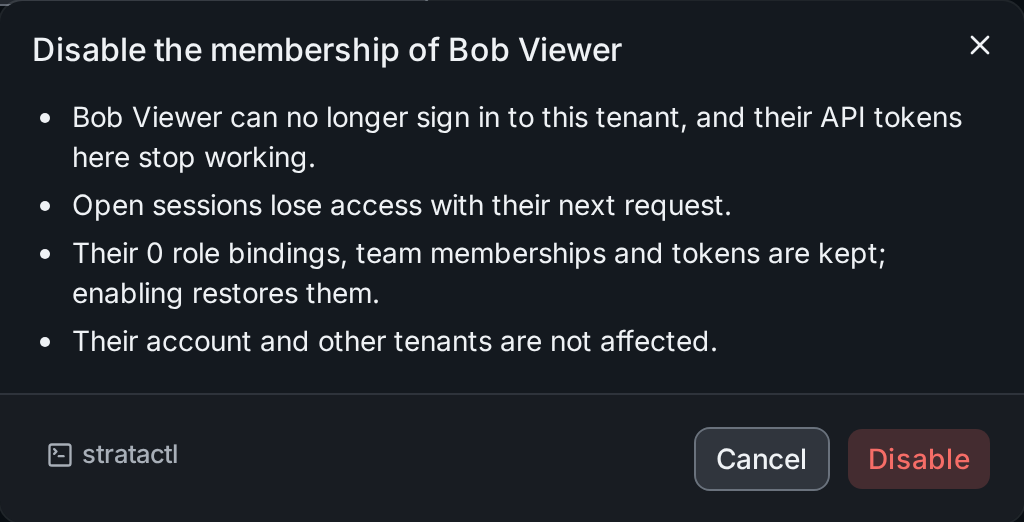
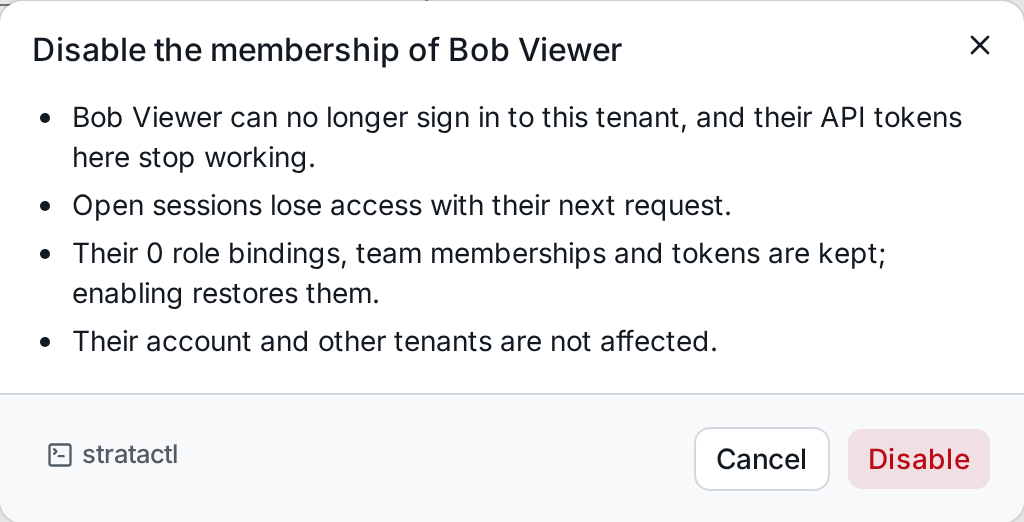
The member keeps their role bindings, team memberships and tokens. The
list marks the membership disabled ②, and Enable on its row
restores them. Only the membership in this tenant is
disabled, never the user (tenant_member).
On the command line: stratactl user disable|enable USER.
4. Teams
The Teams tab lists the teams ① with their number of members; select one to see its members.
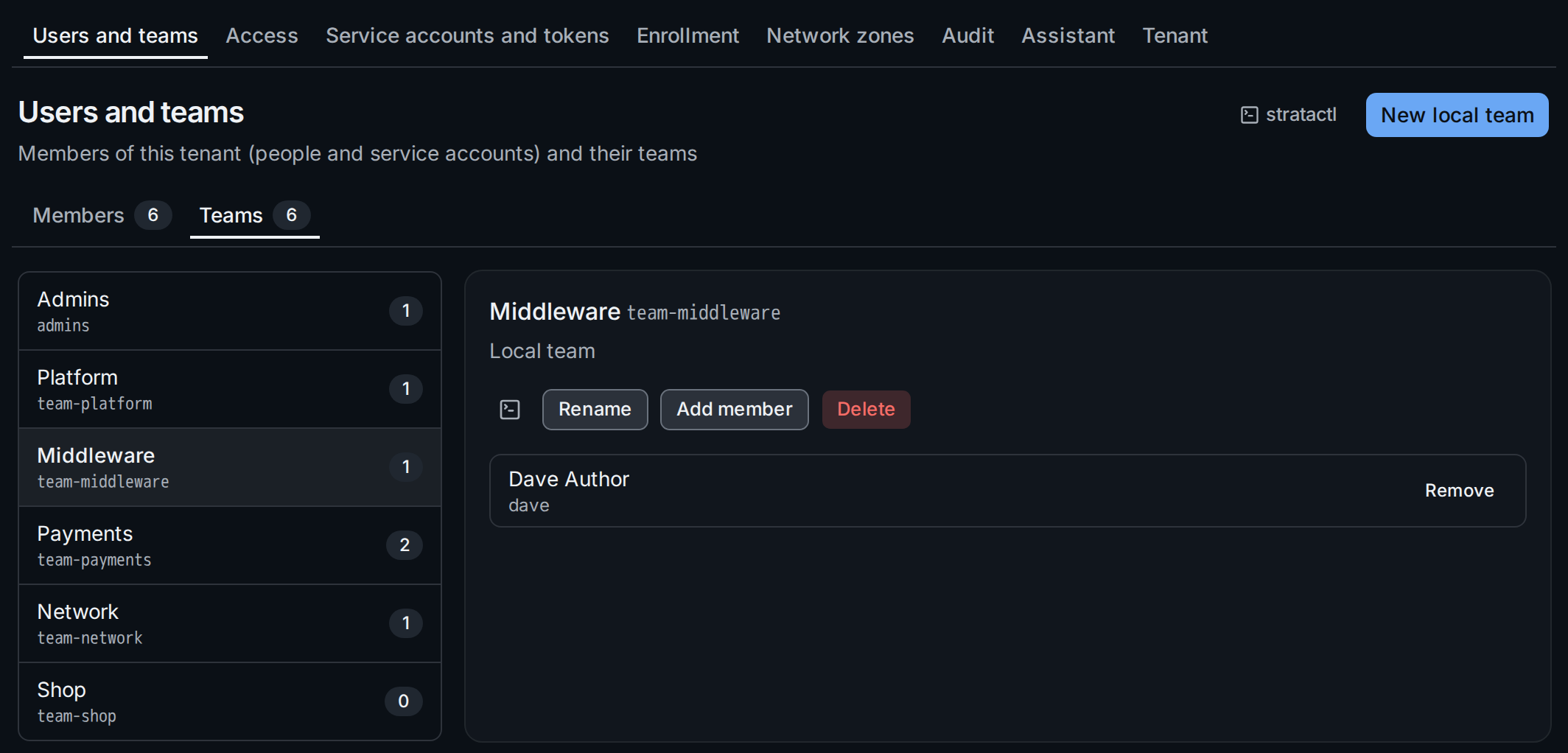
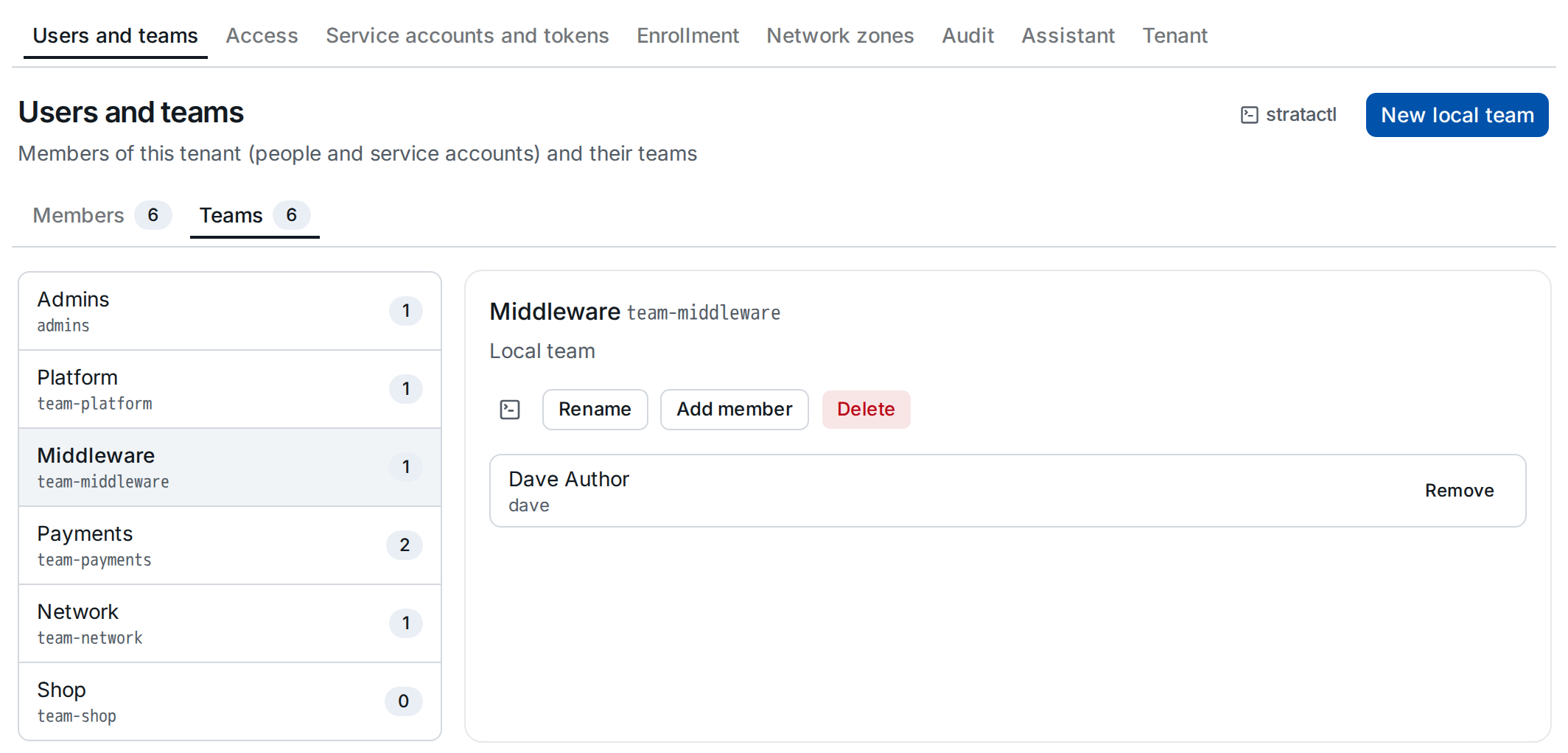
A local team ② is managed here: Add member ③ makes a member of the tenant a member of the team (they get the team's role bindings), and Remove takes them out again. New local team ④ asks for a slug (lowercase letters, digits and dashes; owners and scopes refer to it) and a display name; Rename changes only the display name.
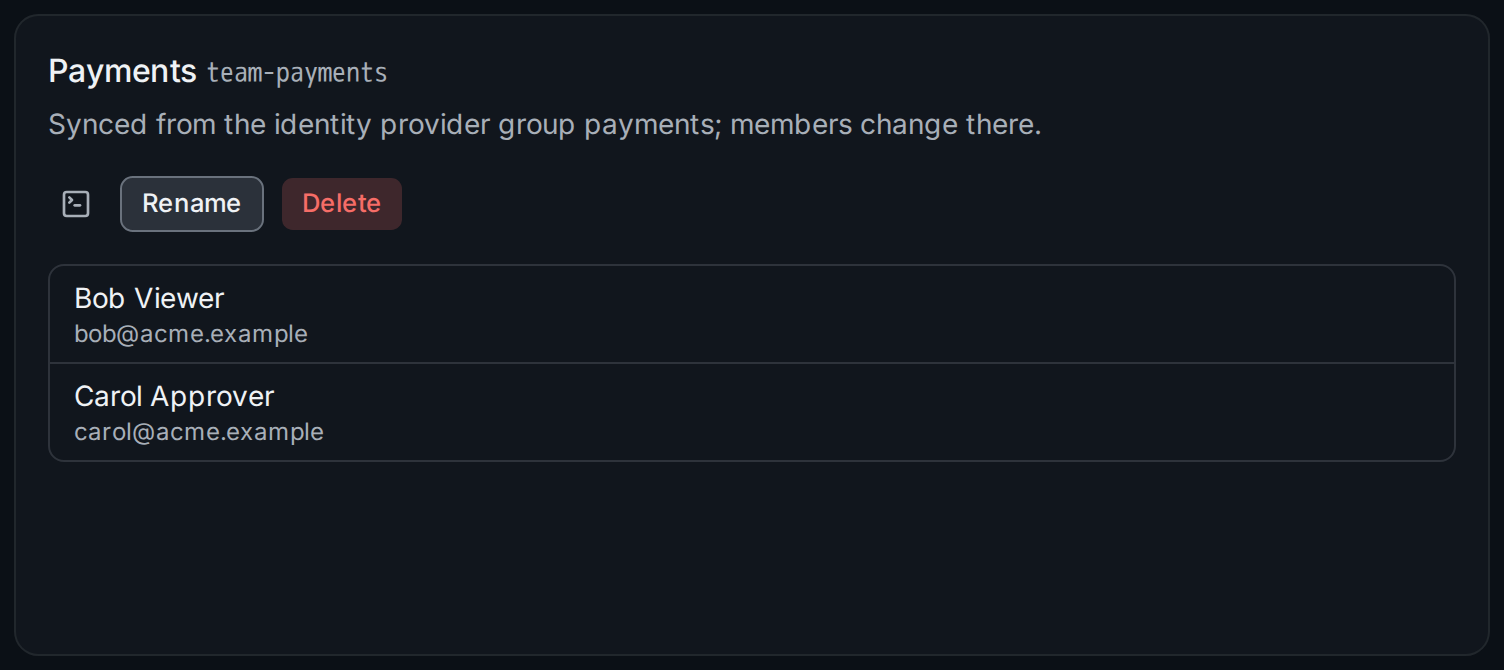
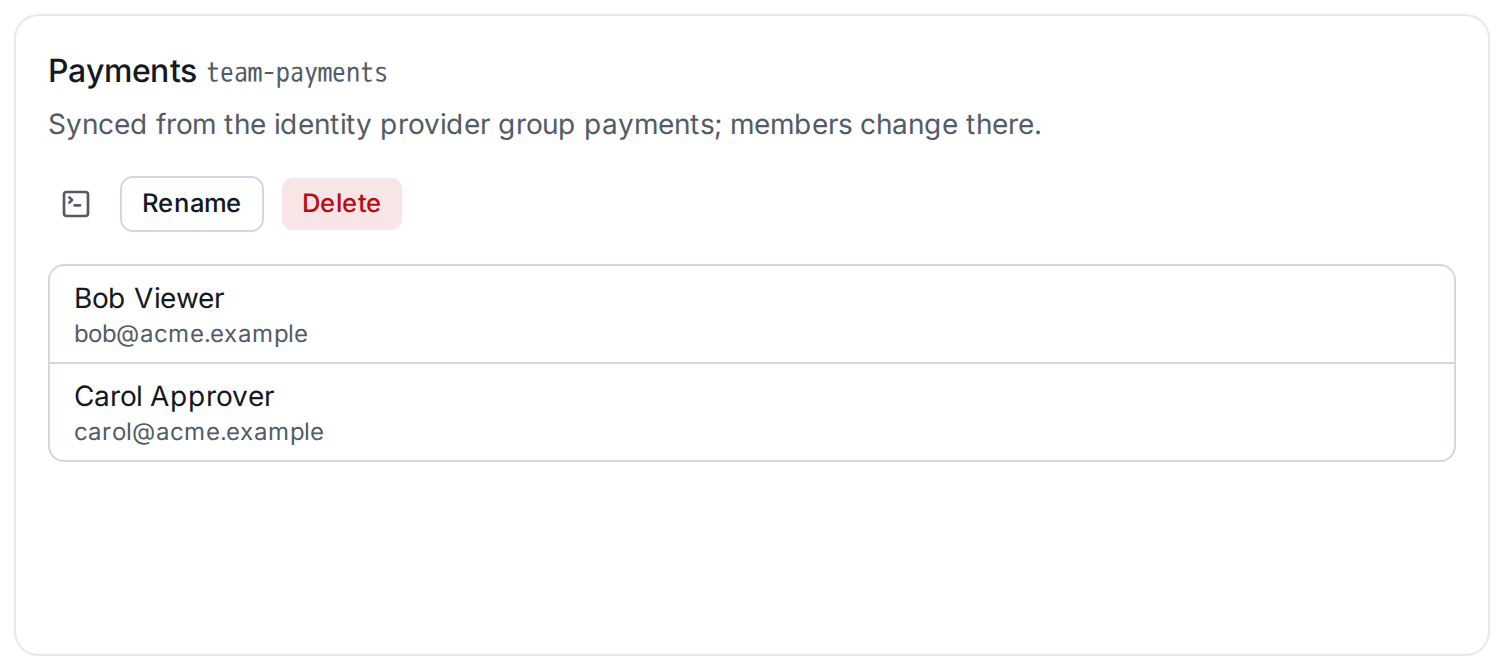
A team synced from the identity provider's groups claim says so, and its members change in the identity provider: a member appears when someone in the group signs in.
The commands are stratactl team list|show|create|update|delete and
stratactl team member add|remove TEAM USER.
5. Delete a team
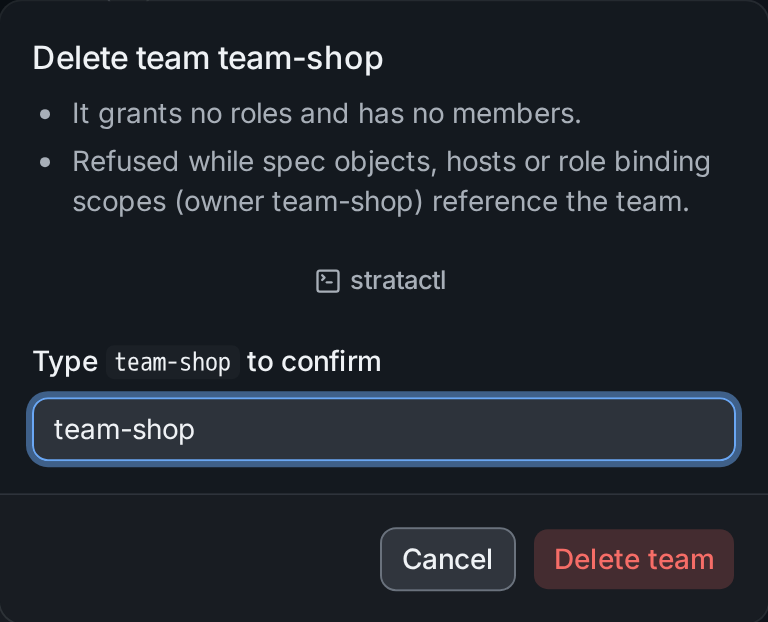
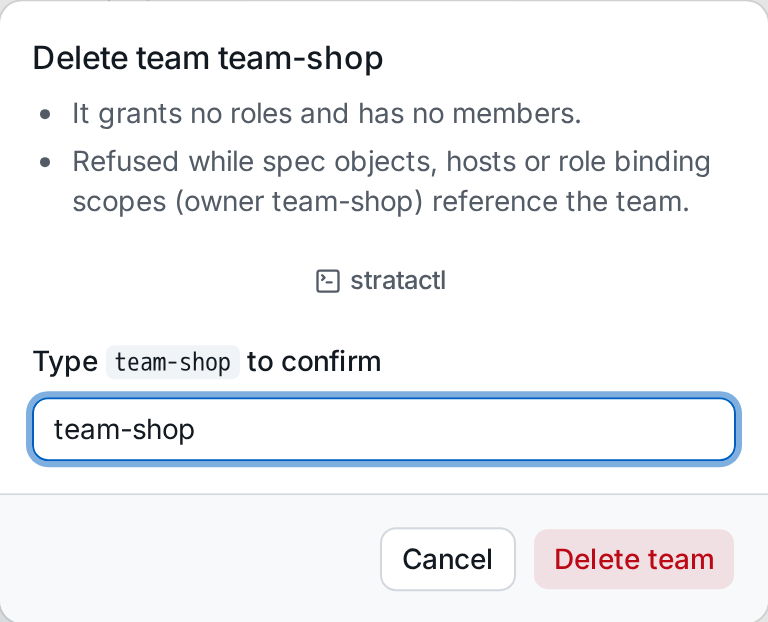
Delete opens a confirmation that states what goes with the team: its role bindings and what they granted its members. Deleting is refused while spec objects, hosts or role binding scopes still reference the team. Type the team's slug ① to confirm:
6. Service mode
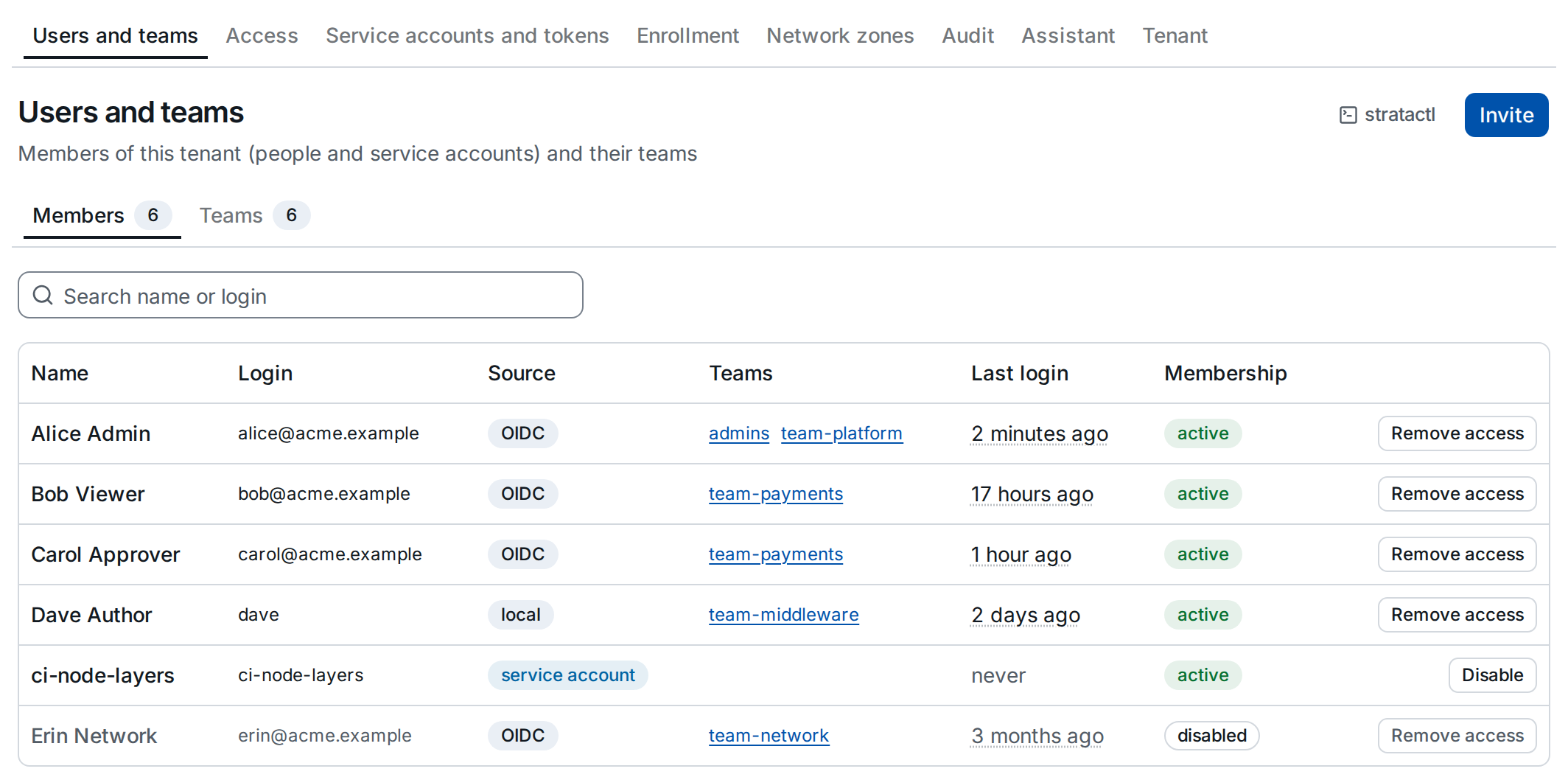
In service mode the billing service manages memberships (billing): the Members tab offers Invite ① instead of adding local members, and Remove access ② instead of disabling a member. Teams are local in service mode.
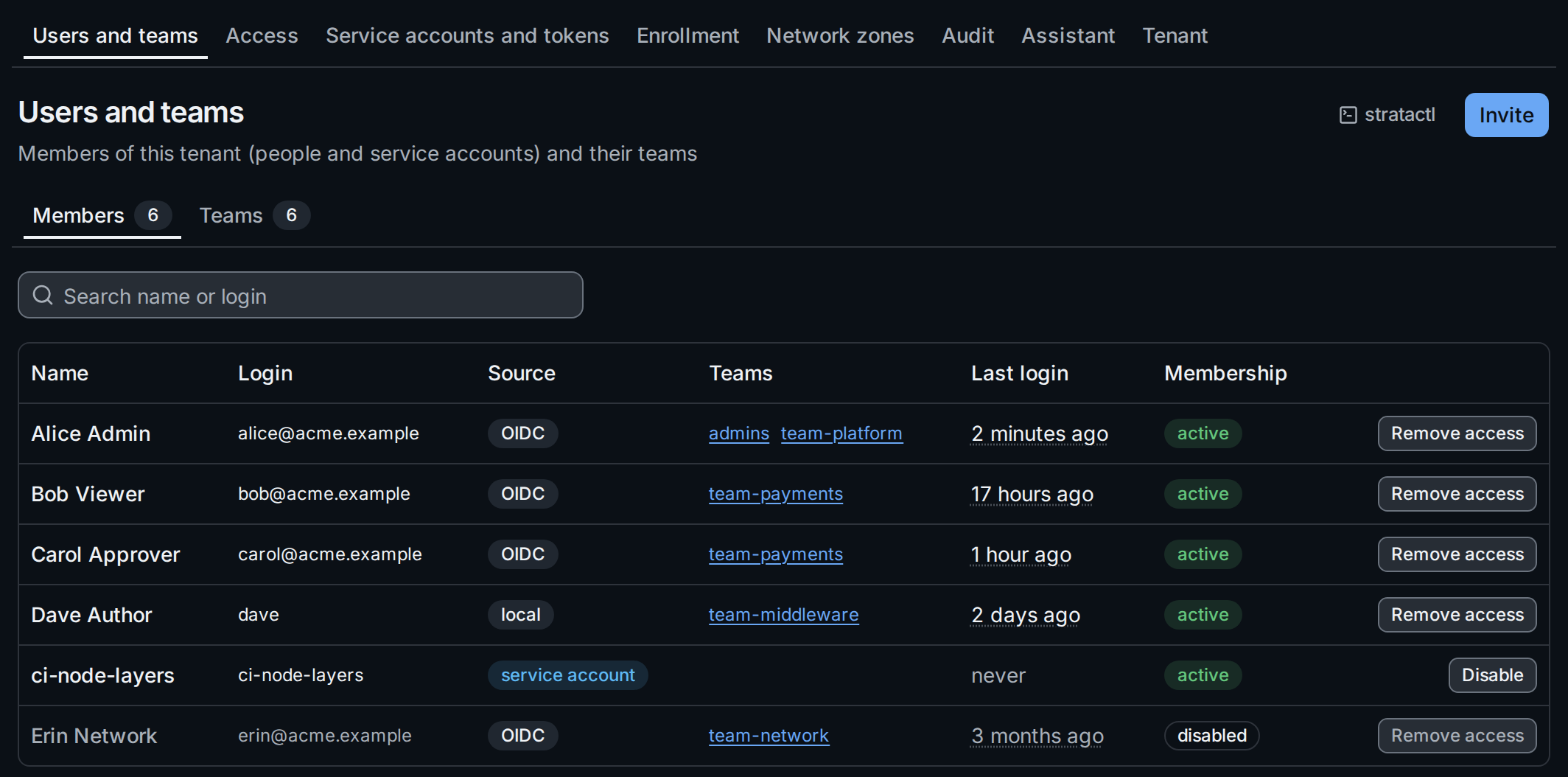
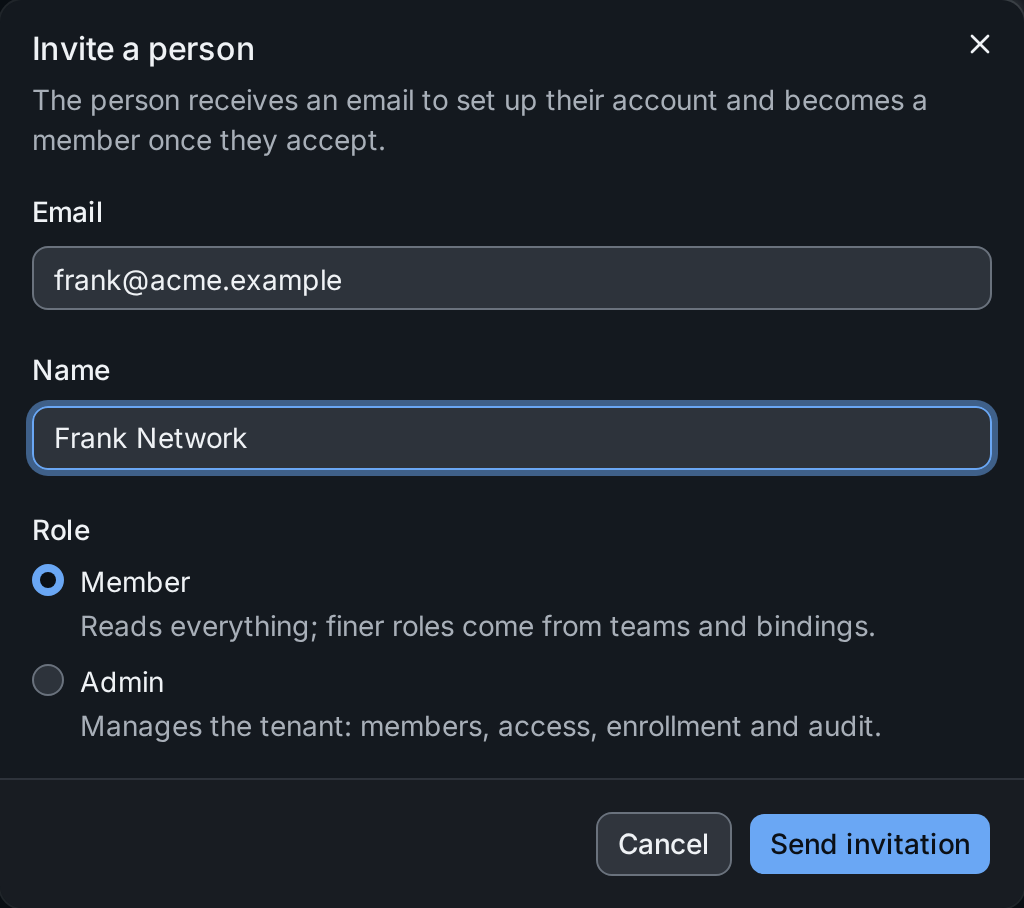
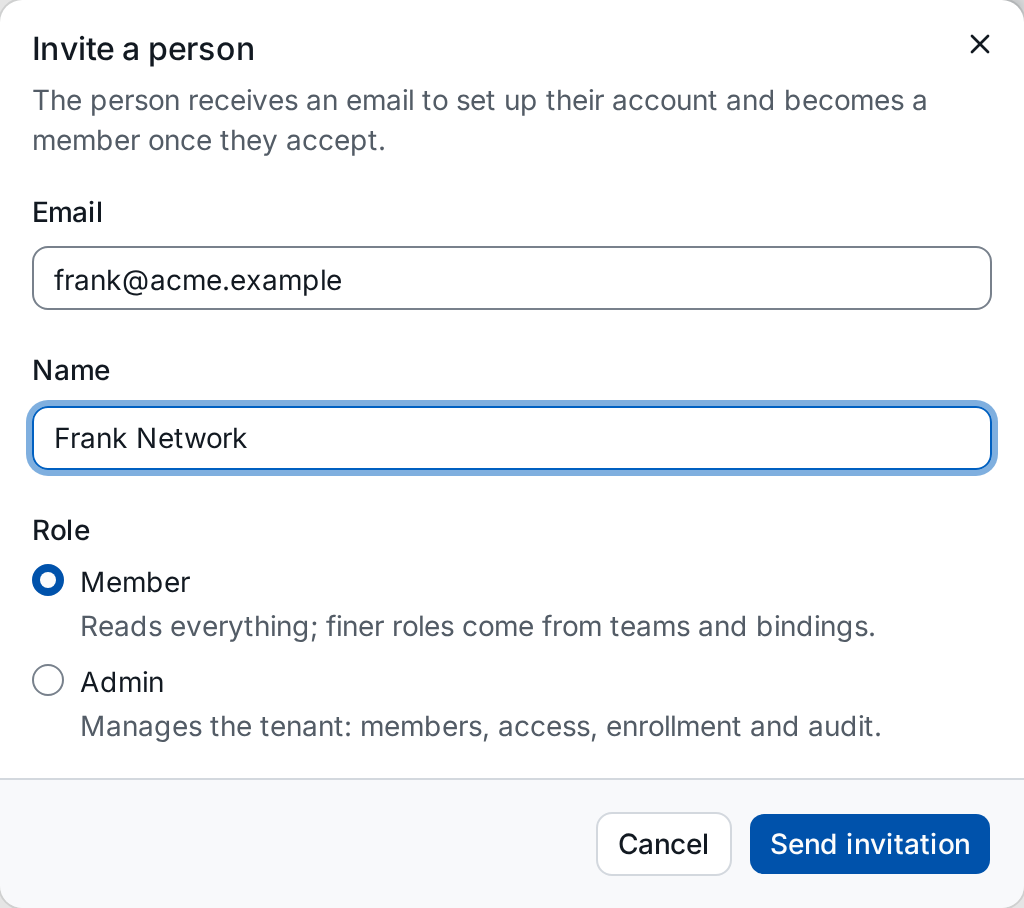
Invite asks for the person's email address, a name and the role: Member reads everything and gets finer roles through teams and bindings, Admin manages the tenant. The billing service mails the invitation; the person becomes a member once they accept it.
Remove access ends the membership through the billing service; the list shows the result a moment later. The dialog lists what goes with it:
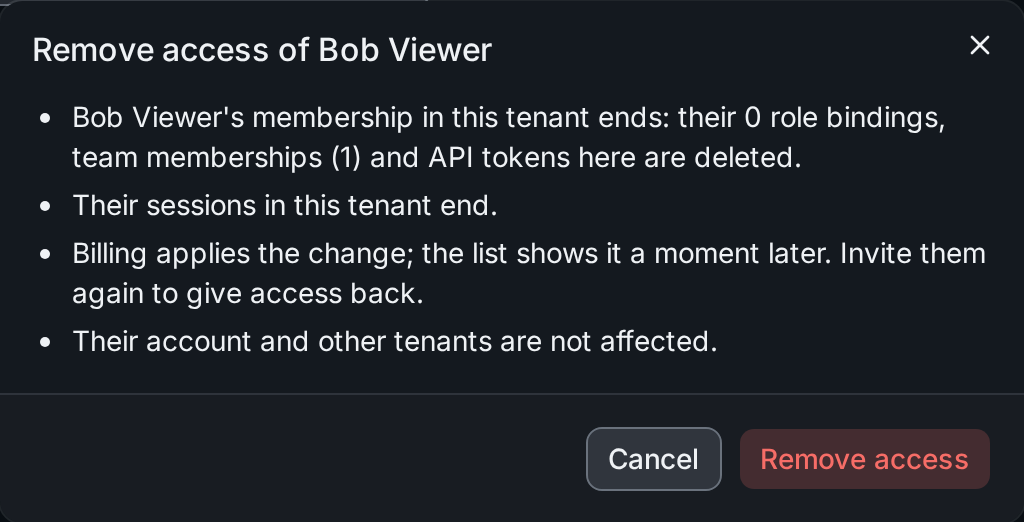
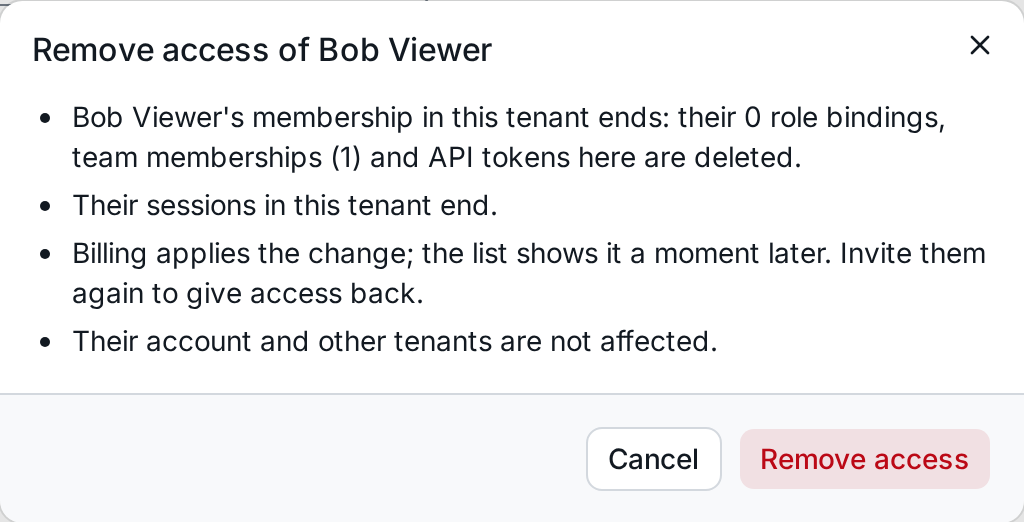
The member's role bindings, team memberships and API tokens in the tenant are deleted and their sessions there end; their account and other tenants stay. Inviting them again gives access back.
7. Subscription and the read-only tenant
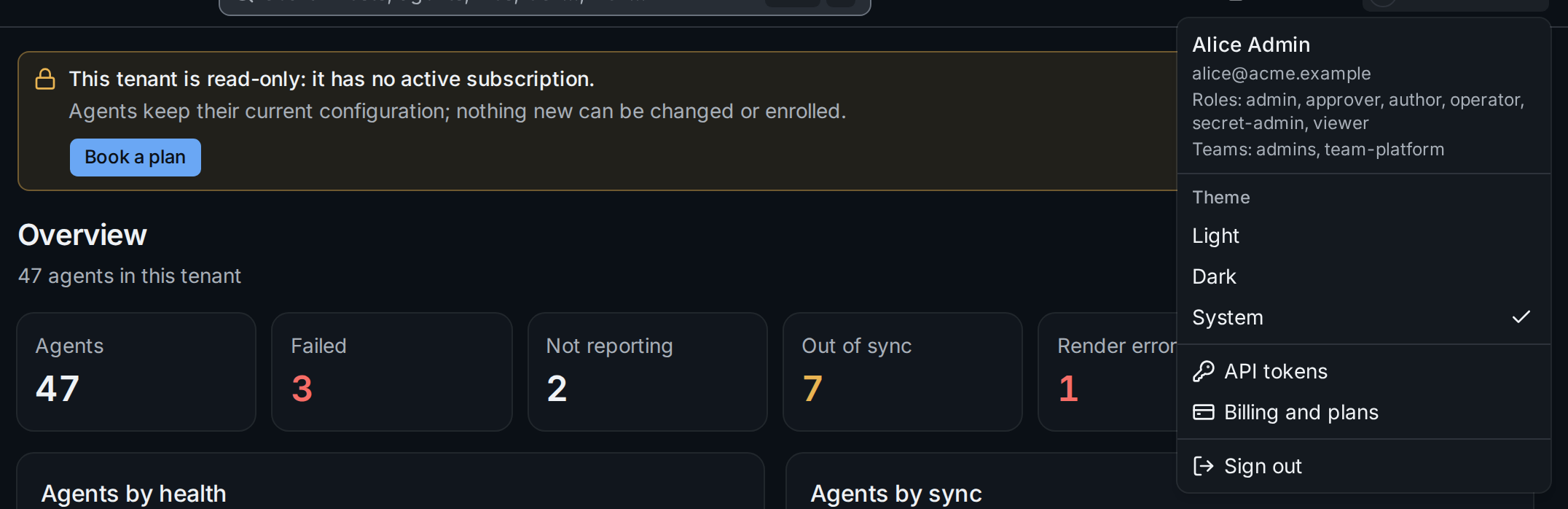
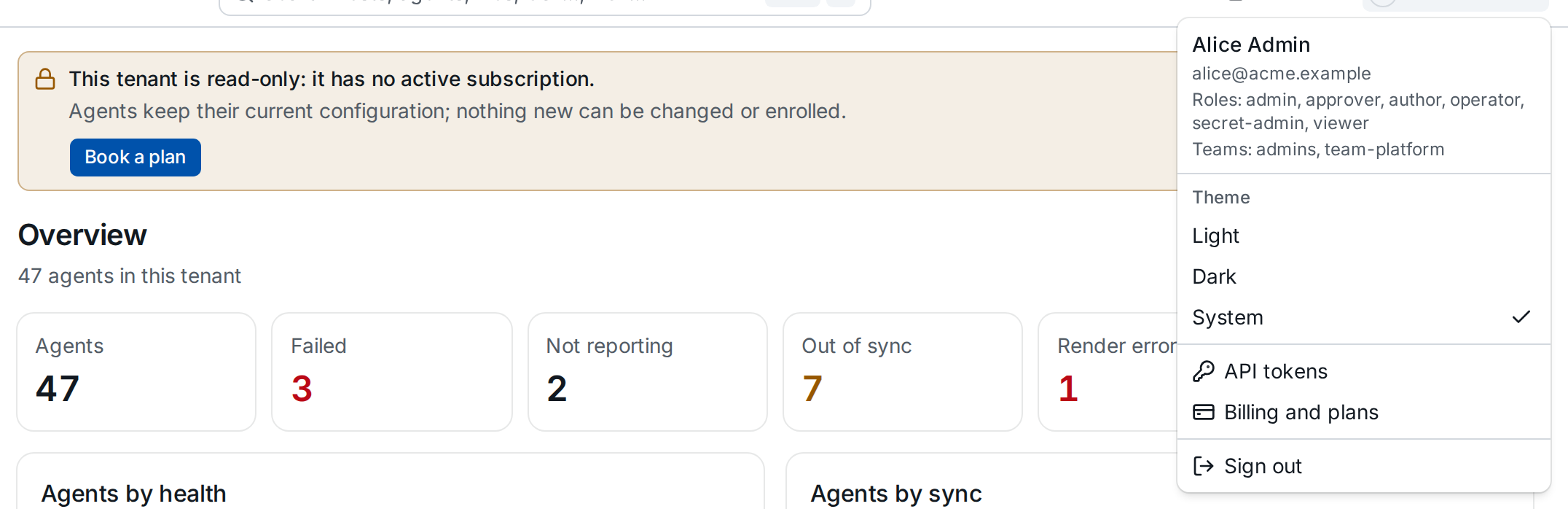
Without an active subscription a tenant is read-only (Service mode): every page shows a banner, agents keep their configuration, and nothing new can be changed or enrolled. Tenant admins get Book a plan ①, others are asked to contact an admin. Billing and plans ② in the user menu opens the account UI (plans, payment methods, invoices) for tenant admins at any time. Removing access stays possible while the tenant is read-only.