Audit
Every change in the tenant, by a person, a service account, the assistant
or the system, writes an event to the tenant's audit chain; each event
carries the hash of its predecessor, so the chain shows when it was
tampered with (audit_event, what writes
events: Authorization).
Admin › Audit searches the chain and exports it to your SIEM. Tenant admins
see every event; other members find their own actions on the same page.
1. Find events
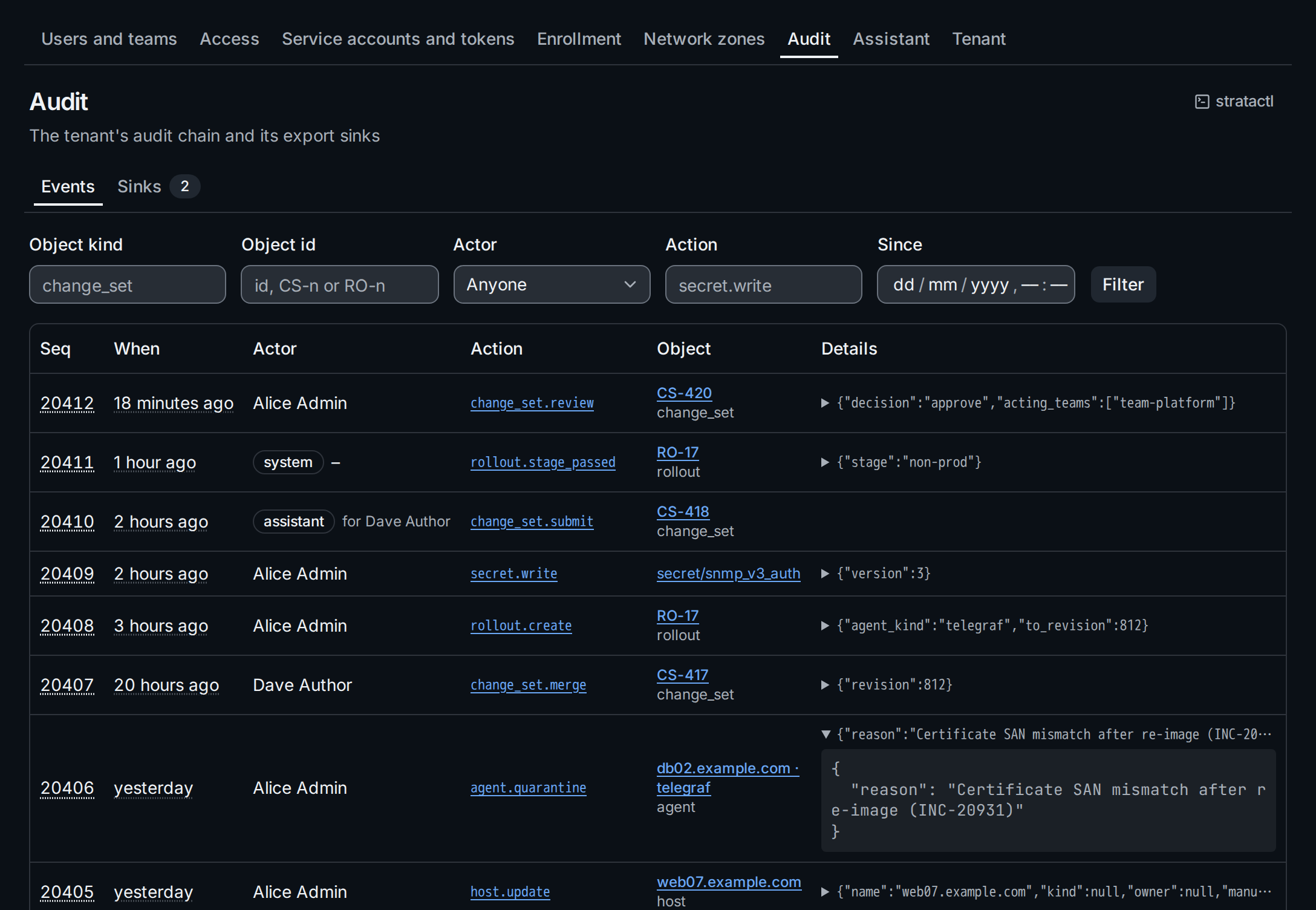
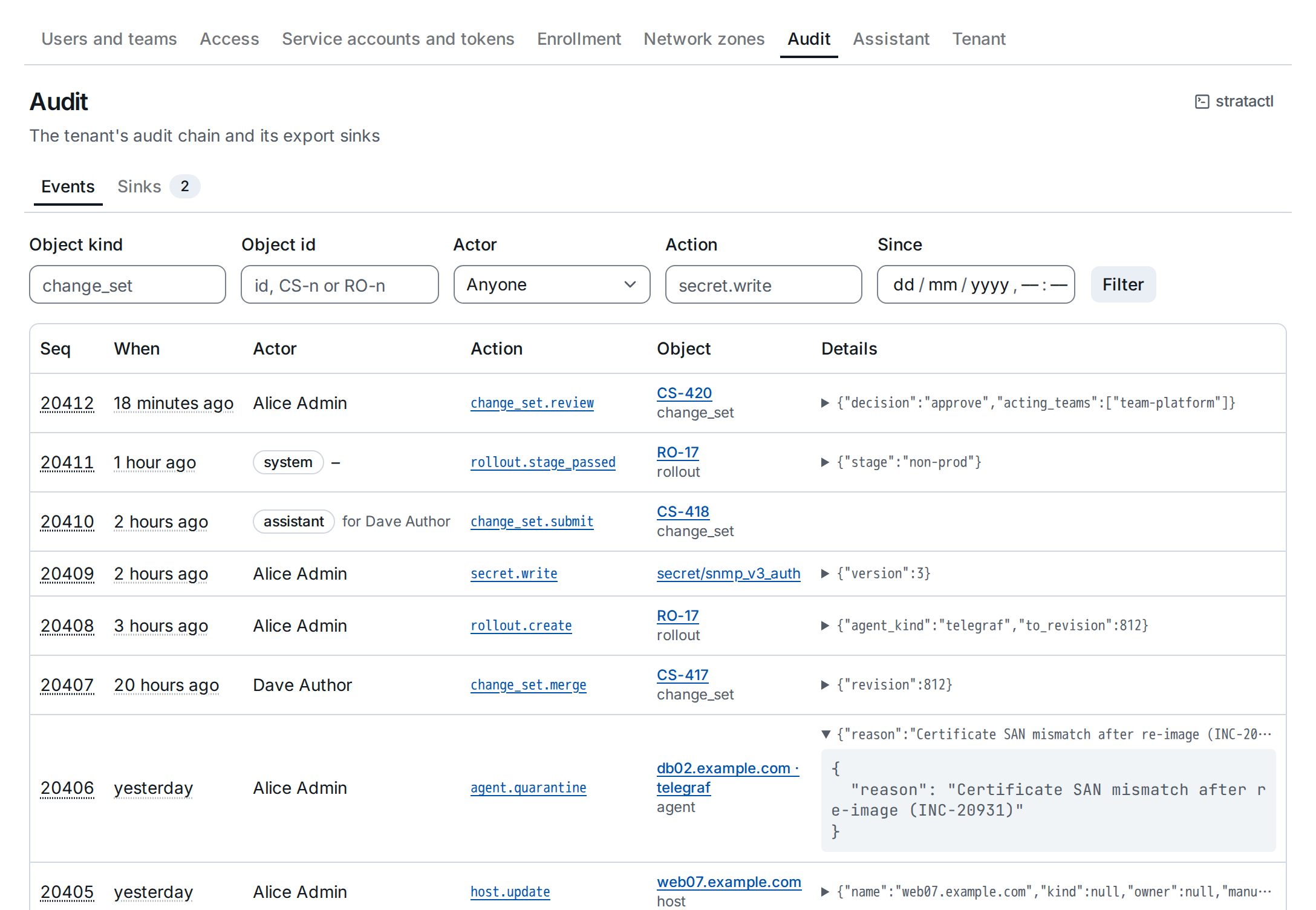
The newest events come first. Narrow them with the filters ①:
Object kind and Object id (secret and snmp_v3_auth; a change
set or rollout also by its number, CS-418 or RO-17), Actor
(also the person the assistant acted for), Action (secret.write) and
Since, then Filter. Clicking an action in the list filters by it.
- Actor. People and service accounts by name; events of the system and the assistant are marked as such, the assistant's with the person it acted for.
- Object ②. An object that still exists is named,
CS-420,RO-17, a host orhost · kindfor an agent, and links to its page; the kind below it shows every event of that object. A deleted object keeps its kind and id. - Details ③ are folded to one line; click it to see the whole record.
- Seq. Hover the sequence number for the event's hash.
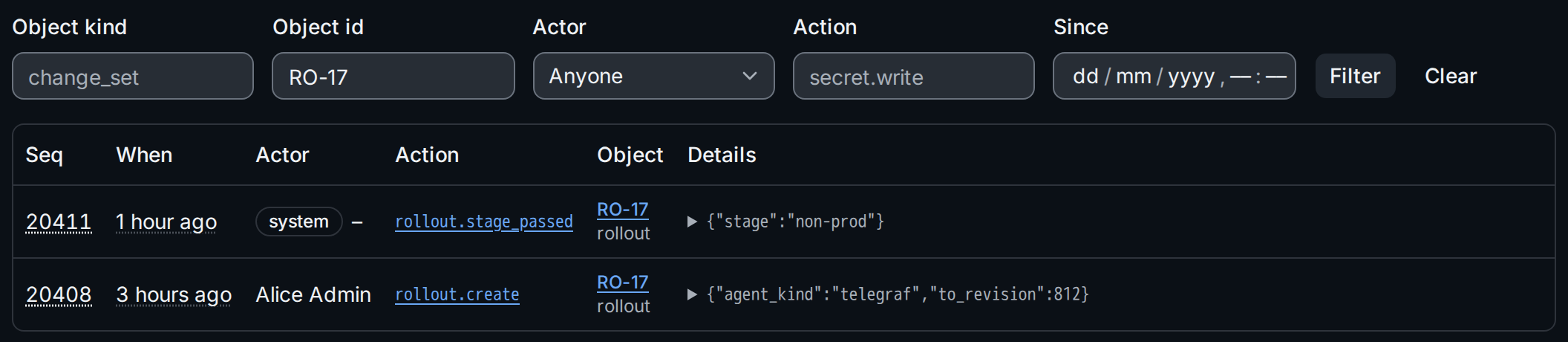
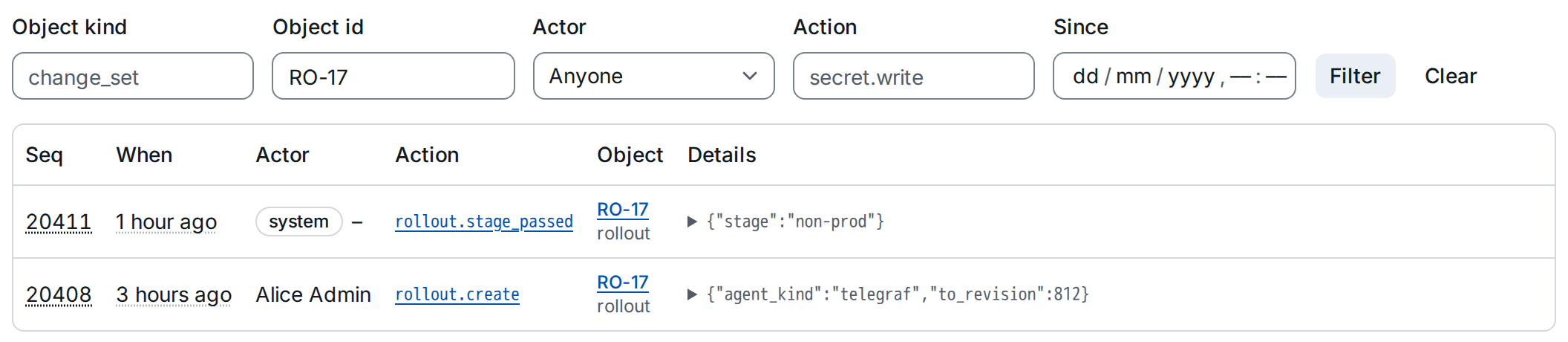
The same search with stratactl:
stratactl audit events --object rollout/RO-17 --since 2026-10-21T00:00:00Z
(Administration); the page's
stratactl button gives the command of the current filters.
2. Export to a SIEM
The Sinks tab lists the export targets. A sink sends every event of
the chain, in order, to a webhook or a syslog receiver and remembers how
far it got (audit_sink).
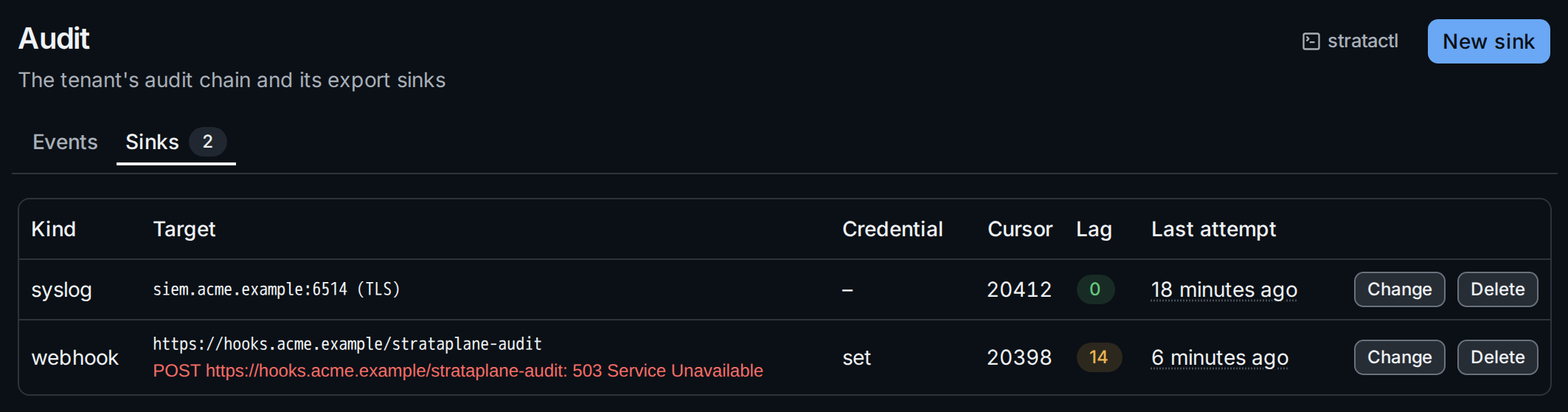
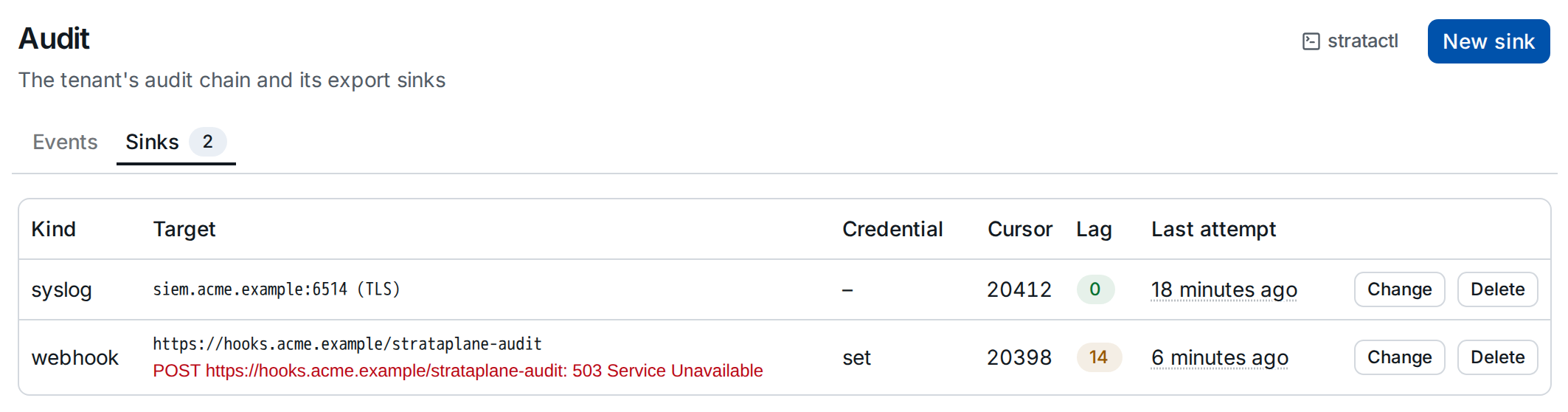
- Cursor is the sequence number of the last exported event, Lag ① the number of events still to send.
- A failing target shows its last error ② below the target and keeps its cursor: the sink retries, and once the receiver is back the lag goes down to 0.
Create a sink
New sink opens the dialog:
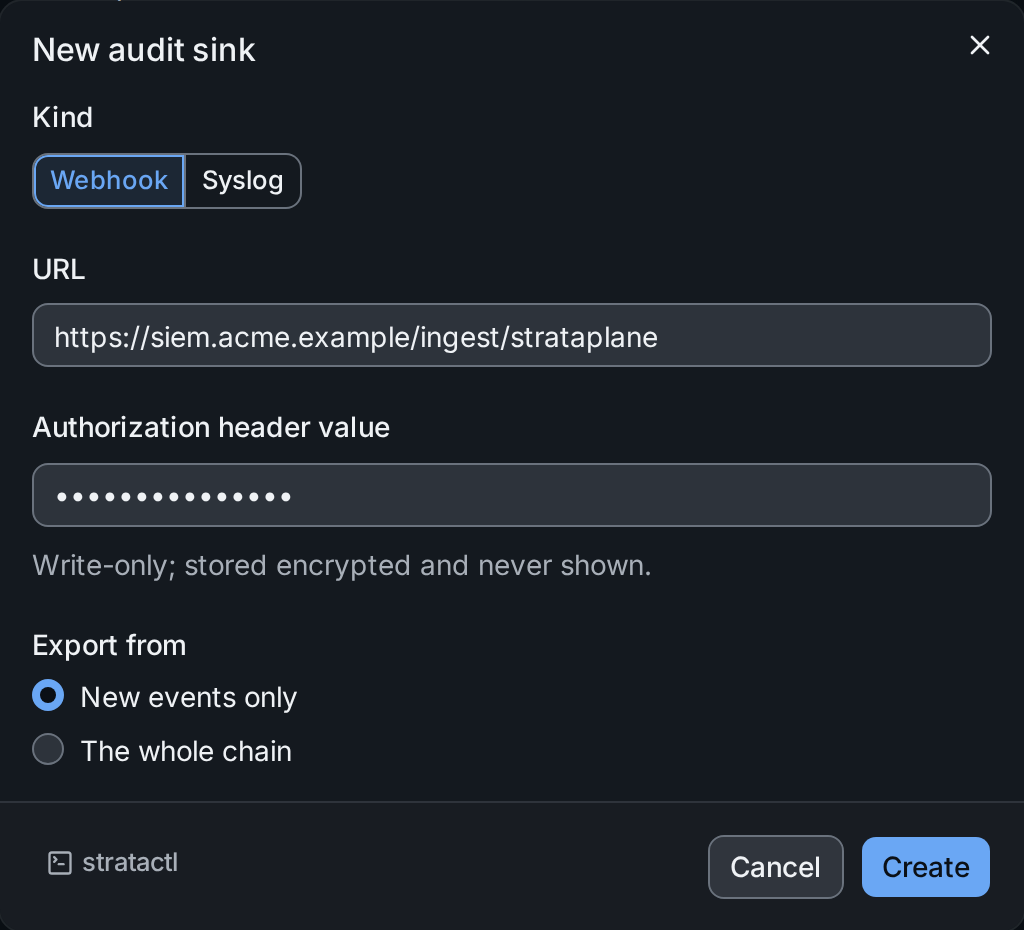
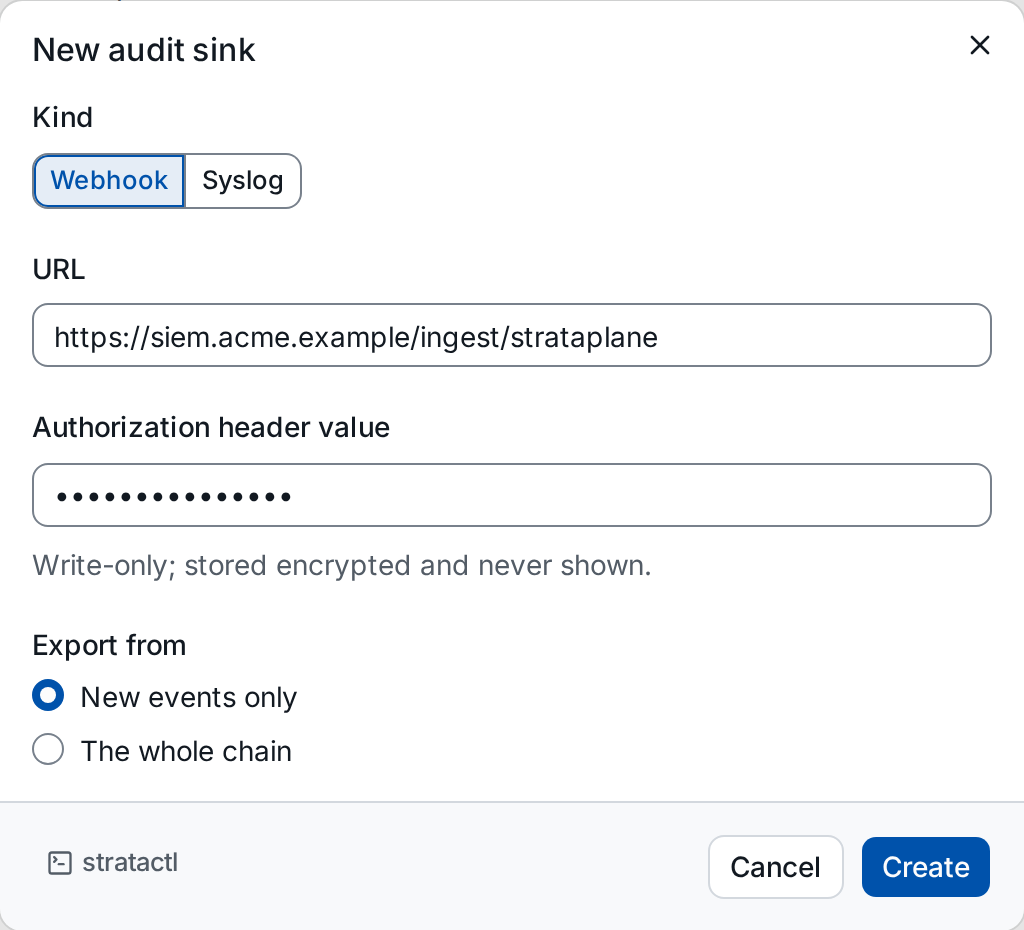
- Kind: Webhook posts the events to a URL; Syslog sends them to a
host:port, with or without TLS. - Authorization header value ① (webhooks) is the credential the
receiver expects, such as
Bearer …. It is stored encrypted and never shown again; the list only says whether one is set. - Export from ②: New events only starts after the latest event, The whole chain sends every event since the tenant was created.
The receiver's address has to be reachable from the server and outside
the installation's denied networks
(egress).
stratactl audit sink create --kind webhook --url URL does the same.
Change or delete a sink
Change edits the target and the credential; leave the credential empty to keep the stored one. The cursor stays where it is, so a moved receiver continues where the old one stopped.
Delete names what stops, including the events not yet exported to the target and a stored credential, and asks for the target to be typed:
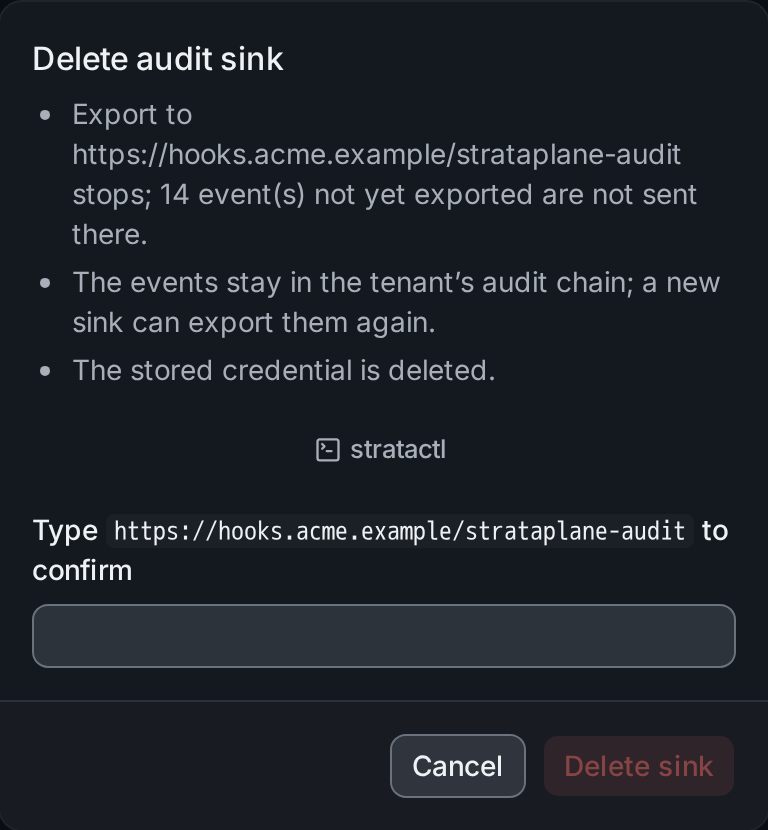
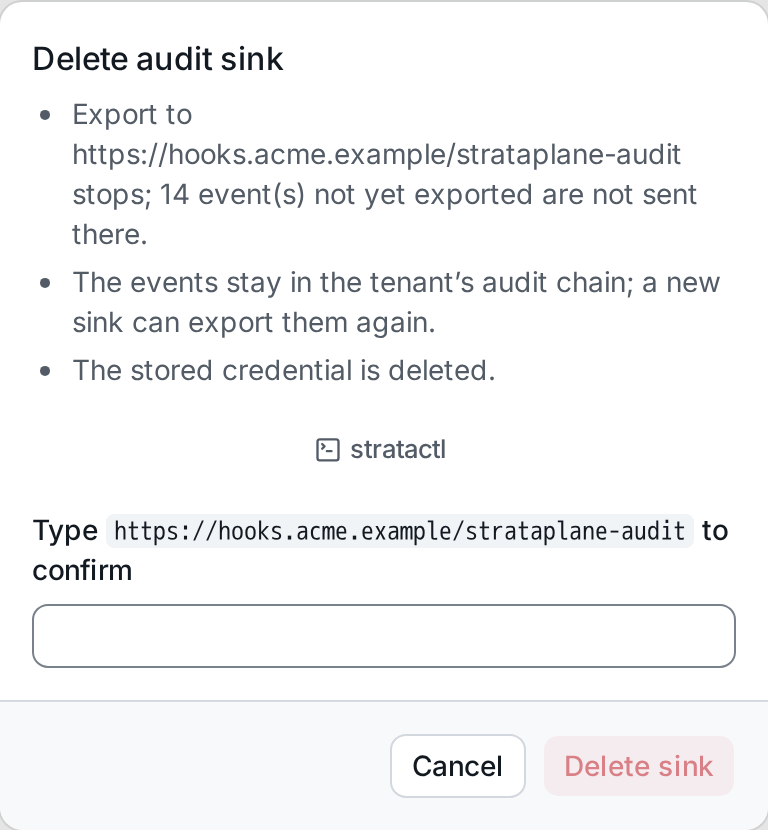
The events stay in the chain; a new sink created with The whole chain exports them again.