Tenant limits
Each tenant has limits on agents, object storage for journey evidence, assistant chat storage and the management API rate. The platform admins set them; in service mode the agent limit comes from the plan. What each limit counts and where it is enforced is described under Tenancy. This page shows where the UI tells you about them.
1. Limits and usage
Admin › Tenant shows the tenant's name, state and its usage of each
limit. stratactl tenant show prints the same for any member of the
tenant (Administration).
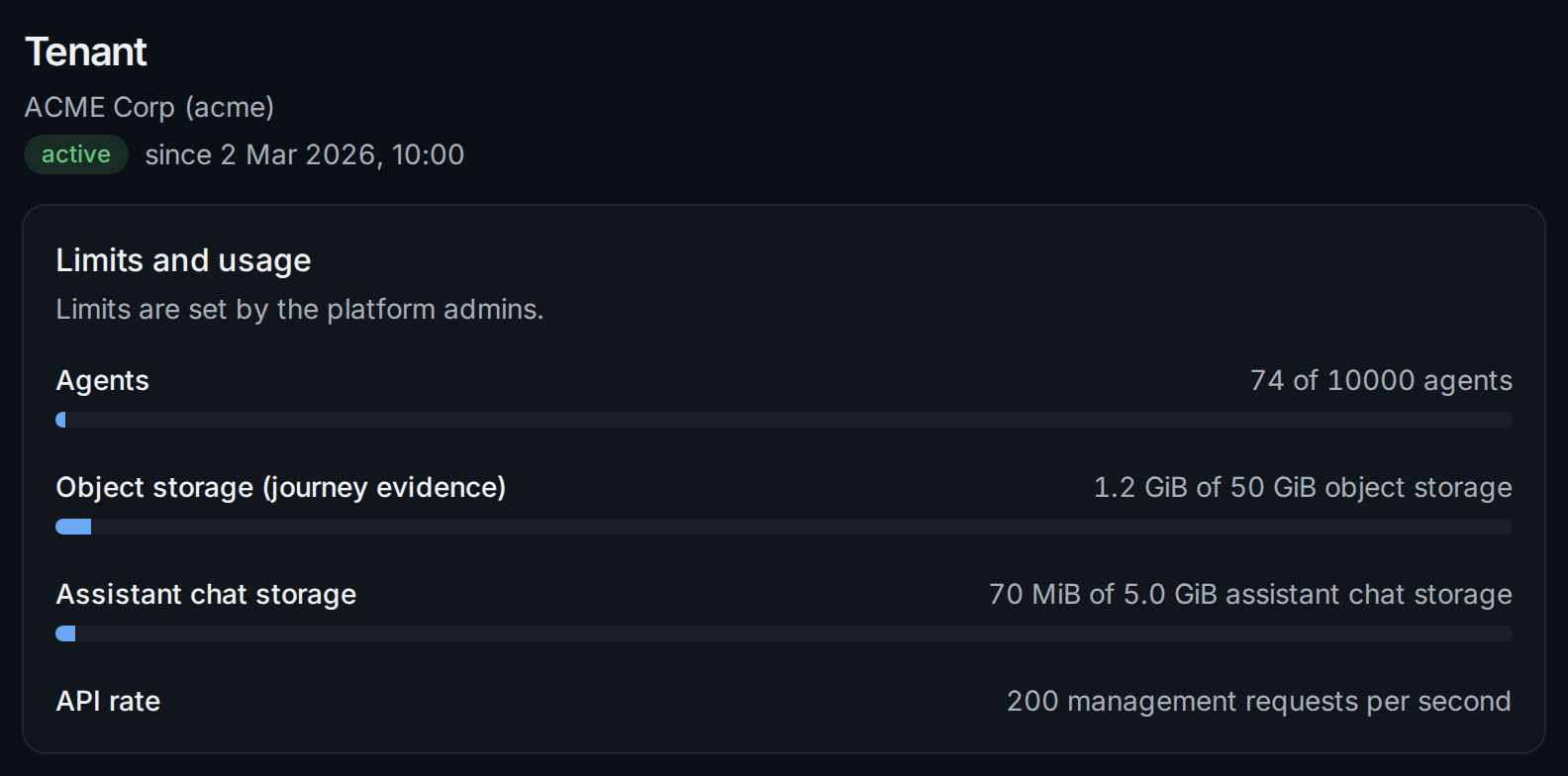
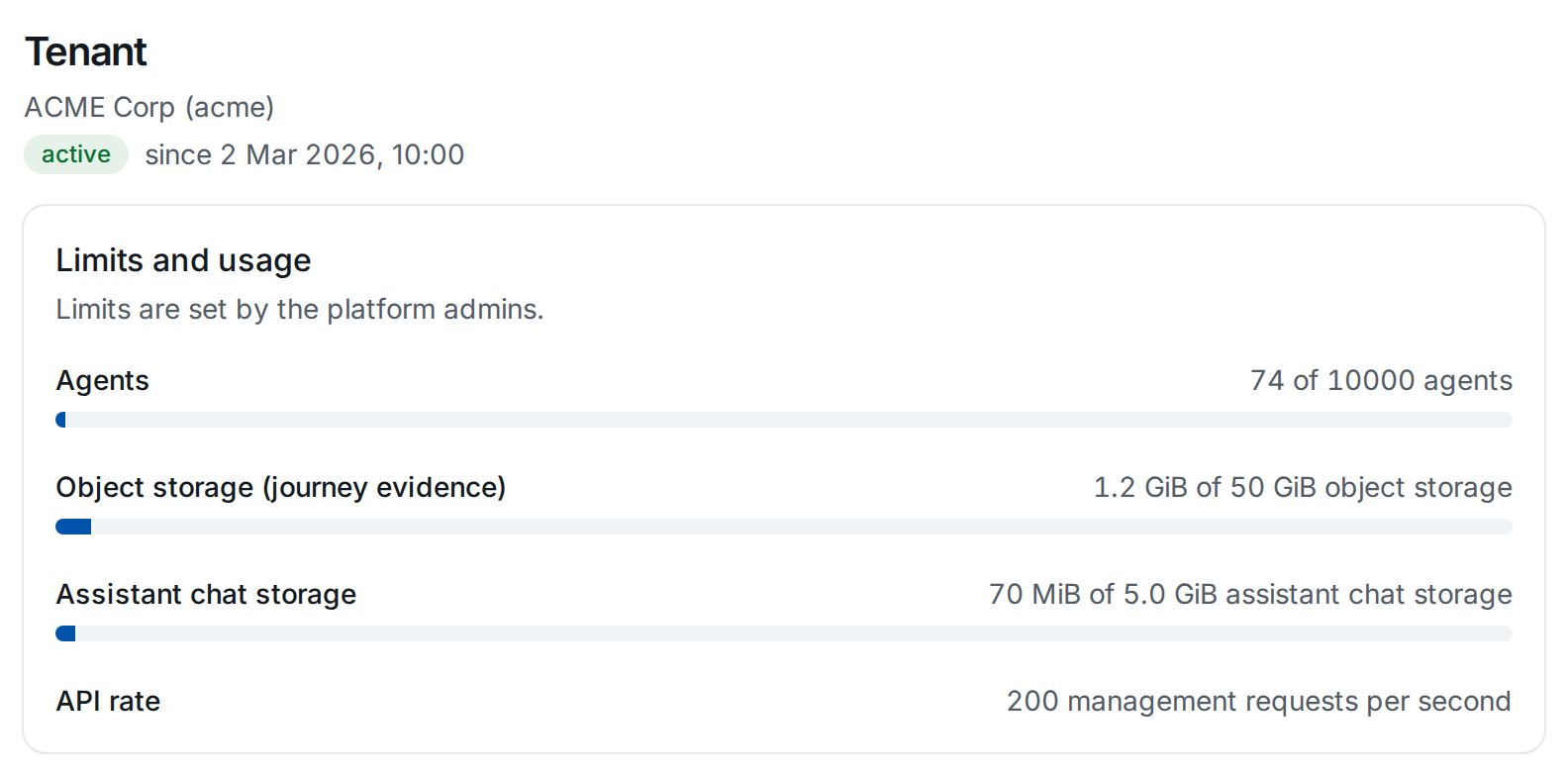
A bar turns amber from 90 % and red when the limit is reached. The API
rate has no usage to show: requests beyond it are answered with 429, and
stratactl repeats them after the time the server asks for.
To raise a limit, ask the platform admins of your installation (Platform administration).
2. The usage banner
When the usage of a limit reaches 90 %, every page shows a banner with the usage:


Tenant admins get a link to Admin › Tenant ①; other members are asked to contact a tenant admin:


Once a limit is reached, the banner says so. Deleting chats frees chat storage.
3. Actions a limit blocks
An action that a reached limit blocks stays where it is, disabled, and says why when you point at it or focus it. With the chat storage full, sending a message and uploading files in the assistant are disabled:
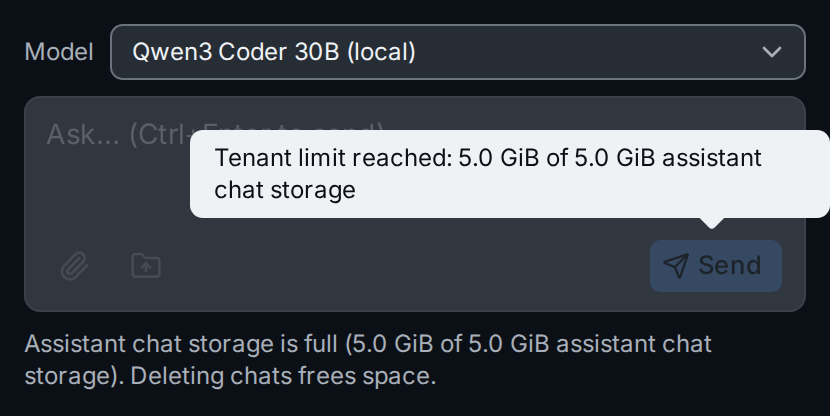
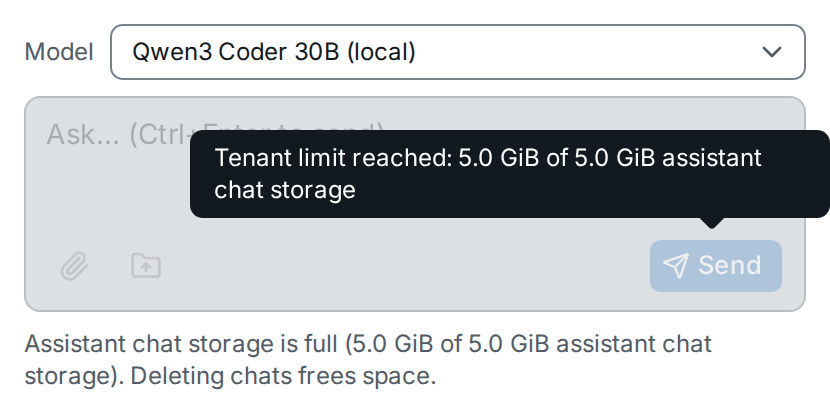
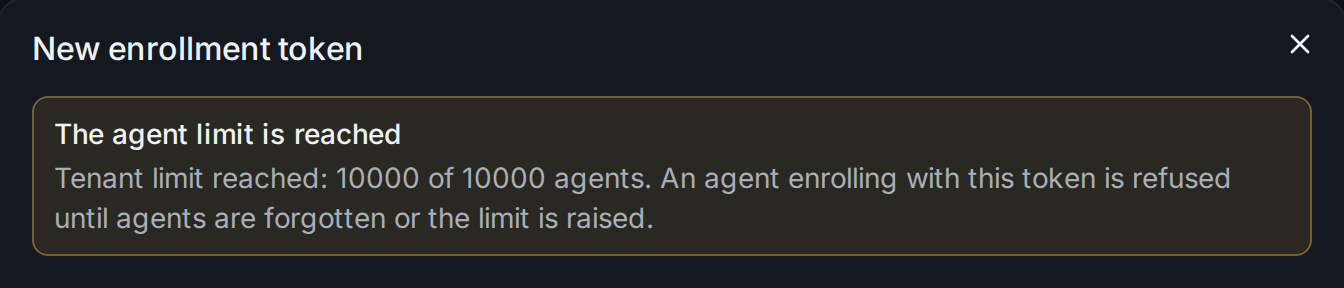
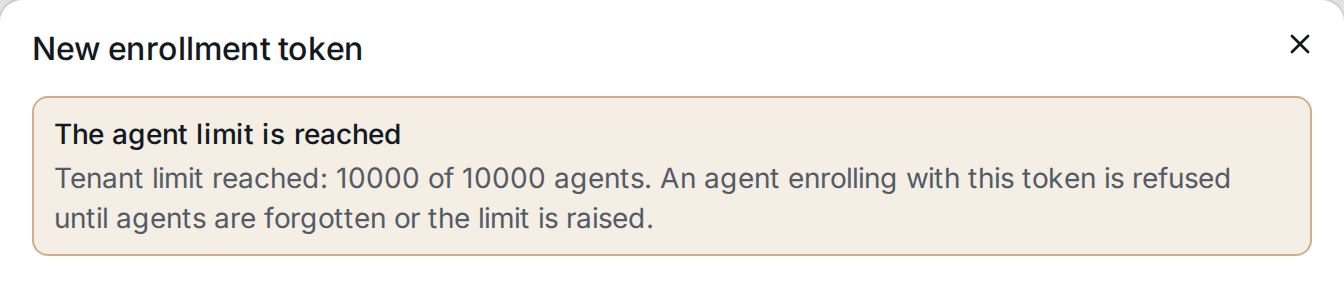
Sending and uploading in the assistant are the only actions in the UI that a limit refuses. The other limits refuse what agents send, so the dialogs that lead there warn instead. With the agent limit reached, a new enrollment token can still be created, and its dialog says that agents enrolling with it are refused until agents are forgotten or the limit is raised:
A manual journey run with full object storage is not blocked either; its
dialog warns that the runs are kept without screenshots and snapshots
(Journeys). A request a limit refuses anyway, from a
script for example, fails with the problem code tenant.limit_exceeded.
In service mode a tenant without a valid plan becomes read-only instead: see Subscription and the read-only tenant.