Network zones
A network zone maps a CIDR to labels. A host whose agents connect from an
address in the CIDR gets the zone's labels, so layers, placements and role
binding scopes can select hosts by where they sit (zone=dmz-1) without
anyone labelling them. A source address matches the zone with the longest
prefix, and zone labels rank below enrollment, placement and manual labels
(network_zone,
label sources). Zone labels also
give members of a Telegraf class their own config
(class mode).
The agents' source addresses must reach the server: behind a load balancer or proxy, configure it as described under deployment.
1. The zones
Admin › Network zones lists the CIDRs with their labels ①; each label links to the hosts that carry it.
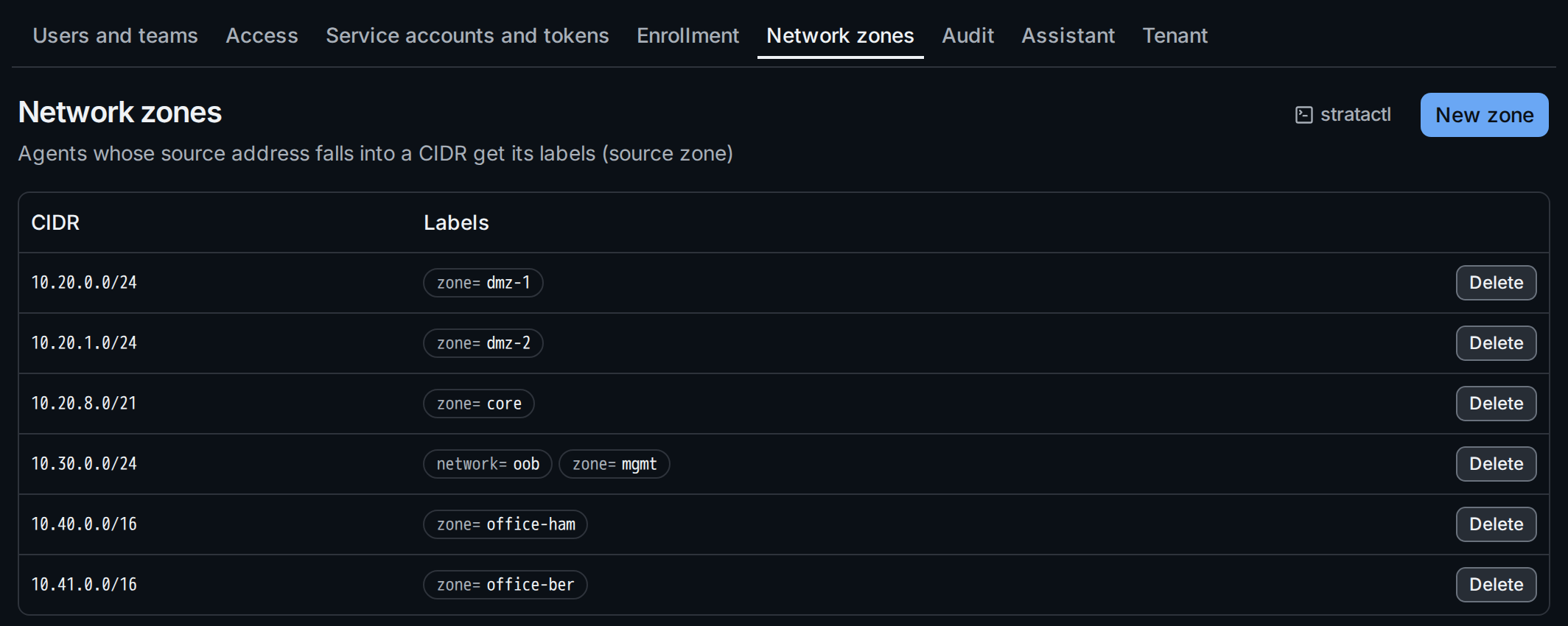
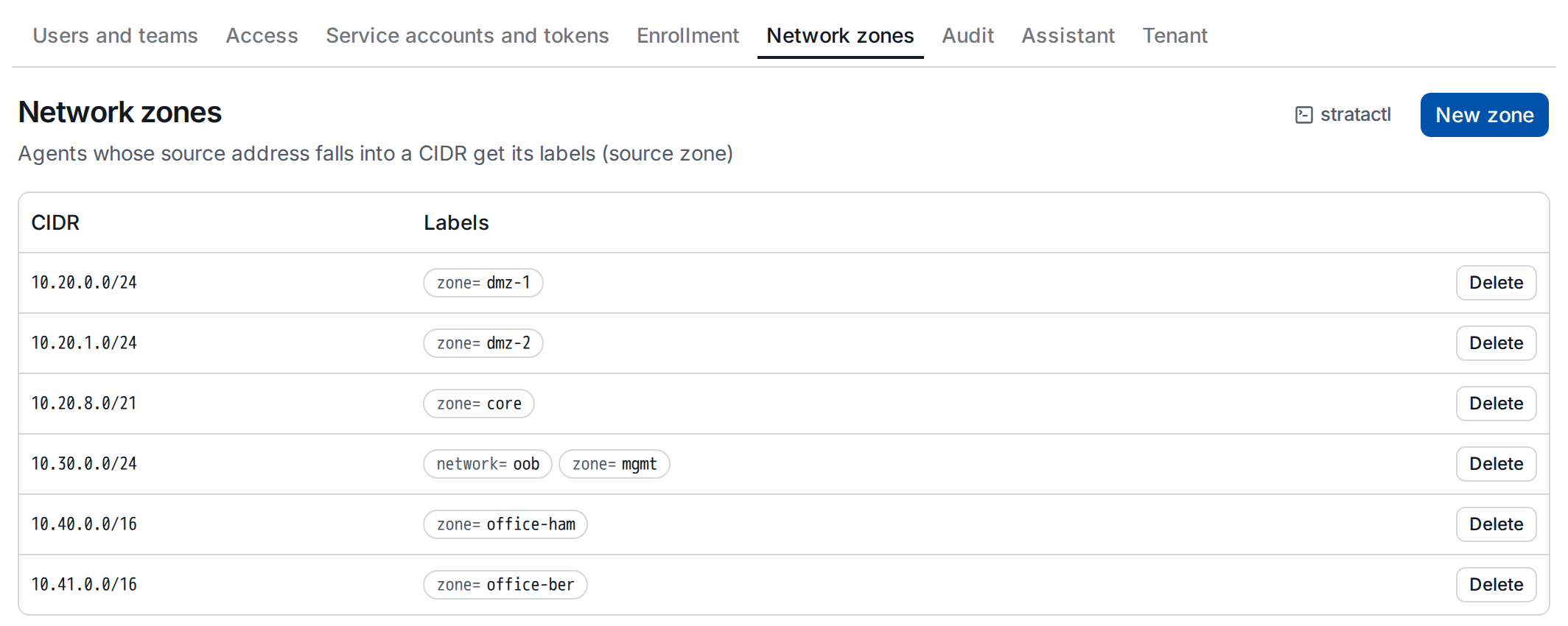
On the command line: stratactl zone list
(administration commands).
2. Create a zone
New zone ② asks for an IPv4 or IPv6 network and at least one label,
key=value separated by commas:
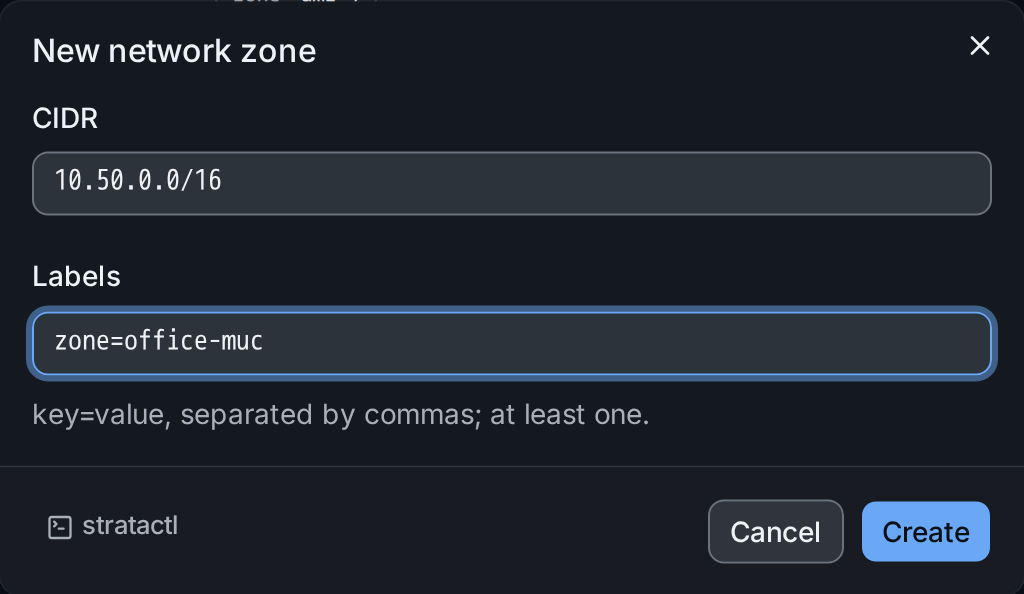
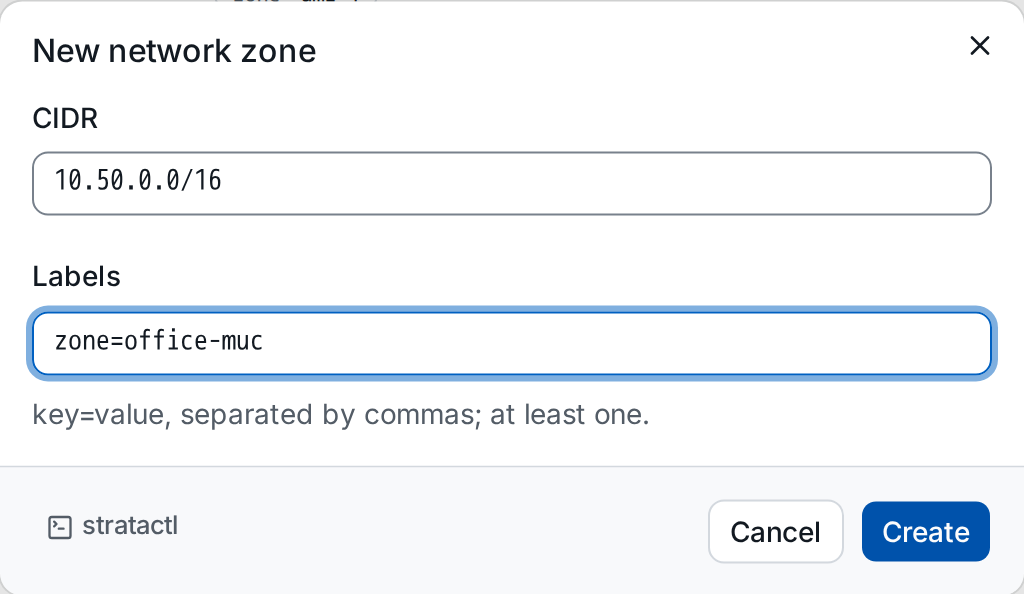
Create saves it; hosts whose agents connect from the network get the
labels. The same with stratactl zone create.
3. Delete a zone
Delete on a zone's row confirms with the labels its hosts lose:
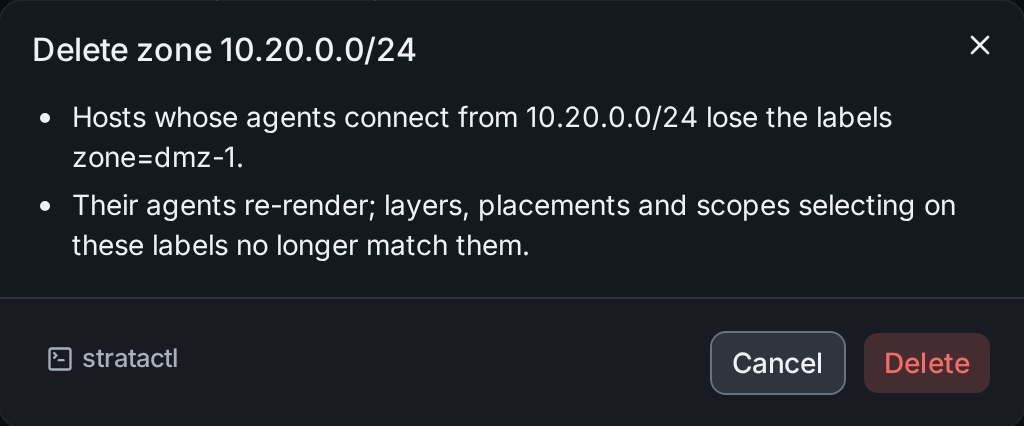
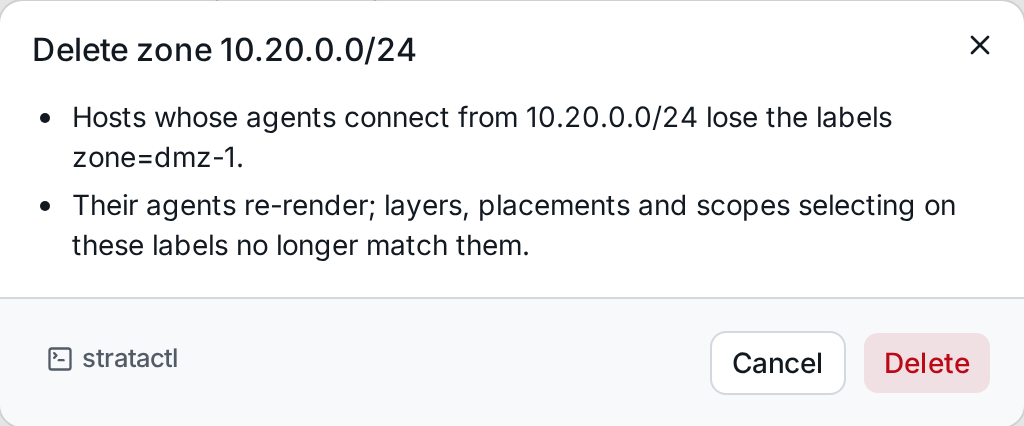
Their agents re-render, and layers, placements and scopes selecting on
these labels no longer match them. On the command line: stratactl zone delete ID.