Platform administration
Platform admins run the installation: they change tenants' limits,
suspend, resume and delete tenants, import the catalog bundles every
tenant uses and read the platform audit chain. They create no tenants:
strataplane init creates the one tenant of a self-hosted installation,
the billing service those of service mode
(Tenancy). The local break-glass
admin is a platform admin; auth.platform_admins makes OIDC users
platform admins (Configuration).
1. Open a platform session
In service mode a session belongs either to one tenant or to the platform. After signing in, a user with more than one choice picks one:
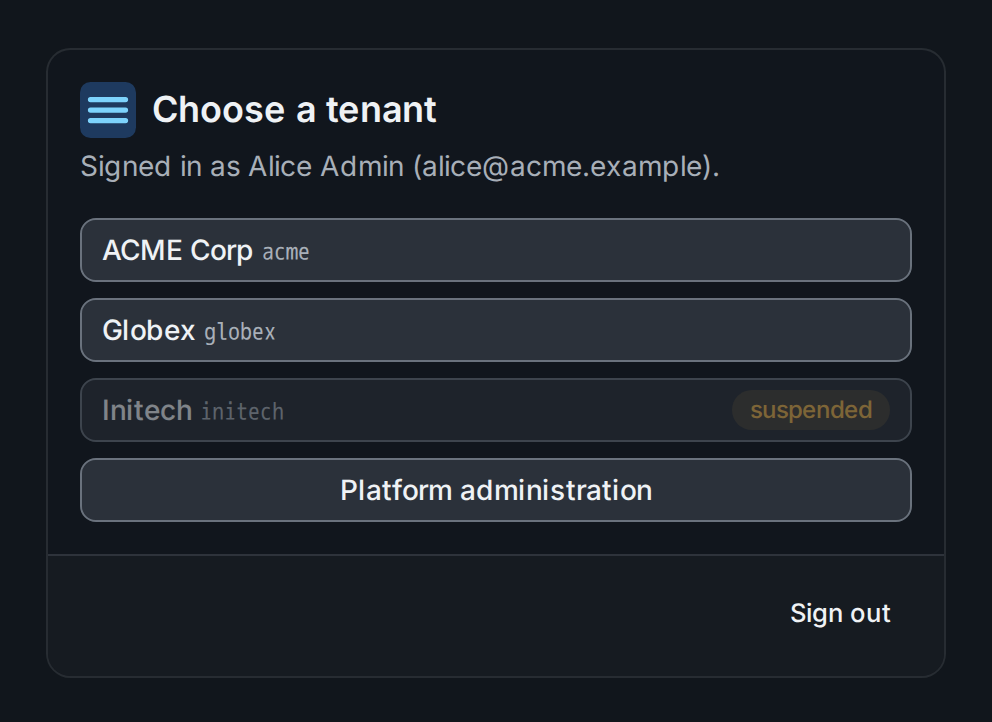
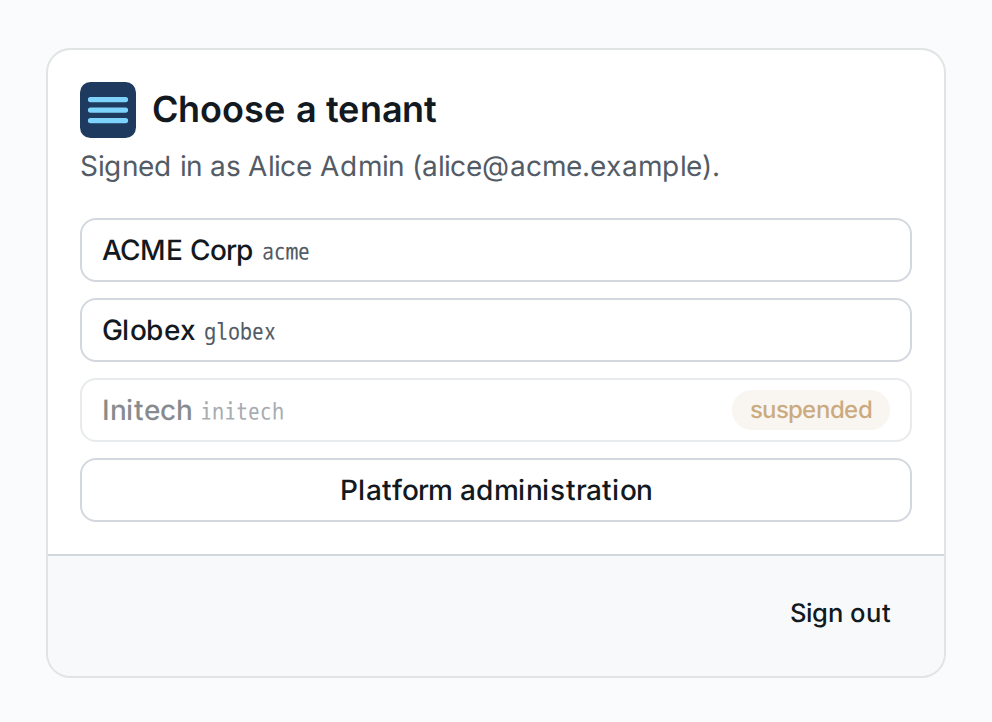
Suspended tenants are listed but cannot be chosen ①. Platform administration ② opens the platform pages, and only those; the tenant name at the top of the page offers the switch back to a tenant later.
In a self-hosted installation a platform admin who is a member of the
tenant, such as the break-glass admin, works from the tenant: catalog
bundles are imported on the tenant's Catalog page
(§3), and the platform commands of
stratactl take any token of a platform admin
(Conventions).
2. Manage tenants
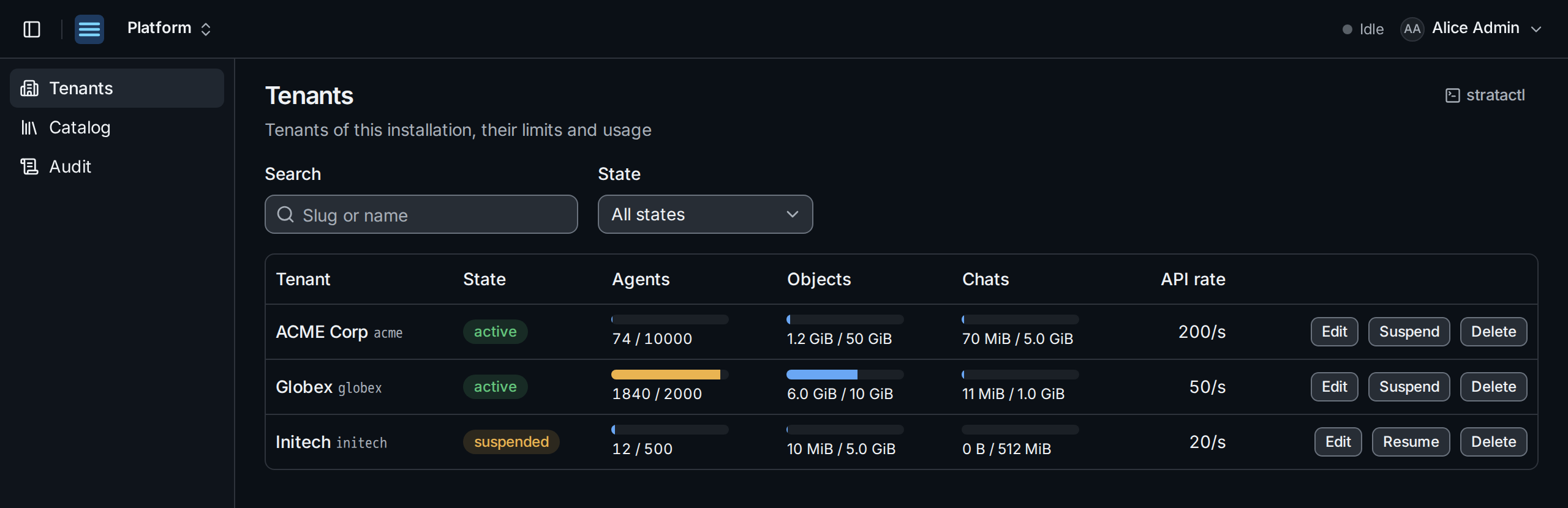
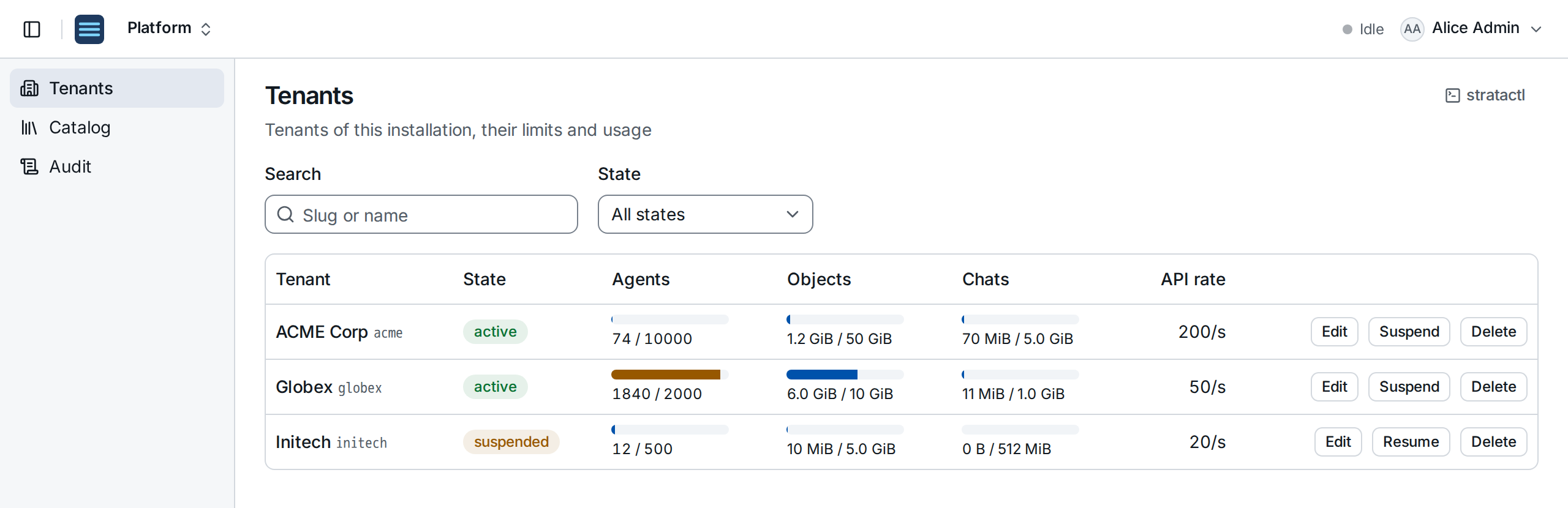
Each tenant shows its state and its usage of each limit ②; a bar turns amber from 90 %. Search by slug or name, or filter by State.
Edit ③ changes the slug, the display name and the limits:
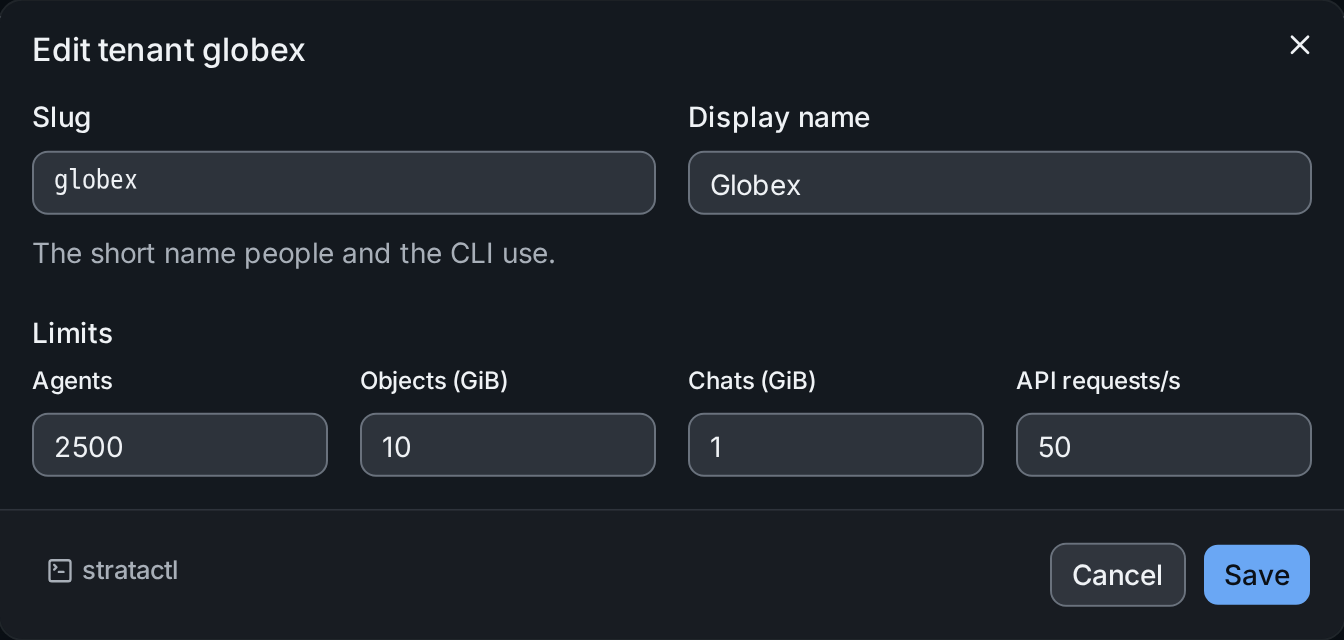
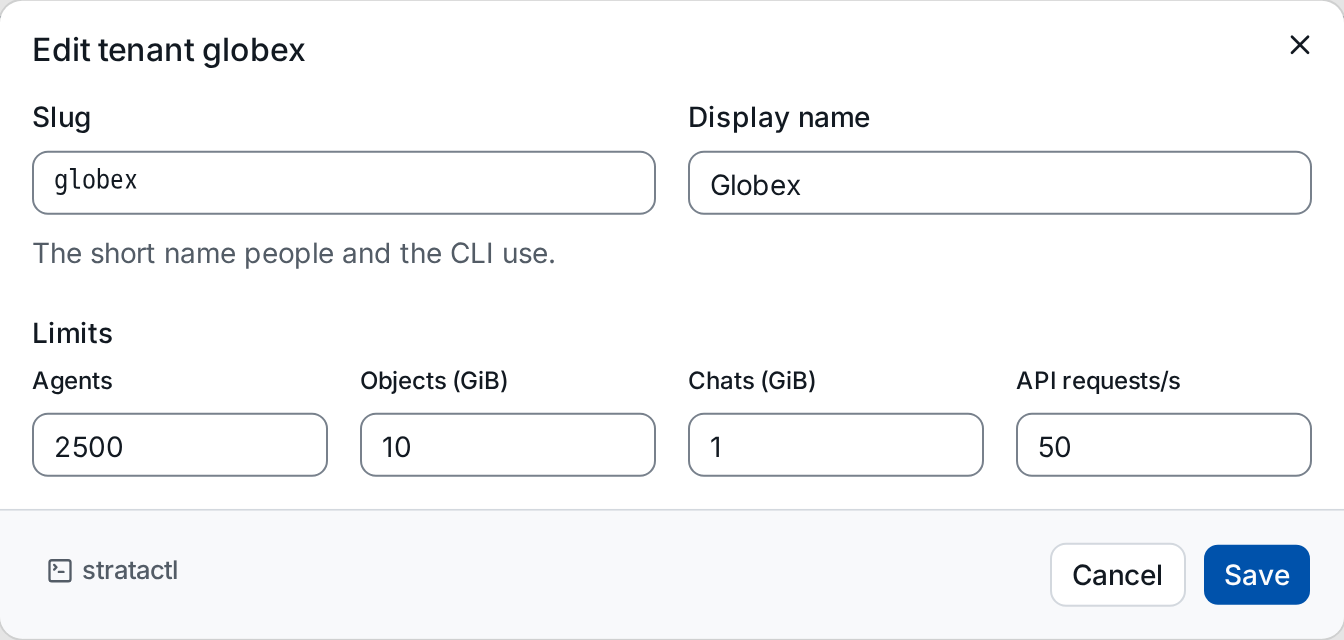
A limit below the current usage refuses new enrollments until the usage falls below it; existing agents stay. In service mode the agent limit comes from the tenant's plan (Service mode).
Suspend locks the tenant's members out while its agents keep their configs; the dialog names what stops:
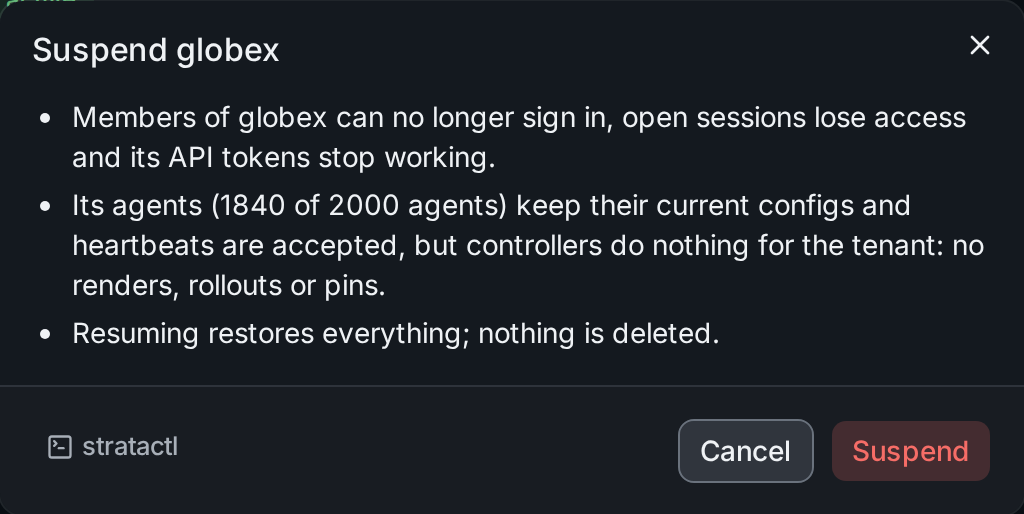
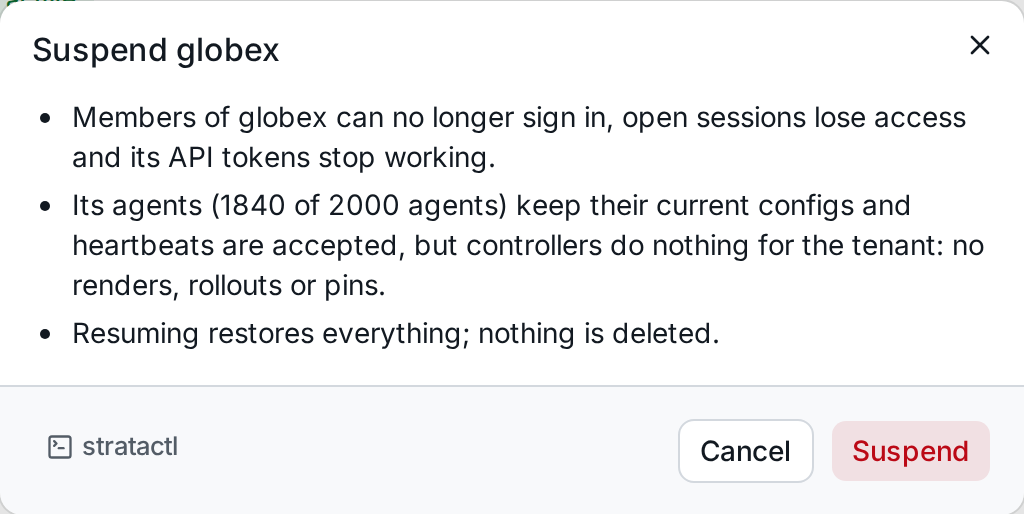
Resume restores everything. What each state allows is in
tenant_state.
Delete asks for the tenant's slug to be typed. Deletion cannot be undone: it refuses every request for the tenant, deletes its data, sweeps its stored objects and destroys its data keys, and the page shows its progress.
The commands are stratactl platform tenant list|show|update|delete
(Administration).
3. Import catalog bundles
The catalog (plugin schemas, parser modules, validators) arrives as signed bundles per agent kind and version, and serves every tenant (Catalog bundles).
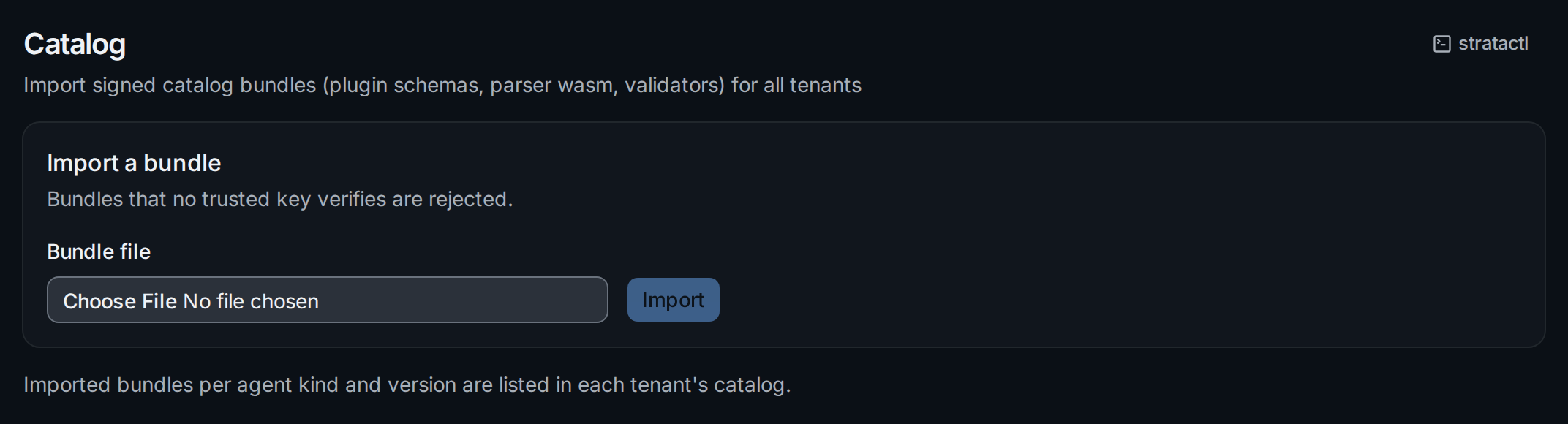
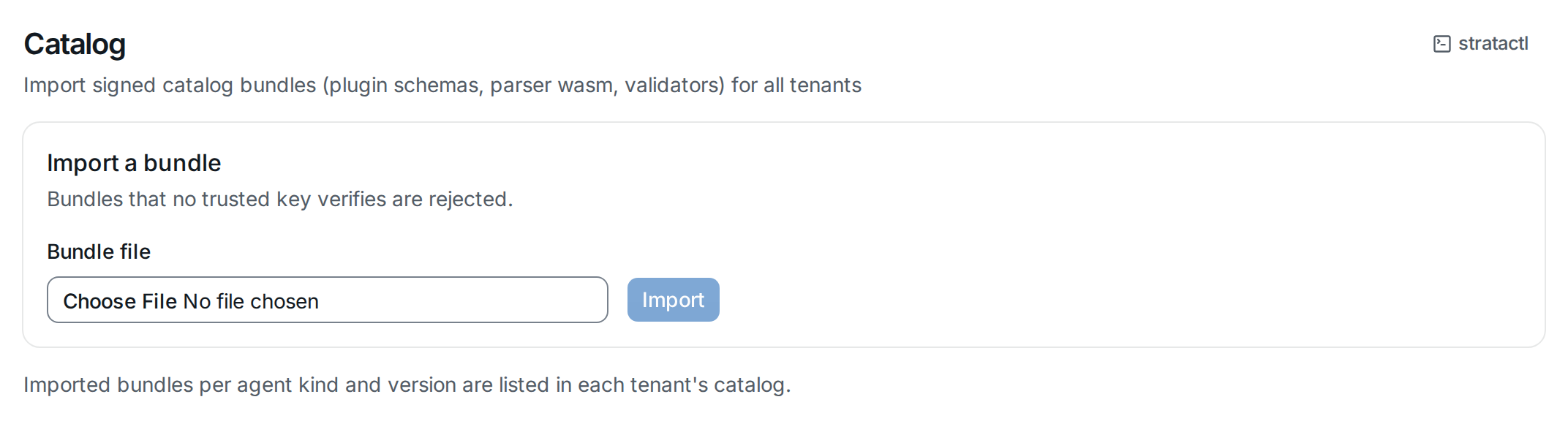
Choose the bundle file and Import; the progress of each import stays on the page. A bundle that no trusted key verifies is rejected. The imported versions then appear on every tenant's Catalog page.
In a self-hosted installation the same upload sits on the tenant's
Catalog page for platform admins (Catalog). Without the UI:
stratactl platform catalog import FILE, or strataplane catalog import
on the server.
4. Read the platform audit chain
Platform actions write their own chain, separate from the tenants'
(platform_audit_event):
tenant changes, catalog imports and events from the identity provider.
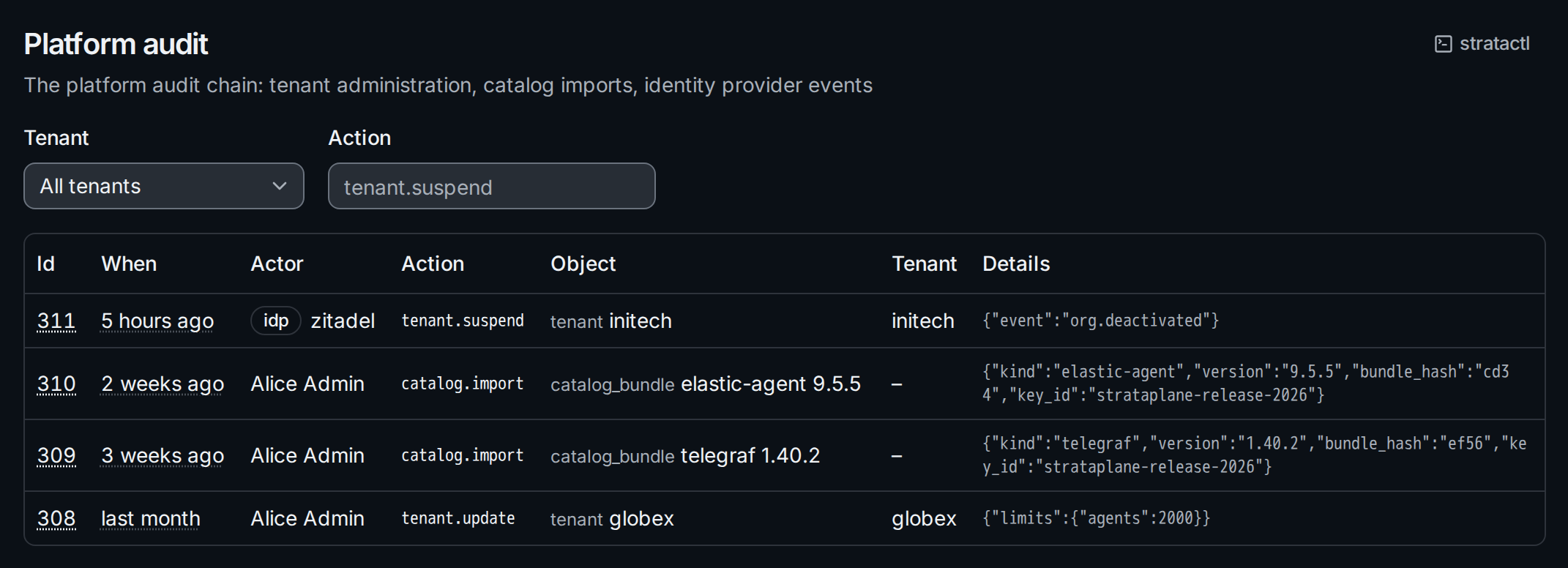
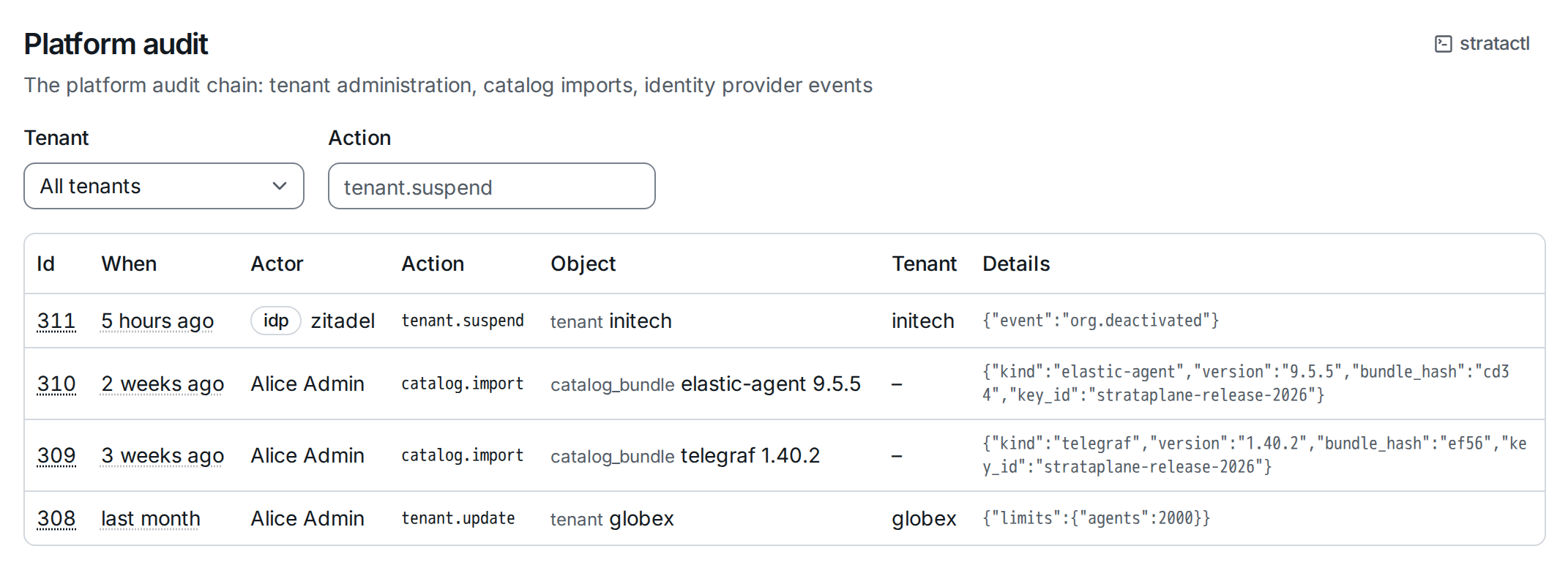
Users appear by name ①, tenants by slug and catalog bundles by agent kind
and version. Filter by Tenant and Action; hover an event's id for its hash.
Events of a deleted tenant stay in the chain. stratactl platform audit
prints it.