Service accounts and tokens
stratactl, CI pipelines and scripts call the management API with an
API token (spk_…). A token acts as its owner: you, or a service
account, a member of the tenant that has no login and acts only through
its tokens, with role bindings of its own. A token can be limited to a
subset of its owner's roles. Admin › Service accounts and tokens manages
both; every member sees their own tokens on its Tokens tab
(who may do what).
1. Service accounts
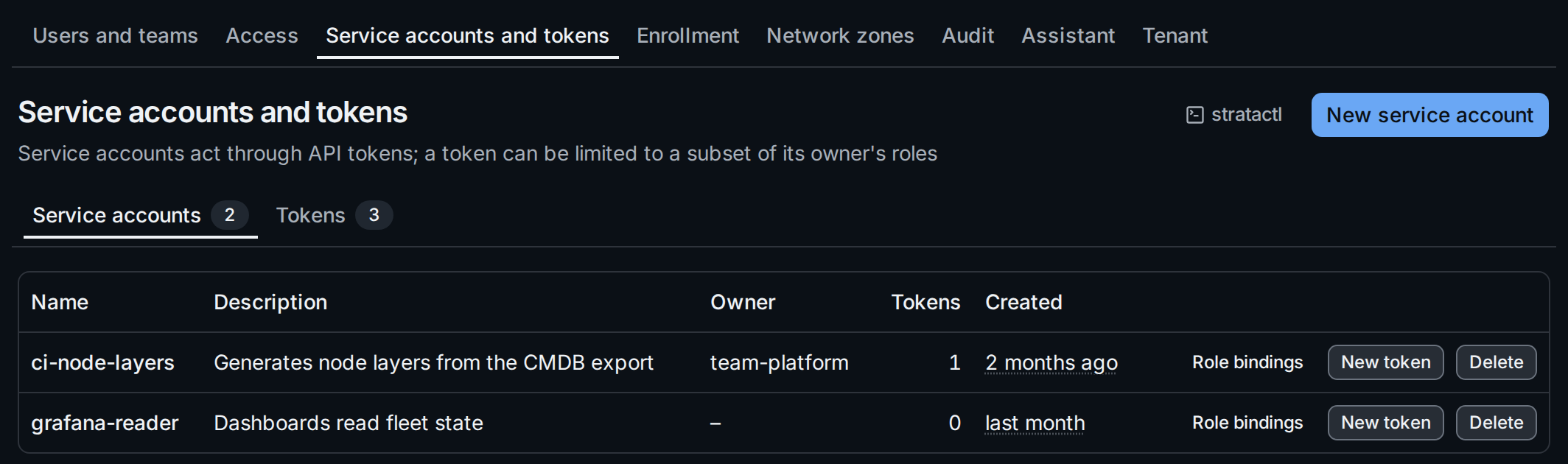
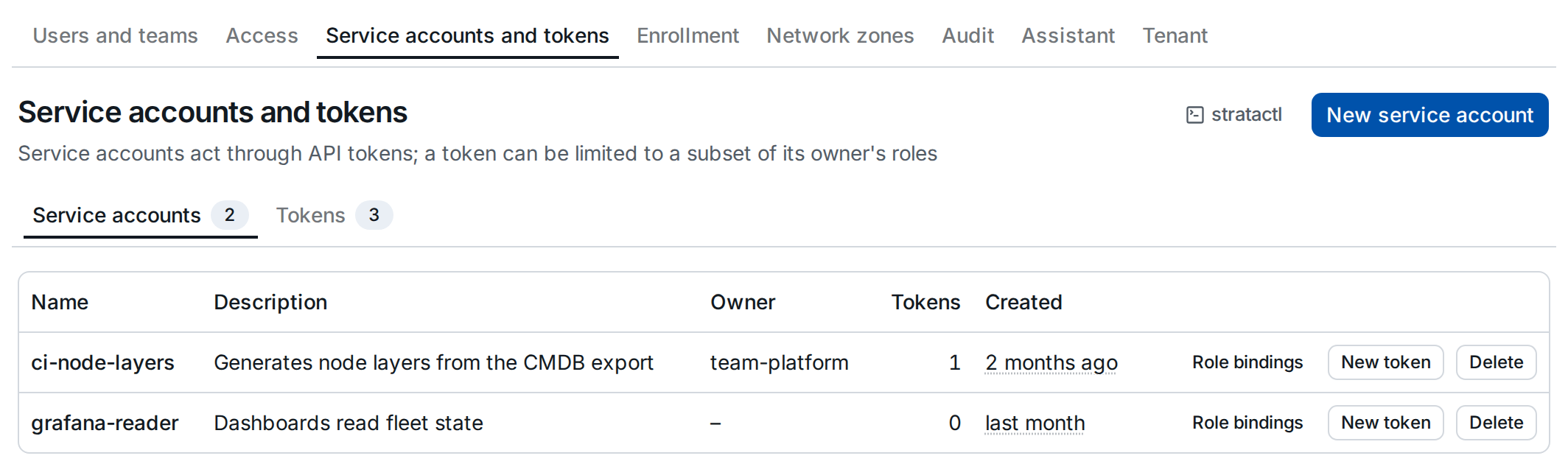
New service account asks for a name (lowercase letters, digits and dashes), a description and an owner team. A new service account holds no role: bind its roles under Access; Role bindings ① opens the bindings filtered to it. Service accounts can submit and merge change sets, never approve them. New token ② creates a token for it.
Delete removes the account with its tokens and role bindings. It is
refused once the account has acted (authored, reviewed, started a rollout
or a pin); revoke its tokens and delete its bindings instead. The commands
are stratactl service-account list|create|delete
(administration commands).
2. Tokens
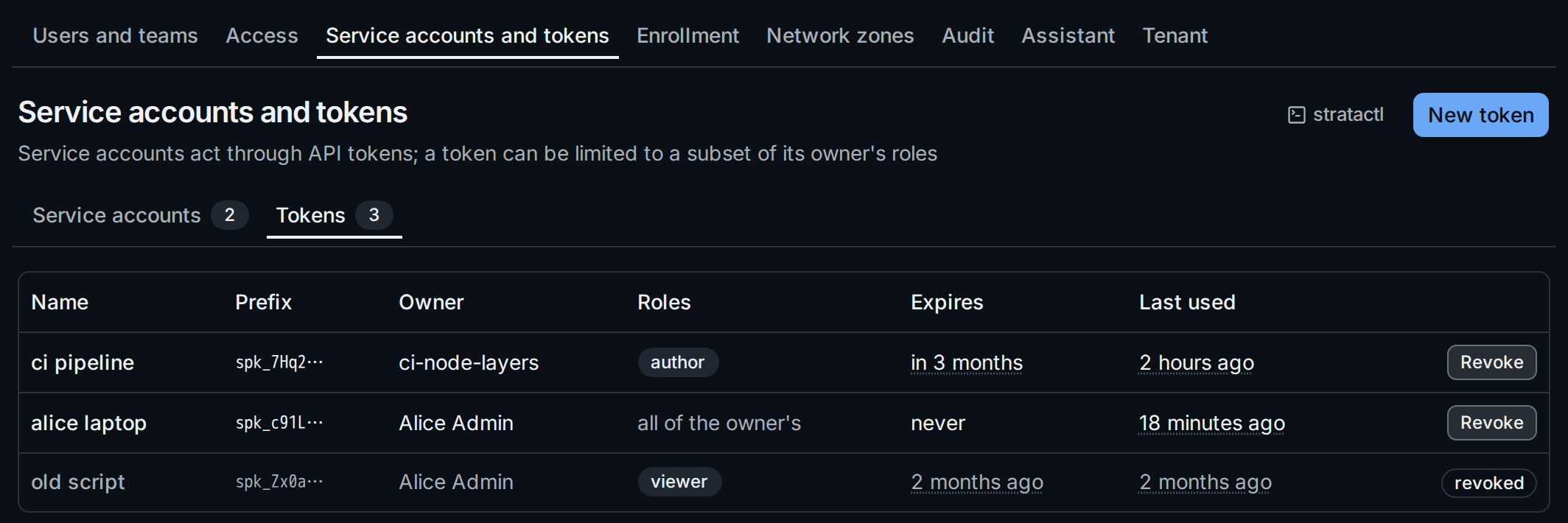
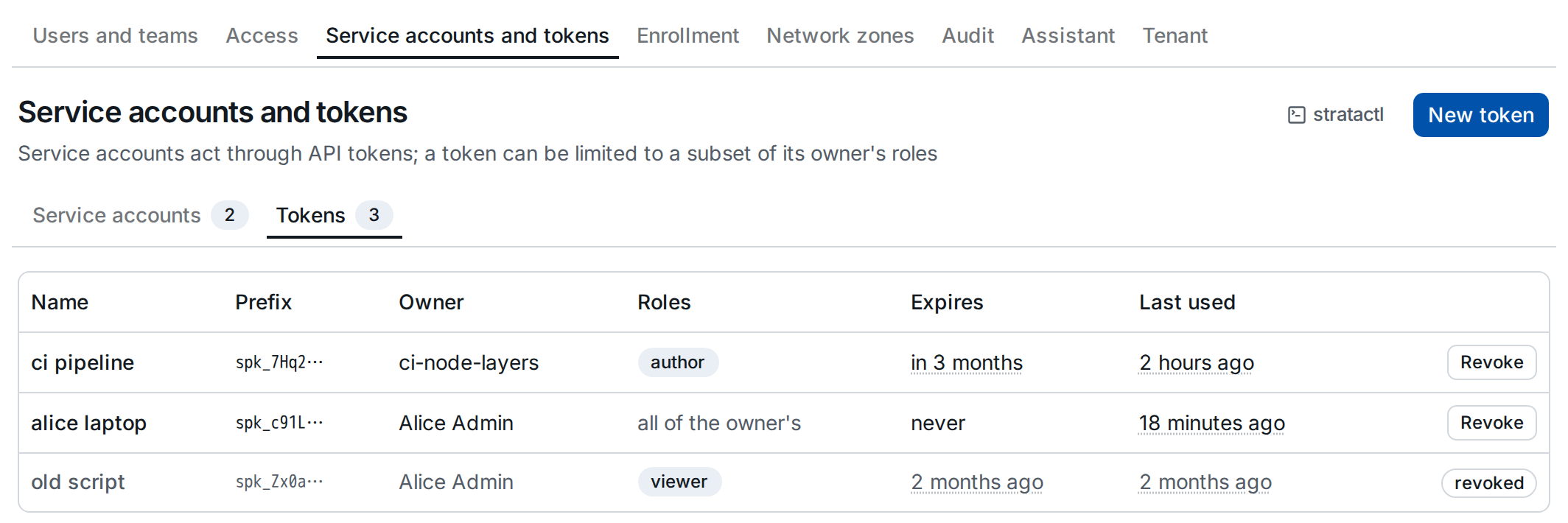
A token is stored only as a hash; the list shows its prefix ①, by which you recognise it in a config or a secret scanner's finding. Roles ② says all of the owner's when the token is not limited. Expires and Last used ③ show when a token stops working and whether it is still in use. Revoked tokens stay in the list, greyed out.
3. Create a token
New token opens the dialog:
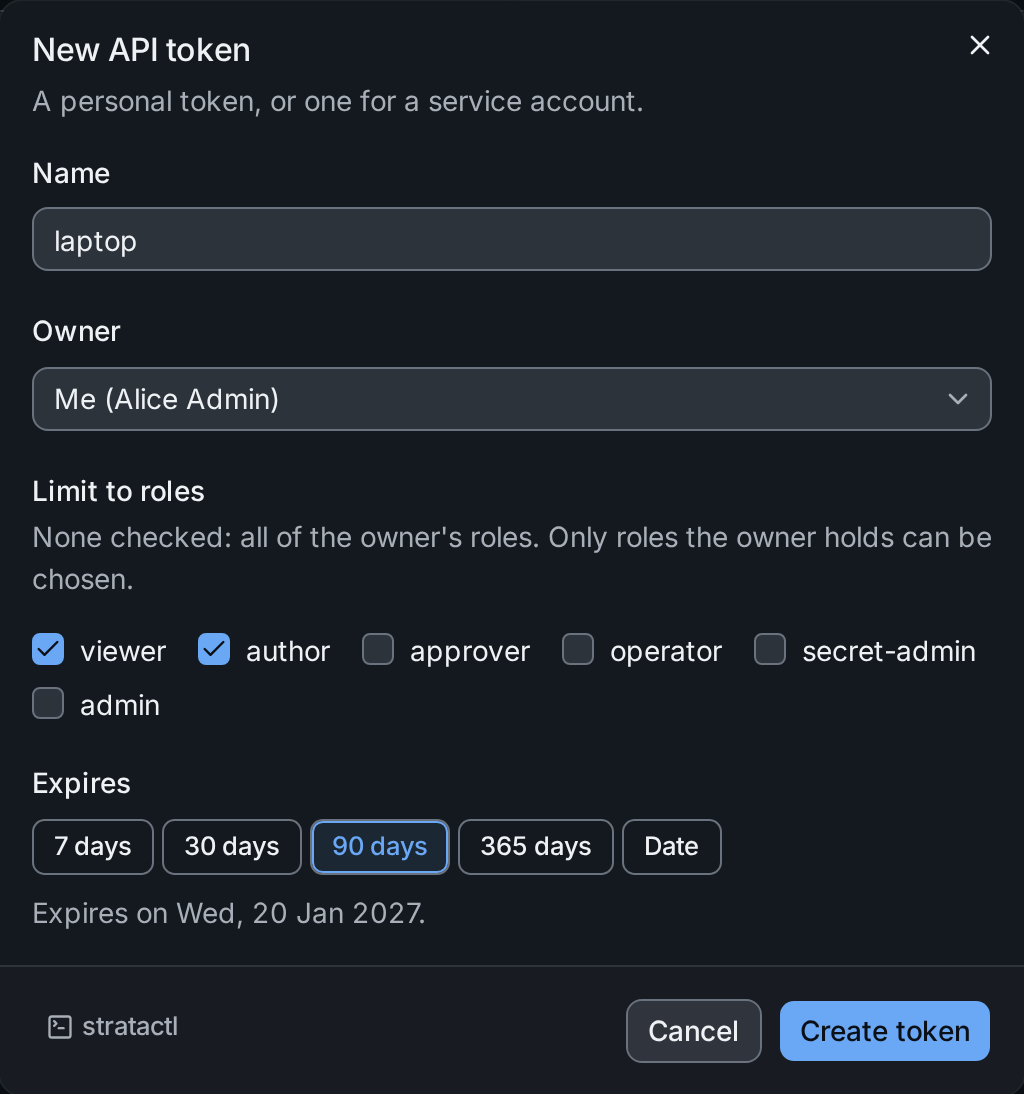
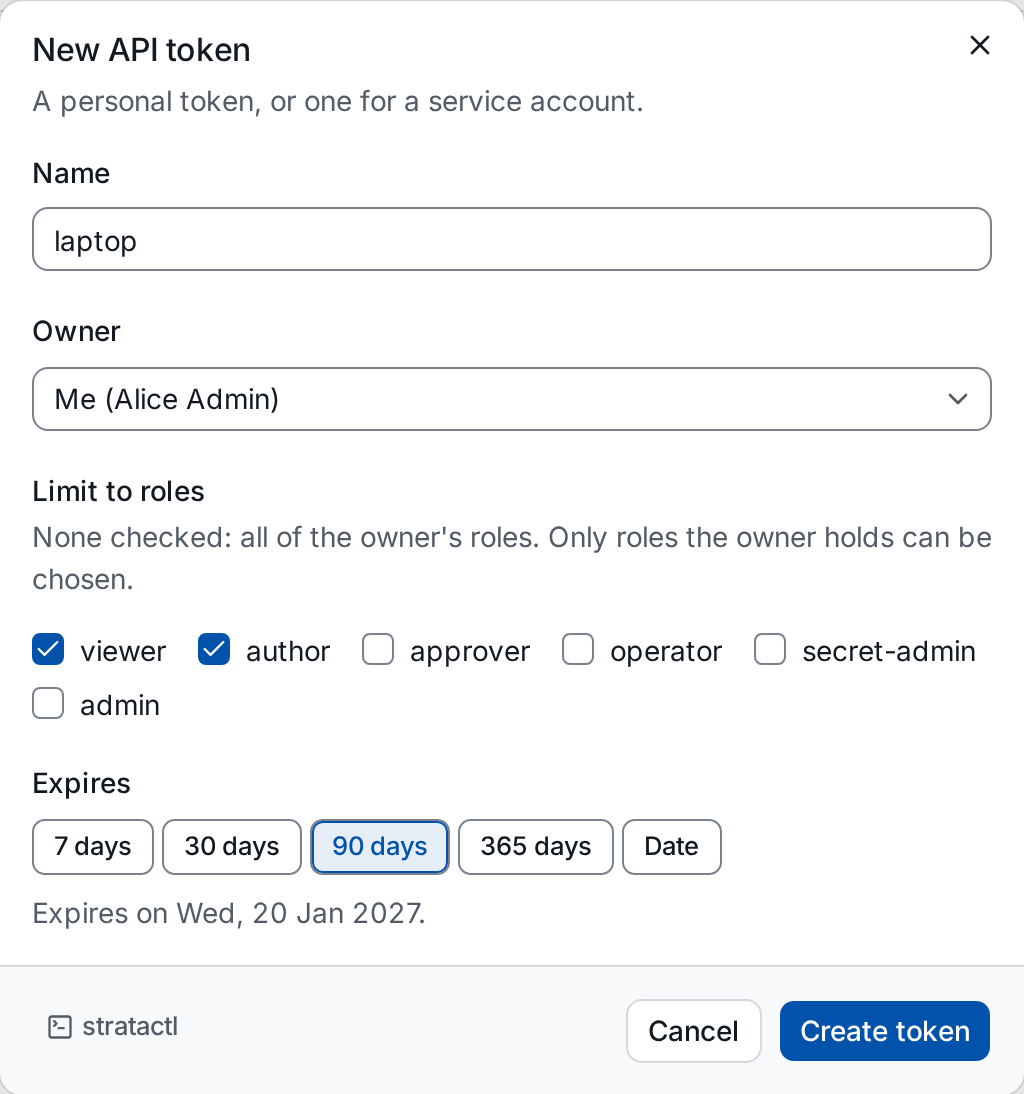
- Owner ①: Me, or one of the service accounts (admins).
- Limit to roles ②: only the roles the owner holds can be chosen; none checked means all of them. Choosing another owner drops the roles it does not hold.
- Expires ③: 7, 30, 90 (the default) or 365 days, or Date for a day you pick; the line below says when the token expires.
Create token shows the token once, with a copy button ①. Copy it now: after Done nobody can see it again.
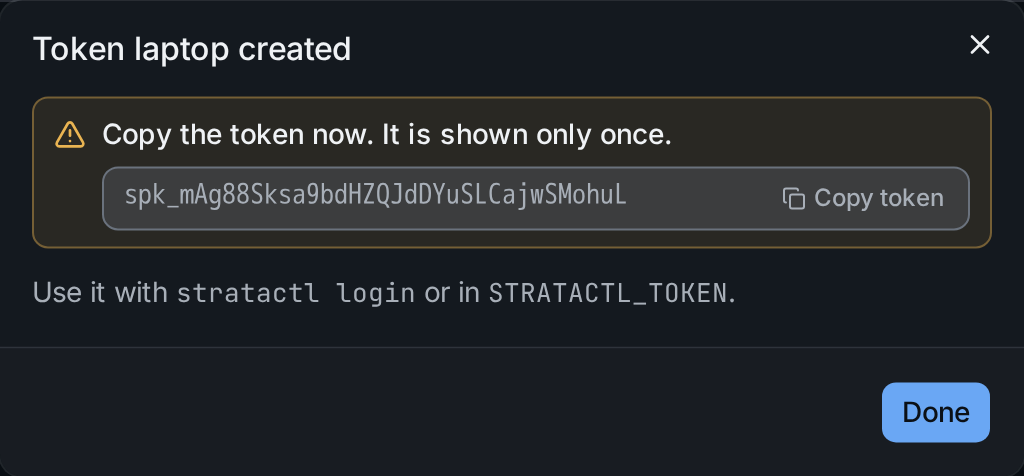
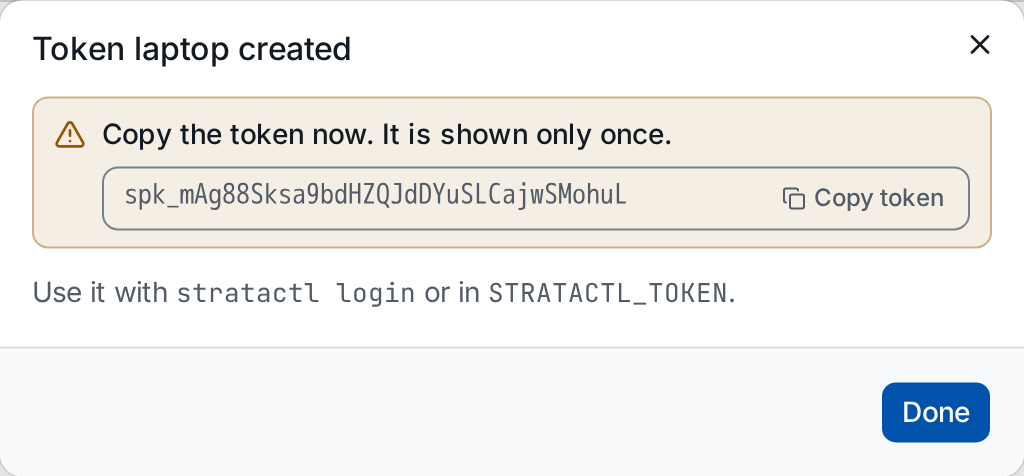
The dialog's command is stratactl token create, which prints the token
once as well.
4. Use the token with stratactl
stratactl login asks for the token and stores it in a context together
with the server; the token's tenant is the context's tenant:
stratactl login --server https://strataplane.example.com
In CI, set STRATACTL_SERVER and STRATACTL_TOKEN instead of a context
(conventions, CI usage).
5. Revoke a token
Revoke on a token's row confirms with its prefix and its last use:
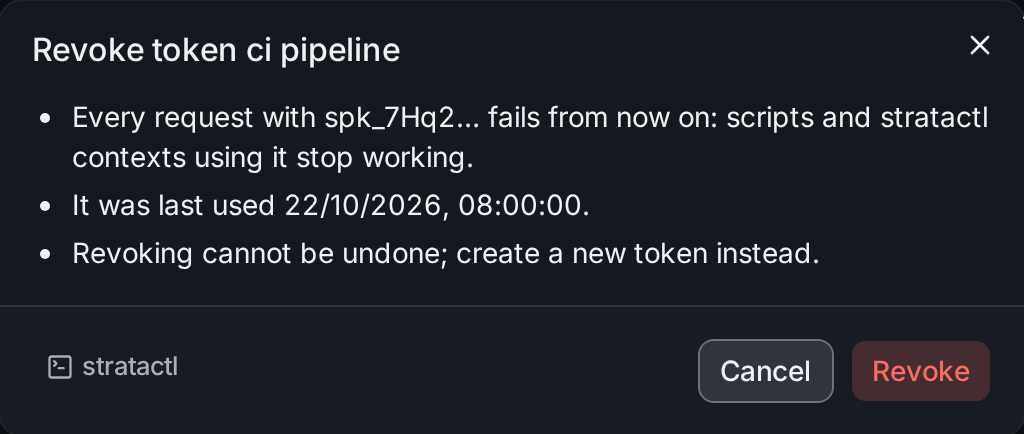
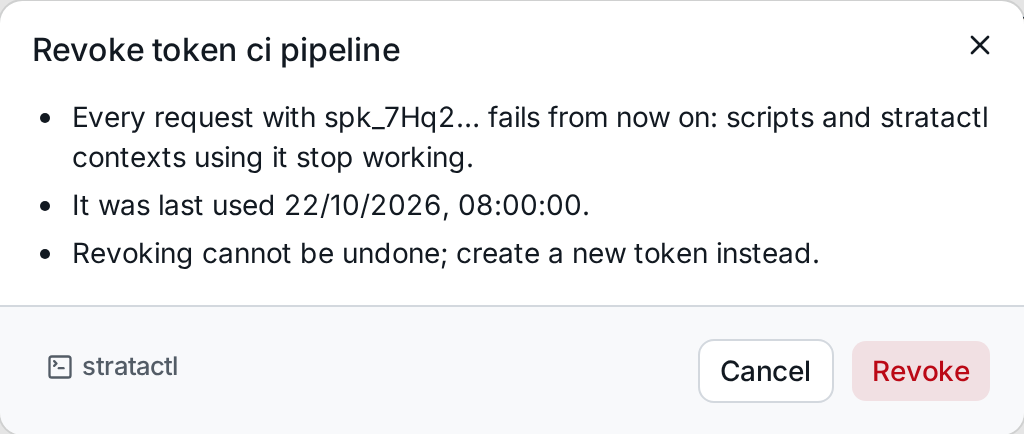
Every request with the token fails from then on, including the
stratactl contexts that use it. Revoking cannot be undone; create a new
token instead. On the command line: stratactl token revoke ID.