Spec history
Every merged change set creates a revision of the spec; Spec › History
lists them, newest first. Use it to find out when and why something
changed, to compare the spec between two points in time, and to undo a
revision. From a working copy, stratactl log [PATH] lists the same
revisions (Working copy). The history of
a single file is on its page (Browse the spec).
1. Find a revision
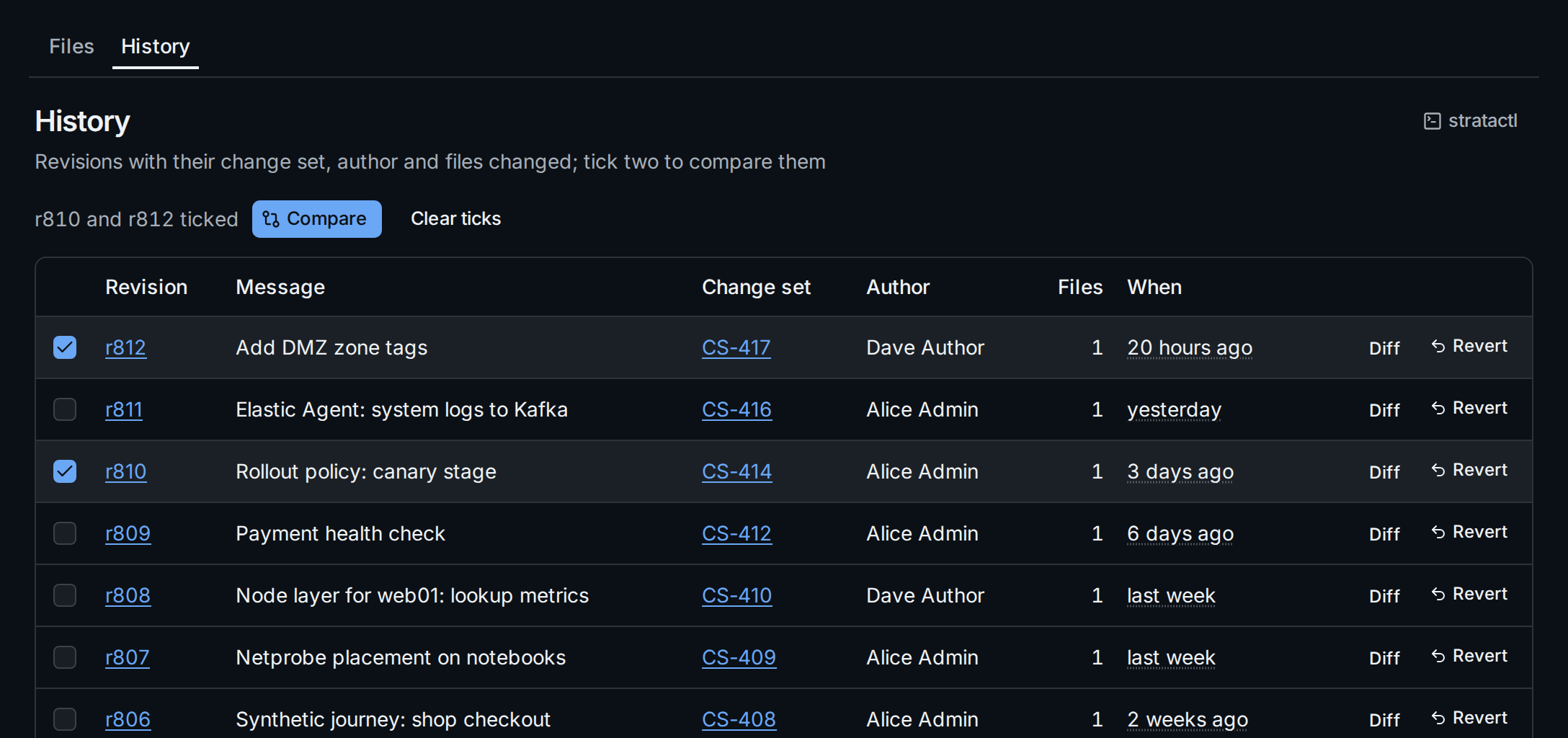
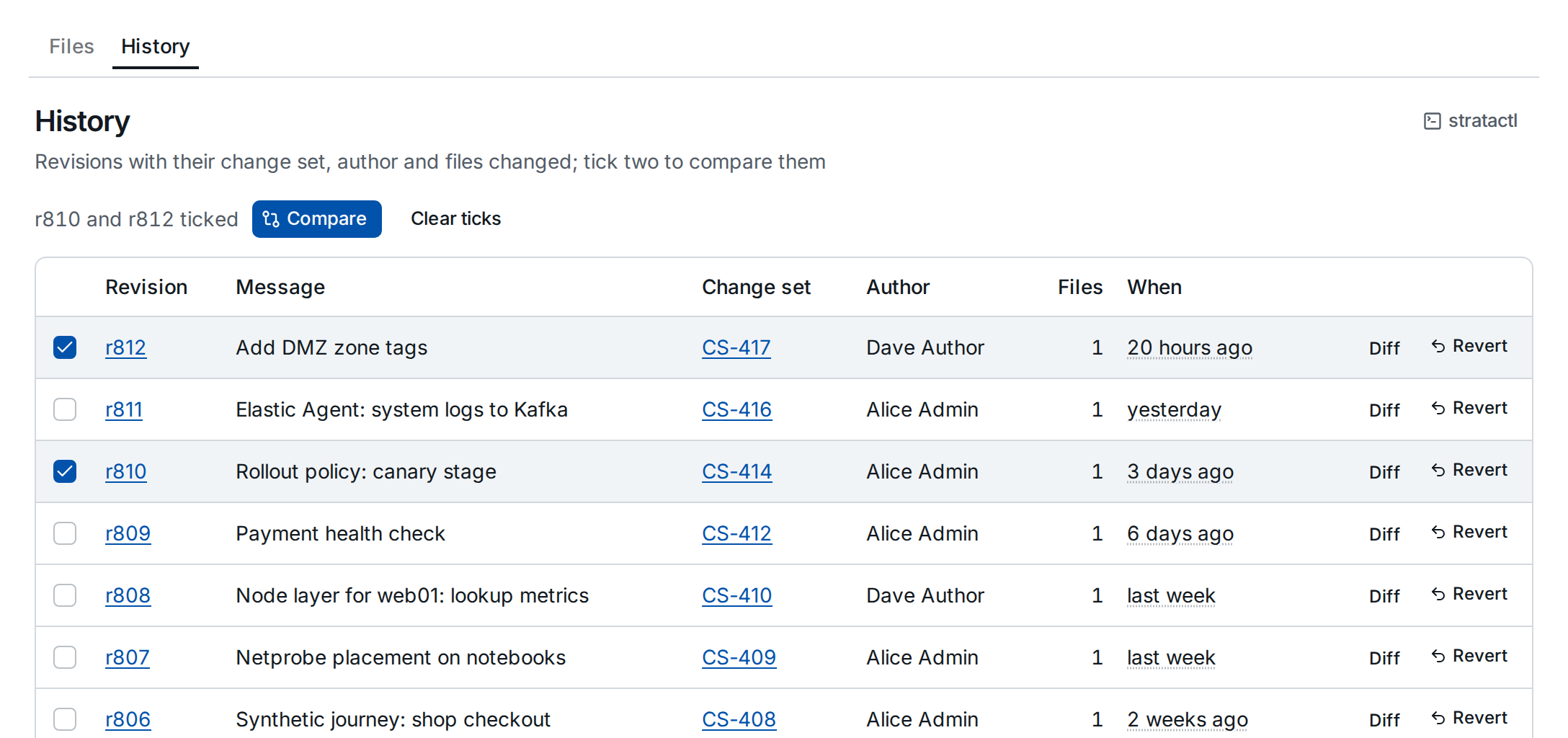
Each row shows the revision, the change set's message, the change set, its author, the number of files changed and when it was merged. The revision number opens the spec tree at that revision, the change set number the change set that created it.
2. Compare two revisions
Diff on a row compares the revision with the one before it. To compare any two revisions, tick them ① and click Compare ②; the diff appears above the list, file by file, unified or side by side. View at r… opens a file at the newer revision.
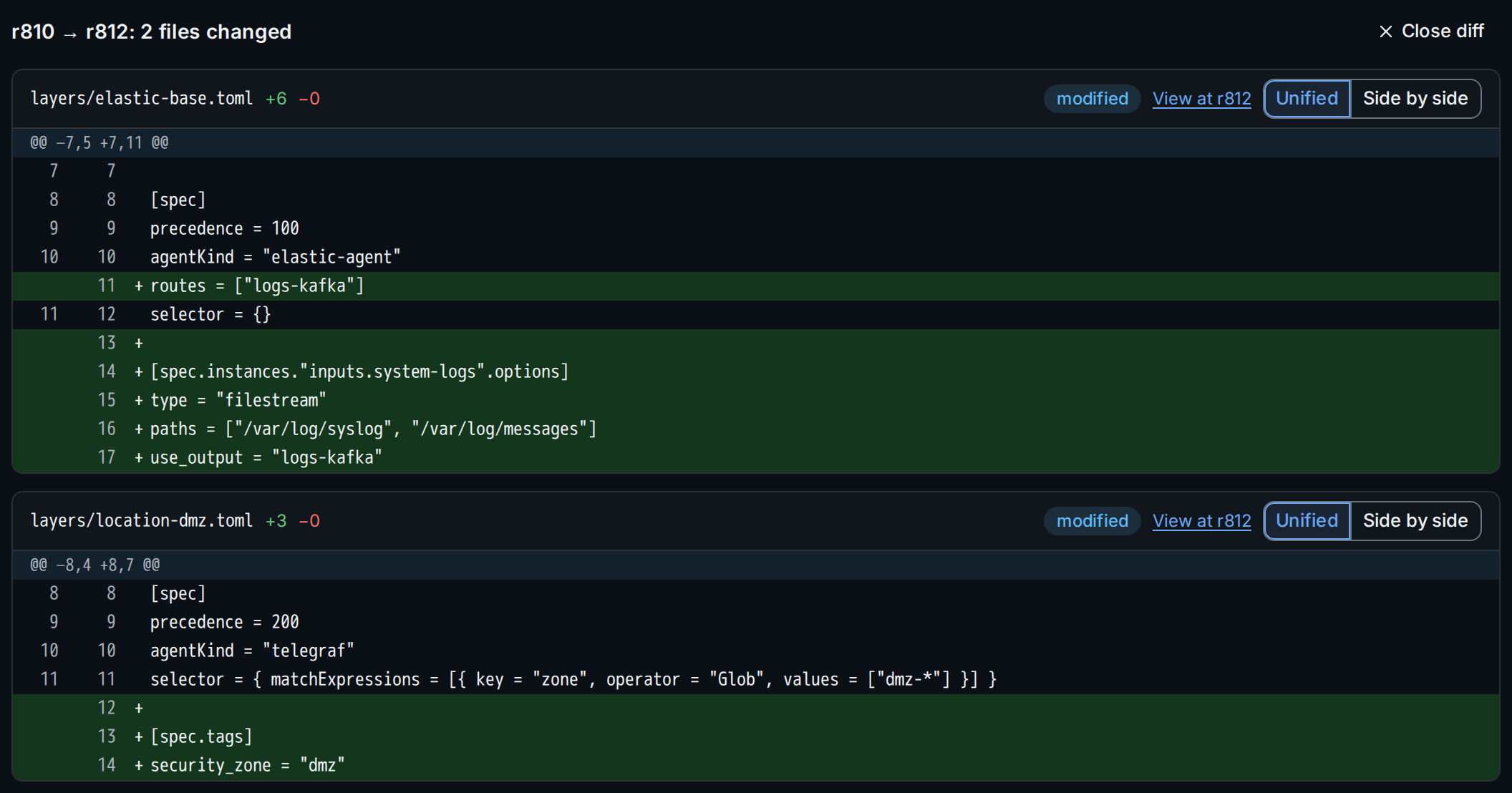
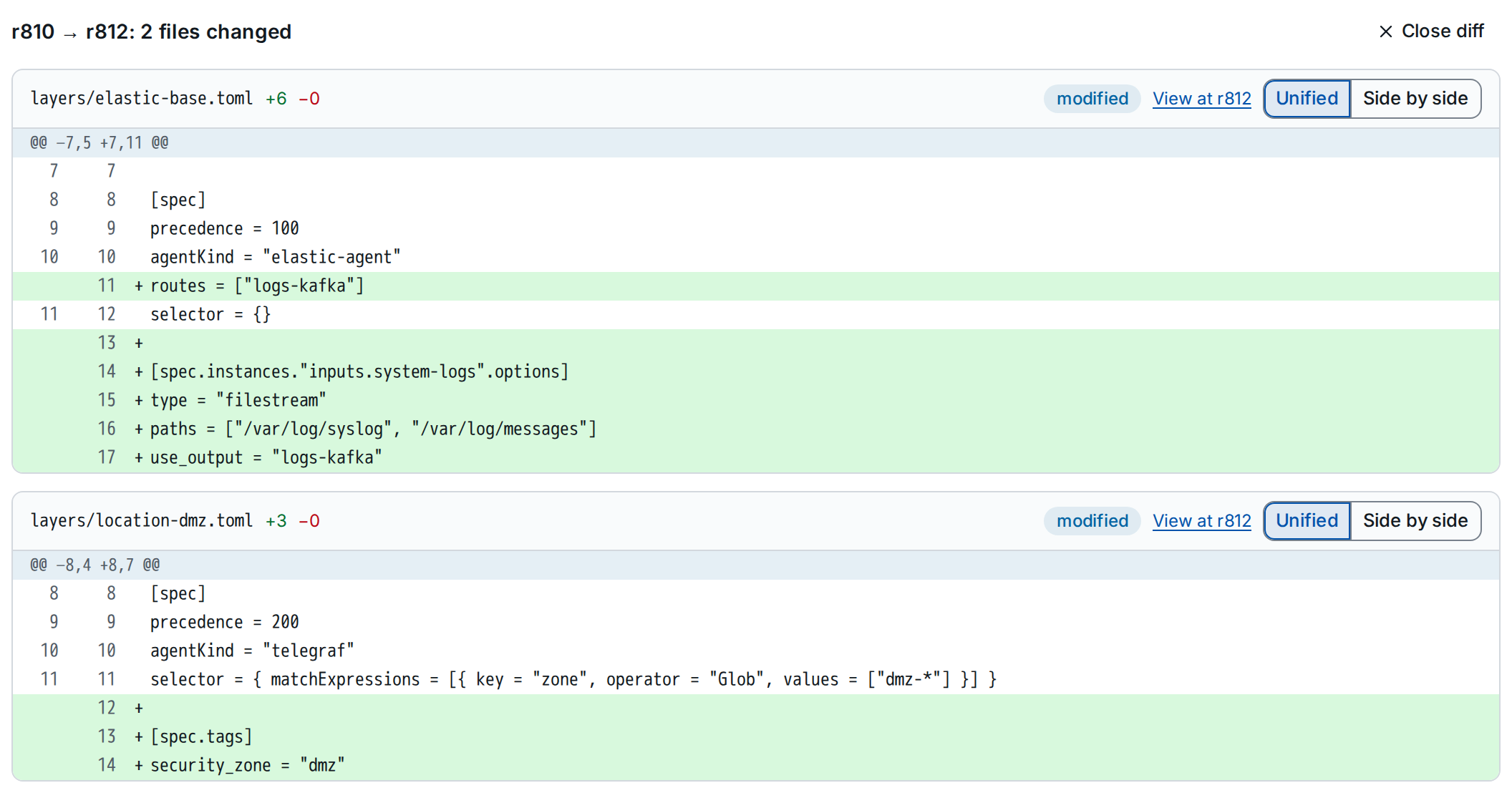
The diff is part of the URL (/spec/history?from=810&to=812), so you can
link it in a ticket or a review. Close diff returns to the list.
3. Revert a revision
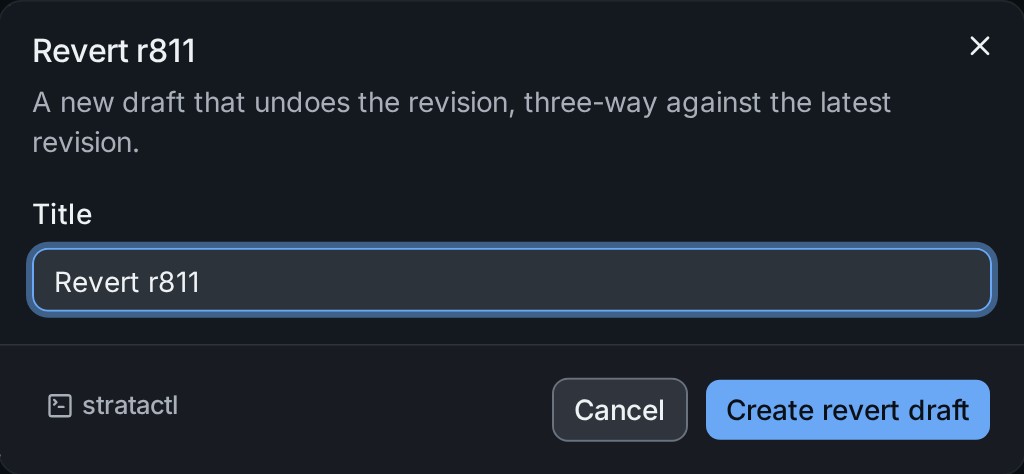
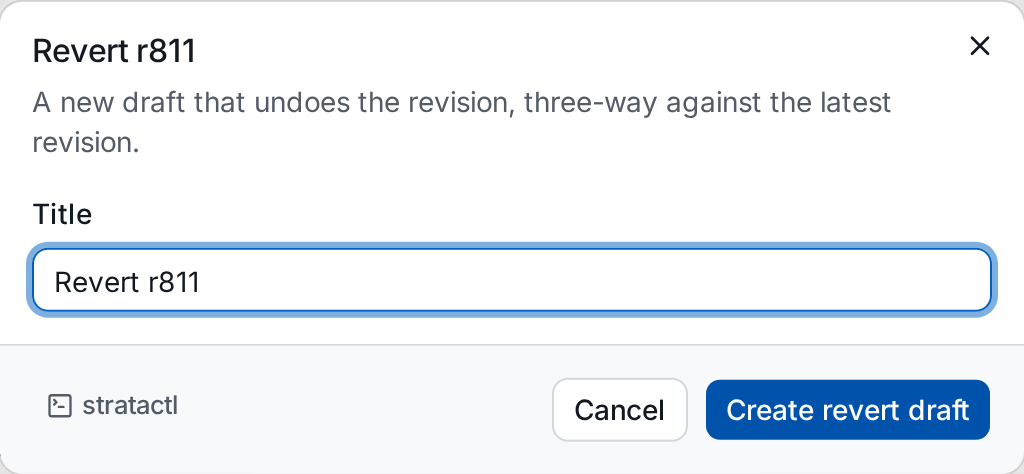
Revert ③ creates a draft change set that undoes the revision, three-way against the latest revision, so later changes to the same files are kept. Give it a title and click Create revert draft:
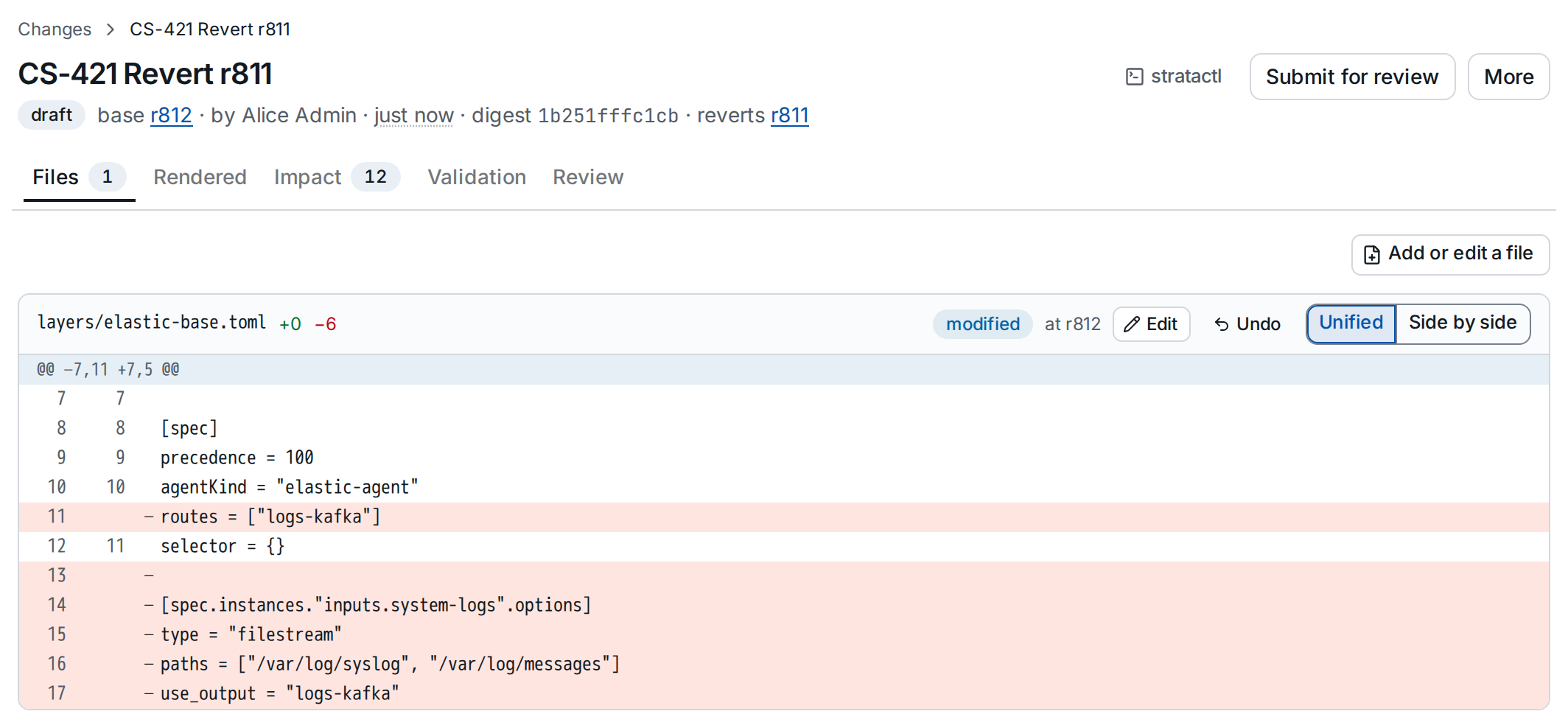
The new draft opens; its header names the revision it reverts ①, and its files ② change back what the revision changed:
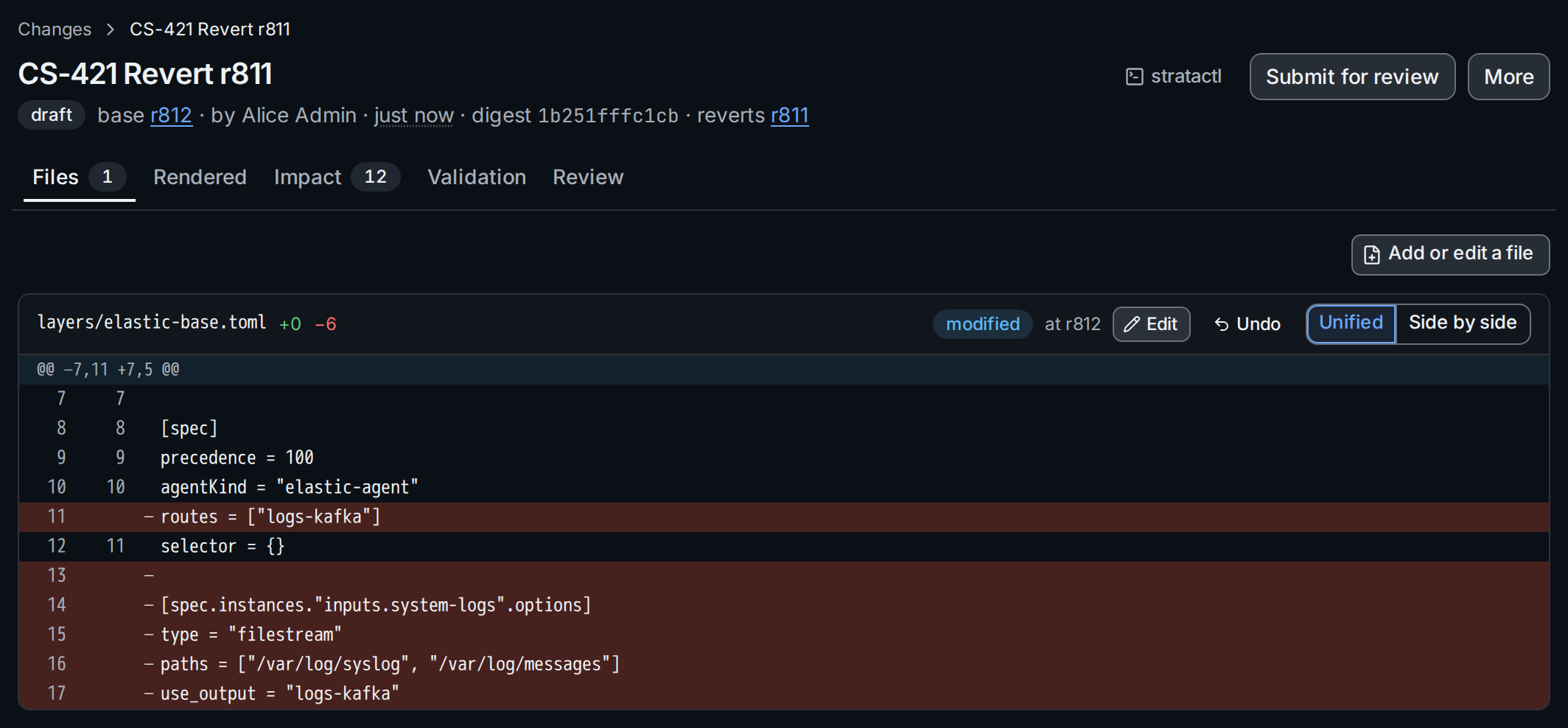
Like any change set it is validated, shows its
impact and needs the approvals its changes require before it can be
merged (Review and merge). The equivalent
command is stratactl changeset revert REV -m MSG
(Change sets).